Rankevra Blog
How to Conduct a Technical SEO Site Audit (2026 Guide)
July 19, 2026
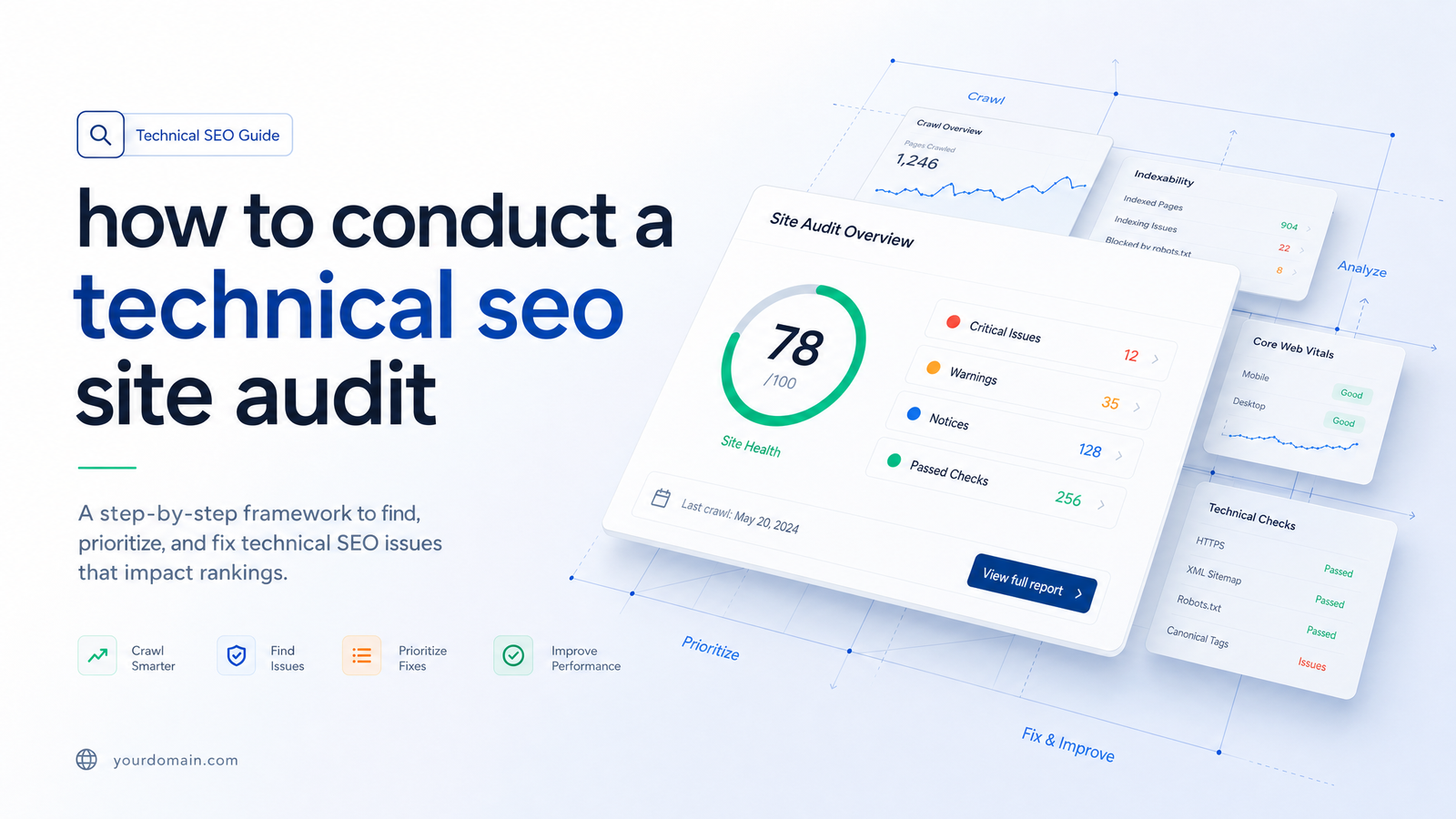
Most guides to running a technical SEO audit hand you a checklist of 150 items with no order of operations, or they're a thinly disguised agency pitch. This article gives you a sequence instead: the order to check things, why that order matters, and where a first pass should stop.
What a Technical SEO Audit Actually Checks
A technical SEO audit evaluates whether search engines can access, render, index, and understand your pages — separate from whether the content is good or whether other sites link to you. A content audit asks if pages deserve to rank; a backlink audit asks who vouches for them. A technical audit asks a narrower question: can a crawler get a fair look at what you've built?
That question breaks into four layers, in a fixed order: crawl → render → index → experience/understanding. If Googlebot can't crawl a URL, rendering is irrelevant. If a page won't render properly, whatever gets indexed may be an empty shell. Page experience and structured data only matter once the content underneath is actually visible. Skipping ahead — obsessing over Core Web Vitals on pages that aren't even indexed — wastes effort on the wrong layer.
One addition for 2026: AI crawlers like GPTBot, ClaudeBot, and PerplexityBot now matter alongside Googlebot. They don't behave identically, and a page perfectly crawlable for Google can still be blocked or invisible to bots feeding AI answer engines. That's now part of the same audit, not a separate project.
Before You Start: Access, Tools, and Scope
Get access sorted before opening any tool: Google Search Console on the property, a crawler such as Screaming Frog, PageSpeed Insights or CrUX data, and a structured data validator. Log file access is optional but useful if crawl budget is a suspected issue.
Set scope before clicking anything. A first-pass audit should focus on page templates, not every individual URL — homepage, a representative product or article page, category pages, and any page type that repeats across hundreds of URLs. Fixing a template issue once fixes it everywhere it's used; auditing URL-by-URL on a 50,000-page site is how audits stall out before finishing. Keep a running site audit checklist by template, not by page.
The 6-Step Technical SEO Audit Process
This is the core sequence. Each step assumes the previous one passed — don't judge Core Web Vitals on a page that isn't indexed, and don't validate schema on a page that hasn't rendered correctly.
Step 1: Confirm Crawlability and Indexation
Start with robots.txt — confirm it isn't accidentally disallowing sections you want indexed — then check your XML sitemap for completeness and accuracy. Use Search Console's Page Indexing report and the URL Inspection tool to confirm Google has actually crawled and indexed your key templates, not just that you submitted them. This is the foundation everything downstream depends on. For the mechanics, see Google's URL Inspection tool documentation, our XML sitemap and robots.txt best practices guide, and our Googlebot diagnostic guide for how Googlebot behaves during crawl.
Step 2: Check Rendering and JavaScript Delivery
A page can pass the crawl check and still fail here — Googlebot fetches the raw HTML fine, but if content is injected client-side and never renders correctly, what gets indexed is a near-empty page. Use URL Inspection's "View Crawled Page" / rendered HTML view to see what Google actually saw, not what your browser shows with JavaScript already executed. This matters most on JS-heavy frameworks, and skipping it means you might misdiagnose an "indexation" problem in Step 1 that's actually a rendering problem here.
Step 3: Audit Core Web Vitals and Page Experience
With crawl and render confirmed, check LCP, INP, and CLS. Field data — real-user CrUX data — takes priority over lab data from a single PageSpeed Insights run, since lab tests reflect one device and connection, not your actual visitor mix. Thresholds and fixes for each metric are covered in our Core Web Vitals optimization guide; this step is just confirming which templates fail field thresholds and by how much.
Step 4: Review Site Architecture, Internal Linking, and Canonicalization
Check structural health: click depth (can important pages be reached within 3-4 clicks from the homepage?), orphan pages with no internal links pointing to them, and redirect chains that force crawlers through multiple hops. Pair this with a canonical tag audit — confirm self-referencing canonicals are correct and that near-duplicate pages (filtered category pages, parameter URLs) aren't competing against each other. Our canonical tags and duplicate content diagnostic guide walks through common conflict patterns this step tends to surface.
Step 5: Validate Structured Data and AI Crawler Access
Run key templates through a schema validator to confirm JSON-LD is present, correctly typed, and error-free — broken schema often fails silently, with no ranking penalty but a real loss of rich-result eligibility. Also check robots.txt and server logs for GPTBot, ClaudeBot, and PerplexityBot access alongside Googlebot; these AI crawlers respect their own user-agent directives, so a rule written only for Googlebot won't necessarily cover them. Structured data and AI crawler checks belong together because both determine how machines — search or generative — interpret your content beyond raw text. Details on markup types and validation in our structured data and schema markup guide.
Step 6: Prioritize Fixes and Re-Test
You'll now have a list spanning five layers — resist fixing in the order you found things. Prioritize by impact times effort: a template-level fix (one canonical rule, one robots.txt line) touching thousands of pages outranks a one-off fix on a single URL, even if that one-off looks more dramatic in a report. After deploying fixes, re-test rather than assume — re-run URL Inspection, re-check CrUX data after it accumulates a new traffic window, and re-validate schema. An audit report template helps track what was found, fixed, and confirmed fixed; for high-crawl-budget sites, log file analysis is the most reliable way to confirm crawler behavior actually changed.
How Often to Run a Technical SEO Audit
For most established sites, a full pass through all six steps quarterly is a reasonable cadence — frequent enough to catch drift, infrequent enough to be sustainable. Between full audits, monthly spot-checks on indexing status and Core Web Vitals catch regressions early, since both can shift from a single deploy.
Certain events should trigger an audit outside that schedule regardless of when the last one ran: a site migration or domain change, a redesign or framework switch (especially anything altering how JavaScript renders), a sudden unexplained traffic drop, or a large batch of new URLs going live at once. If a migration is on the horizon, run the audit beforehand as a baseline and again after launch to compare — that comparison is often more revealing than either audit alone.
Manual Audits vs. AI-Automated Audits
Run through the six steps manually and the friction becomes obvious fast: Search Console tells you about indexing, PageSpeed Insights and CrUX tell you about performance, a separate crawler tells you about architecture, and a schema validator tells you about structured data — none share context, so you're cross-referencing four tools by hand to build one prioritized list. That's workable for a single site audited once. It gets slow fast when you manage several sites, or need to repeat the process monthly.
An automated SEO audit tool collapses that cross-referencing into one pass. Rankevra runs steps 1 through 5 — crawl, render, Core Web Vitals, architecture and canonicalization, and schema and AI-crawler checks — against your site's key templates and returns a single prioritized fix list instead of four separate reports to reconcile. That's the practical case for an AI-driven audit: not that it finds something a careful manual process would miss, but that it removes the hours spent stitching tools together so you can spend that time fixing issues instead of hunting for them. See how the crawl-and-report side works in our Site Audit Tool overview.
If you've been putting off a technical SEO audit because the checklist felt too long or the tools too scattered, running one automated pass through Rankevra is the fastest way to get a prioritized starting point today.
Frequently Asked Questions
How long does a technical SEO audit take to complete?
A manual first-pass audit focused on key page templates typically takes a few hours to a full day, depending on site size and how many tools you're cross-referencing. Full-site audits covering every URL, or ones involving log file analysis, can take several days. Automated tools compress the data-gathering portion to minutes, though reviewing and prioritizing the output still takes human judgment.
What tools do I need to run a technical SEO audit myself?
At minimum: Google Search Console, a crawler like Screaming Frog, PageSpeed Insights or CrUX data for Core Web Vitals, and a structured data validator. Log file access is helpful for larger sites but not required for a first-pass audit. An automated audit tool can replace several of these with a single dashboard.
How often should I run a technical SEO audit?
Quarterly is a reasonable cadence for most established sites, with monthly spot-checks on indexing status and Core Web Vitals in between. Run an extra audit outside that schedule after any migration, redesign, JavaScript framework change, sudden traffic drop, or large batch of new URLs going live.
What's the difference between a technical SEO audit and a full SEO audit?
A technical SEO audit checks whether search engines can crawl, render, index, and understand your pages — mechanical, not evaluative. A full SEO audit typically adds content quality review and backlink profile analysis on top, judging whether pages deserve to rank rather than just whether they can be seen.
Can I run a technical SEO audit without a developer?
Yes, for diagnosis — checking robots.txt, sitemaps, indexing status, Core Web Vitals, and schema validation doesn't require code access. Implementing some fixes, particularly rendering issues or redirect chain cleanup, will likely need developer involvement, but identifying and prioritizing the issues is doable without one.
Do AI crawlers need to be checked separately from Googlebot during an audit?
Yes. GPTBot, ClaudeBot, and PerplexityBot respect their own user-agent rules in robots.txt, so a directive written only for Googlebot doesn't automatically grant or restrict their access. Checking crawl access for AI bots alongside Googlebot is now a standard part of a thorough technical SEO audit.
Keep reading
- Tag Management on Google: The Governance GuideTag management on Google explained beyond the install tutorial: GTM structure, permissions, server-side tagging, consent mode, and SEO impact.
- SEO Marketing Tools: The Complete Category Guide (2026)A clear map of every SEO marketing tools category, why stacks sprawl to 6-8 tools, and how AI-driven platforms are consolidating the workflow in 2026.
- SEO Optimisation Tools: Match Them to the Outcome You NeedA no-fluff guide to seo optimisation tools: which categories drive traffic, fix technical issues, or build topical authority — and when to consolidate.