Rankevra Blog
Google Business Profile Optimization: The 2026 Framework
July 30, 2026
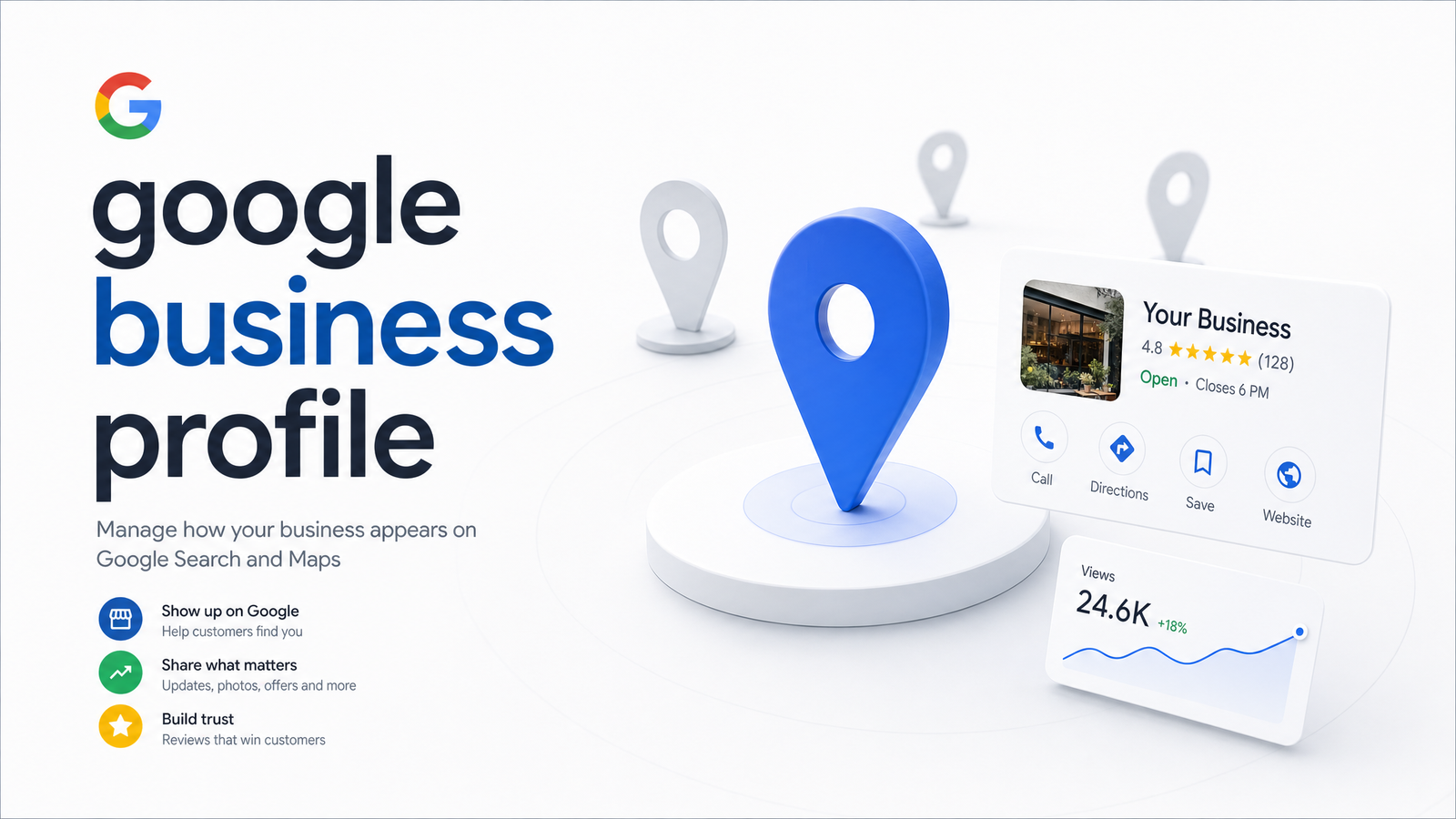
Search "plumber near me" and the three listings above the organic results — the local pack — often decide which business gets the call. Those listings pull directly from a Google Business Profile, so a poorly optimized profile can quietly cap your visibility no matter how good your website is. This guide treats Google Business Profile optimization as a system with measurable inputs, not a "fill everything out" checklist, and shows where it fits alongside the rest of your SEO work.
What Google Business Profile Is (and Why It Still Matters in 2026)
A Google Business Profile is the free listing that represents your business across Google Search, Google Maps, and increasingly, AI Overviews. It's the successor to Google My Business, which Google rebranded and restructured in 2021 — the underlying data (name, hours, reviews, photos, posts) is managed the same way, just through a different interface.
What's changed is where that data gets used. GBP information now feeds AI-generated summaries that answer questions like "best-rated bakery downtown" directly in the results, not just the traditional three-pack map listing. A thin, inconsistent, or outdated profile doesn't just rank lower — it may not get pulled into the AI-generated answer at all. For any business that depends on local customers finding it online, the profile is a primary ranking surface in its own right.
The 3 Ranking Factors That Actually Decide Local Pack Visibility
Google has been explicit that local pack ranking comes down to three factors: relevance, proximity, and prominence. Knowing which you can actually influence is the difference between productive effort and wasted time.
Relevance measures how well your profile matches what the searcher wants. Category selection, business description, services listed, and review content all signal to Google what you do. It's fully within your control.
Proximity measures how close your business is to the searcher. You cannot influence this for a given user. What you can do is ensure your address is accurate and, for service-area businesses, that your configured service areas reflect where you genuinely operate.
Prominence measures how well-known and trusted your business is, online and off. Reviews, review responses, citations, backlinks, and general search visibility all feed prominence — this is why a competitor with fewer total reviews sometimes outranks you: stronger relevance signals or higher prominence through review recency, response rate, and citation consistency can outweigh raw review volume.
Since relevance and prominence are the levers you actually control, stop trying to "fix" proximity and start tightening category accuracy, review activity, and description quality.
The Setup and Verification Checklist
Before any optimization matters, the foundational setup has to be correct. Get these wrong and everything built on top is unstable.
Claim and verify. If a profile already exists (Google often auto-generates them from web data), claim it rather than creating a duplicate — duplicates fragment your review history and confuse ranking signals. Verification is typically done by phone, email, or video recording of the premises and signage, depending on category and country. Video verification is now common for service-area and newly listed businesses, so be ready to record your storefront, signage, and proof of operation if prompted.
Lock down NAP consistency. Your Name, Address, and Phone number need to match exactly — same formatting, same abbreviations — across your GBP, website, and every directory or citation source. Inconsistent NAP data is one of the more common, and more fixable, causes of prominence signal dilution. Tools like BrightLocal or Whitespark find and clean up these mismatches across the web if you're managing multiple locations.
Choose your primary category deliberately. GBP categories directly shape which searches your profile surfaces for, and the primary category carries more weight than any secondary category. Pick the most specific, accurate option available rather than the broadest one — "Italian Restaurant" beats "Restaurant" if that's genuinely what you serve. Secondary categories can capture adjacent searches, but stacking irrelevant ones dilutes relevance rather than expanding it.
Get claiming, verification, NAP consistency, and category selection right first — the fields covered next only compound whatever foundation you've built.
Optimizing the Profile Fields That Drive Engagement
Once the foundation is solid, focus on the fields Google actually treats as engagement and relevance signals — not the cosmetic ones.
The business description should plainly state what you do, where, and for whom, using natural language rather than stuffed keywords. It has some influence on relevance but far less than category selection.
The services section deserves more attention than most owners give it. Listing specific services with clear names and descriptions helps match your profile to specific-intent searches, and gives Google more structured text to work with when generating AI Overview summaries.
Photos signal an active, legitimate business. Profiles with regularly updated photos tend to get more engagement (clicks, calls, direction requests) than static ones — upload real photos of your location, team, and product, and update them seasonally rather than once at setup.
Posts — updates, offers, and announcements — are a lightweight but real engagement signal. They don't need to be daily, but a dormant post history, alongside stale hours or year-old photos, signals inactivity to both users and Google's systems. A modest, consistent cadence (weekly or biweekly) outperforms sporadic bursts.
Managing Reviews and Q&A Without Losing Control
Reviews are the most visible prominence signal, and the one owners worry about most — often for the wrong reasons.
Review velocity — the steady rate at which new reviews come in — matters more than total volume. A business earning three or four fresh reviews a month consistently tends to outperform one with two hundred old reviews and none in the last year. This is also the answer to "why does a competitor with fewer reviews outrank me": recency and response pattern often carry more weight than raw count.
Respond to reviews, positive and negative, promptly and specifically — generic copy-pasted replies do little, but responses that reference the actual service or issue signal genuine engagement. Never offer incentives for reviews or selectively ask only happy customers to review you (review gating); both violate Google's guidelines and put your reviews section, and potentially the whole profile, at risk.
Monitor the Q&A section too. It's public, often the first thing a prospective customer reads, and unanswered or incorrect questions sitting there for months quietly undermine trust. Set a recurring reminder to check it rather than treating it as fire-and-forget.
Common Mistakes That Quietly Tank a Profile
Most GBP mistakes aren't dramatic — they're small inconsistencies that compound over months.
- Keyword-stuffed business names ("Joe's Plumbing – Best Emergency Plumber Chicago") violate guidelines and risk suspension, even though they look like a relevance hack.
- Wrong or overly broad category selection, chosen for perceived search volume rather than accuracy.
- Stale hours, especially around holidays, which frustrate users and can hurt engagement metrics.
- Outdated or missing photos that no longer reflect the current location or offering.
- Ignoring a suspension notice instead of addressing it immediately — profiles left suspended for weeks lose all accumulated review and ranking history in the interim.
- Editing core fields (name, category, address) too frequently or drastically, which can trigger re-verification or a manual review that pauses visibility.
A quick self-audit against this list, done quarterly, catches most of these before they cost you visibility.
Keeping GBP in Sync With the Rest of Your SEO
None of this happens in a vacuum. Local pack visibility is influenced by your site's technical health, the content backing your services pages, and citation consistency across other platforms — which is why treating your Google Business Profile as an isolated task, checked once and forgotten, undersells what it can do.
A full audit of your local presence should extend beyond the profile itself into schema markup, site speed, and citation health — the kind of structured process outlined in our 5-layer local SEO audit framework. If you're managing several locations or client accounts, the native GBP dashboard also stops scaling quickly; that's the gap dedicated local SEO software is built to close. And because local visibility and organic rankings move together, pairing Google Business Profile Insights with a proper rank tracking setup — alongside Google Search Console data — gives you the full picture instead of a partial one.
The businesses that consistently win the local pack aren't the ones obsessing over their profile in isolation. They're the ones who monitor GBP performance as one signal inside a larger organic visibility system that also includes technical SEO and content.
Rankevra was built around that principle: audits, content publishing, and rank tracking in one dashboard, so a change in GBP engagement or a technical issue on your site doesn't get discovered weeks later in a separate tool. See how it fits your workflow at Rankevra.
Frequently Asked Questions
How long does it take for a Google Business Profile to start ranking after verification?
Most profiles begin appearing in local results within a few days to a few weeks after verification, though full ranking stabilization can take a couple of months. The timeline depends on category competitiveness, NAP consistency across the web, and how quickly the profile accumulates reviews and engagement.
Is Google Business Profile the same thing as Google My Business?
Yes, functionally — Google Business Profile is the rebranded, restructured version of Google My Business, rolled out starting in 2021. The underlying listing data and ranking mechanics are the same; the name change reflects a shift toward managing the profile directly through Search and Maps rather than a separate app.
How often should I post updates to my Google Business Profile?
A weekly or biweekly cadence for posts, paired with seasonal photo updates, is enough to signal an active business without becoming a chore. Consistency matters more than frequency — regular light activity outperforms sporadic bursts followed by months of silence.
Can I have more than one Google Business Profile for the same business?
Only if you have multiple genuine physical locations or service areas — one profile per legitimate location is Google's standard, and duplicate profiles for a single location violate guidelines. Duplicates fragment your reviews and citation signals, which weakens prominence rather than strengthening it.
What happens if my Google Business Profile gets suspended, and how do I fix it?
A suspended profile disappears from Maps and local pack results until reinstated, and the fix starts with identifying the guideline violation — often a keyword-stuffed name, wrong category, or an unverifiable address. Submit a reinstatement request through Google's support channels with corrected information and documentation proving the business is legitimate; ignoring the notice only extends the downtime.
Do Google reviews really affect local ranking that much?
Yes — reviews are one of the clearest prominence signals Google uses, and recency (review velocity) tends to matter more than total volume. A steady stream of new reviews with thoughtful owner responses typically outperforms a large but stagnant review count for local pack visibility.
Keep reading
- Ecommerce Category Page SEO: Fix Thin Content &Ecommerce category page SEO framework: diagnose thin content, faceted filter bloat, and cannibalization with one triage sequence that scales.
- Log File Analysis SEO: From Raw Data to Ranked FixesAdvanced log file analysis SEO: verify Googlebot, segment AI crawlers, and turn crawl anomalies into a prioritized fix list — without manual parsing.
- Content Gap Analysis Automation: From Report to Ranked PageLearn how AI automates content gap analysis end-to-end — from data pull to published, ranking page — without spreadsheets or tool-switching.