Rankevra Blog
Log File Analysis SEO: From Raw Data to Ranked Fixes
September 14, 2026
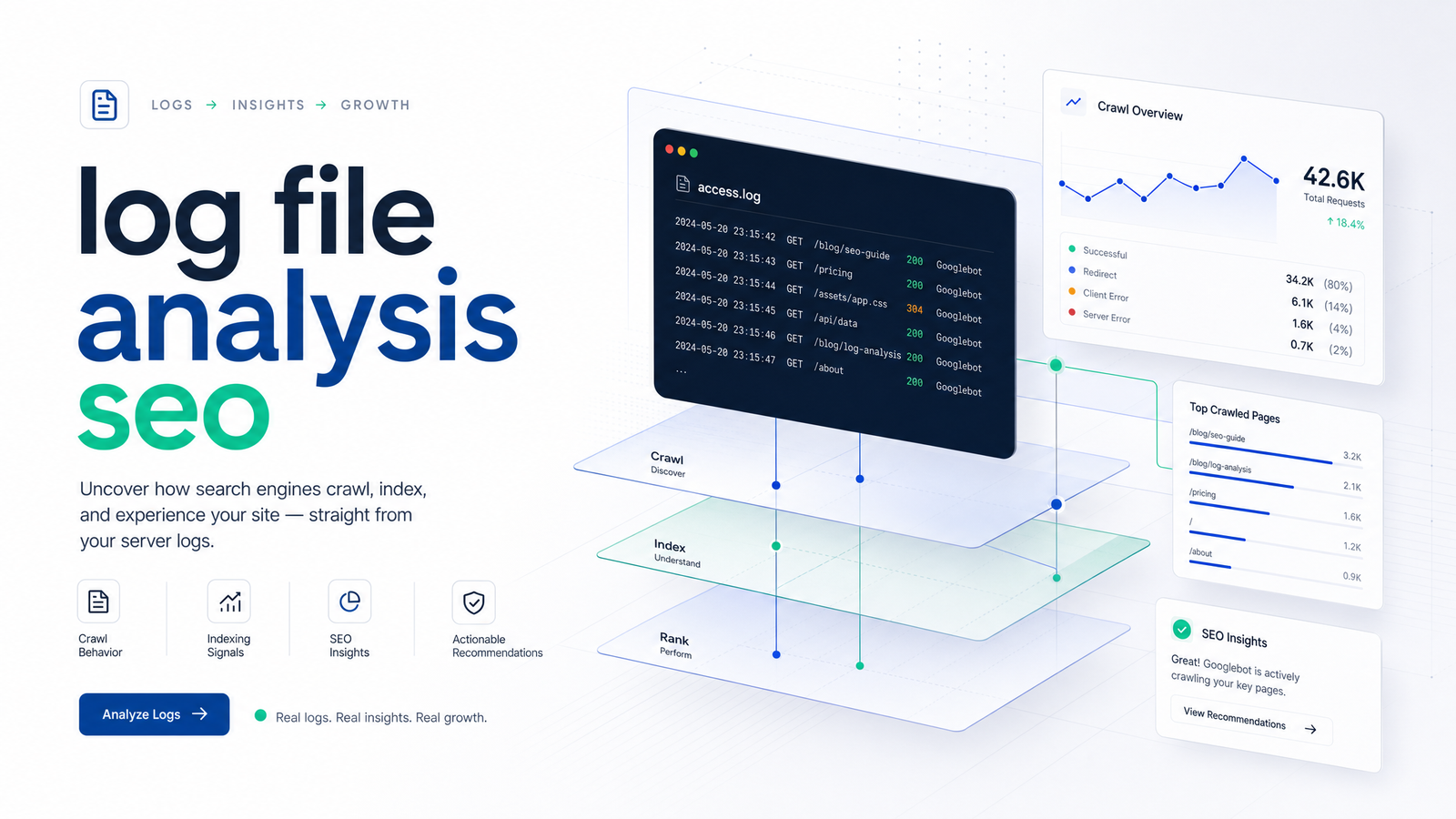
Most teams that attempt log file analysis for SEO stop at the easy part. They export a week of server logs, sort by status code, spot a pile of 404s or a bloated crawl on parameter URLs, and call it an audit. That first pass has value — it's the subject of our own foundational guide to finding crawl waste and indexing issues — but it quietly skips two problems that determine whether the findings are trustworthy, and a third that determines whether the work matters six weeks from now.
The first problem is data integrity: a meaningful share of "Googlebot" hits in a raw log are not Googlebot at all. The second is segmentation: 2026's log files mix classic Googlebot with GPTBot, ClaudeBot, PerplexityBot, and other AI crawlers that behave nothing alike, and lumping them together produces conclusions that are technically calculated but practically wrong. The third is durability — a one-time log pull tells you what happened last week, not what's happening now.
This article picks up where the introductory pass leaves off, walking through four steps: verifying bots before you trust a single row of data, segmenting logs by URL template and crawler type, converting the segmented findings into a fix list ranked by actual impact, and automating that loop so log file analysis for SEO stops being a quarterly fire drill and becomes a running signal.
Why Log File Analysis Stalls After the First Pass
The typical workflow: pull logs, filter for Googlebot's user-agent string, group by status code, flag the obvious crawl waste, hand a spreadsheet to a developer. It surfaces real issues, but it treats every row labeled "Googlebot" as gospel and every anomaly as equally important — neither is true. Spoofed crawlers inflate or distort request counts. Anomalies pulled without a sense of template or request volume get prioritized by whoever's spreadsheet skill is best, not by actual business impact.
The four steps below fix that gap in order: verify what's actually hitting your server, split the verified data into groups that behave differently, rank the resulting findings by the traffic they actually affect, and keep the whole pipeline running instead of re-running it by hand every quarter.
Step 1: Verify the Bot Before You Trust the Data
A user-agent string is just a text field a request sends — anyone can set theirs to say "Googlebot" with zero technical skill. Search Engine Land's breakdown of Googlebot fraud makes the point plainly: scrapers, competitor bots, and low-effort crawlers routinely spoof Googlebot's user-agent to slip past basic filtering or to make their scraping look legitimate in your access logs. Build a crawl-waste report on unverified user-agent strings, and you're partly reporting on bots that were never Google to begin with.
The scalable way to verify Googlebot server logs at row level is Forward-Confirmed Reverse DNS (FCrDNS). Google documents the exact procedure: take the requesting IP, run a reverse DNS (PTR) lookup to get a hostname, confirm that hostname resolves under googlebot.com or google.com, then run a forward DNS lookup on that hostname and check it resolves back to the original IP. If both directions confirm, the request is genuinely from Google; if either step fails, treat it as unverified. Google's own developer documentation covers this in detail and is the authoritative source to script from.
Reverse DNS lookups on every row of a multi-million-line log file get expensive fast, which is why the practical alternative for high-volume sites is cross-referencing IPs against Google's published IP ranges. Matching request IPs against these downloadable JSON ranges is far cheaper computationally than a live DNS round-trip per row, and it's accurate enough for bulk classification. A sensible pattern: use IP-range matching as the first-pass filter across the full dataset, then apply full FCrDNS verification only to the subset of rows feeding into decisions you're about to act on — like a fix list that will get engineering time.
Skipping this step doesn't just add noise; it can flip your conclusions. A page that appears to get heavy Googlebot attention might actually be getting hit by a scraper spoofing the user-agent, while the real crawl behavior for that template is completely different.
Step 2: Segment Logs by Template and Crawler Type
Once you trust the rows, the next failure mode is treating every request the same. On a large or template-heavy site, "how does Googlebot behave" is the wrong question — it's several different questions depending on URL pattern. Category pages, product pages, blog posts, and filter/parameter URLs each have their own crawl rhythm, and mixing them in one aggregate number hides the actual story.
Segment log lines by URL template before you draw conclusions. Group requests by path pattern (/category/*, /product/*, /blog/*, ?filter=) so you can compare crawl frequency against the value of each template, rather than against a blended site-wide average. This is also where log file analysis tools like Screaming Frog Log File Analyser, Botify, or JetOctopus earn their keep — they handle pattern-matching and grouping at scale rather than making you write regex against raw access logs by hand.
The second axis of segmentation is crawler identity, and it matters more than it did even a couple of years ago. GPTBot, ClaudeBot, and PerplexityBot now show up as distinct, verifiable user-agents in most modern log exports, and they don't crawl like Googlebot does. They tend to hit a narrower set of high-authority or frequently-linked pages, often skip deep pagination and faceted URLs that Googlebot dutifully works through, and their request volume shifts with each vendor's evolving crawling policy. AI crawler log analysis should be a separate pass, not a filter applied to the same Googlebot chart. Treating GPTBot traffic as "more Googlebot" muddies both stories: you'll misjudge how much of your crawl budget is going to indexing-relevant search crawling, and you'll miss whether AI crawlers are reaching (or ignoring) the pages you'd want them to reach for citation and visibility purposes. If verification matters for Googlebot, it matters here too — check GPTBot, ClaudeBot, and PerplexityBot requests against their published IP ranges or ASN documentation before trusting the segment, since these newer bots get spoofed as well.
Step 3: Convert Crawl Patterns Into a Ranked Fix List
A spreadsheet of anomalies isn't an action plan. The step teams most often skip is converting segmented findings into a fix list ordered by the volume of requests actually affected — not by which issue looks worst in a screenshot.
Start from four common patterns once your logs are verified and segmented:
- Crawl frequency vs. page value mismatch — high-value pages (converting product pages, cornerstone content) getting crawled rarely, while low-value templates soak up disproportionate crawl attention. This tension is covered in more depth in our crawl budget diagnostic framework, worth pairing with this step.
- Wasted requests on parameter URLs — faceted navigation, tracking parameters, and session IDs generating thousands of near-duplicate crawl hits.
- Redirect chains — multi-hop redirects burning crawl requests before a bot ever reaches a canonical page.
- Orphaned high-value pages — URLs that rank or convert but show almost no internal crawl path, meaning bots are finding them by luck rather than by structure.
Rank these not by severity of the technical issue in isolation but by request volume affected: how many verified crawl requests, over your measurement window, does each anomaly consume relative to the whole. A parameter-URL crawl-waste pattern eating 18% of verified Googlebot requests outranks a redirect chain affecting 0.3% of requests, even if the redirect chain feels more "broken." This is also where crawl-waste prioritization intersects with other diagnostics you likely already run — a spike in 404s discovered in logs, for instance, should be triaged using the same volume-first logic as this priority framework for fixing 404 errors, rather than fixed in whatever order they appear in the export.
The output of this step should be a short list, ordered top to bottom, each line naming the template, the pattern, the estimated share of verified crawl volume it consumes, and the fix owner. That's the artifact that gets engineering time allocated — not the raw export.
Step 4: Automate the Loop With Crawl, GSC, and Log Data
A single log pull is a snapshot, and snapshots age fast. New templates ship, a redirect gets added and forgotten, a new AI crawler starts hitting your site at volume with no warning — and the fix list you built last quarter no longer reflects what's actually happening on your server. Log file analysis for SEO loses value precisely because it's treated as an audit event instead of a standing process.
The other gap in most one-off analyses is that log data lives in isolation from the two data sources it should be checked against: crawl data (what your own crawler sees when it walks the site) and Google Search Console's Crawl Stats (what Google reports seeing). Merging log file data with Google Search Console closes the loop — GSC gives Google's own view of crawl requests and response codes at a high level, while your verified, segmented log data gives the row-level reality, including the templates and crawlers GSC's aggregate view can't break down. Where the two disagree is often the most useful finding in the whole analysis.
This is the loop Rankevra runs continuously rather than as a manual re-analysis: pulling log data, crawl data, and Search Console data together, verifying bot traffic automatically, segmenting by template and crawler type, and re-ranking the fix list as new data arrives — so a new template launch or a new AI crawler showing up in your logs gets caught in the next cycle instead of the next audit.
Manually verifying bots against IP ranges, re-segmenting every template change, and re-running this whole analysis each time a crawler vendor updates its behavior isn't something a human team can sustain indefinitely on top of everything else in an SEO workload. Rankevra is built to keep that verify-segment-prioritize loop running in the background, turning raw server logs into a maintained, ranked fix list instead of a one-time report that goes stale.
Frequently Asked Questions
How do I know if a bot claiming to be Googlebot in my logs is real?
Run a Forward-Confirmed Reverse DNS check: reverse-resolve the requesting IP to a hostname, confirm that hostname is under googlebot.com or google.com, then forward-resolve that hostname and check it maps back to the original IP. For bulk analysis, cross-reference IPs against Google's published Googlebot IP ranges as a faster first-pass filter, reserving full FCrDNS for rows feeding into decisions you're about to act on.
How often should I re-run log file analysis on a mid-sized site?
Continuously is ideal, but at minimum re-check verification and segmentation whenever you ship a new template, add a redirect at scale, or notice a new crawler user-agent appear. Treating log analysis as a quarterly one-off means fixes get prioritized against data that's already several template changes out of date.
Do I need to worry about AI crawlers like GPTBot in my log files?
Yes — GPTBot, ClaudeBot, and PerplexityBot are now common enough in server logs to warrant their own segment rather than being merged into your Googlebot numbers. They crawl different pages, at different volumes, for different purposes than search crawlers, so combining them distorts both your crawl-budget analysis and your read on AI-crawler visibility.
What's the difference between log file analysis and Google Search Console's Crawl Stats report?
Crawl Stats gives Google's own aggregate summary of crawl requests and response codes, while log file analysis gives row-level, verifiable detail down to the URL template and crawler identity. Google Search Console's reporting is useful for a quick trend check, but it can't tell you which specific parameter pattern or template is consuming crawl budget — that requires your own logs.
Can small sites skip log file analysis entirely?
Small sites with a handful of templates and low crawl volume can often rely on GSC's Crawl Stats and a standard crawl audit without deep log parsing, since there's less template-level nuance to uncover. Once a site grows past a few thousand URLs or adds faceted navigation, parameters, or multiple content types, log-level segmentation starts surfacing issues GSC's aggregate view can't show.
What log file analysis tools handle bot verification automatically?
Screaming Frog Log File Analyser, Botify, and JetOctopus all include some form of automated bot verification against known IP ranges, saving you from manually scripting reverse DNS checks. Platforms like Rankevra go a step further by running that verification continuously and merging it with crawl and Search Console data rather than treating it as a separate export to reconcile by hand.
Keep reading
- Ecommerce Category Page SEO: Fix Thin Content &Ecommerce category page SEO framework: diagnose thin content, faceted filter bloat, and cannibalization with one triage sequence that scales.
- Content Gap Analysis Automation: From Report to Ranked PageLearn how AI automates content gap analysis end-to-end — from data pull to published, ranking page — without spreadsheets or tool-switching.
- How Search Engines Find, Index & Rank Websites in 2026A plain-language guide to how search engines find, index, and rank your website in 2026 — plus a checklist to fix crawl and indexing issues fast.