Rankevra Blog
Fix 404 Errors SEO: A Priority Framework That Works
September 13, 2026
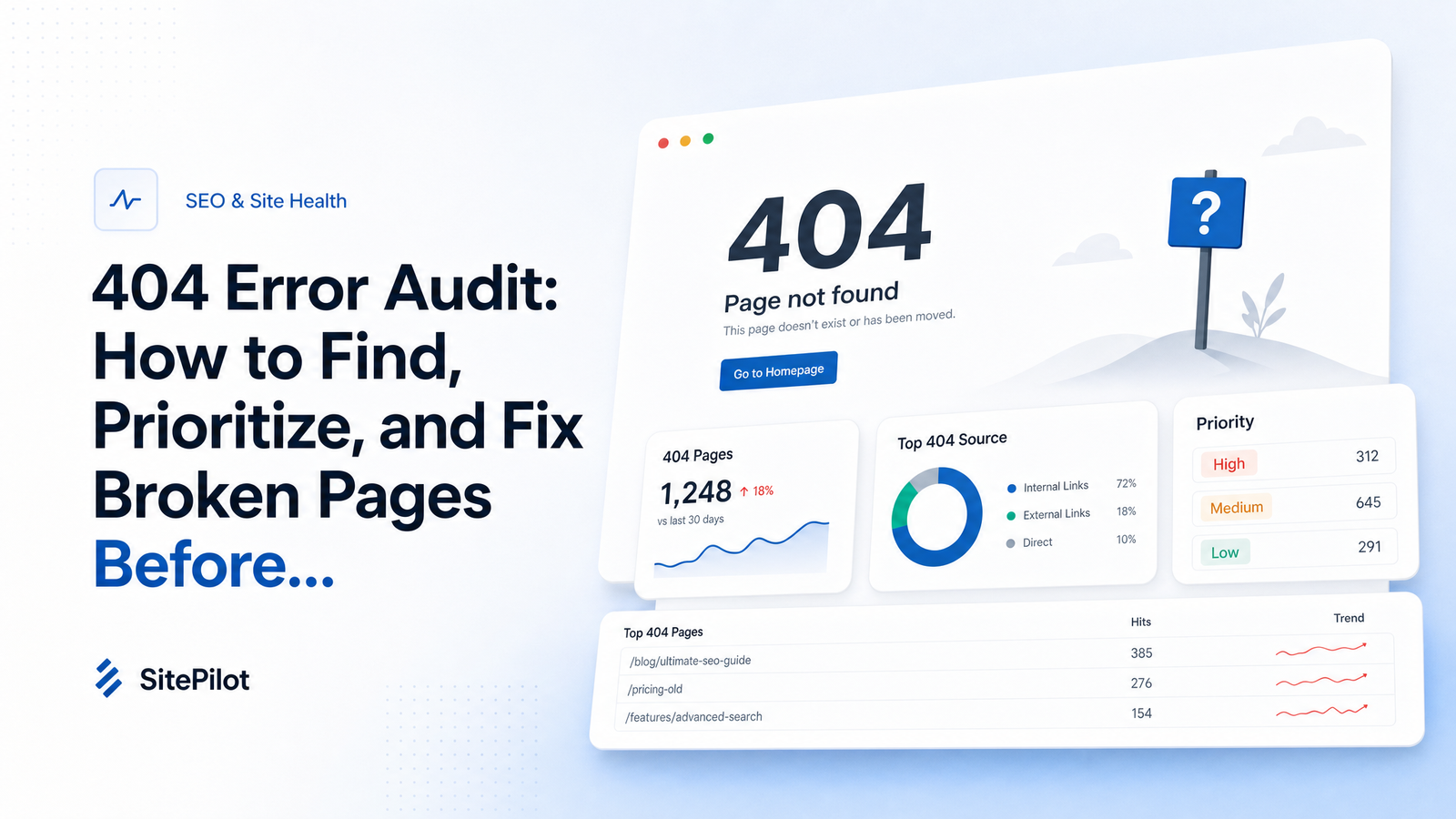
Most advice on 404 errors falls into one of two camps: "ignore them" or "fix every single one." Neither survives contact with a real site. A ten-year-old domain with thousands of pages will always have broken URLs, and treating every one as an emergency wastes the time you're trying to save. The better question isn't whether to fix 404 errors for SEO — it's which ones deserve a fix, and which are safe to leave alone. That's a prioritization problem, and this article gives you the framework to solve it.
Do 404 Errors Actually Hurt Your SEO?
A 404 is not a direct ranking factor. Google's own engineers, including John Mueller and Gary Illyes, have repeated for years that a normal 404 on a page that should be gone is expected, healthy behavior, not a penalty trigger. Search Engine Journal's reporting on Google's guidance confirms the 404 status code exists so search engines know a URL is gone and can stop wasting resources on it.
The damage 404s cause is indirect, which makes it easy to underestimate. A detailed analysis of 404s as a ranking factor lays out the real mechanisms: crawl budget gets spent revisiting dead URLs instead of live content, backlinks pointing at broken pages lose their equity instead of passing it to a working page, and users who land on a 404 from search or a link bounce — a poor experience signal even if not a formal ranking input. Unmanaged 404s create the conditions for ranking problems elsewhere on your site, which is why triage, not panic, is the right response.
Hard 404 vs. Soft 404: Know What You're Looking At
Before fixing anything, know what you're looking at. A hard 404 is a URL that returns an HTTP 404 (or 410) status code — the server explicitly tells crawlers and browsers the page doesn't exist. This is correct, intended behavior for content that's genuinely gone.
A soft 404 is more insidious. The server returns a 200 OK status — telling crawlers the page loaded successfully — but the content is thin, empty, duplicated, or a disguised error message ("Sorry, we couldn't find that page!") without the matching status code. Google detects the mismatch and treats it as a soft 404 in Search Console, even though the page technically "works." Search Engine Journal's comparison of 404 and soft 404 errors is a good reference for distinguishing the two in Search Console's reporting.
Soft 404s usually point to a different root cause: discontinued products left live with no content, expired listings, or templated pages that render but show nothing. Confusing the two wastes triage time — you can't fix a soft 404 with a redirect if the real problem is thin content needing a proper 404, 410, or a content rebuild. Categorize before you act.
Step 1: Find Every Broken Page
Search Console's Pages report (under Indexing) is the obvious, free starting point — Rankevra's guide to using Search Console effectively covers getting more signal out of it. But GSC alone is incomplete: it only shows URLs Google has tried to crawl, and it can lag behind what's currently broken.
To find every 404 on your site, combine four sources:
- Search Console's Pages report, filtered to "Not found (404)" and "Soft 404," for what Google has already discovered.
- A dedicated crawler like Screaming Frog, run against your full site and XML sitemaps, to catch broken internal links Google hasn't recrawled yet.
- Backlink data from your link analysis tool, cross-referenced against live URLs, to catch external links pointing at pages that no longer resolve — these carry real link equity.
- Analytics (historical traffic by URL) to flag 404s that used to earn organic visits, even without backlinks.
No single source qualifies as a proper broken link checker for a site of any size — Search Console misses uncrawled links, a crawler misses external backlinks, and analytics misses pages that never got traffic but still carry authority. Merge all three into one list before prioritizing.
Step 2: Build a Priority Matrix (Not a To-Do List)
This is where most 404 cleanups go wrong. A flat to-do list treats a broken URL with fifteen referring domains the same as an orphaned tag page nobody linked to. Score every broken URL against four factors instead:
- Backlinks — Does the URL have external links pointing to it? How many referring domains, and how authoritative?
- Historical organic traffic — Did this URL earn meaningful search visits before it broke?
- Internal links — How many other pages on your site still link to it, passing internal equity into a dead end?
- Current search demand — Is there still search volume for the topic, even if the page is gone?
Score high, medium, or low on each, then sort into four buckets:
- Redirect — backlinks and/or traffic and/or internal links justify preserving equity and UX.
- Recreate — real search demand and topical value, but the old content is gone or was thin.
- Leave as 404 — no backlinks, no traffic, no internal links, no demand. It's fine as-is.
- 410 — same as above, but you want to actively signal "permanently removed" rather than "might come back."
This matrix is a scaled-down version of the same triage logic behind any technical SEO cleanup — see Rankevra's priority action plan for technical SEO issues for the broader framework. The point is the same: not every issue deserves the same urgency, and effort should follow impact.
Step 3: Fix Each Category the Right Way
Once URLs are bucketed, the fixes are mechanical — but details matter.
Redirect bucket: Use a 301 to the closest genuinely equivalent live page — a replacement product, an updated version of the article, or the parent category if nothing more specific exists. Blanket-redirecting every broken URL to your homepage is a common shortcut Google has flagged as weak; it dilutes relevance signals and can itself get treated as a soft 404 if the destination has nothing to do with the original query. A 301 only passes meaningful value when the destination is topically close to what was lost.
Recreate bucket: If search demand still exists for the topic, rebuilding the content — updated, not just restored verbatim — usually outperforms a redirect to a loosely related page. This bucket also often overlaps with content gaps worth targeting for topical authority, not just cleanup.
410 bucket: Use a 410 (Gone) rather than a 301 or plain 404 when a page is permanently removed and you want to actively signal that to crawlers, rather than leaving them to rediscover it on their own schedule. It's a stronger, faster signal than a plain 404 for pages you're certain won't return — discontinued products, retired promotions, deprecated pages.
Leave-alone bucket: Zero backlinks, zero traffic, zero internal links, no demand — a plain 404 is correct and requires no action. Fixing these is where most wasted manual effort goes.
If your broken pages stem from a domain migration or replatform rather than routine content decay, this triage still applies, but build a redirect map before launch — see Rankevra's SEO site migration checklist. And if soft 404s keep surfacing alongside indexing confusion, check whether canonical tags are contributing — common canonical tag failures often show up in the same audit.
Step 4: Verify and Monitor So It Doesn't Recur
A fix isn't done until confirmed. Recrawl the affected URLs to verify the new status codes and redirect targets are live, then check Search Console over the following days to confirm the errors clear from the Pages report rather than reappearing.
For higher-stakes cases — a page with substantial backlinks or a section with recurring issues — confirm Googlebot is actually revisiting the fixed URLs rather than continuing to hit dead ones from cached links. Log file analysis is the definitive way to see this directly, and it pairs well with the crawl-budget context in Rankevra's crawl budget optimization framework.
One-time cleanups don't hold. Set a recurring cadence — monthly for large or fast-changing sites, quarterly at minimum for smaller ones — so broken pages get caught while still cheap to fix, not months after a backlink's equity has already been wasted.
Make 404 Audits a Continuous Process, Not a Quarterly Scramble
The triage framework above works, but it takes real time to execute manually: pulling a GSC export, running a full crawl, pulling backlink data, merging historical traffic, then rebuilding the same spreadsheet next quarter. On a large or aging site, broken pages accumulate faster than any team can review them by hand, and the gap between "the 404 appeared" and "someone found and scored it" is where the actual SEO damage happens.
This is precisely the kind of repetitive cross-referencing well suited to automation. Rankevra's audit workflow continuously combines crawl data, backlink signals, and rank tracking in one place, so broken pages with real link equity or traffic get flagged and prioritized automatically — instead of waiting for the next manual export cycle. Rather than juggling a crawler, Search Console, and a separate backlink tool every few months, you get a standing view of what's broken and what deserves attention.
If manually stitching together GSC exports, crawl reports, and backlink data every quarter sounds like the wrong use of your time, that's exactly the workflow Rankevra automates — try its audit and rank tracking tools to catch and prioritize broken pages continuously, before they cost you crawl budget or link equity.
Frequently Asked Questions
Do 404 errors actually hurt my search rankings?
Not directly — Google doesn't treat a 404 status code as a ranking penalty. The damage is indirect: crawl budget spent on dead URLs, link equity lost from backlinks pointing at broken pages, and poor experience signals when users land on error pages from search results or external links.
What's the difference between a hard 404 and a soft 404 error?
A hard 404 returns the correct HTTP 404 (or 410) status code, correctly telling crawlers the page is gone. A soft 404 returns a 200 OK status but has thin, empty, or duplicate content, so Google flags the mismatch itself — meaning the fix is usually a content or template problem, not a redirect.
Should I redirect every 404 page to my homepage?
No — blanket homepage redirects dilute relevance and can be treated as a soft 404 by Google if the destination is unrelated to the original page. Redirect only to the closest genuinely equivalent live page, and leave low-value, zero-backlink 404s as plain 404s instead.
How often should I audit my site for broken pages?
Monthly for large or frequently updated sites, quarterly at minimum for smaller ones. Broken pages accumulate continuously as content ages and links change, so a one-time cleanup won't hold — recurring audits catch them while link equity and traffic loss are still minimal.
Can Google Analytics show me 404 errors, or do I need Search Console?
Analytics shows historical traffic to a URL that's now broken, which helps you judge its value, but it won't reliably surface which URLs are currently returning 404s. Search Console's Pages report is the primary source for that, though it should be combined with a crawler and backlink data for a complete list.
When should I use a 410 status instead of a 301 redirect?
Use a 410 when a page is permanently removed and has no suitable equivalent to redirect to — it signals "gone for good" more explicitly than a 404 and prompts faster deindexing. Use a 301 instead when a genuinely relevant replacement page exists that can absorb the original's backlinks and traffic.
Keep reading
- Voice Search Optimization in 2026: What Actually Works NowVoice search optimization in 2026 means conversational AI search, not 2016 tricks. Here's what changed, what to skip, and what to actually do.
- Competitor Content Tracking SEO: A Continuous SystemLearn a repeatable competitor content tracking SEO system: weekly checks, monthly reviews, quarterly deep-dives, and how to automate it with Rankevra.
- How to Write an AI SEO Content Brief That Needs No RewriteLearn how to structure an AI SEO content brief with intent, entities, and outline depth so AI drafts publish with minimal editing.