Rankevra Blog
SEO Automation Software: The Complete Buyer's Guide
July 29, 2026
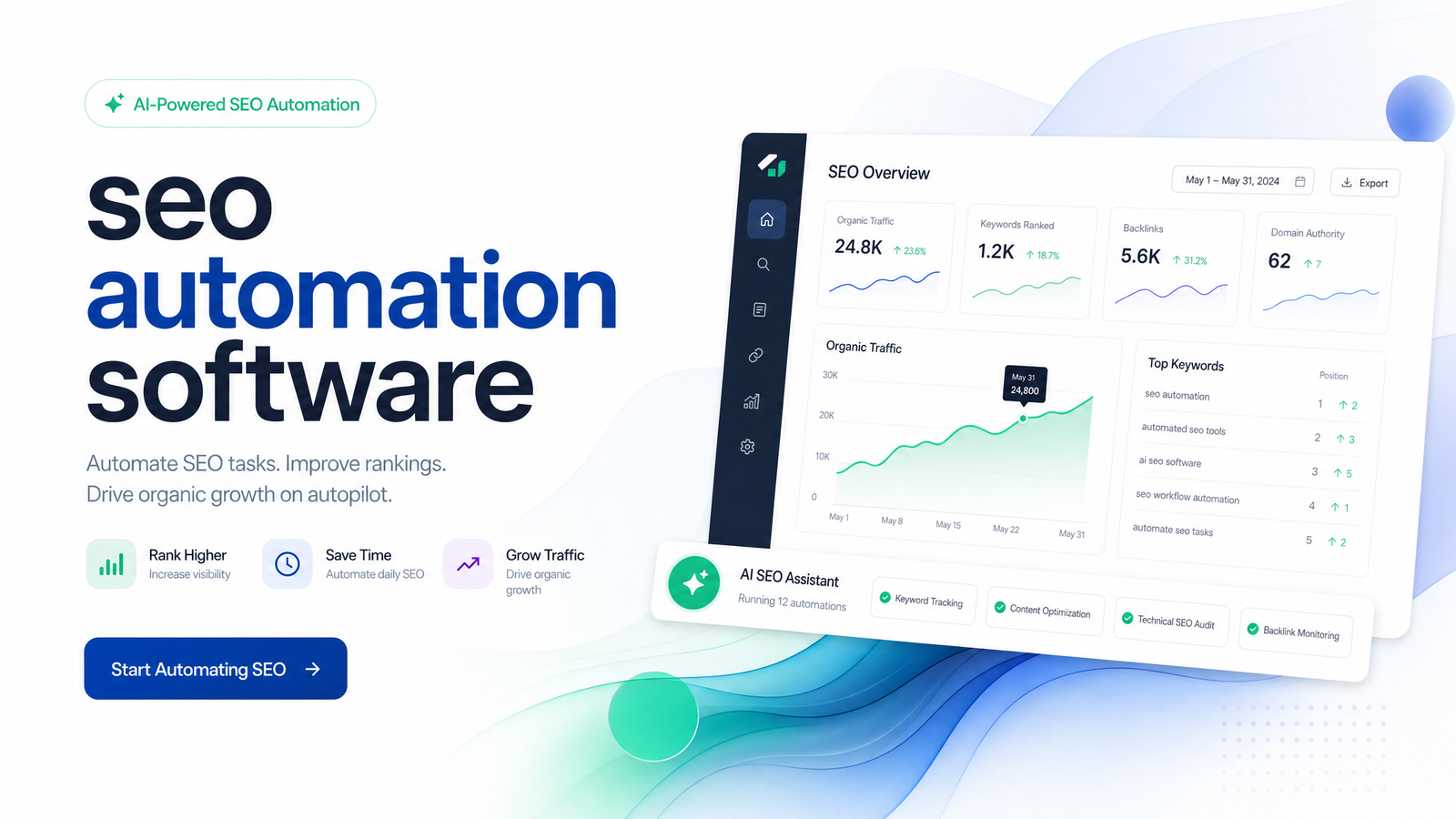
Most website owners don't lack SEO tasks — they lack hours to do them. A crawler flags forty issues, a keyword tool suggests topics nobody drafts, and by the time content gets published, three weeks have passed and the ranking report is already stale. That gap between "we know what to fix" and "it's actually done" is what SEO automation software is built to close.
This guide defines the category, separates real automation from repackaged dashboards, and gives you a framework for evaluating any platform — including Rankevra — before you consolidate your stack.
What SEO Automation Software Actually Is
SEO automation software executes SEO tasks rather than just surfacing them for someone to act on later. A traditional analysis-only tool crawls your site, produces a report, and stops — a human still has to interpret every finding, write every fix, brief every article, and publish every page. Automated SEO tools close that loop: they take the audit finding, generate the fix or content, and move it toward publication with minimal manual handoff.
It's worth separating this category from generic AI writing tools. A writing assistant helps you draft faster, but has no idea what your Google Search Console data says, no knowledge of your site's crawl issues, and no mechanism for publishing what it produces. SEO automation software connects the technical layer (crawling, indexing, canonical tags) to the content layer (briefs, drafts, internal linking) to the measurement layer (rank tracking, reporting) — so a single workflow answers "what's wrong," "what should we write," and "did it work."
In practical terms: it's the difference between a tool that tells you your site has fourteen duplicate title tags and a tool that identifies them, proposes the fix, and — with your approval — applies it.
What It Can (and Can't) Automate
Not every SEO task is equally safe to hand off. A realistic breakdown, by workflow stage:
Technical audits and fixes. Crawling a site, detecting broken links, missing meta tags, duplicate content, slow pages, and crawl budget waste is reliably automatable — software does this faster and more consistently than a person clicking through a crawler report. Low-risk fixes (meta descriptions, alt text, header structure) can be automated too. Higher-risk changes — redirects, canonical tags, migrations — are where automation should propose and a human should approve, since a wrong canonical or bad redirect chain can quietly tank rankings before anyone notices. This tradeoff is explored in this deep dive on automating versus hiring out technical audits.
Content briefs and drafts. Mapping keywords to search intent, generating briefs from top-ranking competitors, and producing first drafts are strong automation candidates — this is where AI SEO automation earns its keep, turning a keyword list into a structured content plan in minutes instead of a day of research. What it can't fully automate is judgment: does this draft reflect real expertise, match your brand voice, would a reader trust the author? Those E-E-A-T calls still need a person in the loop, especially for YMYL topics or anything claiming firsthand experience. A fuller framework for evaluating content-generation tools on this tradeoff is covered here.
Publishing. Scheduling, formatting, internal linking, and CMS pushes can run automatically once content is approved. Auto-publishing without review is the riskiest failure mode in the category — it's how thin, generic, or off-brand pages end up live and indexed before anyone catches them. The fix isn't avoiding automation here; it's keeping a review gate before publish, not after.
Rank tracking and reporting. Fully automatable. Tracking keyword positions, tying movement back to specific pages or fixes, and generating stakeholder reports is low-risk, high-value automation — it's also the stage most tools already do well, which is why it's rarely the differentiator.
Why Teams Are Consolidating Into One Platform
If you're running a crawler, a separate keyword tool, a writing assistant, a rank tracker, and a reporting dashboard, the real cost isn't the subscriptions — it's the manual handoffs between them: exporting a crawl report into a spreadsheet, turning that into briefs in another tool, drafting in a third, publishing by hand, then checking a fourth tool weeks later to see if anything moved. Every handoff is a place where work stalls, context gets lost, or nobody follows up.
An all-in-one platform isn't just convenient — it changes what's possible operationally. When audit findings, content generation, publishing, and rank tracking share one system, a fix or new page can be traced end to end: this issue caused this content decision, which led to this ranking change. That traceability is nearly impossible across five disconnected tools, and it's the foundation of real SEO workflow automation rather than five automations that don't talk to each other.
For small teams, this consolidation is also how you grow topical authority without adding headcount — a connected workflow can systematically cover a topic cluster (audit gaps, brief the missing subtopics, publish, track) rather than relying on someone remembering to circle back.
How to Evaluate an SEO Automation Platform
"Automation" gets used loosely in this space, so don't take the label at face value. Use this checklist when comparing platforms:
- Does it connect findings to action automatically? An audit that flags an issue but requires you to manually create a task, brief, and publishing step in other tools isn't automation — it's reporting with extra steps. Ask whether a crawl finding can flow into a content or fix recommendation without you rebuilding the bridge each time.
- Does it show its work? You should be able to see why an action was recommended or taken — which crawl data, keyword gap, or competitor pattern triggered it. Transparency is what lets you trust and audit the system's decisions instead of treating it as a black box.
- Are there guardrails before anything risky happens? Look for approval steps before auto-publishing content and before applying technical changes like redirects or canonical updates. A platform with no review gate is optimizing for speed over safety, and that tradeoff usually shows up later as a ranking drop or a batch of thin pages.
- Does it close the loop with rank tracking? The platform should tie ranking changes back to the specific fix or content piece that caused them, not just show a generic position-over-time chart disconnected from your actions.
- What does pricing and scope actually cover? Confirm whether audits, content generation, publishing, and tracking are genuinely included in one workflow, or whether "automation" is really one feature bolted onto otherwise manual tools.
This is the framework worth bringing to leadership when asking to consolidate budget — a feature list won't justify the switch, but a clear answer to "does it connect action to outcome, and does it do so safely" will.
Where Rankevra Fits
Rankevra is built to pass this exact evaluation, not around it. The workflow runs as one connected system: a technical audit surfaces issues, content gaps get turned into briefs and drafts mapped to those issues and to real keyword opportunity, publishing happens through the same platform once content clears review, and rank tracking reports back on the pages and fixes that came from that same audit — closing the loop instead of leaving you to stitch it together.
That's the practical meaning of Rankevra SEO automation: not a crawler with an AI writing feature bolted on, and not a writing tool guessing at technical context. It's a single AI SEO workflow tool that moves through audit, content, publishing, and measurement as one process, with review gates before anything auto-publishes or applies a higher-risk technical change. For teams focused on organic growth, that consolidation also supports the broader traffic strategy — the kind of consistent, connected execution described in this look at what actually works for organic traffic growth going into 2026.
Getting Started With SEO Automation
Don't flip every switch on day one. Start with an audit to see where your site loses the most ground — crawl errors, thin pages, missed keyword-to-content mapping, stalled rankings. That baseline tells you which workflow stage to automate first.
From there, automate one stage at a time. Most teams get the fastest win from automating the audit-to-brief pipeline, since that's where manual research eats the most hours. Add automated publishing once you trust the content quality, and keep a review gate at that step regardless — it costs minutes and prevents the exact failure mode (thin, auto-published content or a broken redirect) this guide has been honest about throughout. Rank tracking can run fully automated from day one; it's the lowest-risk stage in the whole workflow.
If you're ready to see this in practice rather than in theory, Rankevra runs the whole loop — audit, content, publishing, tracking — on your own site, so you can judge it against the framework above instead of a features page.
Frequently Asked Questions
What exactly does SEO automation software do?
It executes SEO tasks end to end rather than only reporting on them — crawling and auditing a site, mapping keywords to content briefs, generating drafts, publishing approved content, and tracking rankings tied back to those actions. The defining feature is closing the loop between finding an issue and resolving it, not just surfacing more data.
Is SEO automation software safe for technical fixes, or can it break my site?
Low-risk fixes like meta tags, alt text, and header structure are generally safe to automate outright. Higher-risk changes — redirects, canonical tags, site migrations — should always go through a human approval step, since an unreviewed mistake here can drop rankings before anyone notices.
Can SEO automation software replace an SEO agency or specialist?
No — it replaces repetitive execution work, not strategic judgment. Decisions about E-E-A-T, brand voice, competitive positioning, and high-risk technical changes still benefit from human oversight, even when the drafting and reporting around them are automated.
What's the difference between SEO automation software and an AI writing tool?
A writing tool only drafts content; it has no connection to your crawl data, keyword gaps, or publishing pipeline. SEO automation software links the technical audit, content generation, publishing, and rank tracking into one workflow, so content decisions are grounded in actual site data rather than a keyword typed into a prompt.
How much of SEO can realistically be automated in 2026?
Auditing, keyword-to-content mapping, drafting, scheduling, publishing, and rank tracking can all run largely automated with the right guardrails. Strategic judgment calls — E-E-A-T assessment, brand voice, and approval of high-risk technical changes — still need a human in the loop.
Is SEO automation software worth it for a small website or solo marketer?
Yes, particularly because it replaces the manual handoffs between separate crawler, keyword, writing, and tracking tools that eat the most time for lean teams. A solo marketer gains the most from consolidating those stages into one workflow, since it's the coordination overhead — not any single task — that's hardest to sustain without extra headcount.
Keep reading
- Crawl Budget Optimization: A Diagnostic Framework for 2026Learn whether crawl budget optimization actually applies to your site, how to diagnose crawl waste in GSC, and a prioritized fix list for 2026.
- Multilingual SEO Strategy: Skip the Hreflang TrapA practical multilingual SEO strategy that treats hreflang as insurance, not a growth lever — plus how to automate audits, content, and tracking per locale.
- Will Google Penalize AI Content in 2026? The Real AnswerDoes AI content detection SEO actually affect rankings? Here's what Google's spam policies and the March 2026 core update really show.