Rankevra Blog
JavaScript SEO: Diagnose & Fix Rendering Indexing Issues
September 10, 2026
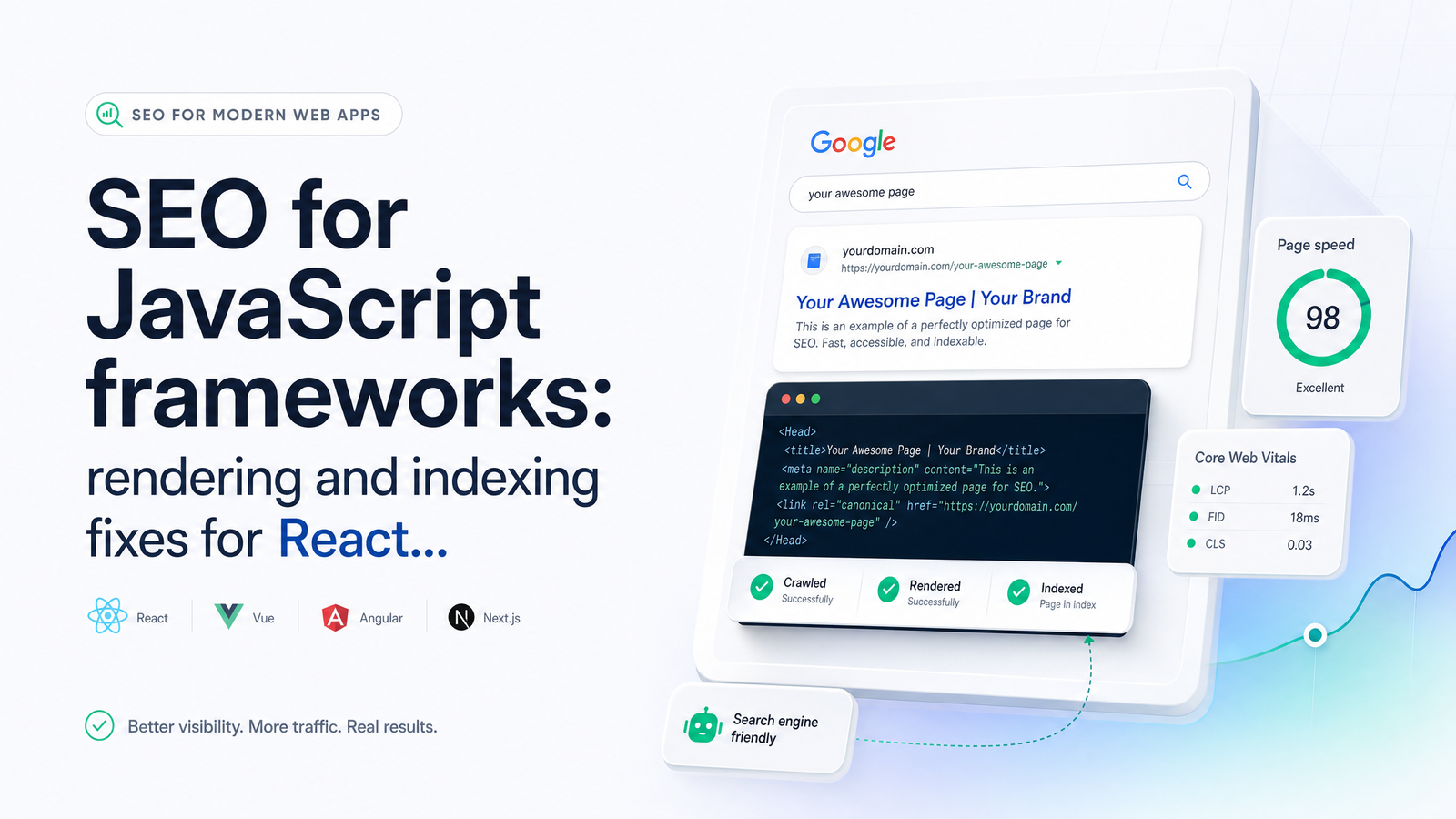
Why JavaScript Sites Still Lose Rankings (Even Though Google Can Render JS)
"Does Google render JavaScript?" Yes — it has for years. That's not what costs React, Vue, and Next.js sites their rankings. Rendering capability isn't the same as reliable, fast, correct indexing, and conflating the two leads teams to ignore a gap that quietly drains organic traffic.
Google indexes your site in two stages. First, Googlebot crawls the raw HTML your server returns and can index that immediately — titles, meta tags, links, whatever text is actually in the initial response. Second, if the page needs JavaScript to build its content, that URL gets queued for rendering on a separate schedule, sometimes seconds later, sometimes days later, depending on crawl budget and site size. Between those two stages, Google is working from an incomplete picture of your page.
For a small brochure site, that gap barely matters. For a JavaScript-heavy application with thousands of URLs, it means new pages sit in limbo, updated content takes longer to refresh in the index, and — worst case — the rendering step times out, fails silently, or produces a different DOM than what users see. The site technically "works," Google technically "can render JS," and rankings still lag competitors running server-rendered pages. Understanding that two-step process is the foundation for every fix in this guide.
CSR vs. SSR vs. SSG vs. ISR: Which One Should Serve Your SEO Pages
Every framework decision comes down to one question: does the content that matters for ranking exist in the initial HTML response, or does it only appear after JavaScript executes?
Client-side rendering (CSR) ships a near-empty HTML shell and builds the page in the browser. It's the default for plain React and Vue single-page apps — fast to build, cheap to host, but it puts SEO-critical content entirely in Google's second-stage rendering queue, the riskiest position for indexing speed and reliability.
Server-side rendering (SSR) generates full HTML on the server for every request, so Googlebot gets a complete page in stage one, no waiting on the render queue. The cost is server load and response time, since every visit triggers a fresh render.
Static site generation (SSG) pre-builds HTML at deploy time. Pages load instantly and are fully indexable from the first crawl, but content only updates when you rebuild — a poor fit for pages that change constantly.
Incremental static regeneration (ISR), available in Next.js, splits the difference: pages are statically generated but can be regenerated on a schedule or on-demand, without a full rebuild. It's a strong default for large content sites where SSG's rebuild times become impractical.
The rule: any URL you want ranking — product pages, blog posts, category pages, landing pages — should be served via SSR, SSG, or ISR, never pure CSR. CSR is fine for content behind a login, dashboards, or app views nobody needs indexed. If a page matters for organic traffic, its content needs to exist in the HTML Google receives on the first request, full stop.
Diagnose the Symptom: Matching What You See in GSC to the Real Cause
Work backward from what you're seeing in Search Console. Each symptom points to a fairly specific cause.
Page indexed but empty in Google, or missing content in the cached/rendered view. Usually means the render step is failing or timing out — often due to a JavaScript error, a dependency on cookies/localStorage Googlebot doesn't have, or content loaded via a client-side fetch that fires too late for the render budget.
"Discovered — currently not indexed" or "Crawled — currently not indexed." Frequently a resourcing problem, not a content problem: Google crawled the URL but decided it wasn't worth spending render budget on, often because of thin content elsewhere, slow server response times, or crawl waste on low-value URLs eating budget that should go to important pages. Reviewing your log files to see whether Googlebot is even reaching these templates is a faster diagnostic than guessing — see this guide to log file analysis for crawl waste and indexing issues.
Wrong title or meta description showing in the SERP. Almost always means your <title> and meta tags are set client-side, after the initial HTML load, so the raw-HTML stage (or a rendering pass that didn't wait long enough) picked up a default or placeholder value instead.
Structured data missing or not showing in rich results. Same root cause as titles: JSON-LD injected via JavaScript after the DOM loads is invisible to the raw HTML crawl and dependent on the render queue actually executing that script correctly.
Delayed indexing on new or updated pages. Points to render-queue backlog rather than a broken page — common on large sites where crawl budget is stretched thin across too many low-value URLs.
Treat this as a triage list before opening a dev ticket. It tells you whether you're dealing with a rendering failure, a budget problem, or a template bug — three very different fixes.
Framework-Specific Fixes: React, Vue/Nuxt, and Next.js
React CSR apps. If you built with Create React App or a bare Vite + React setup and SEO-critical pages are client-rendered, you have two real options: add prerendering (serve a static, pre-rendered HTML snapshot to bots while users still get the full CSR app), or migrate index-critical routes to a meta-framework like Next.js or Remix that handles server rendering natively. Prerendering is the faster patch; migration is the durable fix if organic traffic matters long-term.
Vue and Nuxt. Plain Vue SPAs have the same CSR problem as plain React. Nuxt solves it directly — switch SEO-relevant routes to Nuxt's universal or SSR mode, or use nuxt generate for SSG on content that doesn't change per-request. The fix is rarely "add more JavaScript"; it's choosing the rendering mode per route instead of defaulting to client-only rendering everywhere.
Next.js. The App Router gives you rendering control at the component level: Server Components render on the server by default, and you only opt into Client Components ("use client") where you need interactivity. The mistake that tanks Next.js App Router SEO is wrapping content that should be indexable — headings, body copy, product details — inside a Client Component that fetches data after mount. Keep index-critical content in Server Components, fetch data server-side, and reserve client rendering for widgets, filters, and interactive UI that don't need to appear in the initial HTML. If you're still on the Pages Router, getServerSideProps and getStaticProps give you the same SSR/SSG choice described above. Watch for hydration mismatch errors too — when server-rendered markup doesn't match what React produces on the client, React discards and re-renders the DOM, which can cost you the exact content Googlebot just crawled. Fixing this usually means auditing for non-deterministic values (dates, random IDs, locale-dependent formatting) rendered differently on server versus client.
Is Dynamic Rendering Still Worth It in 2026?
Dynamic rendering — serving a prerendered HTML snapshot to bots while humans get the full JS app — is a legitimate stopgap, not a long-term architecture. Google has been explicit that it's a workaround, not a recommended best practice, and it adds infrastructure you must maintain indefinitely: a separate rendering service, cache invalidation logic, and bot-detection rules that need updating as crawlers change.
That said, it still makes sense in one case: legacy CSR applications that can't be migrated to SSR or SSG quickly, where rankings are actively suffering and a multi-month framework migration isn't feasible. Treat it as a bridge while you plan the real fix, not the destination.
How to Verify Googlebot Actually Sees What You Think It Sees
Don't guess — compare. Pull the raw HTML your server returns (view source, or a simple curl request) against the fully rendered HTML (browser DevTools → Elements panel, after JS executes). If your SEO-critical content — headings, body text, meta tags, structured data — only appears in the rendered version and not the raw response, you've confirmed a rendering dependency worth investigating.
Then cross-check with Google's own view: the URL Inspection tool in Search Console shows the rendered HTML and a screenshot of what Googlebot actually captured, plus whether the page is indexed and any resources that failed to load. It's the closest thing to ground truth you'll get. For a deeper walkthrough of what each report tells you, see this guide to Google Search Console tips that actually drive action.
The catch: this works fine for one page. It doesn't scale to a site with hundreds or thousands of URLs across multiple templates, each of which might render differently depending on data state, user-agent handling, or a JS error that only fires on certain routes. Manual spot-checks find symptoms one at a time; they can't tell you how widespread the problem is.
Automating JS Rendering Checks Instead of Spot-Checking Pages
Rendering issues rarely stay contained to one page — they follow templates. If your product page template has a hydration bug or a client-side-only title tag, it's affecting every product page, not just the one you happened to inspect. That's the case for automating this instead of relying on manual audits.
Rankevra's site audit is renderer-aware: it crawls and renders your pages the way Googlebot does, flags exactly where raw and rendered HTML diverge, and surfaces template-level patterns — not just one-off page errors — so you can fix the component once instead of chasing individual URLs. It sits inside the same workflow as your technical audits, content generation, and rank tracking, so once a rendering fix ships, you can watch indexing and rankings respond without switching tools. For a broader look at what a proper audit tool should catch beyond rendering, see this breakdown of what a site audit tool checks and how to use one — and if you're weighing rendering fixes against other technical debt, this technical SEO priority action plan helps you sequence the work. Heavy hydration and oversized JS bundles also drag down Core Web Vitals, covered separately in Core Web Vitals SEO impact: what the evidence really shows.
Checking raw HTML against rendered HTML one URL at a time in DevTools, then repeating that in the URL Inspection tool, works for a handful of pages — it stops working the moment your site has real scale. Run Rankevra's renderer-aware audit instead, and let it flag every page where Googlebot's view doesn't match what your users — and your rankings — depend on.
Frequently Asked Questions
Does Google actually index JavaScript content in 2026?
Yes, Google can render and index JavaScript-generated content, but it happens in a second rendering pass after the initial HTML crawl, not instantly. That delay — and occasional rendering failures — is why JavaScript-heavy pages index less reliably than pages with content already present in the raw HTML response.
Why is my React or Vue page indexed but showing no content in Google?
This typically means the rendering step failed or timed out, often because content depends on client-side data fetching, cookies, or localStorage that Googlebot doesn't have access to during rendering. Check the URL Inspection tool's rendered HTML view to confirm whether your content appears there at all.
Should I use Next.js SSR or SSG for SEO?
Use SSG or ISR for content that doesn't change on every request, since it's the fastest and most reliably indexable option, and reserve SSR for pages that need fresh, per-request data. Pure client-side rendering should be avoided entirely for any page you want ranking in organic search.
Is dynamic rendering (prerendering for bots) still recommended for JavaScript SEO?
Dynamic rendering is a legitimate stopgap for legacy CSR sites that can't quickly migrate to SSR or SSG, but it's not a recommended long-term architecture. Google treats it as a workaround, and it adds ongoing infrastructure maintenance that a proper server-rendering or static-generation setup avoids.
How do I check what Googlebot sees on a JavaScript-heavy page?
Compare your raw server HTML against the browser's fully rendered DOM, then confirm with the URL Inspection tool in Search Console, which shows the exact rendered HTML and screenshot Googlebot captured. This works for spot-checking individual pages but doesn't scale across large sites without an automated rendering-aware audit.
Does client-side rendering hurt Core Web Vitals as well as indexing?
Yes — heavy client-side JavaScript execution and hydration typically increase Largest Contentful Paint and Interaction to Next Paint, on top of the indexing delays it causes. The rendering-cost problem and the indexing-delay problem share the same root cause: too much SEO-critical work happening in the browser instead of the server.
Keep reading
- Visual Search SEO: The Complete Framework for 2026A practical visual search SEO framework covering image access, alt text, filenames, and video schema — plus how to audit it all at scale.
- Content Decay SEO: How to Detect and Fix It Before RankingsLearn the statistical definition of content decay SEO, how to detect it early with GSC, and a triage framework to refresh, merge, or prune pages.
- SEO Audit Workflow: Merge Crawl, GSC & Rank DataA repeatable SEO audit workflow that joins crawl data, GSC, and rank tracking into one prioritized fix list — instead of three disconnected reports.