Rankevra Blog
On-Page SEO Checker Semrush: What It Does and Doesn't
July 30, 2026
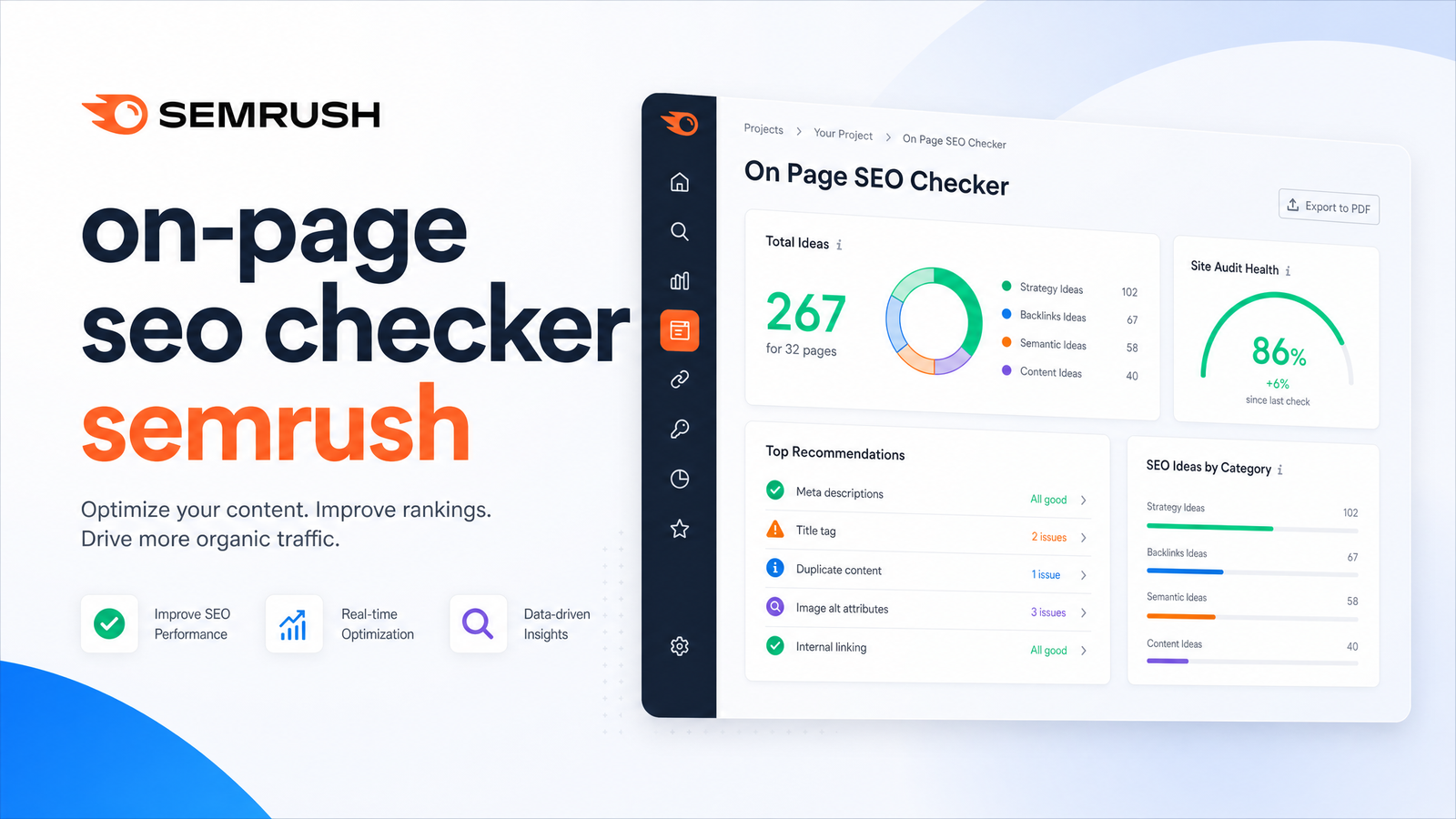
Searching for "on-page seo checker semrush" usually means you want to know one thing: will this tool fix your on-page issues, or just tell you about them? It tells you about them — thoroughly — but stops short of implementation. Here's what the Semrush On-Page SEO Checker analyzes, where its limits kick in, and what a more automated alternative looks like.
What Is the Semrush On-Page SEO Checker, Exactly?
The Semrush On-Page SEO Checker is a module inside Semrush's SEO Toolkit that generates optimization ideas by comparing your page against the top 10 ranking competitors for a chosen keyword. It doesn't crawl your entire site or hunt for broken links and crawl errors — that's Site Audit's job. It's also different from Semrush's free SEO Checker, a lighter one-off scan without competitor-benchmarking depth or ongoing idea tracking.
Think of the On-Page SEO Checker as a page-versus-page comparison engine. You point it at a specific URL and keyword, it pulls the current top 10 organic results, and it reverse-engineers what those pages do that yours doesn't — content depth, structural elements, backlink profiles, technical signals. The output is a set of recommendations tied to that one page and keyword, not a site-wide report.
For the broader picture of what a full on-page audit should cover, see the on-page SEO audit checklist covering seven categories. To understand how Site Audit fits into the same toolkit, see what a site audit tool actually checks.
How It Generates Its Recommendations
Before you get any ideas, you feed the tool pages and keywords. Semrush offers four import paths: Organic Rankings data, Google Search Console, a CSV upload, or an existing Position Tracking campaign. Each imported page/keyword pair becomes a tracked "idea" project.
Results live across four tabs:
- Overview — a snapshot of your current ranking position, target keyword, and overall optimization potential for that page.
- Optimization Ideas — the core of the tool, broken into strategy, content, backlinks, user experience, SERP features, semantics, and technical categories.
- Top 10 Benchmarking — a side-by-side view of how your page's metrics (word count, readability, media, backlinks, etc.) compare against the current top 10 pages.
- Idea Tasks — a running, checkable list where ideas become discrete to-dos you can assign, export, or track.
The idea categories are where the tool earns its reputation. Content ideas suggest topics, subtopics, and semantically related terms competitors use that you don't. Backlink ideas surface specific domains linking to competing pages. SERP features ideas flag opportunities — like featured snippets or "People Also Ask" boxes — a well-structured page could capture. Strategy and technical ideas round things out with structural and metadata suggestions. It's a genuinely comprehensive diagnostic layer, drawing on Semrush's own documentation of the tool's four tabs and import options and its feature-level description of the idea categories and benchmarking mechanic.
The Idea-Unit Limit: What It Costs You in Practice
Every keyword analysis consumes an "idea unit" — roughly one per keyword analyzed. That allowance refreshes monthly but doesn't take much real-world usage to burn through. A content team that re-checks pages after every revision, or runs the tool across a large keyword set, will exhaust the monthly allowance faster than expected, per Semrush's own explanation of the idea-unit consumption model.
This ties directly to your Semrush pricing plan. Access to the tool — and the size of your idea-unit allowance — is gated by tier. The entry-level Pro plan includes a modest number of units, while Guru and Business plans unlock significantly higher limits plus content-marketing features like Topic Research and SEO Content Template that pair naturally with on-page work. Choosing between Semrush Pro and Guru comes down to volume: optimizing a handful of pages occasionally, Pro may cover it; running a content operation revisiting dozens of pages monthly, you'll likely need Guru or above. For an independent look at these limits, Backlinko's breakdown of Semrush pricing tiers is worth reading before committing to a plan.
The practical consequence: the tool's usefulness scales with your budget, and heavy iterative use pushes you toward the more expensive tiers quickly.
Where the Tool Stops: Ideas, Not Fixes
Here's the structural gap that matters most. The On-Page SEO Checker produces a prioritized on-page SEO task list and lets you export or track those tasks inside Idea Tasks. That's genuinely valuable for planning. But nothing in the tool rewrites your copy, updates metadata, restructures headings, or publishes anything to your CMS. Every one of those actions is manual implementation happening entirely outside Semrush, in whatever combination of doc, CMS, and dev workflow your team uses.
There's a second wrinkle: the tool only marks a task "done" after its own re-crawl detects the change is actually live on your page. So even after you've done the writing and publishing work, you're waiting on another crawl cycle before the checker acknowledges progress. This isn't a flaw so much as an honest reflection of what the product is designed to do — generate and verify ideas, not execute them. But it's a meaningful limitation for anyone hoping for a one-stop optimization workflow.
For teams trying to bridge that gap — turning a task list into actual published changes — the six-step framework for content optimization walks through what that manual implementation phase should look like.
What an Automated Alternative Looks Like
This is precisely the gap Rankevra is built to close. Instead of stopping at a list of recommendations, an AI on-page SEO tool like Rankevra audits a page against the same kind of on-page and technical factors, then goes further: it drafts the actual fix. That means rewriting thin or underperforming content, updating metadata, and suggesting internal links — not just naming the problem but producing the corrected version.
From there, the workflow can publish the fix directly, rather than handing you a checklist and leaving the rest to your team's bandwidth. After publishing, Rankevra tracks the resulting rank movement, so you can see whether the change actually moved the needle — closing the loop that a pure idea-generation tool leaves open. This audit-to-publish workflow is the core difference in approach: less time translating recommendations into edits, more time shipping them. If you're evaluating this shift more broadly, the buyer's guide to SEO automation software and the framework for evaluating SEO-friendly content generators cover what to look for when moving from manual to automated SEO fixes.
Semrush On-Page SEO Checker vs. Rankevra: Quick Comparison
| Semrush On-Page SEO Checker | Rankevra | |
|---|---|---|
| What's analyzed | Page vs. top 10 competitors for one keyword | On-page and technical factors across the page |
| Output format | Categorized optimization ideas, exportable task list | Drafted fixes: content rewrites, metadata, internal links |
| Implementation step | Manual — done entirely outside the tool | Automated — can publish directly |
| Pricing model | Idea units per plan tier (Pro/Guru/Business) | Audit-to-publish workflow, trial available |
| Re-check cadence | Re-crawl required to confirm task completion | Rank tracking built in after publishing |
This on-page SEO checker comparison isn't about which tool has better recommendations — Semrush's benchmarking engine is genuinely strong. It's about what happens between "here's your task list" and "the page is live and improved." That's the entire distance Rankevra is built to cover.
Frequently Asked Questions
Is the Semrush On-Page SEO Checker the same as Semrush Site Audit?
No. The On-Page SEO Checker benchmarks a specific page against top 10 ranking competitors for a target keyword and produces optimization ideas. Site Audit crawls your entire site to find technical issues like broken links, crawl errors, and indexability problems — separate tools within the same toolkit.
How many idea units do I need for the Semrush On-Page SEO Checker?
Each keyword analysis typically consumes one idea unit, and your monthly allowance depends on your plan tier. Frequent re-checks — like re-analyzing a page after every content revision — can exhaust a monthly allowance quickly, especially on lower-tier plans.
Does the On-Page SEO Checker tell me if I've fixed an issue?
Yes, but only after a delay. The tool marks a task complete once its own re-crawl detects the change live on your page, so you won't get instant confirmation the moment you publish an edit.
Which Semrush plan includes the On-Page SEO Checker?
It's available starting on the Pro plan, but with a limited idea-unit allowance. Guru and Business plans include significantly higher limits plus complementary content-marketing tools, which matters if you're optimizing pages regularly rather than occasionally.
Can the Semrush On-Page SEO Checker rewrite or publish content for me?
No. It generates a prioritized list of optimization ideas and tasks, but all implementation — rewriting copy, updating metadata, publishing changes — happens manually, outside the tool, using whatever CMS or workflow your team relies on.
Is there a free alternative to the Semrush On-Page SEO Checker?
Semrush offers a lighter free SEO Checker, though it lacks the competitor benchmarking and idea-tracking depth of the paid version. For a workflow that goes beyond idea generation into automated fixes and publishing, Rankevra offers a free trial that shows the difference directly.
Semrush's On-Page SEO Checker is a solid diagnostic — thorough benchmarking, well-organized ideas, genuinely useful task tracking. But a task list still needs a writer, a developer, and a publish button before it changes your rankings. If you'd rather see those same on-page issues turned into ready-to-publish fixes automatically, Rankevra picks up exactly where the ideas list leaves off — try the free audit and see the difference for yourself.
Keep reading
- Ecommerce Category Page SEO: Fix Thin Content &Ecommerce category page SEO framework: diagnose thin content, faceted filter bloat, and cannibalization with one triage sequence that scales.
- Log File Analysis SEO: From Raw Data to Ranked FixesAdvanced log file analysis SEO: verify Googlebot, segment AI crawlers, and turn crawl anomalies into a prioritized fix list — without manual parsing.
- Content Gap Analysis Automation: From Report to Ranked PageLearn how AI automates content gap analysis end-to-end — from data pull to published, ranking page — without spreadsheets or tool-switching.