Rankevra Blog
SEO Duplicate Content Checker: Find & Fix Internal
August 5, 2026
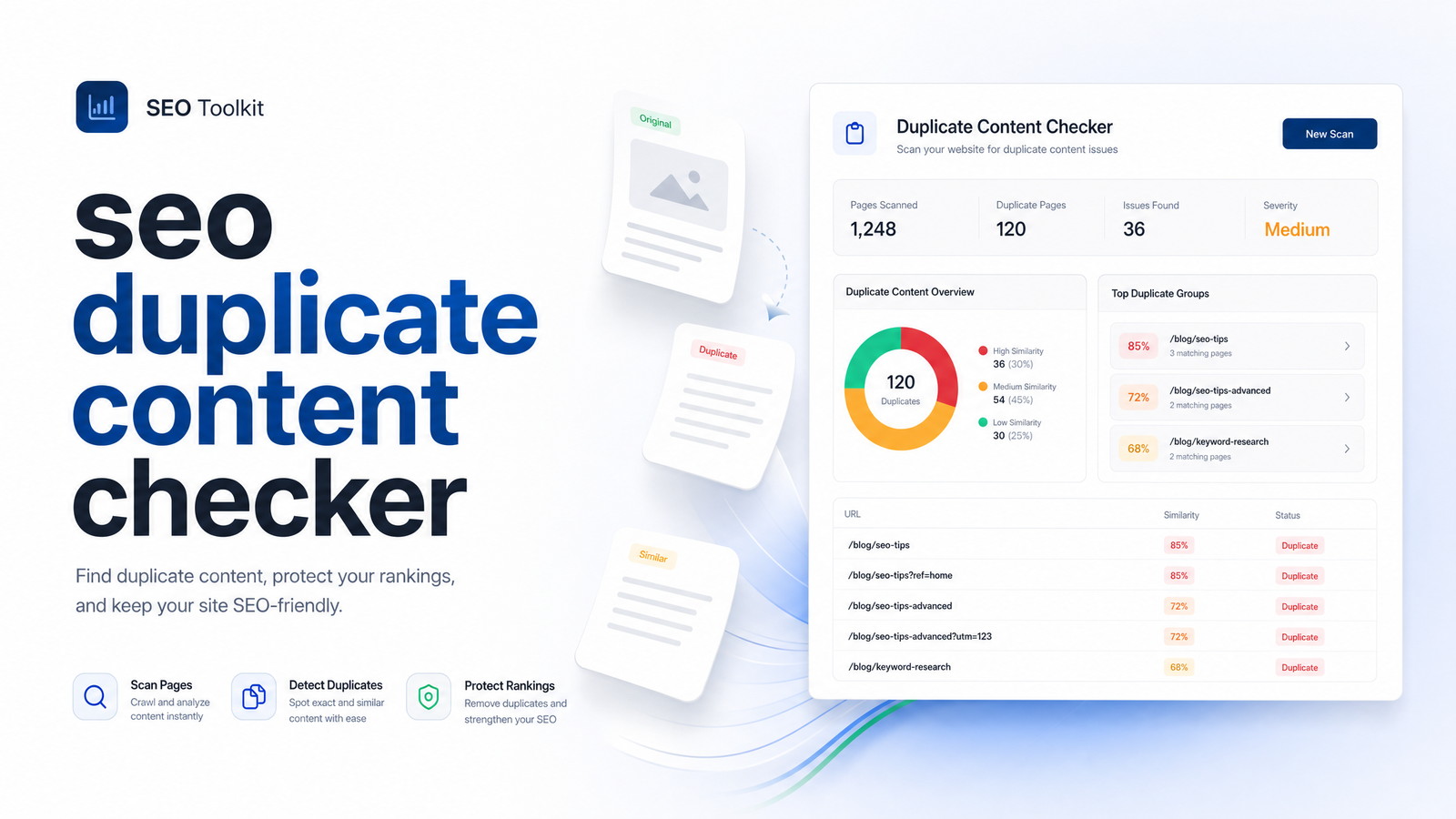
Most people searching for an SEO duplicate content checker land on a listicle comparing Copyscape and Grammarly. Those tools are useful for plagiarism, but they tell you nothing about the problem that actually costs sites rankings: internal near-duplicates created by URL parameters, pagination, staging environments, and templated pages that Google can't tell apart. This article is about that second problem, the one a real duplicate content audit needs to catch.
What Counts as Duplicate Content in SEO (It's Rarely Plagiarism)
In an SEO context, duplicate content means two or more URLs serving substantially the same content — not necessarily copied from a competitor, but duplicated across your own domain. This is internal duplicate content, and it shows up in nearly every technical audit, regardless of industry.
The usual suspects are mundane and unintentional:
- URL parameters that create multiple addresses for one page (
?sort=price,?utm_source=,?sessionid=) - Pagination series that split one piece of content across
/page/2,/page/3, and so on - Tag and category archive pages that pull the same posts into overlapping listings
- HTTP and HTTPS, or www and non-www, versions of a site both remaining crawlable
- Staging or dev subdomains that got indexed by accident
- Print-friendly or mobile-specific page versions running alongside the originals
None of this involves stolen text. It's the same content, generated or served in multiple ways, producing what's called near-duplicate pages — content that's 90-95% identical rather than byte-for-byte the same. A plagiarism tool checks whether your words appear elsewhere on the web. A genuine duplicate content SEO check looks at your own URL structure and asks whether Google is seeing five versions of one page instead of one clear original.
Why It Costs You Rankings Even Without a 'Penalty'
There's no manual action called "duplicate content penalty." Google has been fairly direct about this: according to Stan Ventures' reporting on comments from Google's Martin Splitt, duplicate content doesn't lower a site's quality score, and canonical tags are treated as a suggestion rather than a directive. The actual damage is more mechanical, and harder to notice because nothing "flags" it.
Three things happen instead:
Crawl budget gets wasted. Every duplicate URL a crawler visits is a URL it isn't spending on your genuinely new or updated pages — a real cost on large or fast-growing sites.
Ranking signals split apart. Links, engagement, and relevance signals that should consolidate onto one strong URL instead spread thin across three or four near-identical ones, weakening all of them.
Google picks its own canonical — and it might be wrong. With roughly 60% of the web estimated to be duplicate content, and Google weighing something like 40 different signals to decide which version of a page to treat as canonical, according to Ahrefs' breakdown of canonicalization, the algorithm sometimes chooses your parameterized or paginated version over the one you actually want ranking.
This is also where keyword cannibalization enters the picture. Cannibalization is related but not identical to duplicate content: it's when two different pages, each with unique content, compete for the same query. Duplicate content is a content-identity problem; cannibalization is a competition problem. Left unresolved, canonicalization confusion often creates cannibalization as a side effect, because Google keeps swapping which URL it ranks between crawls.
How to Check for Duplicate Content: A Practical Sequence
If you're wondering how to check for duplicate content on your own site today, run this sequence in order — it moves from free and fast to more thorough.
Open Google Search Console's coverage report. Look for "Duplicate, Google chose different canonical than user" and "Duplicate without user-selected canonical." These labels are Google Search Console duplicate content flags telling you it found multiple versions of a page and made its own call — sometimes the wrong one.
Run
site:search operators. Searchsite:yourdomain.com "exact phrase from a key page"in Google. If multiple URLs return for the same phrase, you've found duplicates worth investigating.Use a shingling or similarity tool for near-duplicates. Exact-match searches miss pages that are 85% identical rather than 100%. A content-similarity or shingling analysis compares chunks of text across your URLs and scores how alike they are — this is where near-duplicate product pages, location pages, and boilerplate-heavy templates get caught.
Crawl the site to map every URL variant. A crawler that respects (or ignores) robots directives will surface parameterized URLs, paginated series, staging paths, and protocol duplicates that manual searching won't catch. This step turns "I think I have duplicates" into an actual list of URLs to fix.
Any single step in isolation gives you a partial picture. Together, they function as a proper duplicate content checker tool workflow rather than a one-off spot check.
Fixing What You Find: The Quick Decision Tree
Once you have a list, the fix depends entirely on why the duplicate exists and what you want to happen to it. Use this decision tree:
- Canonical tag — when the near-duplicate needs to stay live (a sort-order URL, a UTM-tagged landing page, a print version) but you want ranking signals consolidated onto one preferred URL.
- 301 redirect — when the duplicate is a true duplicate with no reason to exist separately: an old HTTP URL, a merged category page, a leftover from a migration. Redirect and stop maintaining two versions.
- Noindex — when the duplicate is thin, low-value, or exists only for internal functionality (session-ID URLs, faceted navigation combinations, internal search results pages). Keep it crawlable if needed for users, but tell Google not to index it.
- Rewrite — when pages look like duplicates but shouldn't be. Near-duplicate location pages or product variants that could each legitimately rank need genuinely differentiated content, not a technical fix.
The canonical-tag-vs-redirect question trips people up most. A canonical tag is a hint, not a command — Google can and does ignore it if other signals point elsewhere, which is why "I already added canonical tags" doesn't always mean the problem is solved. A 301 is absolute: it removes the duplicate from the equation entirely. If you have canonical tags in place but keep seeing "Google chose different canonical" in Search Console, that's usually a sign the duplicate should have been redirected instead.
Why a One-Time Duplicate Content Check Isn't Enough
Duplicate content isn't a problem you solve once. It's a byproduct of how sites grow: new categories get added, a developer introduces a parameter for a filtering feature, a migration leaves old URLs half-redirected, or a programmatic content project spins up hundreds of near-identical location or comparison pages in a week. Each of those events can quietly recreate the exact issue you fixed last quarter.
Manual audits run on a schedule — monthly, quarterly, "whenever someone remembers" — and will always miss what happened in between. A new parameter pattern introduced after your last audit can sit unnoticed for months, siphoning crawl budget and splitting signals the entire time.
This is the case for duplicate content monitoring as a continuous process rather than a periodic scan. An automated SEO audit that runs in the background can catch a new duplicate URL pattern the week it appears, not the quarter you happen to go looking for it.
That's the workflow Rankevra is built around. Instead of running a plagiarism checker for stolen text, a separate crawler for technical duplicates, and a third tool for canonical validation, Rankevra's AI SEO tool audits your site continuously — flagging duplicate and near-duplicate pages, checking whether canonical tags are actually being respected, and surfacing parameter and pagination issues alongside the rest of your technical SEO, so nothing sits undetected between manual checks.
Frequently Asked Questions
Does duplicate content actually get penalized by Google?
No — there is no manual penalty specifically for duplicate content. Google's own team has described it as a crawling and consolidation issue rather than a quality-score problem: duplicate pages waste crawl budget and split ranking signals across URLs, which can quietly suppress rankings even though nothing is formally "penalized."
What's the difference between duplicate content and keyword cannibalization?
Duplicate content is when multiple URLs serve the same or near-identical content, while cannibalization is when two genuinely different pages compete for the same search query. They're related — unresolved duplicate content often causes cannibalization because Google keeps switching which version it ranks — but they require different fixes.
Can I have duplicate content across my own site without knowing it?
Yes, and it's extremely common. URL parameters, pagination, tag/category archives, staging subdomains, and protocol variants (HTTP vs. HTTPS) all generate internal duplicate content automatically, often without anyone deliberately creating a copy.
Is a canonical tag enough to fix duplicate content, or do I need a redirect?
A canonical tag is a suggestion Google can override, so it's not always enough on its own. Use a canonical tag when the duplicate URL needs to stay live and accessible; use a 301 redirect when the duplicate has no reason to exist separately and should be permanently consolidated.
How often should I run a duplicate content check?
Continuously rather than on a fixed schedule, since new duplicates appear whenever a site adds categories, parameters, or migrates URLs. A quarterly manual scan will always miss issues that emerge in between, which is why ongoing automated monitoring catches problems faster than periodic audits.
Do plagiarism checkers like Copyscape catch the same issues as an SEO duplicate content checker?
No, they solve different problems. Plagiarism checkers scan the wider web for copied text, while an SEO duplicate content checker looks at your own site's URL structure to find parameter duplicates, pagination series, and near-identical templated pages that hurt rankings without any copying involved.
Running a duplicate content check by hand catches what's visible today — not the parameter someone adds next month or the migration that quietly duplicates a thousand URLs. Rankevra audits your site continuously, flagging duplicate and near-duplicate pages alongside every other technical issue, so you're fixing problems as they appear instead of finding them three months late.
Keep reading
- SEO for AI Overviews: Winning Citations, Not Just RankingsSEO for AI Overviews requires new tactics. Learn why ranking #1 no longer guarantees citations and how to earn visibility across AI search engines.
- E-E-A-T SEO in 2026: The Auditable Framework That WorksE-E-A-T SEO explained with concrete, checkable proof points—not vague advice. Learn what to build for Experience, Expertise, Authority, and Trust in 2026.
- Schema Markup for SEO in 2026: What Still WorksA 2026 framework for schema markup for SEO: which types still earn rich results, what Google deprecated, and how to implement and validate it right.