Rankevra Blog
XML Sitemap Errors: Diagnose and Fix Every Type Fast
September 4, 2026
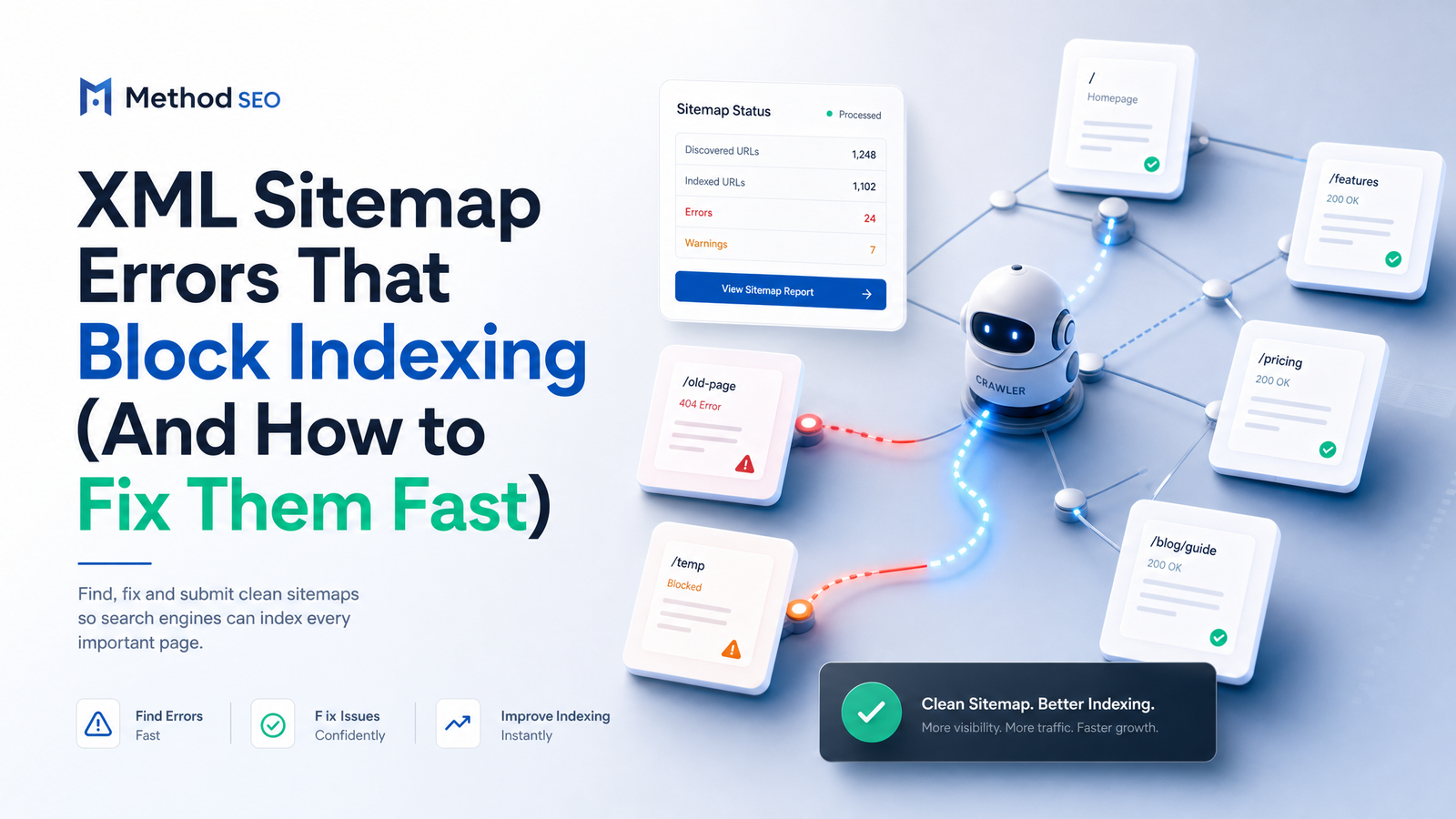
A sitemap is a discovery aid, not a ranking guarantee. It tells Googlebot "these URLs exist and here's when they last changed" — nothing more. Google won't index every URL in a sitemap, and that's normal. The real danger isn't a sitemap that's merely incomplete; it's one Google can't fetch or parse at all, because that quietly breaks sitemap indexing for every new or updated page on the site.
That's the distinction most sitemap guides skip. They dump a glossary of Google Search Console error names and leave you to guess which ones are urgent. This guide groups every XML sitemap error into three failure modes based on what's actually happening on Google's end. Once you know which mode you're in, the fix is usually obvious.
3 Failure Modes Behind Every Sitemap Error
Every sitemap problem Google Search Console reports falls into one of three buckets:
- Google can't fetch the sitemap — the request for the file itself fails before Google ever sees the XML.
- Google can't parse the XML — the file loads, but the markup is malformed, so Google can't read the URL list inside it.
- Google reads it fine, but the URLs inside are wrong — the sitemap is structurally valid, yet it points to broken, blocked, or low-value pages.
"Sitemap could not be read" almost always maps to failure mode two. If new pages aren't indexing despite a "Success" status, you're usually looking at failure mode three. Diagnosing by cause, not by error label, turns a confusing Search Console warning into a two-minute fix.
Fetch Errors: When Google Can't Even Reach the File
These happen before Google ever opens the XML — the request itself fails.
- Wrong sitemap URL or path. A typo, or a sitemap moved without updating the reference, means Google is knocking on a door that doesn't exist. Fix: verify the exact live URL and resubmit it in Search Console.
- Server timeouts or 5xx errors on the sitemap file. If your server chokes on large XML files or is briefly down when Googlebot requests it, you'll see a fetch error even though the file is fine. Fix: check server logs around the crawl timestamp and make sure the file serves quickly and consistently.
- Sitemap blocked by robots.txt. A disallow rule that accidentally covers the sitemap path stops Google before it starts. Fix: confirm the sitemap URL isn't disallowed; ideally, list the sitemap location there too.
- Sitemap index files exceeding 50,000 sub-sitemaps. A sitemap index has the same 50,000-entry ceiling as a regular sitemap, one level up. Fix: split into multiple index files, or reduce sub-sitemap count by consolidating URLs.
Parse Errors: When the XML Itself Is Broken
Here Google reaches the file but can't make sense of it — classic xml sitemap syntax error territory.
- Unescaped characters. Raw ampersands, angle brackets, or quotation marks inside URLs break XML parsing instantly. Fix: escape them properly (
&becomes&) — most generators do this automatically, so a manual sitemap is usually the culprit. - Invalid date formats in
lastmod. The tag expects W3C Datetime format; anything else can trigger a parse error or get ignored. Fix: useYYYY-MM-DDor a full ISO 8601 timestamp. - Invalid tag attributes or values. Misspelled tags, wrong namespaces, or values outside the accepted range (like a
priorityabove 1.0) fail validation. Fix: run the file through an XML validator against the sitemaps.org protocol before resubmitting. - Sitemap index files listing other index files. A sitemap index must point to sitemaps, not more index files. Fix: flatten the structure so the index references actual sitemap files only.
- Malformed or corrupted XML. Unclosed tags, missing namespace declarations, or a file cut off mid-generation cause outright rejection. Fix: regenerate the file rather than hand-patching it.
Content Errors: When the Sitemap Loads Fine But the URLs Are Wrong
This is the trickiest category, since Search Console often shows the sitemap as "Success" while indexing still lags — the XML is valid, but what's inside undermines crawl trust.
- URLs returning 3xx, 4xx, or 5xx status codes. Redirected, missing, or erroring URLs tell Google "here's a priority page" and then fail to deliver one, training Google to treat your sitemap as unreliable and slowing crawling of the URLs that are actually fine.
- Non-canonical URLs listed. If a listed URL itself carries a canonical tag pointing elsewhere, you're sending mixed signals. See canonical tag troubleshooting for the failure patterns basic audits tend to miss.
- Noindex pages included. Asking Google to crawl a URL you've simultaneously told it not to index is contradictory, and Search Console will flag it. Match your noindex directive list against your sitemap and pull those URLs out.
- Mixed HTTP/HTTPS or non-fully-qualified URLs. Relative paths or a stale protocol create duplicate signals and inconsistent crawling. Fix: use complete, absolute URLs on the current protocol throughout.
- Sitemap exceeding 50,000 URLs or 50MB uncompressed. Both are hard caps from the sitemaps.org protocol. Fix: split into multiple sitemaps referenced by a sitemap index file.
Each of these wastes crawl trust even though the XML itself passes validation — Google spends fetch requests confirming pages you shouldn't have listed in the first place.
How to Find These Errors in Google Search Console (5-Minute Check)
You don't need a dedicated audit sprint to spot most of this. Open the Sitemaps report and read the status column: "Success" with a low "discovered URLs" count relative to your site size, or any "Couldn't fetch" or "Has errors" label, tells you which failure mode to chase.
Click into a flagged sitemap for specific warnings, then cross-check a sample of listed URLs using the URL Inspection tool to confirm live status, indexing state, and canonical assignment. This pairing catches both structural and content errors in one pass. For more, see Google Search Console tips that actually drive action.
One outdated habit worth dropping: pinging Google's sitemap endpoint after every update. Google retired the ping endpoint in 2023 — submitting your sitemap through Search Console, or simply referencing it in robots.txt, is now the correct and sufficient method. If you're still scripting pings into your publishing workflow, that step is wasted effort.
A Fast Fix Checklist (Do This Order)
When you're staring at a flagged sitemap and need to fix sitemap errors without wasting a day, work through this sequence:
- Confirm the sitemap loads and validates. Open the raw URL in a browser and run it through an XML validator to rule out fetch and parse errors first — nothing else matters until the file itself is clean.
- Remove or replace non-200 URLs. Pull anything returning 3xx, 4xx, or 5xx, or update the sitemap to reflect the current live URL.
- Strip noindex, non-canonical, and blocked URLs. Cross-reference your sitemap against your noindex list, canonical tags, and robots.txt disallows, and remove anything that fails the match.
- Split oversized sitemaps. If you're near the 50,000-URL or 50MB ceiling, break the file into logical segments (by content type or date) under a sitemap index.
- Resubmit via Search Console and monitor for 48-72 hours. Watch the Sitemaps report and spot-check new URLs with URL Inspection to confirm the crawl and index status actually update.
This checklist works as a one-time cleanup, but sitemap errors tend to reappear as sites grow, migrate platforms, or run bulk content pushes. If you've recently moved domains or restructured URLs, run through the SEO site migration checklist too, since migrations are the single biggest source of stale sitemap entries. Once errors are cleared, confirm Googlebot is actually acting on the fix — not just that Search Console looks calmer — through log file analysis.
Stop Finding These Errors After Traffic Already Dropped
Manual checks work, but they're reactive by nature. Search Console reports lag, teams get busy during heavy publishing periods, and a robots.txt change or server misconfiguration can quietly block a sitemap for days before anyone opens the report. By the time indexing gaps show up as a traffic dip, the fix is the same — you've just lost the runway.
Continuous, automated auditing closes that gap by catching sitemap breakage the day it happens rather than the week someone remembers to check. Rankevra's audit workflow crawls your site and sitemap on an ongoing basis, flags fetch, parse, and content errors as they appear, and ties them back to the specific pages losing crawl or index status — instead of leaving you to reconstruct the timeline after the fact. For the mechanics of what a proper crawl-based audit checks beyond sitemaps, see what a site audit tool checks and how to use one, and for the broader triage order technical issues should be tackled in, see how to fix technical SEO issues. Google's own documentation on the Sitemaps report is worth bookmarking too, since it's the ground truth for every error label discussed here.
Frequently Asked Questions
Does having errors in my sitemap mean Google won't index my site?
No — a sitemap error doesn't block your entire site from being indexed, since Google can still discover pages through internal links, external links, and previous crawls. What it does is delay or block discovery of the specific new or updated URLs that depended on that sitemap, which is why fresh content often stalls first.
How often should I check my XML sitemap for errors?
Check the Search Console Sitemaps report at least monthly, and immediately after any bulk content publish, platform migration, or robots.txt change. Sites that publish frequently or have large catalogs benefit from continuous automated monitoring rather than a manual monthly glance, since fetch and parse errors can appear the same day a server or CMS setting changes.
Can a sitemap error hurt my rankings, or just slow down indexing?
A sitemap error itself doesn't directly lower rankings — it primarily delays or prevents indexing of the affected URLs. But a page that isn't indexed can't rank at all, so for time-sensitive content the practical effect is the same as a ranking loss until the error is fixed.
Is it bad to include redirected (3xx) URLs in my sitemap?
Yes, redirected URLs should be replaced with their final destination rather than left in the sitemap. Listing a 3xx URL tells Google to crawl a priority page that immediately redirects, wasting crawl trust and creating unnecessary hops before Google reaches the actual live page.
Do I need to manually submit my sitemap every time I publish new content?
No — once your sitemap is referenced in robots.txt and submitted in Search Console, it doesn't need re-submission for routine updates as long as your CMS regenerates the file automatically. The old ping-based submission method was officially retired in 2023, so scripting pings into a publishing workflow is no longer necessary.
What's the maximum size or URL count for one XML sitemap file?
A single XML sitemap can list up to 50,000 URLs and must stay under 50MB uncompressed, per the sitemaps.org protocol. Sites exceeding either limit need to split URLs across multiple sitemap files referenced by a sitemap index file, which carries the same 50,000-entry cap for sub-sitemaps.
Manually clicking through Search Console and inspecting URLs one by one works for a single fix, but it doesn't scale once a site is publishing regularly or running through a migration. Running continuous, automated crawl audits with Rankevra means sitemap and indexing errors get caught the day they appear — not the week after traffic already dropped.
Keep reading
- Hreflang Setup Guide: Fix International SEO for GoodA complete hreflang setup guide covering syntax, x-default, canonical conflicts, and how to validate your international SEO cluster over time.
- Keyword Cannibalization: Find It, Fix It, Prevent ItLearn how to detect keyword cannibalization, tell real conflicts from harmless overlap, and choose the right fix — merge, redirect, or canonicalize.
- Ecommerce Category Page SEO: The Index/Merge/Block FrameworkEcommerce category page SEO doesn't need a blanket noindex rule. Use the Index/Merge/Block framework to decide which filter URLs deserve to rank.