Rankevra Blog
AI Meta Description Generator: A System for Metadata at
September 3, 2026
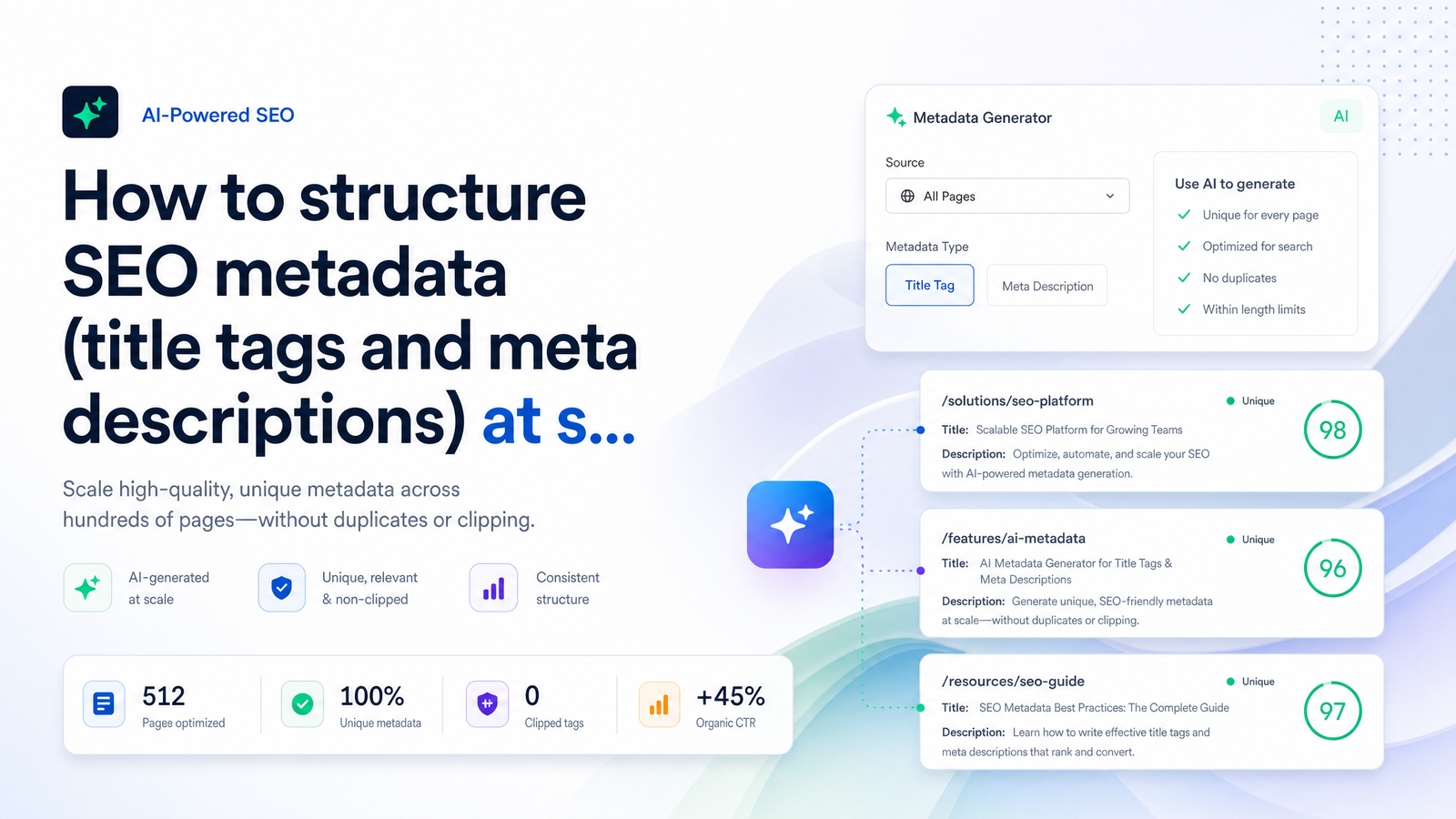
Run one great AI prompt against ten pages and the output looks sharp — natural, keyword-aware, click-worthy. Run the same prompt against three hundred pages and you get "Best [City] Plumbers | Fast, Affordable, Licensed" repeated with the city swapped out fifty times. That's not a prompting failure. It's a structural one, and it's why most teams that reach for an AI meta description generator end up trading manual duplicate tags for machine-made duplicate tags.
This article treats metadata as a site-wide governance problem, not a copywriting task: the pixel math, the rewrite triggers, the audit steps, and the template system that stops duplication before it starts — plus where automation should sit in that workflow.
Why AI-Generated Metadata Breaks at Scale (Not in a 10-Page Test)
A single freeform prompt — "write an SEO title and meta description for this page" — has no memory of what it wrote for the page before it. Feed it a batch of product pages, city landing pages, or blog posts with similar structure, and the model gravitates toward the same sentence patterns and adjectives, because the inputs are similar and nothing forces variation.
The result is the duplicate title tags problem Search Console flags under "Duplicate, Google chose different canonical" or "Duplicate without user-selected canonical" — except now duplicated in structure rather than verbatim text, which is harder to catch with a simple exact-match check. Near-duplicate titles ("Top 10 Running Shoes for Women in Austin," "Top 10 Running Shoes for Women in Dallas") still read as templated, thin content to both users and Google's ranking systems.
This is why scale SEO metadata needs a system rather than a prompt: at ten pages, inconsistency looks like variety; at five hundred pages, it looks like a pattern, and patterns get flagged. An AI meta description generator only helps once it's constrained to produce structural variety by design — which is what the template system further down does.
The Real Length Limits: Pixel Width, Not Character Count
Character counts are a proxy, not the actual constraint. Google renders titles and descriptions in pixels, and different letters consume different widths — a lowercase "i" and an uppercase "W" aren't the same size — so two titles with identical character counts can render completely differently. That's why a 60-character title full of wide capitals clips while a 68-character title of mostly lowercase letters doesn't.
Current practical limits, translated from pixel width:
- Title tags: roughly 580–600px on desktop (around 50–60 characters depending on letter width); mobile is tighter at roughly 480px, closer to 40–55 characters.
- Meta descriptions: roughly 920px on desktop (around 150–160 characters), and about 680px on mobile (closer to 110–120 characters) before truncation.
These are the numbers behind reliable title tag length best practices — but "stay under 60 characters" is a rule of thumb, not a guarantee. A title built from a template with predictable words in predictable slots (see below) is far easier to pixel-check programmatically than a fully freeform AI sentence, because you can pre-measure the fixed text and only need to budget the variable.
Meta tag truncation isn't just cosmetic. A clipped description that cuts off mid-sentence with "..." loses the call-to-action or differentiator you wrote it for, and Google may pull a different snippet from the page body instead — meaning the sentence you crafted never shows up in the result at all.
Why Google Might Rewrite Your Title Anyway — and How to Reduce It
Google rewrites a meaningful share of title tags rather than displaying the exact string in the <title> tag — observed at well over 60% of titles in various independent studies — and AI-generated titles aren't exempt. Understanding the common triggers matters more than obsessing over generation quality alone:
- Missing or buried target keyword — if the query term isn't in the title, Google is more likely to graft it in from the H1 or body copy.
- Mismatch between title and H1 — when the on-page heading says something different from the
<title>, Google often prefers the H1 language. - Brand-name clutter — stacking the brand name at both ends, or padding with a tagline, invites a rewrite that drops the redundancy.
- Vague, generic, or oversized titles — "Home," "Services," or an overlong string that clips gets replaced with something Google judges more descriptive.
An AI title tag generator that ignores these triggers will keep producing titles Google discards regardless of how well-written they are. The fix is keeping the primary keyword near the front, matching title language to the H1, and keeping brand mentions to one clean slot at the end.
Build a Template-Plus-Variable System, Not One-Off Prompts
The fix for duplication and for rewrite risk is the same: stop asking AI to write a full sentence from scratch for every page, and instead define a slotted template per page type, where AI only fills variables inside a fixed, pixel-budgeted structure.
A template has four slot types:
- Primary variable — the thing that makes this page unique: the product name, city, category, or article topic.
- Modifier — a qualifier that adds specificity: a price point, a use case, a year, a quantity ("12," "under $50," "for beginners").
- Differentiator — the reason to click this result over a competitor's: a benefit, a proof point, a format cue ("comparison," "checklist," "in-stock now").
- Brand — one fixed slot, usually at the end, kept short.
For a product category page: {Primary Variable} {Modifier} | {Differentiator} — {Brand} — e.g., "Running Shoes for Flat Feet | Free Returns, In Stock — Rankevra." For a location service page, the primary variable becomes the city, the modifier becomes the service tier, and the differentiator becomes a local proof point (reviews, response time). A blog template swaps in the article's core question as the primary variable and a content-format cue ("guide," "checklist," "template") as the differentiator.
Because each slot has a pixel budget assigned to it — brand fixed at roughly 120px, differentiator capped at 200px, and so on — the AI's job narrows from "write something good" to "fill this slot within this width," which is what prevents duplication across hundreds of rows: the fixed scaffolding differs by page type, but the variable content is forced to differ by page. This is the difference between bulk meta tags AI output that reads like a spreadsheet macro and unique meta descriptions at scale that still sound like they were written for that specific page — because, in the way that matters, they were.
This is also where an AI meta description generator earns its place in the workflow rather than being a shortcut around it: applied to a template with defined slots, it can generate hundreds of on-brand, differently-structured tags in the time a manual writer would spend on a dozen, without collapsing into repetition.
Audit Before You Scale: Finding Duplicates and Clipped Tags Now
Before rolling out a new template system, find out how bad the existing metadata already is. A short audit sequence:
- Pull the Coverage and HTML Improvements data from Search Console (or the Page Indexing report) to see which URLs Google has already flagged for duplicate titles.
- Crawl the full site with any crawler that exports title tags and meta descriptions to a spreadsheet — this catches pages Search Console hasn't surfaced yet.
- Dedupe two ways: exact-match (identical strings — usually a templating bug) and near-match (same sentence structure with one word swapped — usually a lazy AI batch run).
- Run a pixel-width check against every row, not just a character count, flagging anything likely to clip on desktop or mobile.
- Flag missing tags separately — pages with no meta description at all are a distinct, often larger problem than duplicates, and Google will auto-generate a snippet from body text that you don't control.
This audit is worth treating as its own project before a content scaling push, since fixing metadata on an existing five-hundred-page site is a different job from designing templates for pages that don't exist yet — but the checklist and the template system feed each other: the audit tells you which page types are worst, and that tells you which templates to build first.
How Rankevra Handles This Automatically
Rather than running the audit, the template design, and the AI generation as three separate tools stitched together by hand, Rankevra runs them as one AI SEO workflow. It crawls the site, flags duplicate and missing tags the same way the manual audit above does, generates new titles and descriptions using slot-based templates per page type, and checks pixel width — not just character count — before anything publishes.
Because the duplicate check and the length check happen inside the same pass as generation, there's no gap where a batch of AI-written tags gets published and only later discovered to be clipped or repetitive in Search Console weeks afterward. For teams scaling content past the point where manual review of every tag is realistic, that built-in check is the part a standalone AI meta description generator doesn't do — it'll happily write a thousand descriptions without ever telling you fifty of them are near-identical or forty of them will clip on mobile.
Instead of a prompt template you maintain by hand across a shared doc, this runs as a checked, repeatable step inside the audit-to-publish workflow — generation and quality control in the same place, on every page type at once.
Frequently Asked Questions
Does an AI meta description generator actually help SEO rankings?
Meta descriptions aren't a direct ranking factor, but they influence click-through rate, and CTR is a signal Google's systems do weigh over time. An AI meta description generator helps most when constrained by a template system that keeps descriptions unique and correctly sized — used carelessly, it can create duplicate-content signals that work against you.
What's the ideal character or pixel length for a title tag and meta description in 2026?
Titles should stay within roughly 580–600px on desktop (about 50–60 characters) and around 480px on mobile (roughly 40–55 characters). Meta descriptions max out near 920px on desktop (about 150–160 characters) and 680px on mobile (roughly 110–120 characters), and pixel width — not character count — is what actually determines whether Google clips the text.
How do I stop Google from rewriting my AI-generated title tags?
Put the primary keyword near the front of the title, match its phrasing to the page's H1, and keep the brand name in one clean slot rather than repeating it. Avoid vague or overly short titles, since generic phrasing is one of the most common rewrite triggers regardless of how the title was generated.
Can AI write hundreds of unique meta descriptions without them sounding repetitive or duplicating each other?
Yes, but only if it's filling defined variable slots inside a fixed per-page-type template rather than generating a full freeform sentence for each page. Freeform prompts run at scale reliably drift into repeated sentence structures, which is the exact duplicate-tag pattern a slot-based system is built to prevent.
What's the fastest way to find duplicate or missing meta tags across an existing site?
Cross-reference the Search Console Coverage/Page Indexing report against a full site crawl export, then dedupe by exact match and near-match while separately flagging pages with no meta description at all. Running a pixel-width check on the same export catches tags that look fine in a spreadsheet but clip in actual search results.
Should title tags and meta descriptions use the same template on every page type?
No — a blog post, a product page, a location page, and a category page each need a different slot structure because their unique variable (topic, product name, city, category) and their best differentiator (format cue, price/availability, local proof, breadth of selection) aren't interchangeable. Defaulting to one template for every page type is what produces near-duplicate tags across a site's different sections in the first place.
Keep reading
- Structured Data Testing Tool Guide: Stop Silent Rich ResultA structured data testing tool won't catch everything. Learn the 3-stage workflow and 7 JSON-LD errors that pass validation but kill rich results.
- Page Experience Report SEO: What to Fix FirstLearn how to cross-reference the page experience report SEO data with rank tracking to prioritize fixes that actually move rankings, not just scores.
- SEO Content Audit: The Pre-Scaling Gate Before You PublishA practical SEO content audit framework to label pages update, merge, or cut — before scaling content production and compounding cannibalization.