Rankevra Blog
Page Experience Report SEO: What to Fix First
September 3, 2026
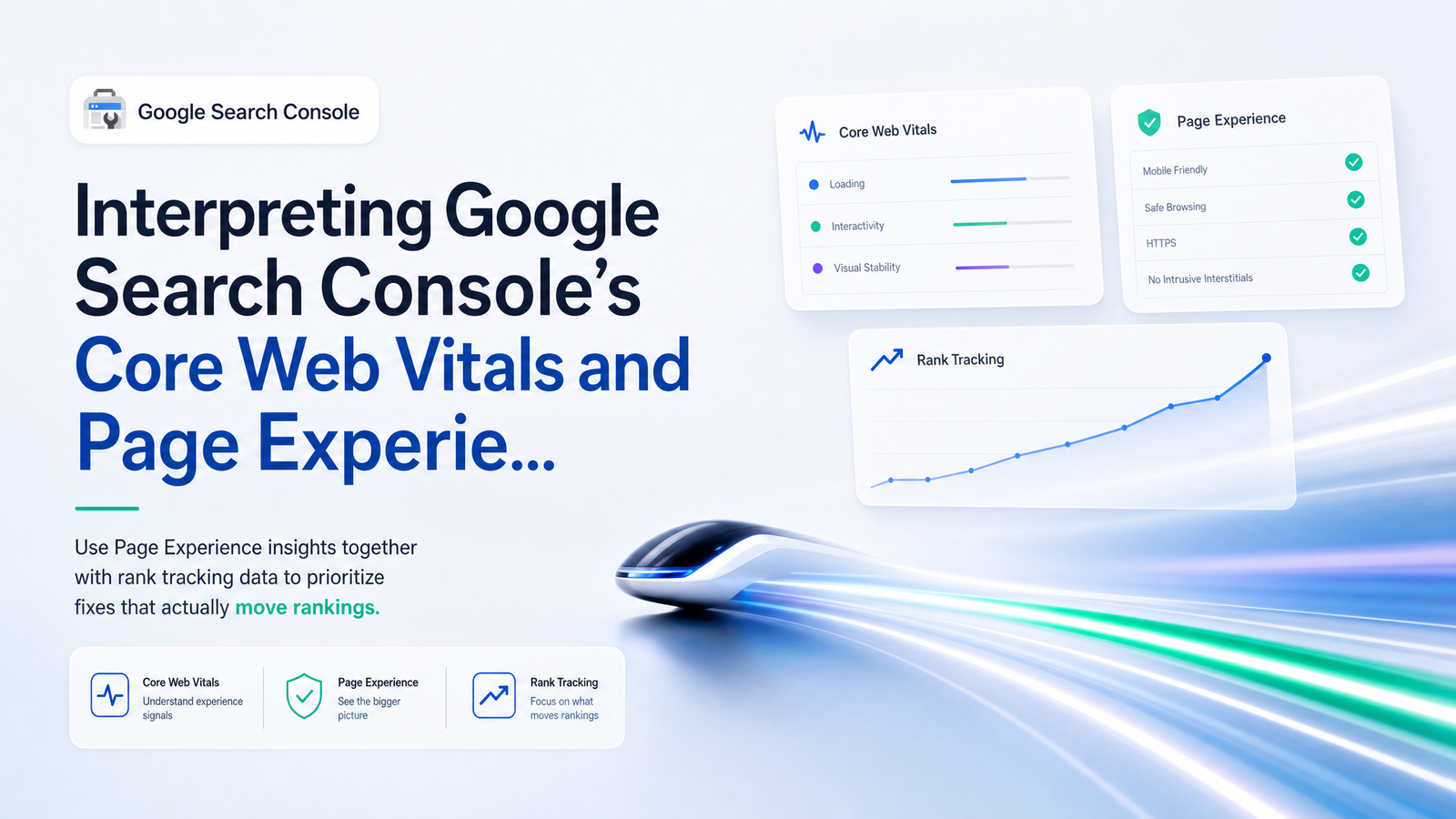
Why the Page Experience Report Alone Won't Tell You What to Fix First
Search Console no longer has a standalone Page Experience report — Google folded it into the Core Web Vitals report and HTTPS reporting back in 2024. What you have now is the Core Web Vitals report (grouped by URL and status) plus HTTPS coverage shown alongside it.
That consolidation reinforces a point most guides skip: the Core Web Vitals report is a diagnostic label, not a priority score. A page marked "Poor" fails one or more thresholds — Largest Contentful Paint (LCP) over 2.5 seconds, Interaction to Next Paint (INP) over 200ms, or Cumulative Layout Shift (CLS) above 0.1 — measured against real-user data from the Chrome User Experience Report (CrUX). It does not tell you whether that page is losing traffic, holding steady, or ranking just fine despite the red status.
Treating page experience report SEO data as a checklist to "turn green" is how teams burn engineering hours on pages nobody was going to click anyway. The fix is to stop reading it in isolation and start reading it next to what's actually happening in the rankings.
The Data You Need Side by Side
Before prioritizing anything, pull three data sets and line them up by URL.
1. The Core Web Vitals report, grouped by status. Note which URLs sit in Poor, Needs Improvement, and Good. Search Console clusters similar URLs together, which is useful for spotting template-wide issues but frustrating when you need per-page detail (more on that later).
2. The Search Console performance report, filtered per URL group. For each URL (or group sharing a template), pull queries, average position, clicks, and impressions over a comparable window — ideally 90 days, to spot a trend rather than noise. This is where rank tracking and Core Web Vitals data start to talk to each other: a page can be "Poor" and still hold position 3, or "Good" and have quietly dropped from position 5 to position 14.
3. Rank tracker position history for the same URLs. Search Console's position data is directional but noisy and query-averaged. A dedicated rank tracker gives cleaner, keyword-level history, letting you confirm whether a ranking slide lines up with a Core Web Vitals status change or with something else — a content update, a competitor's move, a SERP feature appearing.
Build a simple matrix: one row per URL or URL group, columns for CWV status, average position trend (up/down/flat), impressions trend, clicks trend, and traffic value (money keyword or low-value long-tail term?). Once those columns sit next to each other, patterns the Core Web Vitals report alone could never show start to jump out.
Building the Prioritization Matrix: Impact vs. Effort
With the matrix populated, prioritizing Core Web Vitals fixes becomes a filtering exercise rather than a guessing game. The pages worth engineering time satisfy all three conditions:
- Marked Poor or Needs Improvement in the Core Web Vitals report
- Losing rank, impressions, or position on keywords tied to revenue or qualified traffic
- High existing organic traffic value, meaning the page already earns meaningful clicks and a ranking recovery would have real business impact
Pages that check the "Poor" box but show flat or stable rankings over 90 days get deprioritized, even if their PageSpeed Insights score is embarrassing. A slow page that's held position 4 for eight months isn't being punished for its LCP — something else is keeping it there, and fixing the speed issue may improve user experience without changing its ranking at all.
A quick 2x2 helps: plot Core Web Vitals status on one axis and ranking/traffic trend on the other. Top-right (Poor + declining rankings on valuable terms) is your sprint backlog. Bottom-right (Poor + flat/stable rankings) is a backlog item, not urgent. Anything in the "Good" column with declining rankings tells you the drop isn't a page experience problem at all — exactly the kind of misattribution this exercise is designed to catch. For tactical fixes once you've ranked your list, the Core Web Vitals page speed optimization fix-it playbook covers LCP, INP, and CLS remediation, and the broader technical SEO priority action plan helps if page experience is one of several competing issues.
Common Traps: When Page Experience Isn't the Real Culprit
Before committing a sprint to Core Web Vitals fixes, rule out the other usual suspects behind a ranking drop. Attributing every decline to page experience is as sloppy as ignoring page experience entirely.
Algorithm updates move rankings independent of any technical signal — check update timing against your drop before assuming causation. Content relevance or freshness issues, where a competitor published a more comprehensive or current piece, can tank position without touching CWV status. SERP feature changes — a new AI Overview, a stolen featured snippet, a "People Also Ask" block pushing organic results down — reduce clicks and visibility without any change to the page itself. Seasonal query volume shifts can look like a ranking drop in impressions when it's really just fewer people searching.
Then there's a structural complication specific to this report: URL grouping. Search Console clusters URLs by similarity — often by template or page type — rather than reporting every URL's status individually. A "Poor" group might contain twenty URLs where only three are genuinely dragging the average down, while the other seventeen are fine. Relying on group status alone can send you fixing pages that were never the problem, or missing the one that is. The workaround is to cross-reference the group with performance and rank tracking data at the individual URL level — if only one URL in a flagged group is losing rankings, that's your actual target, not the whole batch. For more on reading Search Console data without these misreads, see these Google Search Console usage tips.
For the evidence-based deep dive on how much Core Web Vitals genuinely influences rankings versus general page experience signals Google uses as a tiebreaker, see Core Web Vitals SEO impact: what the evidence really shows — worth reading before you assume causation either way.
Confirming the Fix Worked (Not Just the Lab Score)
Shipping a fix and immediately re-running PageSpeed Insights tells you almost nothing about SEO impact. Lighthouse and PageSpeed scores are lab data — synthetic, single-run, and disconnected from what real users experience. The Core Web Vitals report, by contrast, runs on field data from CrUX, which aggregates real Chrome user sessions over a rolling 28-day window.
That window is what teams underestimate. After a fix ships, it can take up to 28 days — sometimes longer, depending on traffic volume — before enough field data accumulates for the status to update in Search Console. Checking the day after deployment and seeing no change isn't a failed fix; it's an incomplete data set.
The right workflow: confirm the lab score improved as a sanity check, wait out the field data refresh window, and in parallel keep tracking rankings for the affected URLs. If the status improves and rankings on the target keywords also climb within a few weeks after, that's a real signal. If the status improves but rankings stay flat, that page probably wasn't ranking-limited by page experience — useful information for the next prioritization round. Choosing the right rank tracker for this ongoing comparison matters too; see how to actually choose an SEO rank tracker if you're currently relying on Search Console's noisy position averages alone.
Turning This Into a Repeatable Workflow (Not a One-Off Export)
Doing this once, for a handful of URLs, is a reasonable afternoon of exports and spreadsheet matching. Doing it monthly, across every URL group, every new piece of content, and every algorithm ripple — while also tracking a 28-day field data lag — is not something most teams keep up with manually. New pages get published, old pages drift between status groups, and the spreadsheet goes stale within a few weeks.
This is the gap Rankevra is built to close. Instead of separately exporting the Core Web Vitals report, filtering the performance report, and pasting rank tracker history into a shared sheet, Rankevra pulls page experience data and rank tracking into a single prioritized view — so URLs that are both flagged and actually losing rankings surface automatically, without manual matching. It's the same correlation this article walks through, just running continuously instead of once a quarter. If you're also building out a standing report for stakeholders, pairing this with a proper SEO reporting dashboard keeps the whole picture — audits, content, rankings, and page experience — in one place.
Manually cross-referencing exports, matching URLs by hand, and re-checking after every fix is exactly the kind of tedious, error-prone work that doesn't scale past a few pages. Rankevra automates that correlation so you spend engineering time on fixes with proven ranking impact, not on chasing a red dashboard color.
Frequently Asked Questions
Is the Page Experience report still in Google Search Console?
No, the standalone Page Experience report was removed. Its data was folded into the Core Web Vitals report, with HTTPS status reported alongside it, so there's no separate dashboard to look for anymore.
Do Core Web Vitals actually affect keyword rankings?
Core Web Vitals is one of many ranking signals and tends to act more as a tiebreaker among otherwise similar pages than a dominant ranking factor on its own. The scale of impact varies by query and competition level — see the linked deep dive on the evidence for specifics.
What should I fix first if I have multiple pages marked Poor in Search Console?
Fix pages that are both flagged Poor or Needs Improvement and showing declining rank, impressions, or clicks on valuable keywords. Pages with a Poor status but stable rankings over several months can be deprioritized, since their ranking clearly isn't being limited by page experience right now.
How long after fixing Core Web Vitals should I expect rankings to change?
Field data typically needs up to 28 days of real user sessions before the status updates fully. Expect any ranking movement to lag behind that, so continue tracking positions for several weeks after the status changes rather than judging the fix immediately.
Can a page rank well even if it fails Core Web Vitals?
Yes, plenty of pages hold strong positions despite a Poor Core Web Vitals status because other factors — content relevance, backlinks, search intent match — are carrying the ranking. That's exactly why a red status alone shouldn't dictate what gets fixed first.
How do I know if a ranking drop is caused by page experience or something else?
Check the timing against known algorithm updates, review whether competing content became more relevant or fresh, and look for new SERP features before blaming page experience. If the affected URL's Core Web Vitals status hasn't changed but rankings dropped anyway, page experience likely isn't the cause.
Keep reading
- Structured Data Testing Tool Guide: Stop Silent Rich ResultA structured data testing tool won't catch everything. Learn the 3-stage workflow and 7 JSON-LD errors that pass validation but kill rich results.
- AI Meta Description Generator: A System for Metadata atWhy AI meta description generators create duplicate tags at scale, the 2026 pixel-width limits that matter, and a template system that actually fixes it.
- SEO Content Audit: The Pre-Scaling Gate Before You PublishA practical SEO content audit framework to label pages update, merge, or cut — before scaling content production and compounding cannibalization.