Rankevra Blog
Structured Data Testing Tool Guide: Stop Silent Rich Result
September 3, 2026
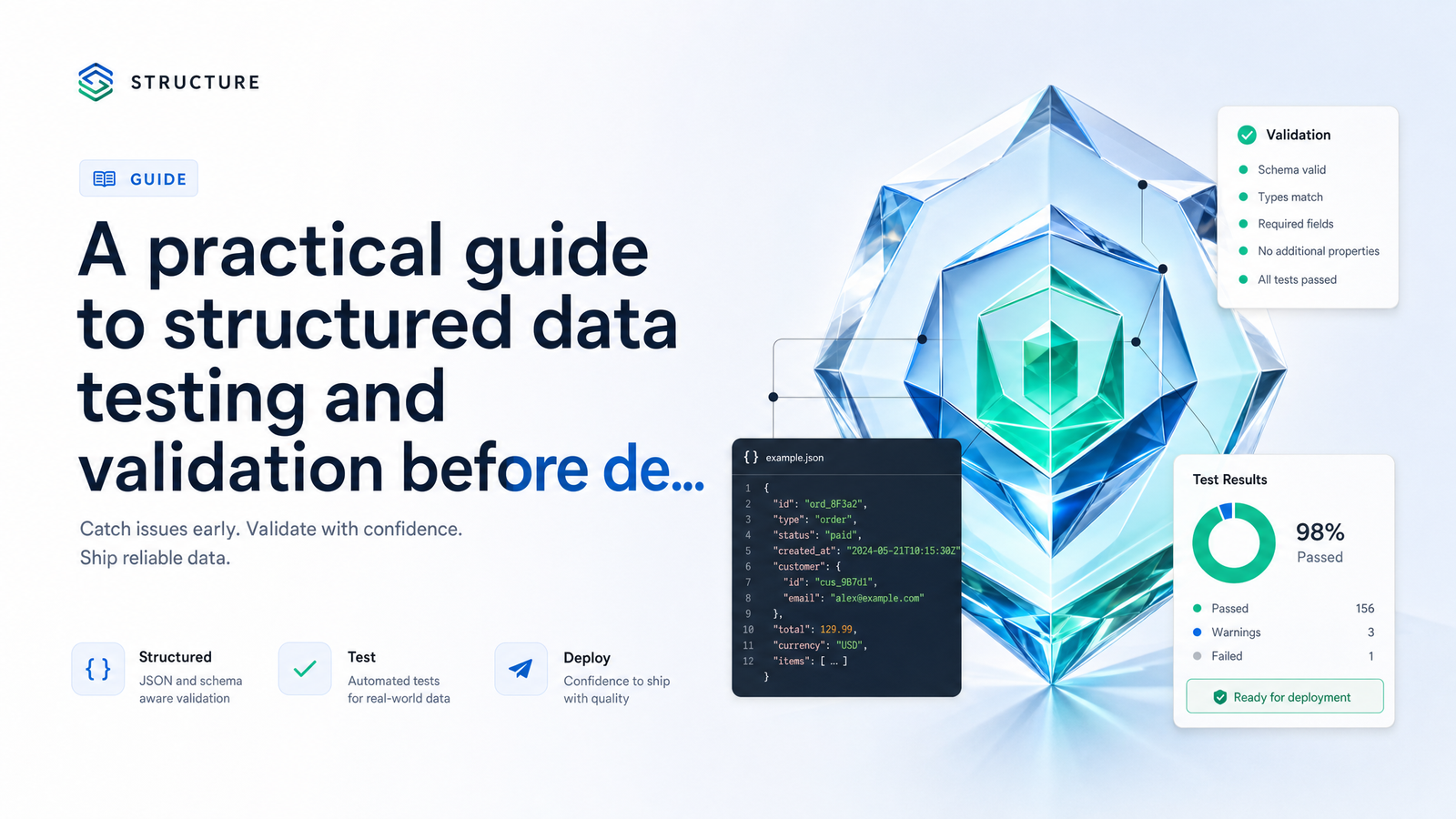
Why Structured Data 'Passes' But Rich Results Still Don't Show
You paste your JSON-LD into a structured data testing tool, it comes back green, and you move on. Weeks later, the rich results still haven't appeared — no star ratings, no FAQ dropdown, no product pricing snippet. Nothing in the validator warned you, because validators check syntax and schema conformance, not whether Google chooses to display anything.
That gap is the source of most structured data frustration. A validator confirms your JSON-LD is well-formed and matches a recognized Schema.org type. It cannot confirm that the price in your markup matches the price on the page, that Google has decided your content is trustworthy enough to feature, or that a recent parsing change didn't quietly break how your CMS escapes characters. Rich results not showing despite a clean validation pass isn't a bug in the tool — it's a blind spot in how most teams use it.
Solving this requires treating structured data testing as a process with stages, not a single check you run once and forget. The rest of this guide walks through the current tool stack, a repeatable pre-deployment workflow, the specific error classes that slip past validation, and how to read validator output correctly so you stop chasing warnings that don't matter.
The Current Tool Stack: What to Use, and When
Google retired its original Structured Data Testing Tool in 2020, and a surprising number of guides still point people toward it. If you land on that old tool today, treat it as deprecated — it was split into two separate, currently maintained tools, as confirmed in this comparison of the Structured Data Testing Tool vs Rich Results Test.
Here's the decision rule. Use the Rich Results Test first, always — it's Google's own tool for checking whether a page's markup is eligible for one of the rich result types Google actually renders (FAQ, Product, Article, and others). It tells you if Google can parse your markup and whether that specific page qualifies for a visual enhancement in search.
Use the Schema Markup Validator (maintained by Schema.org's own community, not Google) when you need to check schema types Google doesn't support rich results for, or when you want a broader conformance check against the full Schema.org vocabulary rather than Google's supported subset. It's also useful for validating Microdata or RDFa markup, since not every site uses JSON-LD.
In short: schema markup validator vs rich results test isn't really a competition. Run the Rich Results Test to know what Google will show. Run the Schema Markup Validator to confirm broader spec conformance. Neither replaces the workflow in the next section.
A 3-Stage Pre-Deployment Testing Workflow
Most structured data problems get discovered after they've already cost weeks of visibility, because there's no checkpoint before code goes live. Building in three gates — each catching a different failure mode — fixes that.
Stage 1: Validate the raw JSON-LD code before it ships. Before a template or content update goes near production, run the JSON-LD block through the Rich Results Test's code snippet mode or the Schema Markup Validator's raw code tab. This catches syntax errors, missing required properties, and obvious type mismatches while the fix is still a five-minute change instead of a redeploy.
Stage 2: Test schema on staging or localhost before publishing. This is where teams get stuck — Google's tools need a publicly reachable URL, and staging environments, localhost, or anything behind a login wall aren't. The fix is a tunneling tool (ngrok, Cloudflare Tunnel, or similar) that exposes your local or staging environment through a temporary public URL. Point the Rich Results Test at that tunnel URL, not the raw code, so you're validating the schema exactly as it renders in the live DOM — including any JavaScript injection that might alter the JSON-LD after page load. This is how you validate structured data before publishing rather than after the fact, and it catches template-level bugs that raw-code testing misses.
Stage 3: Monitor live pages continuously via Search Console. Once published, structured data isn't static — CMS updates, plugin changes, and content edits can all quietly break it. The Enhancements reports in Google Search Console show validation trends and error counts across your whole site, not just one page, and flag regressions days before they'd otherwise surface as a traffic drop. For more on getting real signal out of these reports, see Google Search Console Tips That Actually Drive Action.
Skipping any one of these stages is how teams end up debugging in production. Skipping stage two specifically is why so many "it works on my machine" schema bugs make it live.
7 JSON-LD Errors That Silently Break Rich Results
Validators are good at catching malformed syntax. They're much weaker at catching the errors below — most of which will still return a technically valid pass. This distinction between parsing errors and eligibility errors is laid out clearly in this taxonomy of common structured data errors, and it's worth internalizing before you trust a green checkmark.
1. Trailing commas. A stray comma after the last property in an object breaks strict JSON parsing in some contexts, even though many browsers and lenient parsers will silently tolerate it. Inconsistent tolerance across tools is why this slips through — it validates in one tool and fails in another.
2. Smart quotes from Word or Docs. Copy-pasting JSON-LD from a Word document or Google Doc into your CMS often swaps straight quotes for curly "smart" quotes. JSON requires straight double quotes; curly ones break parsing entirely, but the damage is invisible unless you're looking at raw character codes.
3. Double-escaped HTML entities. This is the newest and least-understood error class. A recent Google change moved to single-pass HTML unescaping of JSON-LD, meaning entities that were previously escaped twice (a common byproduct of templated CMS output) now decode incorrectly or fail outright. If your structured data stopped working with no code changes on your end, this is a strong candidate — the detailed writeup on Google's single-pass unescaping change covers exactly how templating engines introduce this.
4. Missing required properties. Every schema type has properties Google requires for eligibility (Product needs a price and availability; FAQ needs the actual question and answer text). Omitting one won't always throw a hard error — sometimes it just quietly disqualifies the page from the rich result.
5. Content-markup mismatch, or schema drift. Your JSON-LD says the price is $49; the visible page says $59 after a promotion ended. Your Article schema lists a publish date months older than the actual byline. Validators can't see your rendered content, so they can't catch this — as explained in this guide to Rich Results Test eligibility and validation, the tool checks syntax and type conformance, not whether your markup accurately represents what's on the page. This is one of the most common causes of rich results eligible but not shown.
6. Duplicate @id values. When multiple schema objects on a page (or across pages) share the same @id, Google can't reliably associate the right entity with the right content, which silently breaks entity linking even though each object validates fine in isolation.
7. Wrong camelCase property names. ratingValue typed as ratingvalue or RatingValue won't always throw an error, but many parsers are case-sensitive about Schema.org property names, so the property is effectively ignored.
Reading the Report: Errors vs. Warnings vs. 'Eligible But Not Shown'
Validator output isn't binary, and misreading it wastes effort. A red error means the markup has a structural or required-field problem serious enough that the page won't be eligible for that rich result at all — fix these first, always. An amber warning flags a recommended (not required) property that's missing, or a best-practice issue; ignoring warnings won't disqualify you, but addressing them often improves how rich the result looks (extra star fields, additional metadata).
The status that trips people up most is "eligible" with no red or amber flags, followed by nothing showing in search. Eligibility means Google can render the enhancement — it's a technical green light, not a promise. Google's algorithms still weigh page quality, competition for that result type, and demand signals before deciding to actually feature it. That's why rich results eligible but not shown is a legitimate, common outcome and not evidence your markup is broken. Don't burn cycles re-validating code that's already clean; look instead at content quality, page authority, and whether competitors in the same result type are simply outranking you.
Making Structured Data Testing a Habit, Not a One-Time Check
Structured data isn't a set-it-and-forget-it asset. CMS platform updates change how templates render entities. Theme or plugin changes touch shared template files that generate JSON-LD across hundreds of pages at once. Editorial teams update prices, dates, and names on the page without anyone updating the corresponding schema. Each is a plausible answer to "why did my structured data stop working even though nothing in the code changed" — because from your perspective, nothing did change; the drift happened elsewhere in the stack.
The practical fix is structured data monitoring on a schedule, not a one-off audit. Re-test after any template, theme, or CMS platform update; re-test on a recurring basis (monthly is reasonable for most sites) even with no known changes, since drift accumulates quietly; and treat Search Console Enhancements regressions as an immediate trigger to re-run stage one and two of the workflow above. Structured data checks also shouldn't live in isolation — they're one piece of a broader technical health picture that includes canonical tags, crawlability, and site architecture. If you're building out that wider view, Site Audit Tool: What It Checks and How to Use One and How to Fix Technical SEO Issues: A Priority Action Plan cover how schema fits alongside other priorities, while Canonical Tag Troubleshooting: 5 Failures Basic Audits Miss tackles a sibling class of silent markup failures.
Manually running this three-stage workflow across every template, every content update, and every CMS release is realistic for a handful of pages — not for a site with hundreds of templated URLs. That's the maintenance burden automated schema validation is built to remove. Rankevra runs recurring structured data checks as part of its full technical SEO audit workflow, catching schema drift, broken JSON-LD, and eligibility issues continuously rather than waiting for a quarterly manual review — so the errors above get caught before they cost you weeks of missing rich results, not after.
Frequently Asked Questions
Is Google's Structured Data Testing Tool still available?
No, Google retired the original Structured Data Testing Tool in 2020. It was replaced by two separate tools: the Rich Results Test, which checks eligibility for Google's supported rich result types, and the Schema Markup Validator, a community-maintained tool for broader Schema.org conformance checks.
What's the difference between the Rich Results Test and the Schema Markup Validator?
The Rich Results Test is Google's own tool and only checks whether a page qualifies for the specific rich result types Google renders in search, like FAQ, Product, or Article. The Schema Markup Validator checks conformance against the full Schema.org vocabulary, including types Google doesn't support with visual rich results, and also supports Microdata and RDFa.
Can I test JSON-LD before my page is live?
Yes, using a two-step approach: validate the raw JSON-LD code directly in the Rich Results Test or Schema Markup Validator's code-input mode, then use a tunneling tool like ngrok or Cloudflare Tunnel to expose your staging or localhost environment through a temporary public URL for full-page testing. This catches both syntax errors and template-rendering issues before anything goes live.
Why does my structured data pass validation but rich results still don't appear?
Validators check syntax and schema conformance, not whether your visible page content matches your markup or whether Google chooses to display the result. Common invisible causes include content-markup mismatch (schema drift), missing recommended properties, duplicate @id values, and Google's decision that the page doesn't yet warrant a featured rich result despite being technically eligible.
How often should I re-test my structured data after publishing?
Re-test immediately after any CMS, theme, or template update, and on a recurring schedule — monthly is reasonable for most sites — even without known changes, since schema drift accumulates silently over time. Treat any error spike in Google Search Console's Enhancements reports as an immediate trigger to re-run your validation workflow.
Does structured data directly affect my Google rankings?
Not directly — structured data doesn't count as a ranking factor on its own, but it determines whether your page is eligible for rich results, which improve click-through rate and visibility in search. Eligibility also doesn't guarantee display, since Google weighs page quality and competition before featuring an enhancement.
Keep reading
- Page Experience Report SEO: What to Fix FirstLearn how to cross-reference the page experience report SEO data with rank tracking to prioritize fixes that actually move rankings, not just scores.
- AI Meta Description Generator: A System for Metadata atWhy AI meta description generators create duplicate tags at scale, the 2026 pixel-width limits that matter, and a template system that actually fixes it.
- SEO Content Audit: The Pre-Scaling Gate Before You PublishA practical SEO content audit framework to label pages update, merge, or cut — before scaling content production and compounding cannibalization.