Rankevra Blog
Content Gap Analysis Ahrefs Template (Free Structure)
July 31, 2026
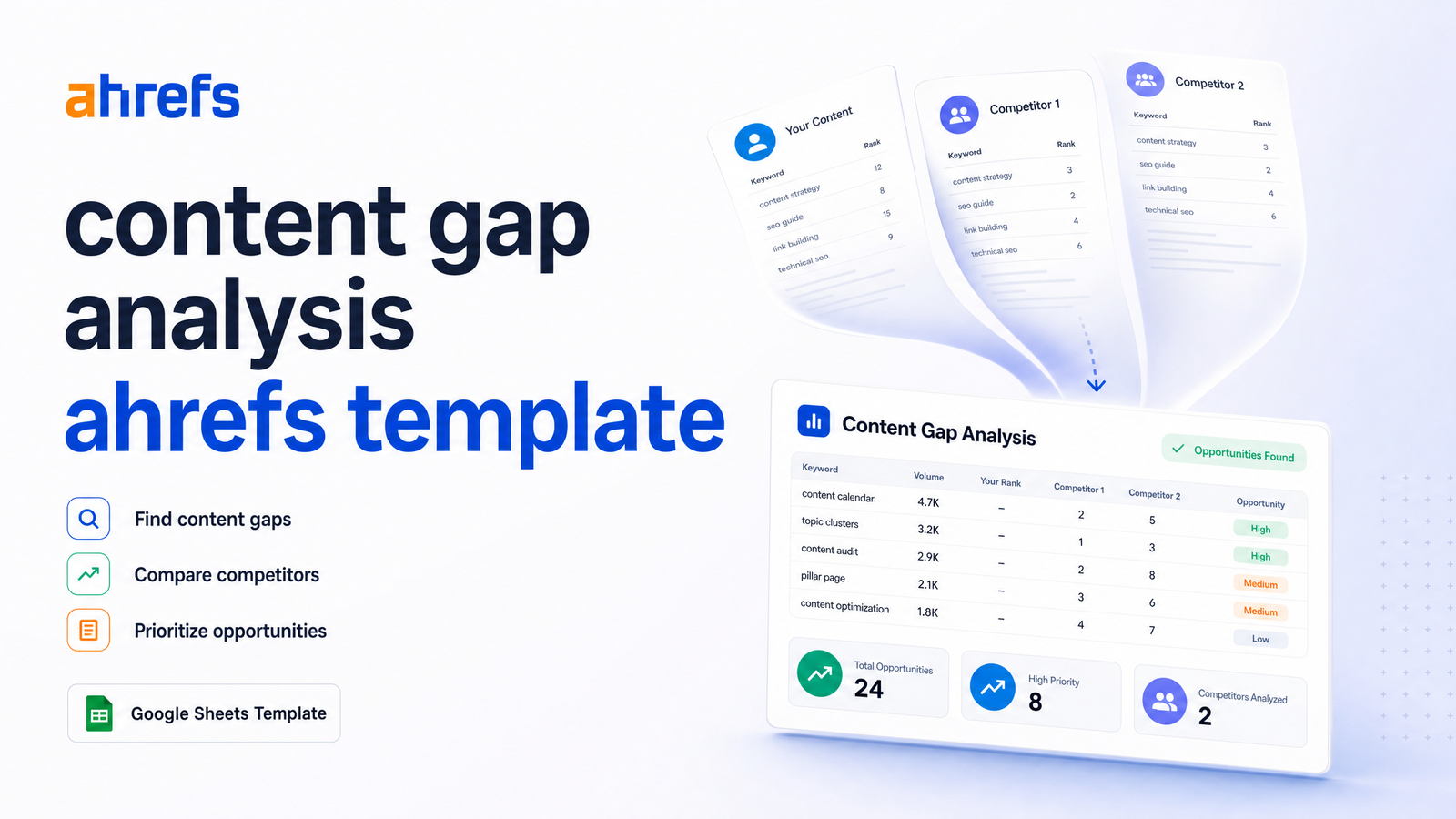
Running Ahrefs' Content Gap tool is the easy part. The hard part starts once you export a few hundred rows of keywords, volumes, and intersections into a spreadsheet and realize you have a data dump, not a plan. This article skips the "how to click the buttons" tutorial and gives you a content gap analysis Ahrefs template — the exact column structure and scoring formula that turns that export into a prioritized production queue, plus what to do once the sheet is filled out.
For the full strategic context behind gap analysis, our complete content gap analysis framework covers that ground. This piece is narrower: what to do with the file sitting in your downloads folder right now.
What the Ahrefs Content Gap Export Actually Gives You
The Ahrefs Content Gap tool, found inside Site Explorer, compares your domain against up to several organic competitors and surfaces keywords those sites rank for that you don't — or where you rank far lower. Per Ahrefs' own description of the tool, the core mechanic is the intersections filter: you set how many of your chosen competitors must rank for a keyword before it qualifies as a gap, separating low-value overlaps from keywords clearly working across your whole competitive set.
Every export gives you the same core fields: keyword, monthly search volume, Keyword Difficulty (KD), CPC, number of intersecting competitors, and each competitor's current SERP position. That's plenty of raw material, but it's unordered — a keyword ranking position 3 for one competitor and 97 for another sits next to one where all three competitors rank top 10. The template's job is to impose structure on that inconsistency so you're not scanning hundreds of rows by eye.
Worth noting: a content gap export is a snapshot of competitor visibility, not a finished content plan. It tells you what to consider, not what to do first — that's a separate calculation, covered below.
The Content Gap Analysis Template: Columns to Use
Rebuild your export in Google Sheets or Excel with these columns, in this order:
- Keyword — pulled directly from the Ahrefs export.
- Search Volume — monthly volume, as reported by Ahrefs.
- KD (Keyword Difficulty) — Ahrefs' 0–100 difficulty score.
- CPC — a commercial-intent signal, even if you're not running ads.
- Intersections — how many compared competitors rank for this keyword (e.g., 3 of 4).
- Best Competitor Position — the top-ranking position among competitors for that keyword.
- Your Position — leave blank or mark "Not ranking" if you have no page targeting it.
- Search Intent — informational, commercial, transactional, or navigational; tag manually or via a quick SERP scan.
- Opportunity Score — the calculated field covered next.
- Topic Cluster — the parent topic this keyword belongs to, filled in during clustering.
- Status — Not Started / Brief Created / Drafting / Published.
- Assigned To — owner, if working with a team.
This structure stays close to the raw Ahrefs export — you're adding four columns (Intent, Opportunity Score, Topic Cluster, Status) that convert a static list into something a content team can work from. Populated, this spreadsheet becomes your single source of truth for what to write and in what order, rather than a CSV nobody opens again after week one.
The Opportunity Score Formula (Prioritizing Rows)
A content gap analysis example with 300 rows is useless if every keyword looks equally worth pursuing. You need a formula that turns four variables — volume, KD, intersections, and CPC — into one sortable number.
Use this as a starting formula:
Opportunity Score = (Search Volume × Intersections) ÷ (KD + 1)
Add a modest CPC multiplier if commercial value matters to your business:
Opportunity Score = ((Search Volume × Intersections) ÷ (KD + 1)) × (1 + CPC/10)
The logic: volume and intersections reward keywords with proven, cross-competitor demand — if three or four competitors all rank for something, it's not a fluke. Dividing by KD (+1 to avoid divide-by-zero) discounts keywords that take disproportionate effort to rank for. The CPC multiplier is optional but useful if you're weighting toward commercial pages over informational ones; drop it for a blog-first content plan.
Sort your sheet by Opportunity Score, descending, and you have a genuinely prioritized list rather than one ordered by volume alone — high-volume/high-KD keywords often score worse under this formula than a moderate-volume keyword with three intersections and single-digit difficulty. That's how you prioritize keyword gaps instead of just chasing the biggest numbers.
For a walkthrough of the steps leading into this stage — competitor selection, filtering, and refining your keyword set before scoring — see our 5-step keyword gap analysis process.
Turning Template Rows Into a Production Queue
A sorted spreadsheet is still just a list until you group it. Take your top-scoring rows and cluster them by topic — keywords that share intent and could reasonably live on the same page or within the same content hub. This is where the Topic Cluster column earns its place: instead of writing one article per keyword, you're building pages that target a primary keyword and absorb five or ten related gap terms as supporting subheadings.
This clustering step is what separates a content gap to content plan conversion from a keyword list. Practically, it looks like this:
- Filter your sheet by shared root terms or overlapping SERPs.
- Assign each cluster a working title and a single "pillar" keyword — usually the highest-volume, best-scoring term in the group.
- Mark the remaining clustered keywords as supporting terms within that same brief, not separate pages.
- Move the Status column from "Not Started" to "Brief Created" once a cluster has an assigned owner and outline.
Keyword clustering also builds topical authority — a handful of comprehensive cluster pages that each answer 8-10 related gap queries typically outperforms 8-10 thin pages each targeting one keyword in isolation. Once a brief exists, the natural next step is turning it into an optimized page; our content optimization framework covers the structural and on-page work that follows.
Where the Spreadsheet Approach Breaks Down
This template works well for a single, one-off gap analysis against two or three competitors. It strains once you're doing gap analysis at scale — refreshing the competitor set quarterly, tracking status across 50+ briefs, or running gap analysis across multiple sites or subfolders at once. Spreadsheets don't alert you when a competitor publishes something new, they don't write the brief for you, and they don't draft or publish the page.
The honest limitation: filling out the template answers "what should we write about," but does nothing to answer "who writes it, when, and does it get published." Most teams get a beautifully sorted spreadsheet, cluster the top 20 rows, and then stall — because writing 20 well-researched, properly optimized articles is a much bigger lift than sorting a CSV. The spreadsheet was never the bottleneck; production was.
This is exactly the gap Rankevra is built to close. Instead of manually converting each prioritized row into a brief, then handing it to a writer, then formatting and publishing it, Rankevra takes your prioritized keyword list — the exact output of the template above — and runs it through an automated pipeline: AI-generated briefs based on top-ranking competitor content, drafts built from those briefs, on-page optimization, and direct publishing. It's built for teams who've already done the hard thinking (competitor selection, scoring, clustering) and don't want production to be where months of momentum disappear.
Frequently Asked Questions
What columns should a content gap analysis template include?
At minimum: Keyword, Search Volume, KD, CPC, Intersections, Best Competitor Position, Your Position, Search Intent, Opportunity Score, Topic Cluster, Status, and Assigned To. The first six come directly from your Ahrefs export; the remaining six convert raw data into a workable production queue.
How do I export Content Gap data from Ahrefs into a spreadsheet?
Run the Content Gap tool inside Ahrefs Site Explorer, set your competitor domains and intersections filter, then use the built-in export button to download a CSV. Open that CSV in Google Sheets or Excel and rebuild it using the extended column structure above rather than working from the raw export directly.
How many competitors should I compare in Ahrefs' Content Gap tool?
Two to four organic competitors is the practical range for most gap analyses. Fewer than two won't reveal meaningful intersections, while too many at once dilutes the signal and returns an unwieldy list dominated by low-relevance keywords.
What's the difference between a content gap and a keyword gap?
A keyword gap is the raw list of terms competitors rank for that you don't; a content gap is the broader strategic view of missing topics, formats, or depth on your site relative to competitors. In practice the terms are often used interchangeably, but keyword gap analysis is typically the first, narrower step inside a full content gap strategy.
How do I prioritize which gap keywords to write about first?
Use an opportunity score combining search volume and intersections in the numerator and Keyword Difficulty in the denominator, such as (Volume × Intersections) ÷ (KD + 1). Sort your sheet by this score, descending, and work through clusters at the top before moving to lower-scoring rows.
Can I do content gap analysis without Ahrefs?
Yes, though the process requires more manual work. You can compare competitor rankings using other keyword research tools or by manually reviewing competitor pages and SERPs for topics they cover that you don't, then building the same template structure around whatever data source you use.
Building the template is genuinely the easy half of this problem — an hour with a spreadsheet and the formula above gets you a ranked list of what to write. The harder half is writing, optimizing, and publishing dozens of gap-filling pages without it eating a quarter of your team's time. That's the step Rankevra is designed for: feed in your prioritized keyword list, and it generates the briefs, drafts, and published pages that turn the spreadsheet into actual organic traffic.
Keep reading
- Ecommerce Category Page SEO: Fix Thin Content &Ecommerce category page SEO framework: diagnose thin content, faceted filter bloat, and cannibalization with one triage sequence that scales.
- Log File Analysis SEO: From Raw Data to Ranked FixesAdvanced log file analysis SEO: verify Googlebot, segment AI crawlers, and turn crawl anomalies into a prioritized fix list — without manual parsing.
- Content Gap Analysis Automation: From Report to Ranked PageLearn how AI automates content gap analysis end-to-end — from data pull to published, ranking page — without spreadsheets or tool-switching.