Rankevra Blog
Schema Markup Generator: Full Guide to Generating &
July 21, 2026
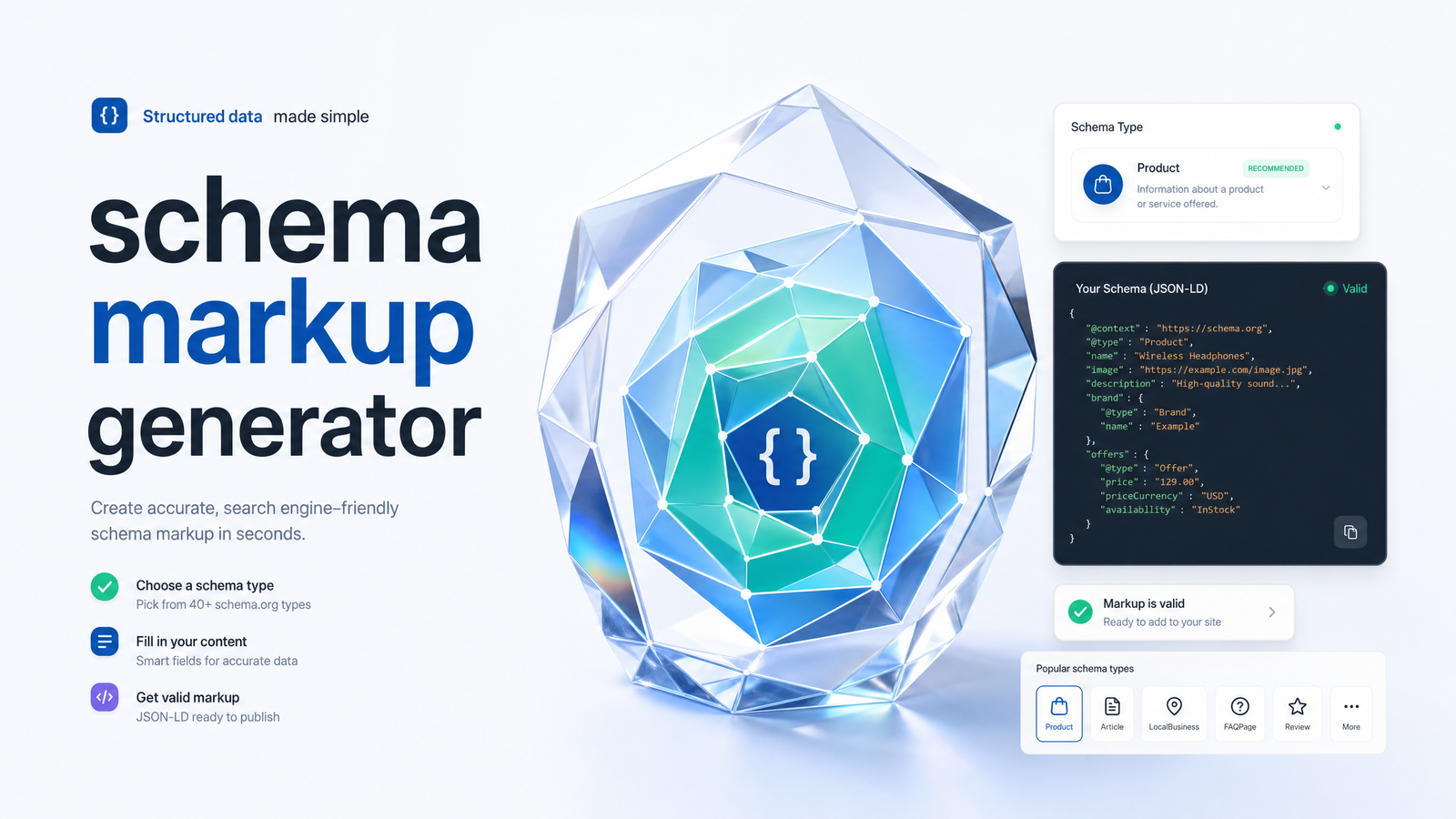
What a Schema Markup Generator Actually Does
A schema markup generator is a form-based tool: you select a schema type, fill in fields, and it outputs a block of JSON-LD you paste into your page. The generator doesn't know your business, doesn't check your other pages, and doesn't come back later to update anything — it hands you code once, and everything after that is on you.
"Using a JSON-LD generator" and "having correct structured data" are two different things. The tool solves the syntax problem — getting valid, properly nested JSON-LD without hand-writing curly braces — but placement, accuracy, and upkeep are separate jobs. If you need the underlying concepts first, the structured data and schema markup guide covers that groundwork. This article assumes you already know why schema matters and want to know how to produce and maintain it correctly.
Choosing the Right Schema Type for the Page
The most common mistake self-serve marketers make isn't bad JSON-LD syntax — it's picking the wrong schema type, usually defaulting to generic Article markup because that's what the first generator they used offered. Match the type to what the page actually is:
- Blog post or news piece → Article (or BlogPosting/NewsArticle) with headline, author, datePublished, and image.
- Product or ecommerce listing → Product schema, including price, availability, and review/rating data if you genuinely display reviews.
- Local storefront, clinic, or office → LocalBusiness, with accurate address, hours, and phone — inconsistency here undermines local pack visibility more than a missing schema tag ever would.
- Support or landing page with a Q&A section → FAQPage, but only if the questions and answers are visibly present on the page.
- Instructional content with sequential steps → HowTo, with each step matched to an actual numbered step in the visible content.
- Software or app page → SoftwareApplication schema, with category, operating system, and pricing where applicable.
A generator will happily let you generate any of these regardless of fit — it won't stop you from applying Product schema to a blog post. The decision of which JSON-LD schema type to use is yours, and it should be driven by the page's actual content, not by which option is easiest to fill out.
How to Generate Schema Markup Step by Step
The practical workflow for generating schema markup without touching raw code:
- Identify the page type using the list above.
- Open a schema markup generator (Schema.org's own tools, Google's documentation examples, or dedicated free schema markup generator sites all work for a one-off page).
- Fill required fields first — name, type, URL — then recommended fields that improve eligibility, like image dimensions, author entities, or price currency.
- Generate the JSON-LD — the tool outputs a
<script type="application/ld+json">block. - Place the code. For a static site, paste it directly into the
<head>of the page. For WordPress or another CMS, use your theme's header field, a custom fields plugin, or a dedicated schema plugin that injects it automatically per template. - Repeat per page, adjusting field values to match that page's real content.
That last step is where the workflow quietly becomes a liability once you're managing more than a handful of pages — more on that shortly.
Validating What You Generated
Generating JSON-LD isn't the finish line — validation catches structural errors before they cost you a rich result. Two tools do this, and they check different things.
Google's Rich Results Test checks whether your markup is eligible for a specific rich result type Google currently supports (FAQ snippets, product rich results, etc.) and flags errors and warnings against Google's own requirements. The Schema.org Markup Validator checks general syntactic correctness against the broader Schema.org vocabulary, regardless of whether Google supports a rich result for that type. Google's own documentation on structured data testing and the Rich Results Test confirms these are the current official tools, replacing the older Structured Data Testing Tool.
Errors mean Google can't parse or trust the markup — missing required properties, malformed JSON, wrong data types. Warnings mean the markup is valid but missing recommended fields that would strengthen eligibility. Neither tool checks whether your JSON-LD matches what's actually visible on the page. You can pass validation while claiming a price, author, or FAQ answer that doesn't exist anywhere in your visible content — and that mismatch is exactly what can get structured data ignored or manually reviewed. Validating JSON-LD confirms the code is well-formed; it says nothing about whether the code is honest.
Where Generators Break Down at Scale
A single-page generator works fine when you have one landing page to mark up once. It breaks down the moment your site has moving parts — and most sites do.
This is schema drift: your JSON-LD is static text, generated at a point in time, while the page around it keeps changing. A product's price drops for a sale and the schema still says the old price. An article gets a new co-author and the schema still credits someone who left. A HowTo guide gains a sixth step and the schema still lists five. None of this throws an error — the markup stays "valid" by every validator's standard, because syntax isn't the problem. The problem is that the schema silently stops matching reality, and Google's algorithms are increasingly good at noticing when structured data and visible content disagree.
Multiply that by fifty product pages, two hundred blog posts, or a local business with seasonal hours, and hand-regenerating JSON-LD every time something changes stops being a task and becomes a standing job nobody has time for. Teams that try to keep up manually usually catch drift only when they stumble across it during an unrelated audit — by which point it may have been wrong for months. This is a natural companion problem to duplicate content and canonicalization issues, which the canonical tags and duplicate content guide covers in more depth, and both tend to surface during the same technical review.
When to Automate Schema Generation Sitewide
Once you're maintaining schema across more than a handful of pages that change — prices, publish dates, authors, inventory, FAQs — manual generation stops scaling and automation becomes the practical choice, not a luxury. The fix isn't a better one-off generator; it's a tool that ties markup generation to your live page data, so the JSON-LD updates automatically when the underlying content does.
This is the gap Rankevra is built to close. Instead of treating schema as a separate copy-paste task, Rankevra generates JSON-LD as part of its audit-to-publish workflow — detecting the right schema type per page, populating it from actual page data, validating it, and regenerating it automatically when content changes, so drift doesn't have a chance to accumulate. It's the same logic as running a broader technical SEO site audit or working through a full SEO checklist: schema is one line item among many, and it's most reliable when checked continuously rather than fixed once and forgotten. If you're already running audits, a site audit tool that flags structured data issues alongside crawl errors and canonical problems gives you the fuller picture this section only scratches.
A free schema markup generator, a plugin, or a manual JSON-LD builder is the right call for a single page you'll rarely touch — a static "About" page or a one-time campaign landing page. It's the wrong call for a content team publishing weekly, a store with rotating prices, or a local business network with dozens of location pages. At that point, the question isn't "which generator should I use next" — it's whether you want to keep regenerating markup by hand at all.
Rankevra auto-generates, validates, and keeps schema in sync sitewide as content changes, so you stop hand-checking JSON-LD on pages you've already fixed once. Start a trial and see what's actually eligible for rich results across your whole site, not just the one page you tested.
Frequently Asked Questions
Is it safe to use a free schema markup generator, or do I need a developer?
Free generators are safe to use and don't require a developer for basic implementation — they output standard JSON-LD you paste into your page's head or CMS. You only need developer help if your CMS doesn't support custom code injection or you're generating schema dynamically across templates at scale.
Does adding schema markup guarantee my page gets a rich result in Google?
No — valid schema makes a page eligible for a rich result, but Google decides whether to actually display one based on content quality, relevance, and search context. Many pages with perfectly valid FAQPage or Product schema never show a rich snippet simply because Google chooses not to render one for that query.
What's the difference between JSON-LD, Microdata, and RDFa, and which should I generate?
JSON-LD is a separate script block that doesn't touch your visible HTML, while Microdata and RDFa embed attributes directly inline within page markup. Google recommends JSON-LD, and nearly every modern schema markup generator defaults to it because it's easier to generate, place, and update without disturbing page layout.
How often do I need to regenerate or update my schema markup?
Regenerate schema any time the underlying data changes — a new price, updated author, revised date, or added FAQ answer. There's no fixed schedule; the trigger is content change, which is exactly why static, hand-generated schema drifts out of accuracy on frequently updated pages.
Can I use more than one schema type on the same page?
Yes, combining schema types on one page is common and often correct — a product page can carry both Product and BreadcrumbList schema, or an article can pair Article schema with FAQPage if it includes a genuine Q&A section. Each type should describe a real, visible part of the page rather than being stacked in just to claim more rich result eligibility.
Why did my schema pass validation but still not show a rich snippet?
Validation only confirms your JSON-LD is syntactically correct and matches Schema.org's or Google's structural requirements — it doesn't guarantee display. Rich results also depend on Google's ranking and quality signals for that specific query, so passing the Rich Results Test or Schema.org validator is necessary but not sufficient.
Keep reading
- Hreflang Setup Guide: Fix International SEO for GoodA complete hreflang setup guide covering syntax, x-default, canonical conflicts, and how to validate your international SEO cluster over time.
- XML Sitemap Errors: Diagnose and Fix Every Type FastA diagnostic guide to XML sitemap errors: why they happen, whether they block indexing, and a repeatable checklist to fix them before traffic drops.
- Keyword Cannibalization: Find It, Fix It, Prevent ItLearn how to detect keyword cannibalization, tell real conflicts from harmless overlap, and choose the right fix — merge, redirect, or canonicalize.