Rankevra Blog
7 Robots.txt Mistakes That Silently Kill Your Rankings
September 21, 2026
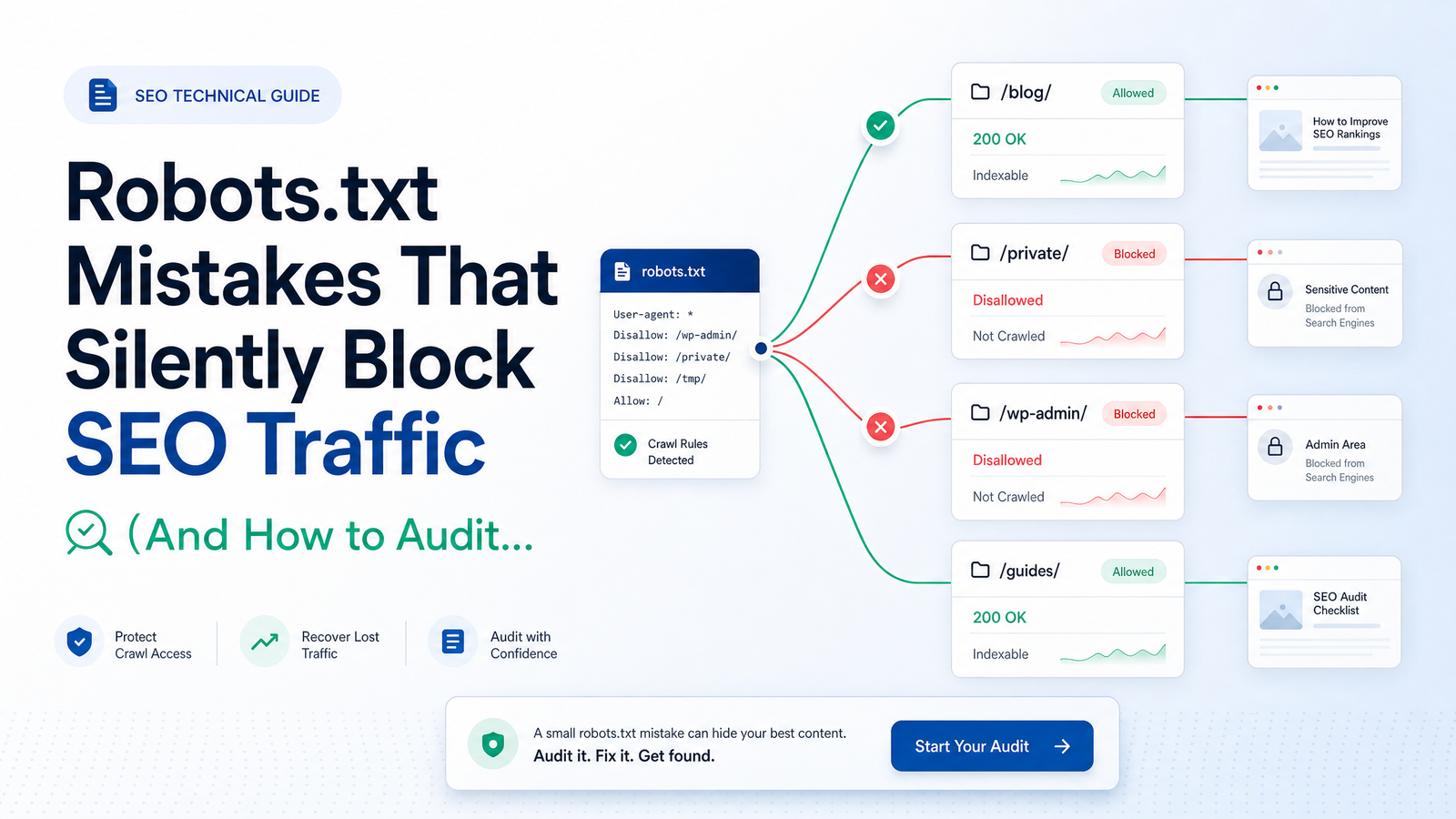
Why Robots.txt Errors Go Undetected for Weeks
A broken checkout flow gets reported within the hour. A typo on the homepage gets caught by the first visitor. A misconfigured robots.txt file gets caught by nobody — because nothing looks wrong. The page still loads, the design still renders. The only casualty is invisible: Googlebot quietly walking away from sections of your site, impressions sliding in Search Console, and organic traffic bleeding out over weeks instead of crashing in a single alarming spike.
That's what makes robots.txt SEO traffic loss different from most technical problems. There's no console error, no 404, no visual regression to screenshot and escalate. A single misplaced Disallow: / or an overzealous wildcard can suppress crawling on an entire site section while every page continues to render perfectly for human visitors. Teams typically catch it only when someone cross-references a traffic dip against Search Console's Coverage report — often a month or more after the change shipped.
Robots.txt mistakes are as much a detection problem as a knowledge problem. Knowing the syntax rules doesn't help if nobody checks the file after every deploy. Below is a list of the errors that cause the most damage, followed by an audit process built to catch them before they cost you rankings — the kind of check that belongs in every deployment routine, not just an annual audit.
The 7 Robots.txt Mistakes That Quietly Kill Rankings
Robots.txt disallow errors tend to fall into a small number of repeatable patterns, usually tracing back to a copy-paste mistake, a misunderstanding of what the file actually controls, or an unchecked syntax quirk. Here are the seven that do the most damage.
Disallow: / Pushed Live From Staging
The single most catastrophic and most common robots.txt mistake is shipping the staging environment's blanket block to production. Staging sites almost always carry a Disallow: / rule to keep unfinished work out of search results — sensible on staging, disastrous on the live domain. When a CMS migration, theme deployment, or DNS cutover copies that file across without editing it, the entire production site tells Googlebot to stay away.
Because the site still looks and functions normally, this error can survive a full crawl cycle — sometimes several weeks — before anyone notices the collapse in crawl stats or impressions. If your site recently relaunched or moved hosts, this is the first thing to rule out, and it's exactly the kind of regression a structured site migration checklist is designed to catch before launch day rather than after.
Blocking CSS, JavaScript, or Rendering Assets
Blocking CSS and JavaScript in robots.txt was once a common way to save crawl budget; it's now one of the more damaging habits left over from that era. Modern Googlebot renders pages much like a browser does, and if it can't fetch your stylesheets or scripts, it evaluates a broken, unstyled version of your content. That can distort how it interprets layout, main content, and user-experience signals tied to page quality — even when the live page looks perfectly fine to a human visitor. This mistake is easy to miss because it doesn't fail loudly; it just means Google's understanding of the page quietly diverges from reality.
Using Robots.txt Noindex (A Directive Google Doesn't Support)
Some teams still add Noindex: rules inside robots.txt, expecting it to keep pages out of the index the same way a meta robots noindex tag does. It doesn't. Google officially stopped supporting the unofficial noindex directive in robots.txt on September 1, 2019, and relying on it today does nothing — the line is simply ignored.
This is the crux of the robots.txt vs noindex confusion: robots.txt governs crawling, not indexing. If you need a page out of search results, use the meta robots noindex tag, the X-Robots-Tag HTTP header, password protection, or removal requests through Search Console — not a robots.txt line Google no longer reads.
Disallowing a URL That Also Has a Noindex Tag
This is the paradox that trips up even experienced teams: pairing a Disallow rule with a noindex tag on the same URL. If robots.txt blocks the page, Googlebot never crawls it — which means it never sees the noindex tag telling it to drop the page from the index. The result is a URL that can remain indexed, sometimes appearing in results as a bare URL with no title or description, kept alive only by external links pointing to it.
Google's own documentation on how it interprets the robots.txt specification confirms that disallowed content can still be indexed without a snippet if other pages link to it. If your goal is removing a page from search results, disallow and noindex conflict rather than reinforce each other — you need the noindex tag to be crawlable, not blocked.
Wildcard and Path-Matching Errors
Robots.txt syntax looks simple until a stray character changes its meaning. Common wildcard mistakes include:
- Missing a leading slash, so
Disallow: productsmatches nothing instead of/products - Forgetting a trailing slash, so
/blogalso blocks/blogging-tipsunintentionally - Assuming case-insensitivity — robots.txt paths are case-sensitive, so
/Blogand/blogare treated as different paths - Using
*wildcards without testing them, catching far more URLs than intended
These syntax errors rarely block or unblock exactly what someone meant, and the gap between intention and outcome is invisible until you test specific URLs.
Blocking Parameter URLs That Are Also Canonical Targets
Blocking parameterized URLs (?sort=, ?color=, ?page=) is a reasonable way to protect crawl budget from duplicate variations — until the blocked pattern accidentally catches a URL that's also a canonical target or a paginated page Google needs to crawl to discover deeper content. Overly broad parameter blocking can sever the very pages your canonical tags point to, undermining the consolidation you were trying to achieve. This pairs closely with canonical-tag misconfigurations more broadly — worth reviewing alongside canonical tag troubleshooting failures basic audits miss.
One Robots.txt Rule File for Multiple Subdomains or Protocols
Robots.txt is host- and protocol-specific: the rules at https://example.com/robots.txt don't automatically apply to https://www.example.com, http://example.com, or https://blog.example.com. Teams frequently assume one file covers every version of the domain, then discover — usually via Search Console — that the non-www or HTTP version was crawled under a completely different, unedited rule set. Every subdomain and protocol variant needs its own robots.txt checked independently.
How to Audit Your Robots.txt File in Under 15 Minutes
A robots.txt audit doesn't need to be complicated — it needs to be routine. Run through this checklist after every deploy, migration, or CMS change:
- Fetch the live file directly. Visit
yourdomain.com/robots.txtin an incognito window — not a cached version, not the staging copy. - Check the GSC robots.txt report. Google Search Console shows the last-crawled version of your file and flags parsing errors; this is your baseline for what Google actually saw.
- Test key URL paths. Use the URL Inspection tool on your most important pages — homepage, top category pages, top blog posts — to confirm they're not blocked.
- Diff against the staging file. Compare production and staging robots.txt side by side any time a deployment touches either environment.
- Check for noindex-disallow overlap. Cross-reference any noindex-tagged URLs against your Disallow rules to catch the crawl-vs-index conflict described above.
- Confirm the XML sitemap reference. Your robots.txt should point to a current, accurate sitemap URL — a stale reference wastes crawl signals.
- Repeat per subdomain and protocol. Don't assume one clean file means every version of the domain is safe.
This is essentially a compressed version of a full technical SEO priority action plan, scoped specifically to crawl access. Doing it manually every few months catches obvious breaks; doing it after every deploy catches the ones that matter. A site audit tool that checks robots.txt automatically removes the "did anyone actually check this" gap entirely.
What to Do After You Find a Mistake
Once you've identified a bad rule, the fix itself is usually a one-line edit — the risk is in what happens after. First, correct the rule and re-fetch the live file to confirm the change deployed correctly. Second, use Search Console's URL Inspection tool to request a recrawl of any previously blocked pages, and watch the Coverage report over the following days to confirm they're being indexed again. Third, and most important: set up ongoing monitoring so the same mistake — or a new one introduced by the next deploy — doesn't sit silently for another month before anyone notices.
That last step is where most manual processes fail. Robots.txt doesn't change on a schedule; it changes whenever a developer touches deployment configs, and nobody remembers to check it every time.
Frequently Asked Questions
Why can a robots.txt mistake tank traffic without any visible site error?
Robots.txt only controls crawler access — it has zero effect on how a page renders for human visitors. A blocked page looks completely normal in a browser while Googlebot silently skips it, so the only symptom is a slow decline in impressions and organic traffic inside Search Console, not a visual bug anyone would catch by browsing the site.
What is the single most damaging robots.txt mistake and how does it happen?
The most damaging mistake is pushing a staging environment's Disallow: / rule live on the production domain. It typically happens during a CMS migration, theme redeploy, or DNS cutover when the staging robots.txt file gets copied over without being edited, blocking Googlebot from the entire live site until someone notices the traffic drop.
Does blocking a page in robots.txt remove it from Google's index?
No — disallowing a URL only prevents crawling, not indexing. If other pages link to that URL, Google can still index it without ever crawling it, often showing it in results as a bare link with no title or snippet, exactly as Google's robots.txt documentation describes.
Why doesn't noindex work when placed inside robots.txt?
Google stopped supporting the unofficial noindex directive in robots.txt on September 1, 2019, so any Noindex: line in that file is simply ignored today. To remove a page from search results, use the meta robots noindex tag, the X-Robots-Tag HTTP header, or a formal removal request in Search Console.
What happens if a URL is both disallowed and tagged noindex?
The noindex tag never gets seen, because Disallow prevents Googlebot from crawling the page in the first place. The result is often the opposite of what was intended — the URL can stay indexed without a snippet, kept alive by external links, since Google never had the chance to read the noindex instruction.
How do you check whether your robots.txt file is blocking important pages?
Fetch the live robots.txt file directly, then run your key URLs through Search Console's URL Inspection tool to confirm they're not restricted. Cross-check the GSC robots.txt report for parsing errors and compare the live file against your staging version after any deployment.
Does one robots.txt file cover both the www and non-www version of a site?
No — robots.txt is host- and protocol-specific, so https://example.com/robots.txt and https://www.example.com/robots.txt are treated as entirely separate files by Google. Every subdomain, and both the HTTP and HTTPS versions of a domain, needs its own robots.txt checked independently, as current guidance on robots.txt and SEO confirms.
Robots.txt mistakes stay hidden precisely because most teams only check the file manually, and only occasionally. Rankevra closes that gap by continuously monitoring robots.txt changes alongside the rest of your technical SEO — catching a staging block, a broken wildcard, or a noindex-disallow conflict the moment it ships, instead of the moment your traffic report forces the question.
Keep reading
- Pagination SEO in 2026: The Post-rel=next/prev PlaybookPagination SEO after rel=next/prev: how to set canonicals, protect crawl budget, fix infinite scroll, and audit paginated series before rankings leak.
- XML Sitemap Optimization: The 2026 Trust-Signal FrameworkA current guide to XML sitemap optimization: clean URL inclusion, honest lastmod values, splitting strategy, and how to submit without the dead ping endpoint.
- SEO Tool Consolidation: The Real Cost-Savings MathSee the real numbers behind SEO tool consolidation — a full TCO model comparing a 5-tool SEO stack against one all-in-one platform.