Rankevra Blog
Pagination SEO in 2026: The Post-rel=next/prev Playbook
September 21, 2026
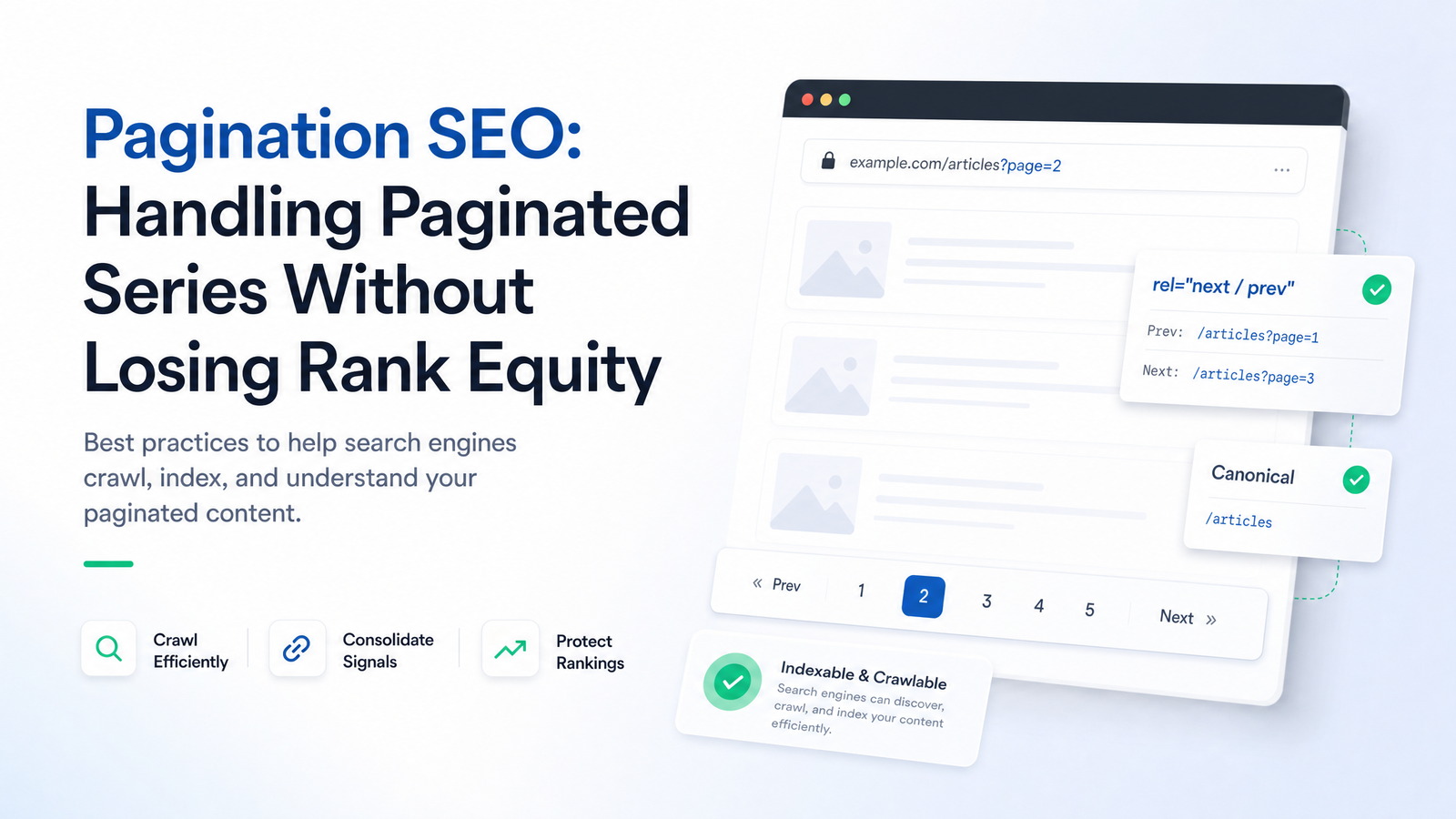
Most advice about pagination SEO still describes a Google that hasn't existed since 2019. If your mental model is "consolidate all the ranking signals to page 1 and let rel=next/prev sort out the rest," you're actively suppressing pages that should be earning organic traffic. Here's what changed, why it raises the stakes, and a decision framework you can apply to every paginated series on your site today.
Why Pagination Still Breaks Rankings (Even After rel=next/prev Died)
Google deprecated rel=next/prev as a ranking and indexing signal in March 2019. Previously, the tags told Googlebot "these pages are a set — treat them as one unit," which let site owners be sloppy about individual page 2, 3, and 4 URLs since the sequence was handled as a whole.
That excuse is gone. Google's crawlers now evaluate each paginated URL largely on its own merits — its own content, links, canonical signal, and indexability. Page 2 of your blog archive or product category isn't a satellite of page 1 anymore. It's a standalone ranking entity that either earns its place in the index or doesn't, judged by the same signals as any other URL.
That's a higher-stakes environment, not a lower-stakes one. Under rel=next/prev, a mistake on page 3 could get smoothed over by the sequence signal. Now, a bad canonical, a noindex tag, or an unfollowed crawl path simply means that page — and everything only linked from it — doesn't get indexed. If your paginated series holds deep blog posts, older product listings, or forum threads not linked anywhere else, pagination handling directly decides whether that content exists in Google's eyes.
The Canonical Tag Decision: Self-Reference, View-All, or Never Page 1
This is where most pagination SEO problems actually originate, and the decision tree is simpler than the conflicting advice online suggests.
Default: self-referencing canonical on every component page. Page 1 canonicals to itself, page 2 to itself, and so on. Each URL asserts it is the correct, indexable version of itself. This is the safe default for most paginated series — blog archives, category listings, forum threads — because it lets Google index and rank each page independently.
Canonicalize to a view-all page — but only if one exists and it's fast. If you maintain a single page listing every item in the series and it loads acceptably, you can canonicalize component pages to it. Google has said it will try to detect view-all pages and prioritize them when the user experience supports it — see Google's own explanation of view-all pages in search results. The catch is load time: a bloated, slow view-all page means canonicalizing traffic-worthy pages into a version users will bounce from.
Never canonicalize page 2+ back to page 1. This is the single most damaging pagination mistake in active use today, usually inherited from an old SEO plugin default or a developer trying to "consolidate link equity." Telling Google that page 2's canonical is page 1 asserts page 2 is a duplicate of page 1. Google tends to believe you — it stops treating page 2 as distinct, deprioritizes crawling it, and any content living only on page 2 or deeper becomes functionally invisible to search. You've turned real, unique content into orphaned pages by declaring them duplicates of something they aren't.
If you're unsure which canonical direction is firing on your paginated URLs, that's worth diagnosing first — our breakdown of canonical tag troubleshooting failures covers the broader ways canonical logic silently misfires beyond pagination.
Crawl Paths: Stop Making Googlebot Click 'Next' 49 Times
Canonical tags decide whether a page is allowed to rank. Crawl paths decide whether Googlebot ever bothers to find it — separate failure modes, and fixing one without the other still leaves you exposed.
If your only navigation between paginated pages is "Next"/"Previous," you're forcing sequential discovery: reaching page 50 theoretically requires following "next" 49 times. In practice, crawlers deprioritize deep, linear chains long before they get there, especially on large sites competing for crawl budget elsewhere. Pages at the tail of the sequence become effectively orphaned — technically linked, practically undiscoverable.
The fix is straightforward:
- Add numbered links (1, 2, 3, 4 … 10) alongside prev/next, plus jump-to-first and jump-to-last for long series, so Googlebot has multiple shorter paths into deep pages rather than one long chain.
- Use real, crawlable
<a href="...">links for every page number — not JavaScript click handlers or buttons with no underlying href. If Googlebot can't extract a URL from the markup, it can't queue the page. - Never noindex or robots.txt-block paginated URLs as a "crawl budget" tactic. Blocking page 2+ doesn't save meaningful budget for most sites, and it guarantees content living exclusively on those pages never gets indexed.
Crawl budget is a real constraint mainly for very large sites — tens of thousands of URLs or more — where Googlebot must prioritize. If that's your situation, the deeper diagnostic is log file analysis to see which paginated URLs Googlebot actually requests versus ignores. Large paginated catalogs also often overlap with programmatic page sets — see our programmatic SEO scaling guide for those crawl-budget tradeoffs.
Infinite Scroll and 'Load More': Where Pagination Goes Invisible
Infinite scroll and "load more" buttons are where pagination SEO quietly fails, because the site looks fine to human visitors while Googlebot sees almost none of it.
The failure is specific: if new items load purely via JavaScript with no corresponding unique URL, Googlebot has nothing to crawl or index beyond what loaded in the initial render. Scrolling isn't a crawl action, and a "load more" click firing a JS function with no navigable link is invisible to a crawler that doesn't scroll or click the way a person does.
The fix is to make infinite scroll and pagination coexist:
- Pair infinite scroll with the History API so the URL updates as a user scrolls, giving each increment a real, bookmarkable, crawlable address.
- Serve a server-rendered, paginated HTML fallback at those URLs, so a crawler landing directly on
/category?page=4gets real content in the initial response, not an empty shell waiting on JavaScript. - If you can't commit to either, default to standard numbered pagination. Less fashionable, but reliably indexable — and indexable beats elegant when revenue-driving content is on the line.
If you're unsure whether Googlebot is actually reaching your infinite-scroll content, the URL Inspection tool in Google Search Console shows the rendered HTML Google actually saw — a fast way to confirm whether paginated items past the first load are present. Our Search Console tips guide walks through using URL Inspection for exactly this diagnostic.
The Pagination Audit Checklist
Run this against every paginated series on your site — blog archives, category listings, forum threads — on a recurring basis, since plugin updates and template changes silently reintroduce these errors.
- Canonical direction. Confirm each page canonicalizes to itself (or a genuine view-all page), never back to page 1.
- Indexability. Check that page 2+ isn't noindexed or blocked in robots.txt.
- Crawlable links. Verify pagination controls are real
<a href>links, not JS-only handlers, and that numbered links exist alongside prev/next. - Unique titles and metas. Each paginated page should have a distinct title and meta description (e.g., "— Page 3") — identical tags across the series read as duplicate content signals even when the underlying items differ.
- URL Inspection spot-check. Sample page 1, a middle page, and the last page from each series and run them through URL Inspection to confirm Google's selected canonical matches your intent and the page is indexed.
- Orphan check. Confirm content living only on deep pages is reachable through crawlable paths, not solely through a "load more" button.
Doing this manually for one series is a 20-minute task. Doing it across dozens of category pages, blog tag archives, and forum threads — and repeating it every time a template changes — is where manual audits stop scaling, which is exactly the gap automated site auditing is built to close. Our site audit tool guide breaks down what a proper crawler-based audit checks for beyond pagination.
Frequently Asked Questions
Should I still use rel=next and rel=prev tags in 2026?
No — Google stopped using rel=next/prev as a ranking or indexing signal in March 2019, so adding or maintaining these tags today has no effect on crawling or indexing. You can leave existing tags in place since Google simply ignores them, but there's no reason to implement them on new pages. Focus on self-referencing canonicals and crawlable link structures instead.
Should paginated pages canonicalize to page 1 or to themselves?
By default, to themselves — never back to page 1. Canonicalizing page 2+ to page 1 tells Google those pages are duplicates, which causes Google to stop indexing them, stranding content that lives exclusively on those deeper pages. The only exception is canonicalizing to a genuine, fast-loading view-all page if one exists.
Does pagination hurt my SEO rankings?
Pagination itself doesn't hurt rankings — mishandled canonical tags, blocked crawl paths, or JS-only navigation do. A well-structured paginated series with self-referencing canonicals, crawlable numbered links, and unique titles per page indexes and ranks normally. The damage comes from treating the whole series as disposable duplicate content rather than a set of individually valuable pages.
Is infinite scroll bad for SEO?
Only when it has no crawlable URL-based fallback. Without History API updates or server-rendered paginated HTML behind each scroll increment, Googlebot can't access content beyond the initial page load, effectively hiding it from indexing. Pairing infinite scroll with real, unique URLs per "page" fixes this.
Should I noindex my paginated pages to save crawl budget?
No — noindexing paginated pages doesn't meaningfully save crawl budget for most sites, and it guarantees any content that exists only on those deeper pages never gets indexed. Crawl budget is a real concern mainly for very large sites, and the better fix there is improving internal linking and using log file analysis to see what Googlebot is actually crawling, not blocking pages outright.
What's the difference between a view-all page and standard pagination for SEO?
A view-all page lists every item in a series on one URL, while standard pagination splits items across sequential numbered pages. Google may detect and prioritize view-all pages when the experience supports it, but only if the page loads fast — a slow view-all page can do more harm than standard pagination with clean, self-referencing canonicals.
Running URL Inspection checks, canonical audits, and crawl-path reviews by hand works fine for one paginated series. It falls apart across the dozens of category pages, blog archives, and forum threads most sites actually run, where a single template change can silently flip canonicals or strip crawlable links overnight. Rankevra automates that diagnostic layer — running continuous site audits and rank tracking so pagination errors surface before they quietly drain rank equity from your deepest content.
Keep reading
- 7 Robots.txt Mistakes That Silently Kill Your RankingsRobots.txt mistakes don't break your site — they just quietly bleed organic traffic. Learn the 7 silent killers and how to audit your file in 15 minutes.
- XML Sitemap Optimization: The 2026 Trust-Signal FrameworkA current guide to XML sitemap optimization: clean URL inclusion, honest lastmod values, splitting strategy, and how to submit without the dead ping endpoint.
- SEO Tool Consolidation: The Real Cost-Savings MathSee the real numbers behind SEO tool consolidation — a full TCO model comparing a 5-tool SEO stack against one all-in-one platform.