Rankevra Blog
Backlink Tool Checker: How to Read the Report, Not Just Run
July 24, 2026
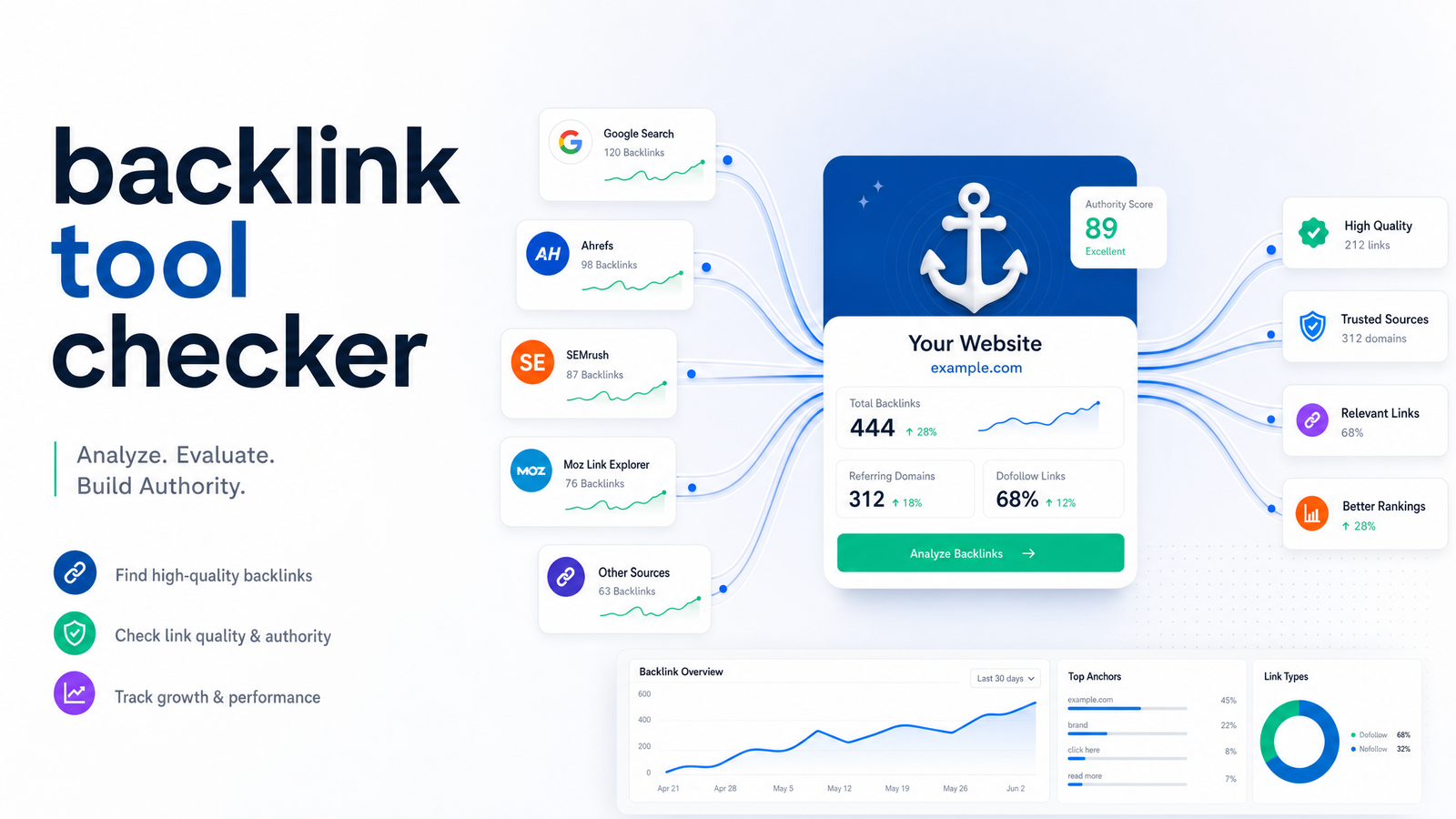
Most people who run a backlink tool checker come away with more anxiety than insight. They see a "Toxic" label next to a link and assume they need to disavow it tonight. That reaction is almost always unnecessary. The real skill isn't finding a checker; it's reading what it shows you correctly, so you act on the handful of links that matter and ignore the noise that doesn't.
What a Backlink Tool Checker Actually Does (and Doesn't)
A backlink checker crawls a version of the web's link graph and reports which pages point to a given URL or domain — the linking page, the anchor text used, whether the link is dofollow or nofollow, and an authority score for the linking domain. That's the job description: surfacing data about who links to you and how.
What it does not do is make the toxic-or-fine call for you. "What is a backlink checker" is really a question about data collection, not judgment — the software can't know if a link came from a genuine editorial mention, a scraped directory, or a competitor's negative SEO campaign. It flags patterns; you supply context. Treat the output as a starting list for investigation, not a verdict.
Running Your First Check: A 5-Minute Walkthrough
Start at the domain level, not the URL level. If you enter a single page instead of the root domain, you'll miss links pointing at your homepage, subdirectories, or old pages you've since redirected — and that's most of your link equity. Learning how to check backlinks properly means always starting broad, then narrowing down.
Once the full profile loads, resist the urge to sort by authority first. Instead:
- Filter by "new" links to see what's arrived in the past 30–90 days — this is where sudden spam clusters or negative SEO attempts show up first.
- Filter by "lost" links to catch pages that dropped a valuable reference, which often explains a ranking dip before you touch a single meta tag.
- Only after reviewing new and lost links, sort the remaining list by referring domain authority, so you're prioritizing review time on the links most likely to matter — good or bad.
Most reputable platforms, including free backlink checker tiers, support this workflow, though free versions usually cap how many rows you can see or how far back data goes. That's fine for a first pass; it becomes a limitation once you need to check website backlinks on a recurring basis across multiple properties.
The Metrics That Matter — and What Each One Actually Means
This is where most people get lost, because reports throw five or six numbers at you with no explanation of which ones deserve attention.
Referring domains vs. total backlinks. Total backlinks counts every link, including ten links from the same blog. Referring domains counts unique linking websites. A referring domains checker view is the more honest signal of authority — 50 links from one domain carry far less weight than 50 links from 50 different domains. When comparing your profile to a competitor's, referring domains is almost always the number to lead with.
Domain Rating vs. Domain Authority. Domain Rating (Ahrefs) and Domain Authority (Moz) both attempt to score a domain's overall link strength on a 0–100 scale, but they're built on different link indexes and formulas, so a site can show DR 45 in one tool and DA 38 in another. Neither is a Google ranking factor; both are third-party proxies meant to help you compare relative authority, not predict rankings directly. Treat domain rating vs domain authority as directionally useful, not interchangeable or precise.
Dofollow vs. nofollow ratio. Nofollow links (and related attributes like sponsored and UGC) generally don't pass link equity the way dofollow links do, but a natural backlink profile isn't 100% dofollow — real sites accumulate a mix from comments, social shares, and directory listings. A suspiciously all-dofollow profile can itself be a red flag.
Anchor text distribution. Look at what percentage of your anchors are your exact brand name or naked URL versus exact-match keyword phrases. Healthy distribution skews heavily toward branded and generic anchors ("click here," "this article," your company name), with only a small slice as exact-match keywords. A profile where 40% of anchors are the same commercial keyword phrase is a classic footprint from manipulative link building, and one of the patterns the original Penguin update was built to catch.
Spam Score / Toxic Score. This is calculated from dozens of correlative features — things like the linking domain's own backlink profile, TLD, and on-page signals — and expressed as a 0–100 risk estimate, as Keywords Everywhere's Spam Score explainer lays out. A high score is a correlation with sites that have historically been penalized, not a direct measurement of penalty risk to you. A single link with a high spam score from an obscure directory is rarely worth your attention; a sudden batch of new links all carrying high scores is worth a closer look.
The Decision Tree: When a Flagged Link Actually Needs Action
Every backlink report will flag more links than you should ever act on. Use this rough triage:
Ignore: a single low-authority link with an unusual anchor, an old directory listing, a nofollow link from an aggregator, or any isolated flag with no pattern around it. This is the bulk of what a toxic backlink checker surfaces, and reacting to each one individually is a waste of time.
Investigate: a cluster of new, low-quality referring domains appearing within days of each other, especially pointing at the same page with matching or near-identical anchor text. That pattern is the signature of either an aggressive negative SEO attempt or a link scheme someone set up on your behalf without asking.
Act — meaning disavow: reserve this for two scenarios — a confirmed manual action in Google Search Console naming unnatural links, or a clear, sustained negative SEO pattern you can't get removed through outreach. Google's own John Mueller and Gary Illyes have repeatedly downplayed routine disavow use, and the Disavow Tool complete guide documents those statements directly. Google's algorithm is generally good at discounting obviously spammy links on its own — a point also made in this breakdown of whether you should use the Disavow Tool in 2026. So "do I need to disavow toxic backlinks" almost always resolves to "not unless you have direct evidence something's actively hurting you."
Checking Competitor Backlinks the Same Way
The exact report format you use on your own domain doubles as a competitive research tool. Run a competitor's domain through the same check-competitor-backlinks process, filter their referring domains list, and look specifically for domains that link to them but don't currently link to you.
That list is your backlink gap — sites and publishers already receptive to linking within your niche, proven by the fact that they've done it for a direct competitor. It converts naturally into an outreach list, a guest-post target list, or content ideas: if five competitor backlinks come from resource pages about a specific subtopic, that's a signal you're missing content worth building. Repeating this across two or three competitors, quarterly, gives you a much clearer picture of where topical authority is concentrated in your space than checking your own profile in isolation ever will.
Why Manual Checking Breaks Down at Scale (and What to Automate Instead)
All of this works fine as a one-time exercise. It breaks down the moment you're trying to do it consistently — weekly checks across your own site, a handful of competitors, and dozens of individual pages, on top of everything else a solo marketer or small content team already owns. Re-running exports, re-filtering by new/lost, and re-checking spam scores by hand isn't a skill problem at that point; it's a bandwidth problem.
That's the gap a continuous, automated backlink monitoring tool is built to close. Instead of manually re-pulling reports, an always-on system checks your profile and your competitors' on a schedule, flags only the patterns that actually match the "investigate" tier from the decision tree above, and quietly ignores the isolated low-authority noise that used to eat your review time. Rankevra folds this kind of automated backlink checking into the same workflow as technical audits, content publishing, and rank tracking, so a spike in spammy referring domains or a lost high-authority link surfaces next to the ranking and content data it's likely connected to — instead of living in a separate tool you have to remember to open. If you're weighing which underlying checker or platform to build that workflow on, the no-BS backlink analysis tool evaluation framework is a useful next stop, and pairing backlink monitoring with a rank tracker and a proper site audit tool rounds out the picture — since backlink health is only one input into the broader organic traffic growth equation.
Checking and interpreting your backlink profile shouldn't be a recurring chore that competes with actual SEO work. An AI SEO tool that runs the check continuously, applies the same investigate-versus-ignore logic every time, and drops the results into the same dashboard as your audits and rankings means you review a short, meaningful list instead of a noisy full export. See it running against your own domain with Rankevra.
Frequently Asked Questions
Is there a truly free backlink tool checker that gives accurate data?
Free tiers exist and are accurate for what they show, but they typically cap the number of referring domains or backlinks displayed and limit historical data. They're fine for a first look at your own site or a quick competitor spot-check, but they won't give you the full profile you'd get from a paid backlink analysis platform.
How often should I check my site's backlinks?
Once a month is a reasonable baseline for most small sites, with a filtered check for new and lost links weekly if you're actively link building or recovering from a ranking drop. Sites in competitive niches or those that have experienced negative SEO attempts benefit from continuous, automated monitoring instead of manual periodic checks.
Does a high spam score mean Google will penalize my site?
No — Spam Score is a correlative risk estimate based on features common among previously penalized sites, not a direct measurement Google uses. A single link with a high score rarely matters; only clusters of new, high-spam-score links appearing together warrant a closer look.
Can I check backlinks for a competitor's website, not just my own?
Yes — the same report format works on any public domain, not only your own. Running competitors through a backlink checker and filtering for domains that link to them but not you is a standard way to build a backlink gap and outreach list.
What's the difference between referring domains and total backlinks?
Total backlinks counts every individual link, including multiple links from the same site, while referring domains counts only unique linking websites. Referring domains is generally the more reliable measure of authority, since ten links from one domain carry far less weight than links from ten separate domains.
Do I need to disavow every link a checker flags as toxic?
No — most flagged links are isolated, low-authority, and safe to ignore. Reserve disavowing for links tied to a confirmed manual action in Google Search Console or a clear, sustained negative SEO pattern, since Google's algorithm already discounts most spammy links automatically.
Keep reading
- Subdomain vs Subdirectory SEO: The Real Decision FrameworkSubdomain vs subdirectory SEO, resolved: what Google says, what migration data shows, and a 5-question framework to pick the right structure.
- Answer Engine Optimization: A Platform-by-Platform GuideAnswer engine optimization explained for ChatGPT, Perplexity, and Google AI Mode — with a practical, platform-aware framework to earn citations in 2026.
- SEO A/B Testing: A DIY Framework Using Only GSCLearn SEO A/B testing with just Google Search Console and a spreadsheet — hypotheses, page grouping, significance checks, and when to automate.