Rankevra Blog
Free SEO Audit Report Template (2026): Full Structure
August 2, 2026
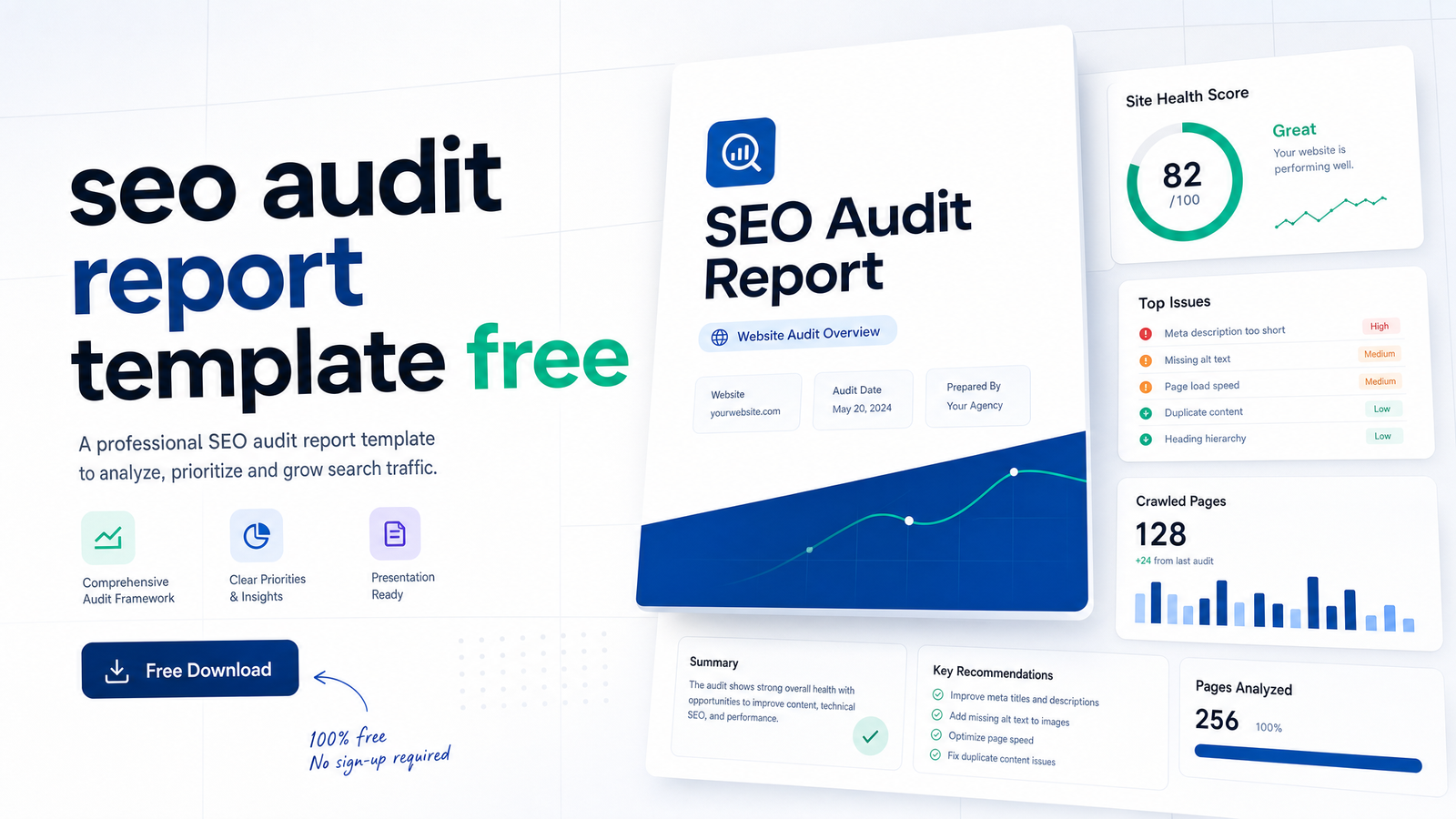
Most pages promising a "free template" hand you a locked Google Sheet behind an email form, and the sheet turns out to be three tabs of generic checkboxes nobody's updated since Core Web Vitals launched. This is a real seo audit report template free to copy right now, section by section, no form required — built around what matters for 2026, including INP replacing FID and the E-E-A-T signals Google now weighs heavily in helpful-content evaluations.
Use it for your own site, a client, or a recurring quarterly review. In the last two sections, we'll look at the point where filling this out by hand stops being practical.
What a Free SEO Audit Report Template Should Actually Include
A professional seo audit report format has six parts, and skipping any one is why most audits get read once and forgotten:
- Executive Summary — the health score and top issues in plain language
- Technical SEO — crawlability, indexation, HTTPS, structured data, Core Web Vitals
- On-Page and Content — titles, meta descriptions, headings, internal links, E-E-A-T
- Backlink Snapshot — referring domains, toxic links, anchor text
- Prioritized Action Plan — what to fix first and why
- Appendix/Raw Data — the full issue list for whoever implements fixes
Everything below is copy-paste ready. Drop it into a doc, a spreadsheet, or a Notion page and start filling in your own numbers.
Section 1: Executive Summary
This is the only section most stakeholders actually read, so it has to carry the whole story. An executive summary seo audit section needs: an overall health score (even a simple 0-100 or red/yellow/green scale works), the 3-5 most critical issues ranked by business impact, and one sentence connecting each issue to a real outcome — lost traffic, lost conversions, or wasted crawl budget.
Copy-paste mini-template:
Site: [domain]
Audit date: [date]
Overall SEO Health Score: [X/100]

Top issues by impact:
1. [Issue] — affects [X pages/traffic %] — estimated impact: [high/medium/low]
2. [Issue] — affects [X pages] — estimated impact: [high/medium/low]
3. [Issue] — affects [X pages] — estimated impact: [high/medium/low]

One-line summary: [e.g., "Site is losing organic visibility mainly due to
slow mobile load times and thin content on category pages."]
A good seo audit report example never buries the lede under forty rows of raw crawl data before saying what actually matters. Lead with the summary; put the detail after it.
Section 2: Technical SEO Checklist
This is the backbone of any technical seo audit template, and it's the section most likely to go stale if you're using an old checklist — INP formally replaced FID as a Core Web Vital in March 2024, and thresholds have held steady since. Per the W3Era SEO Website Audit Checklist 2026, the current benchmarks are LCP under 2.5 seconds, INP under 200 milliseconds, and CLS under 0.1.
Copyable checklist rows:
| Check                          | Status | Notes/Fix Needed |
|---------------------------------|--------|-------------------|
| Robots.txt blocking key pages?  |        |                   |
| XML sitemap present & submitted?|        |                   |
| Orphan pages found?             |        |                   |
| Pages returning 4xx/5xx?        |        |                   |
| Redirect chains (3+ hops)?      |        |                   |
| Canonical tags correctly set?   |        |                   |
| Duplicate/thin content indexed? |        |                   |
| HTTPS across all pages?         |        |                   |
| Mixed content warnings?         |        |                   |
| Structured data errors?         |        |                   |
| LCP (target: under 2.5s)        |        |                   |
| INP (target: under 200ms)       |        |                   |
| CLS (target: under 0.1)         |        |                   |
| Mobile usability errors?        |        |                   |
| Crawl budget waste (low-value   |        |                   |
| pages consuming crawl)?         |        |                   |
Canonical tags deserve their own line item, not just a checkbox, because common misconfigurations — cross-domain canonicals, canonicals pointing to redirected URLs, self-referencing canonicals on paginated series — rarely show up in a basic crawl report. See Canonical Tag Troubleshooting: 5 Failures Basic Audits Miss for what a manual glance typically misses. For the Core Web Vitals rows, Core Web Vitals Page Speed Optimization: A Fix-It Playbook walks through fixes once you've logged the failing metric.
Section 3: On-Page and Content Checklist
An on-page seo checklist should map to how both search engines and readers actually evaluate a page — not just whether a keyword appears in the title.
Copyable checklist rows:
| Check                              | Status | Notes |
|-------------------------------------|--------|-------|
| Title tag length & keyword placement|        |       |
| Meta description present & compelling|       |       |
| Single, descriptive H1 per page     |        |       |
| Logical H2/H3 hierarchy             |        |       |
| Keyword/intent match to search query|        |       |
| Internal links to/from priority pages|       |       |
| Author byline & credentials shown   |        |       |
| Original data, quotes, or first-hand|        |       |
| experience present (E-E-A-T)        |        |       |
| Content freshness (last updated date)|       |       |
| Content depth vs. top-ranking pages |        |       |
The E-E-A-T rows matter more than they did a few years ago. Google's helpful-content guidance rewards visible signs of experience and expertise — bylines, credentials, first-hand testing — not just keyword density. If you're running this as a broader content audit template across dozens of pages, group pages by topic cluster first; it's far easier to spot where you're thin on a subject versus where you're just missing one page.
Section 4: Backlink and Off-Page Snapshot
You don't need a full link-analysis workflow inside this report — just enough of a backlink audit template to flag whether off-page signals are helping or hurting.
Referring domains (total): [X]
New referring domains (this period): [X]
Toxic/spammy links flagged: [X] — [list or link to detail]
Anchor text distribution:
  - Branded: [X%]
  - Exact-match keyword: [X%]
  - Generic/naked URL: [X%]
Lost backlinks (this period): [X]
If exact-match anchor text is climbing past a natural-looking share, or toxic link volume is spiking, note it here and hand off to a dedicated backlink review — this snapshot exists to flag a problem, not diagnose it in depth.
Section 5: Prioritized Action Plan (the Part Most Templates Skip)
This is where a checklist becomes a report. Anyone can hand over a list of 60 flagged issues; almost nobody scores them, and that's exactly why so many audits produce no action. Knowing how to write an seo audit report that actually gets implemented means converting every checklist row into a ranked line on an seo audit action plan, scored by impact versus effort.
| Issue                     | Impact (1-5) | Effort (1-5) | Priority Score | Owner | Due |
|----------------------------|:---:|:---:|:---:|-------|-----|
| Fix LCP on product pages   |  5  |  3  | High| [name]| [date]|
| Rewrite 12 thin category pages | 4 | 4 | High | [name] | [date] |
| Consolidate duplicate URLs | 4  |  2  | High| [name]| [date]|
| Add missing meta descriptions | 2 | 1 | Medium | [name] | [date] |
| Update stale author bios   |  2  |  2  | Low | [name]| [date]|
Sort by priority score, not by which section the issue came from. A boss or client doesn't need to know an issue is "technical" versus "on-page" — they need to know what to fix first and what it'll take. This section most differentiates a real report from a raw crawl export, and it's worth spending more time on than any single checklist above. For guidance on sequencing fixes once ranked, see How to Fix Technical SEO Issues: A Priority Action Plan.
Where This Template Breaks Down at Scale
This template genuinely works — for a 10-page site, audited once. The moment you're managing 100+ pages, or promising a client a quarterly review instead of a one-off, the manual version fails in predictable ways.
Crawling by hand, or exporting from three different tools and reconciling the data, eats hours before you've written a single line of the report. Checklist rows go stale between audits because nobody remembers to re-check the INP threshold on every page, just the ones that flagged last time. Prioritization drifts — the "high impact" label from Q1 quietly becomes wrong by Q3 because the site changed and nobody updated the score. And the biggest failure mode: the report gets written, gets read once, and the fixes never get tracked to completion because there's no live connection between "flagged" and "fixed."
This is the actual case for seo audit automation — not because manual work is bad practice, but because a template built for a snapshot doesn't hold up against a site that changes weekly and needs re-auditing every quarter. A dedicated Site Audit Tool: What It Checks and How to Use One covers what automated crawlers check that manual spot-checks typically miss.
Fill This Template Automatically with Rankevra
Rankevra runs the crawl, populates every section of this exact structure — executive summary, technical checklist, on-page and content checklist, Core Web Vitals thresholds, backlink snapshot — and turns the flagged issues straight into a ranked fix queue instead of a static list you have to score by hand.
That's the difference between an automated seo audit tool and a template: the template tells you what a good report looks like, but an ai seo audit keeps the data current every time the site changes, re-scores priority automatically as pages get fixed or added, and — because Rankevra also handles content creation and publishing — can push some fixes live without a separate round of manual work. If you're already tracking recurring audits, pairing this with an SEO Reporting Dashboard: What to Include and How to Build It turns one-off findings into an ongoing view your team or client can check anytime.
Frequently Asked Questions
Is there a truly free SEO audit report template I can use without giving my email?
Yes — every section above is copy-paste ready directly on this page, with no email gate or download link required. Copy the tables into a doc or spreadsheet and start filling in your own site's data immediately.
What sections should an SEO audit report always include?
Six sections cover a complete report: Executive Summary, Technical SEO, On-Page and Content, Core Web Vitals, Backlink Snapshot, and a Prioritized Action Plan. Skipping the action plan is the most common gap — it's what turns a checklist into a report someone actually acts on.
How long should an SEO audit report be?
Length should match site size, but the executive summary itself should never run longer than half a page — stakeholders read that section and skim the rest. A 10-page site might need two to three pages total; a 200-page site could run considerably longer once every checklist row and prioritized fix is documented.
Can I use this template for a client report or only my own site?
You can use it for either — nothing in the structure is Rankevra-specific or tied to a particular tool. Just rename the executive summary framing to speak to the client's business goals rather than your internal ones.
How often should I redo an SEO audit using this template?
Quarterly is a reasonable baseline for most active sites, with a lighter technical check monthly if you're publishing frequently. Sites with major redesigns, migrations, or sudden traffic drops warrant an audit immediately rather than waiting for the next scheduled cycle.
What's the difference between an SEO audit checklist and an SEO audit report?
A checklist is a list of items to verify; a report adds context, scoring, and prioritization so someone can act on the findings. The prioritized action plan section is what separates the two — without it, you have raw data, not a report.
Filling this template by hand works fine once, on a small site. Rankevra runs the same audit, auto-populates every section above, ranks the fixes by impact versus effort, and can publish the resulting changes — turning a static report into a live workflow. See it on your own site at Rankevra.
Keep reading
- Headless CMS SEO: A Framework to Stop Silent Ranking LossesHeadless CMS SEO breaks in predictable ways. Get a three-layer audit framework for metadata, sitemaps, and rendering — plus a checklist to catch issues early.
- Meta Title & Description Optimization at ScaleA template-driven system for meta title description optimization across hundreds of URLs — pixel limits, page-type formulas, and a GSC CTR loop.
- Google Algorithm Update Recovery: A Diagnostic FrameworkA step-by-step google algorithm update recovery framework: confirm the cause, rule out technical issues, classify the loss, and time your fixes right.