Rankevra Blog
Google GMB in 2026: What It's Called Now and How to Rank
August 24, 2026
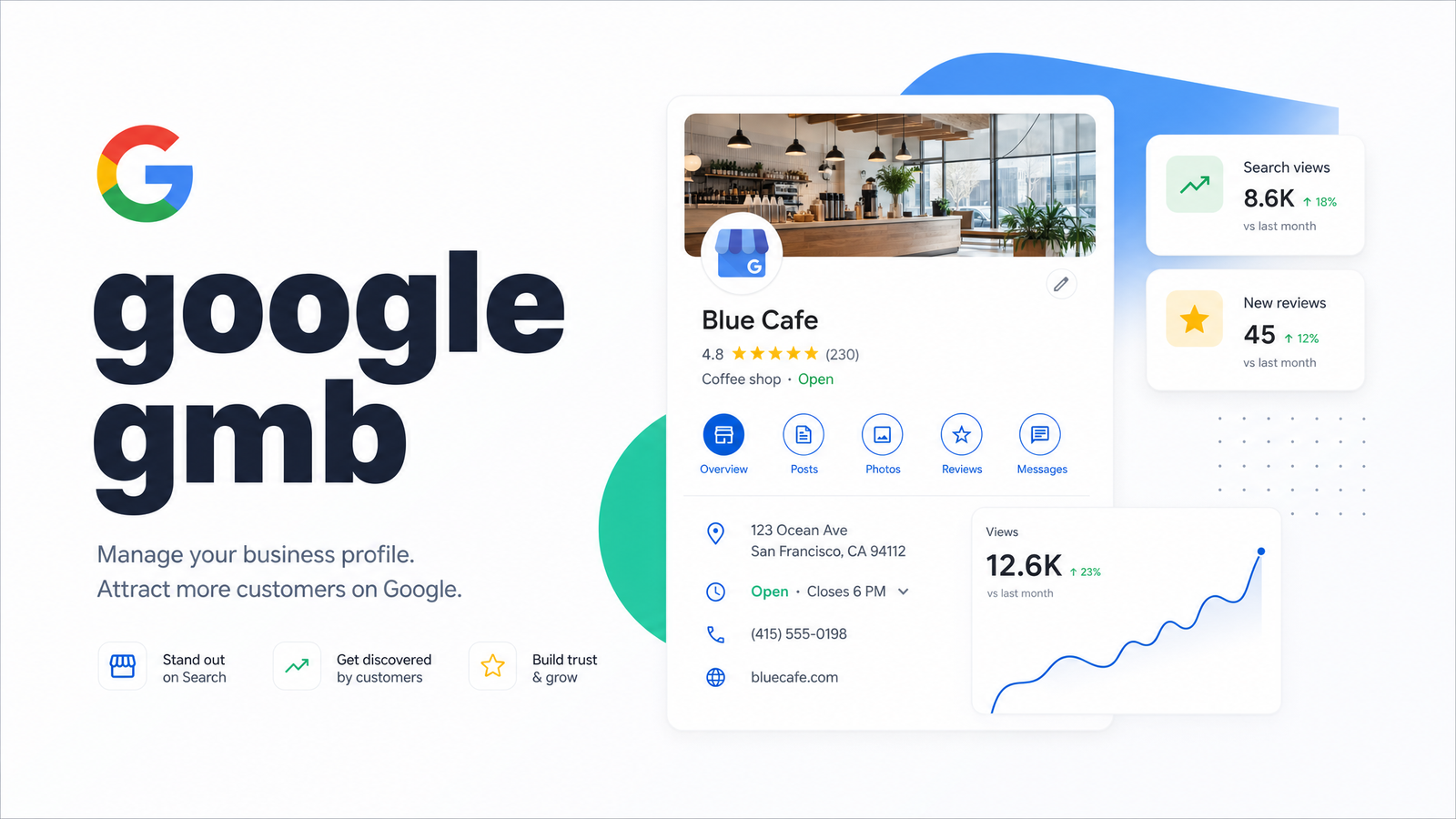
Type "google gmb" into a search bar and you'll land somewhere that no longer calls itself GMB. That mismatch trips up plenty of business owners — they're hunting for a tool renamed years ago, and Google hasn't gone out of its way to explain the switch mid-search. If you're managing your own SEO without an agency, this confusion is the first obstacle between you and a listing that actually converts local searches into customers.
This guide clears up the naming, then gets into what matters for visibility in 2026 — the ranking pillars, the recent changes that quietly reshaped Q&A and reviews, and how to treat your Business Profile as one piece of a larger organic strategy rather than an isolated chore.
GMB vs. GBP: Why Everyone Still Says the Old Name
Google My Business was rebranded to Google Business Profile back in 2022, but "GMB" survives because habits outlast branding. Marketers built years of documentation, client reports, and muscle memory around three letters, and old links and forum threads keep the term alive in search results. Functionally, there's no separate GMB product left — Google Business Profile is the current, and only, system.
The bigger shift wasn't cosmetic. The standalone Google My Business app was retired, and the desktop dashboard was folded directly into Google Search and Google Maps. So when someone tells you to "check your GMB," they're really asking you to open Google Business Profile Manager through Search or Maps. This distinction is confirmed in detail in Google Business Profile: The Complete 2026 Guide, which walks through the mechanics of the transition and current edit flow.
How to Access and Edit Your Listing in 2026
There's no app to download anymore. To manage your profile, sign into your Google account and search your business name directly in Google Search, or open Google Maps and look up the listing. A "Business Profile" panel appears with edit options for hours, photos, posts, and services — no separate software required.
For businesses managing several locations, or agencies handling client listings, Google Business Profile Manager (business.google.com) still functions as a centralized dashboard for bulk edits, and becomes essential once you're past a handful of profiles — editing multiple listings individually through Maps search doesn't scale. Agencies evaluating whether their toolset can keep up with multi-location management should look at what actually matters in local SEO software, since not every platform handles bulk profile management, review monitoring, and reporting equally well.
The Three Core Local Ranking Factors
Google has been consistent about this for years, even as the interface changed: local ranking comes down to relevance, distance, and prominence.
Relevance measures how well your profile matches what someone searched — this is where your primary business category, services list, and business description carry weight. Distance is largely outside your control; it's simply how close your listing is to the searcher or the location implied in their query. Prominence is the catch-all for reputation signals — review volume, review quality, backlinks, citations, and general brand recognition across the web.
These three factors interact with the Local Pack (the map-and-three-listings block above organic results for local queries). A profile can be well-optimized for relevance and still lose the 3-Pack to a competitor with stronger prominence signals, which is why treating Google Business Profile as a checklist item rather than an ongoing reputation and content effort tends to backfire.
How Much Ranking Weight Does GBP Actually Carry?
Google Business Profile signals account for roughly 32% of local ranking weight in 2026, according to data compiled in ClickRank's local SEO ranking factors report. That's the single largest category among the factors studied, ahead of on-page signals and off-page links individually — though not larger than the combined weight of everything outside your profile.
That number reframes how much effort a profile deserves. Roughly a third of your local visibility is directly controllable through your listing — category selection, completeness, photos, posting cadence, and review responses. The remaining two-thirds comes from site-wide SEO health: NAP consistency across directories, backlink authority, and the technical foundation of your website. Neglecting either side leaves ranking potential on the table.
What Changed With Q&A and Reviews in 2026
Two changes this year are worth flagging because outdated advice still circulates about both.
First, Google discontinued the public Q&A feature on Business Profiles. For years, the Q&A section let anyone post questions and anyone (not just the owner) could answer, which created spam and misinformation risks. Its removal means that information previously surfaced there — parking details, accepted payment methods, accessibility notes — now needs to live in your business description, services section, or posts instead.
Second, review policy shifted meaningfully. Google began rolling out more pseudonymous review options for reviewers, alongside tighter moderation on how business owners can respond publicly. The practical effect is that review velocity — how consistently new reviews come in over time — matters more than ever as a freshness and trust signal, while overly promotional or defensive owner responses are more likely to get flagged. Business e-Reputation's breakdown of the 2026 changes covers the pseudonymous rollout and owner-response moderation in detail, and Explore Digital's list of the year's biggest changes documents the Q&A discontinuation alongside tightened freshness signal requirements — Google now appears to weight recent activity (posts, photo uploads, review responses) more heavily than static completeness.
What a Complete, Well-Optimized Profile Looks Like
A profile built to compete in 2026 covers several things at once, and none of them work well in isolation:
- Accurate primary category — the single most influential relevance signal, chosen to match exactly what you do rather than the closest-sounding option.
- Consistent NAP — name, address, and phone number matching exactly across your website, directories, and the profile itself. Inconsistency confuses both users and Google's confidence in your legitimacy.
- Complete business information — hours, service areas, attributes, and a description that naturally works in the terms customers actually search.
- Regular photo and post activity — feeding the freshness signals mentioned above, rather than a profile that hasn't changed since setup.
- Active review management — responding to reviews promptly and maintaining healthy review velocity rather than a burst-then-silence pattern.
- E-E-A-T signals threaded through content — experience, expertise, authoritativeness, and trust aren't exclusive to blog content; they show up in how detailed and credible your profile and owner responses read.
None of this happens in a vacuum. A profile with excellent NAP consistency but a technically broken website, or great reviews but thin content elsewhere, still underperforms. This is where a structured audit process pays off — Rankevra's 5-layer local SEO audit framework walks through weighting each layer, from profile completeness to citation health to technical site factors, so you're not guessing which fix matters most.
Treating GBP as Part of a Bigger SEO Picture
The mistake many self-managed teams make is treating the Business Profile as a separate task from the rest of their SEO — updated once, then forgotten while attention goes to blog content or backlinks. But Google Business Profile Insights, Google Search Console, and your rank tracker are telling overlapping parts of the same story. A dip in Local Pack visibility often correlates with a broader drop in Search Console impressions or a technical issue Googlebot flagged weeks earlier. Reading these signals together — rather than checking your listing in isolation once a quarter — is what separates reactive maintenance from real strategy. If you haven't connected your Search Console data to your broader visibility monitoring, these Search Console tips show which reports actually drive decisions instead of just sitting unread.
The same logic applies to tracking. Watching Local Pack position without watching organic rankings for the same queries gives you half the picture — and vice versa. A proper rank tracker that covers both local and organic results lets you see whether a ranking change came from your profile, your site, or a competitor's move, instead of guessing.
This is exactly the gap Rankevra is built to close. Rather than juggling a separate profile dashboard, a content tool, an audit checklist, and a rank tracker, Rankevra ties technical audits, AI-assisted content creation, publishing, and rank tracking into one automated workflow — so local visibility signals and site-wide organic performance get read as one system instead of four disconnected tabs.
Your Google Business Profile is one visible, high-leverage signal — but it sits inside a much larger picture that includes technical health, content depth, backlink authority, and consistent rank tracking. Run your site through Rankevra to see how your GBP-driven local traffic connects to your overall organic performance, and where the real gaps are hiding.
Frequently Asked Questions
Is Google GMB the same as Google Business Profile?
Yes — Google My Business (GMB) was rebranded to Google Business Profile (GBP) in 2022, and there is no separate GMB product still operating. The name "GMB" persists in casual use and search habits, but every listing, dashboard, and feature now falls under the Google Business Profile name.
Do I still need to download the Google My Business app?
No, the standalone app was retired and is no longer needed or supported. You now manage your listing by searching your business name directly in Google Search or Google Maps while signed into the associated Google account, or through Google Business Profile Manager for multi-location management.
How do I log into my Google GMB listing?
Sign into the Google account linked to your business, then search your business name in Google Search or Google Maps — an editable Business Profile panel will appear automatically. There's no separate login portal or app; access happens directly through Search and Maps.
Why did my Google Business Profile ranking drop suddenly?
Sudden drops usually trace back to inconsistent NAP details, a stale profile lacking recent posts or photos, a drop in review velocity, or a technical issue affecting your website's crawlability. 2026's tightened freshness signal weighting also means profiles that go quiet for weeks can lose ground even without any errors.
How often should I post on Google Business Profile to stay visible?
Regular, consistent activity matters more than any fixed number — profiles that post updates, add photos, and respond to reviews on an ongoing basis tend to outperform ones updated only sporadically. Since 2026's freshness signals reward recent activity, a steady weekly or biweekly cadence is a reasonable baseline for most small businesses.
Can I have more than one Google Business Profile for the same business?
No, Google's guidelines only permit one profile per physical business location, and duplicate listings can trigger suspension or hurt visibility for both. Businesses with multiple locations should create a separate, verified profile for each distinct address rather than duplicating one location.
Keep reading
- Content Decay SEO: How to Detect It and Fix It for GoodLearn to detect content decay SEO issues early, rule out false positives, and build a refresh pipeline that scales — plus how to automate the whole loop.
- Headless CMS SEO: Fixing the Gaps Generic Tools MissHeadless CMS SEO breaks in three predictable places: rendering, metadata, and sitemaps. Here's the diagnostic framework to find and fix each gap.
- Google Algorithm Update Recovery: A Diagnostic FrameworkA step-by-step google algorithm update recovery framework: confirm the cause, segment the damage, benchmark against winners, and set a real timeline.