Rankevra Blog
Content Decay SEO: How to Detect It and Fix It for Good
September 30, 2026
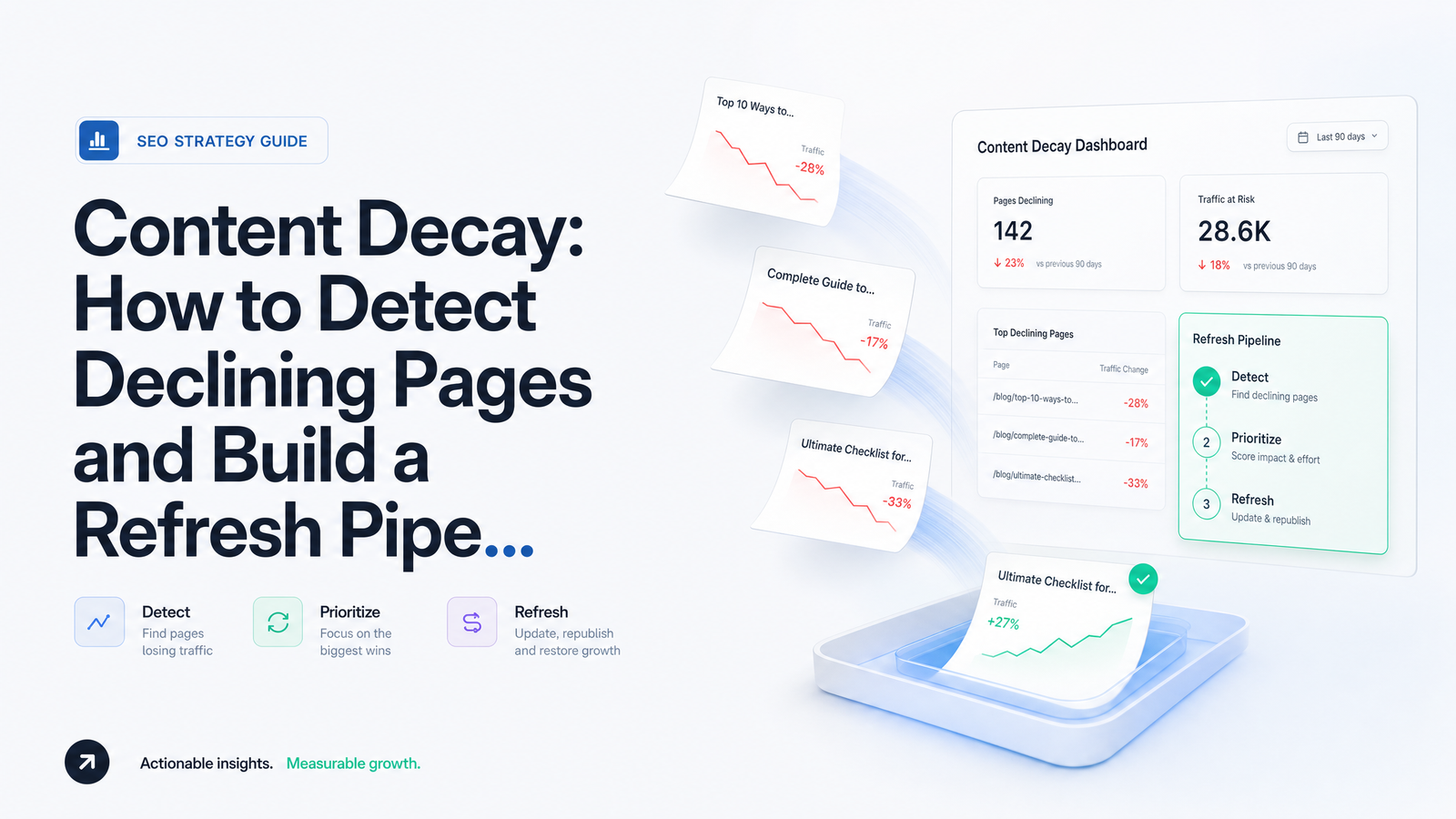
Traffic on a post that used to perform well slides five percent one month, another six the next, and nobody notices until the page has quietly lost half its clicks. That slow bleed is content decay — and distinguishing it from normal fluctuation, algorithm noise, or seasonality is the first skill any SEO practitioner managing more than a handful of pages needs to build.
This article treats content decay detection as a diagnostic discipline, not a one-time audit. You'll get a precise definition, the exact GSC/GA4 signals that surface decay early, a method for ruling out look-alikes, and an operational pipeline with tiers, cadence, and ownership — so refreshing content stops being ad hoc and starts being a system.
What Content Decay Actually Is (and Isn't)
Content decay is a gradual, sustained decline in a page's organic clicks, impressions, or rankings over multiple consecutive reporting periods — not a single bad week and not a one-time drop tied to a specific date. If a page's clicks fall for three consecutive months against the same period a year earlier, or its average position slips by more than a few spots over a 90-day window without recovering, that's decay. A one-week dip that bounces back the following week is noise.
This threshold keeps you from chasing ghosts. Search Engine Land's guide to content decay frames it as distinct from a sudden algorithmic or technical drop precisely because decay unfolds over time — content ages, competitors publish more comprehensive pages, search intent shifts, or the page's information simply goes stale. Frac.tl's analysis suggests using 3-to-6-month comparison windows and watching for rankings sliding out of top position bands (say, from position 4 to position 9) as a concrete trigger. Define "decay" as decline sustained across at least three consecutive comparable periods, and treat anything shorter as fluctuation until proven otherwise.
The Detection Signals: What to Watch and Where
Detecting decay early means checking the right metrics in the right comparison windows, repeatedly — not running an annual audit and hoping nothing slipped through. Four signals in Google Search Console and GA4 do most of the work:
- Clicks (GSC) — the clearest downstream signal, but lagging. A sustained click decline over 3+ months is your headline decay indicator.
- Impressions (GSC) — often the earliest warning. Falling impressions with stable rankings can mean the query itself is losing volume or being reshaped by AI Overviews, a different problem than page-level decay.
- Average position (GSC) — tracks whether you're actually losing rank or just losing clicks at a stable rank (a CTR problem, not a content problem).
- Click-through rate (CTR) — a falling CTR at a stable position usually points to a stale title/meta or a SERP feature (AI Overview, featured snippet) eating your click share, not decay in the content itself.
Layer GA4 engagement data — average engagement time, bounce/exit rate — on top of GSC to see whether people who land on the page still find it useful. Compare year-over-year, not just month-over-month, to strip out seasonality automatically. Doing this consistently across every indexed page, on a monthly cadence, is easy to describe and hard to sustain manually. For a deeper walkthrough of using Search Console beyond the basics, see Google Search Console Tips That Actually Drive Action. Rank-tracking cadence and tool choice also matter; if you're deciding what to track ranks with, Best SEO Rank Tracker in 2026: How to Actually Choose walks through the tradeoffs.
Ruling Out False Positives: Seasonality, Algorithm Hits, and Cannibalization
Before you touch a single sentence of a "decaying" page, rule out three common look-alikes — each has a fast, one-line test.
Seasonality. Pull the same query or page in Google Trends over 2-3 years. If the dip lines up with the same calendar window every year, it's seasonal, not decay — the exact method Search Engine Land recommends for separating the two scenarios.
Algorithm update. Check the drop date against Google's confirmed update timeline. A sharp, site-wide drop that lines up precisely with a rollout date is an algorithm-update situation, not gradual decay, and needs a different diagnostic — see Google Algorithm Update Recovery: A Diagnostic Framework for that process.
Keyword cannibalization. Search the target query in Google with site:yourdomain.com and see if a different URL from your own site now outranks the one you're diagnosing. If so, the "decay" is really traffic shifting internally, not being lost — the fix is consolidation or differentiation, not a content refresh.
Also check your own edit history: Ahrefs' framework for content decay points out that a self-inflicted change — a redesign, an accidental noindex, a removed section — can look identical to organic decay. Build a timeline of content and template changes against the traffic drop before concluding the cause is external.
Building a Refresh Pipeline: From One-Off Fixes to a System
Once you've confirmed genuine decay, the fix only works if it's systematic. Triage pages into tiers based on absolute traffic lost, not just percentage decline — a page that dropped 50% from 40 monthly clicks matters far less than one that dropped 15% from 4,000. A simple three-tier model works for most sites:
- Tier 1 — high absolute traffic loss, revenue-relevant pages: refresh within the current cycle.
- Tier 2 — moderate loss on pages with topical importance: refresh next cycle.
- Tier 3 — low-traffic or non-strategic pages: batch-refresh quarterly or deprecate.
A real content refresh strategy goes well beyond adding a paragraph and bumping the date. It should include: re-checking whether search intent has shifted (are people now looking for a tool, a list, a comparison, instead of an explainer?); a content gap check against competitors now ranking above you — SEO Content Gap Analysis: A Complete Framework is useful here; a technical health pass covering Core Web Vitals, broken links, and schema; and an internal-linking pass so newer, relevant pages point back to the refreshed one, reinforcing topical authority instead of leaving it isolated.
SiteGuru's write-up on content decay cites HubSpot's historical-optimization program and Orbit Media survey data showing refreshed posts consistently outperform net-new posts on time-to-impact — refreshing what already ranks is often cheaper than starting from zero. Assign explicit ownership: one person or role should be accountable for the monthly triage review and for confirming refreshes actually shipped, not just got queued. Without an owner, "refresh the old posts" quietly becomes nobody's job. If you're formalizing this across a team, Building a Content Publishing Workflow That Scales Safely extends this into a full publishing process.
Proving the Refresh Worked
A refresh that isn't measured is just an edit. Set the comparison window before you publish: check clicks, impressions, and average position 4-6 weeks post-refresh against the equivalent pre-refresh period, and again at 12 weeks once Google has had time to fully re-crawl and re-rank the page. Comparing week one against the prior month will just show re-crawl noise, not real signal.
Define success in advance rather than eyeballing it after the fact. A reasonable bar: clicks recover to at least their pre-decay baseline, or average position improves by a meaningful margin (moving from position 9 back into the top 5, for instance) given how steeply CTR drops off past position 3 according to First Page Sage's CTR-by-position data cited by Frac.tl. Track this as a running content decay score per page — a simple composite of click trend, position trend, and CTR trend — so you can see at a glance which refreshes worked, which need a second pass, and which pages should be deprecated instead of refreshed again. This turns the refresh from a one-off task into a feedback loop that improves your triage rules over time.
Why This Breaks Down at Scale — and How to Automate It
All of this is straightforward for ten pages. It falls apart at two hundred. Manually pulling GSC and GA4 exports every month, cross-referencing them against Google Trends and update timelines, triaging by hand, and remembering which refreshes are due for their 12-week check is exactly the kind of repetitive, multi-tool workflow that small teams quietly stop doing after the second or third month — which is precisely when decay compounds unnoticed.
This is the gap Rankevra is built to close. Rather than juggling Search Console, Ahrefs Content Changes, spreadsheets, and a CMS separately, Rankevra continuously tracks rankings and traffic per URL, automatically flags pages matching your decay thresholds, and surfaces them as a triaged refresh queue — so the tiering above runs on autopilot instead of a monthly manual pull. From there, Rankevra can generate the updated content itself, informed by the content gaps and intent shifts it detects, and publish it directly, closing the loop from detection to live refresh without switching tools in between.
Frequently Asked Questions
How long does it take for a page to show content decay?
Most true decay becomes visible over 3 to 6 months of sustained decline, not days or weeks. A page showing lower clicks or position for a single reporting period is more likely normal fluctuation; three or more consecutive comparable periods of decline is the threshold worth acting on.
What's the difference between content decay and a Google algorithm penalty?
Content decay is gradual and page-specific, unfolding over months, while an algorithm-driven drop is typically sudden and often affects many pages or the whole site at once, aligning tightly with a confirmed update rollout date. If the timing matches an update, treat it as a recovery diagnosis rather than a refresh candidate.
Do I need to refresh every page that loses traffic?
No — only pages confirmed as true decay after ruling out seasonality, algorithm shifts, and cannibalization, and even then, prioritize by absolute traffic lost rather than refreshing everything equally. Low-traffic, non-strategic pages are often better consolidated or deprecated than refreshed.
How often should I re-check pages for content decay?
A monthly review cadence for high-value pages, with a quarterly sweep for lower-tier pages, catches decay early enough to act before it compounds. Checking less often risks losing months of traffic before the trend becomes obvious.
Can content decay happen even if my rankings haven't dropped?
Yes — falling CTR or impressions at a stable position often signals decay before rankings move, frequently caused by a stale title/meta or a SERP feature like an AI Overview absorbing clicks. Watching clicks and CTR alongside position catches this earlier than tracking rank alone.
Is updating the publish date enough to fix content decay?
No — changing the date without substantively updating intent alignment, content gaps, technical health, or internal links rarely reverses a real decline and can look manipulative to both users and Google. A genuine refresh addresses the underlying reason the page stopped competing, not just its timestamp.
Manually re-checking Search Console and GA4 trends across hundreds of pages every month isn't a system a small team can sustain indefinitely. Rankevra automates that detection work continuously, flags refresh candidates the moment they cross your thresholds, and can generate and publish the updated content — closing the loop from decay detection to a live fix without juggling separate tools.
Keep reading
- Headless CMS SEO: Fixing the Gaps Generic Tools MissHeadless CMS SEO breaks in three predictable places: rendering, metadata, and sitemaps. Here's the diagnostic framework to find and fix each gap.
- Google Algorithm Update Recovery: A Diagnostic FrameworkA step-by-step google algorithm update recovery framework: confirm the cause, segment the damage, benchmark against winners, and set a real timeline.
- SEO for Product-Led SaaS: The Free-Tool Page PlaybookA repeatable framework for SEO for product-led SaaS: which features to turn into free-tool pages, how to structure them, and how to track what works.