Rankevra Blog
Linkback Checker: How to Verify a Single Backlink Went Live
September 9, 2026
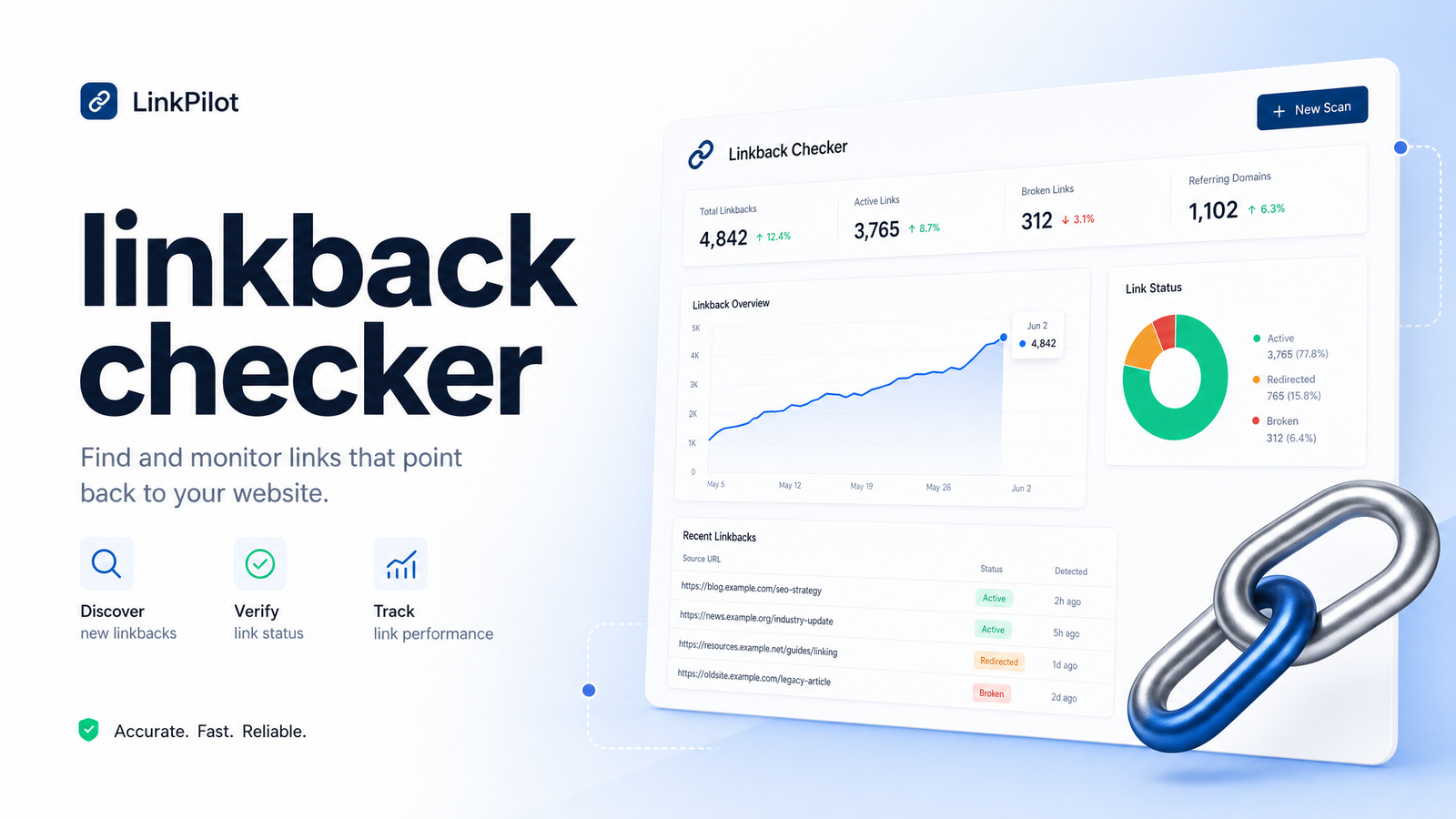
What Is a Linkback Checker (and Why the Term Is So Confusing)
Search "linkback checker" and you'll land on content about full backlink-profile analysis — referring domains, domain authority, competitor gap reports. That's not what most people typing this phrase want. They want to know one thing: did the link I was promised actually get published, and is it still there?
The confusion exists because "linkback" has two meanings. Technically, a linkback is a notification mechanism — a way for one site to tell another "hey, I linked to you," using methods like trackbacks, pingbacks, refbacks, or webmentions. That's the definition on Wikipedia's linkback page, tied to blogging platform history.
In everyday SEO conversation, "linkback" is usually used loosely as a synonym for "backlink." When someone searches "linkback checker," they're almost always in this camp: they ran outreach, paid for a guest post, or got a mention, and want to confirm the resulting link is live, correctly formatted, and doing its job. This article addresses that everyday use case, while also flagging the technical distinction so you're not confused when someone uses the term the other way.
Linkback vs. Backlink: The Difference That Actually Matters
A backlink is simply a hyperlink from one website to another — the thing that passes authority and drives referral traffic, as defined on Wikipedia's backlink page. A linkback, strictly, is the notification method that announces a backlink exists: trackback and pingback (older WordPress-era protocols), refback (detected via server referrer logs), and webmention (a modern successor). The backlink is the link itself; the linkback is the automated "ping" telling a site it's been linked to.
Do pingbacks and trackbacks still help SEO? Largely, no. They're trivially spammed, and most WordPress installs now generate them as self-referential, nofollowed, low-value artifacts rather than genuine citation signals. Google doesn't treat a pingback as meaningful evidence of a quality link — it's the underlying hyperlink and its context that matter. Webmentions are somewhat more robust technically but remain niche, used mainly in the IndieWeb community rather than mainstream SEO. If your goal is ranking improvement, stop worrying about trackback/pingback/webmention mechanics and focus on the actual backlink: is it live, is it followed, and does it point where it should.
The 6 Things a Real Linkback Check Should Verify
When checking whether a specific link — from a guest post, digital PR mention, paid placement, or natural link someone flagged — is doing what it's supposed to, a proper check covers six things:
- The link is live, not a 404. The page exists and loads. Pages get deleted, sites migrate without redirects, and guest post hosts occasionally pull content months later.
- It points to the correct target URL. Publishers sometimes link to your homepage when the agreement specified a particular landing page, or typo the URL entirely.
- Dofollow status matches what was promised. This is where a dofollow nofollow checker matters most — inspect whether the link carries
rel="nofollow",rel="sponsored", orrel="ugc", any of which tell search engines not to pass ranking credit the way a standard link does. - Anchor text matches the agreement. If you negotiated a specific phrase, confirm it wasn't swapped for generic text like "click here" or the publisher's preferred wording.
- Surrounding content context is intact. A link buried in an edited paragraph, or moved into an unrelated section, loses relevance signal even if the URL still resolves.
- The linking page is indexed. A link on a page Google hasn't crawled or indexed can't pass value, no matter how well-placed it looks to a human.
This is the practical core of verifying backlink placement — six checks, done consistently, catch the vast majority of problems outreach teams encounter after a link goes live.
How to Check a Linkback Manually, Step by Step
Before reaching for any tool, it's worth knowing how to check if a backlink is live using nothing but a browser. Here's a repeatable manual workflow:
Step 1: Load the page and confirm it resolves. Visit the URL directly rather than trusting a cached screenshot the publisher sent you. Check for redirects, soft 404s, or the article being merged into another post.
Step 2: Find the link and inspect its attributes. Use "View Page Source" or right-click → "Inspect Element," then search (Ctrl/Cmd+F) for your domain. Look at the surrounding <a> tag for a rel attribute. No rel attribute, or rel="dofollow", means the link passes standard equity. rel="nofollow", rel="sponsored", or rel="ugc" means it doesn't.
Step 3: Confirm anchor text. The visible text inside that <a> tag should match what you agreed on. If it's been altered to a branded term or exact-match keyword you didn't request, flag it.
Step 4: Check indexation. Run a site: search combining the exact URL, or use the Google Search Console Links report and URL Inspection tool if you have access to the linking domain's data (rare) — more realistically, check your own site's Links report to confirm Google has recorded the inbound link. Our guide to Google Search Console tips walks through reading the Links report properly.
Step 5: Verify Googlebot has actually crawled the page. If you have server log access for your own site (not always possible for third-party linking pages), log file analysis can confirm whether Googlebot has visited the linking URL at all — see our piece on log file analysis for SEO for the method.
Step 6: Set a re-check reminder. This is the step almost everyone skips, and the one that causes the most frustration — a link checked once in January can be quietly removed, nofollowed, or edited by June with zero notification.
For a handful of links, this manual process is fast enough. For a growing list of paid placements or guest posts, it becomes a spreadsheet nobody maintains.
When One-Link Checks Aren't Enough: Full Backlink Audits
Single-link verification answers a narrow question: "did this one link do what it was supposed to?" A full backlink audit answers a broader one: "what does my entire link profile look like, and where are the risks?" You need the latter when dealing with bulk lost-link detection across dozens or hundreds of referring domains, competitor gap analysis to find sites linking to rivals but not you, or a toxic link review to identify spammy domains that could trigger a manual action.
If you're at that stage, single-link checking tools won't get you there — you need profile-level analysis. Our backlink analysis tool evaluation framework covers what to look for in that kind of tool, and if you've already run a report and aren't sure what the numbers mean, reading a backlink report properly walks through interpretation. This article stays focused on the narrower, more common problem: confirming specific, individual links you already know about.
Automating Linkback Verification With Rankevra
The manual workflow above works until you're tracking more than a handful of links and re-checking them becomes a recurring chore nobody wants to own. That's the gap Rankevra's monitoring closes. Instead of manually revisiting each linking page every few weeks, Rankevra runs as a linkback checker tool inside a broader, always-on workflow — flagging automatically when a tracked link disappears, gets switched to nofollow, or drops out of the index.
Because this sits alongside Rankevra's audit, content, and rank-tracking features rather than as a standalone point solution, you're not paying for a full enterprise backlink-analysis platform just to keep tabs on the ten or twenty placements you've actually earned or paid for. Automated backlink monitoring means status changes come to you instead of you going looking for them — the entire point of moving off spreadsheets in the first place.
Manually re-checking the same list of links every month doesn't scale, even when you know exactly what to look for. Once you're tracking more than a handful of placements, the six-point check above turns into hours of repetitive browser tabs and stale spreadsheets — and links that quietly change status between checks get missed. Rankevra replaces that manual cycle with continuous monitoring, so lost, nofollowed, or de-indexed links surface automatically instead of waiting for your next audit.
Frequently Asked Questions
What's the difference between a linkback and a backlink?
A backlink is the actual hyperlink from one site to another. A linkback, technically, is a notification method — trackback, pingback, refback, or webmention — that alerts a site it's been linked to. In everyday SEO conversation, people often use "linkback" loosely to mean "backlink," which is the source of most confusion.
How do I check if a backlink I earned or paid for is actually live?
Visit the linking URL directly to confirm it loads without a 404 or redirect, then use "View Page Source" or Inspect Element to find your link and check its rel attribute for nofollow, sponsored, or ugc tags. Also confirm the anchor text and target URL match what was agreed, and check indexation with a site: search or Search Console.
Is a 'linkback checker' the same thing as a backlink checker tool?
Not exactly — full backlink checker tools typically analyze your entire link profile (referring domains, authority scores, competitor comparisons), while a linkback checker in the everyday sense focuses on verifying one specific link's status. Rankevra's monitoring covers the single-link verification use case as part of a broader SEO workflow.
Do WordPress trackbacks and pingbacks still matter for SEO in 2026?
No, not meaningfully. Trackbacks and pingbacks are easily spammed and are typically treated as low-value or self-referential artifacts rather than genuine ranking signals, so the actual hyperlink and its attributes matter far more than the notification mechanism.
How can I tell if my backlink is actually indexed by Google?
Run a site: search for the exact linking URL, or check the Google Search Console Links report if the domain is one you manage. If the page doesn't appear, Googlebot may not have crawled or indexed it yet, meaning the link isn't currently passing any value.
What should I do if a linkback disappears after it was placed?
First confirm it wasn't just a temporary site issue by re-checking a day or two later, then contact the publisher to request restoration if it was a paid or agreed placement. Going forward, set up automated monitoring so removals, nofollow changes, or de-indexing are flagged immediately rather than discovered weeks later.
Keep reading
- E-E-A-T SEO: A Checklist for Scaling Content With AIA practical E-E-A-T SEO checklist for teams scaling content with AI — what triggers scaled content abuse, and how to gate every page before it publishes.
- Schema Markup for SEO in 2026: What Still WorksSchema markup for SEO in 2026: which types still earn rich results after FAQ's removal, what's hype for AI Overviews, and how to stay current.
- How to Improve Core Web Vitals: A Measure-Fix-Verify LoopLearn how to improve Core Web Vitals with a repeatable measure-diagnose-fix-verify loop covering LCP, INP, and CLS — no developer required.