Rankevra Blog
Site Migration Checklist: Pre-Launch to Rollback
August 23, 2026
Why a Checklist (Not Just a Strategy) Matters on Migration Day
Strategy documents tell you why a migration is risky. They don't tell you what to click at 6 a.m. on launch day. If you've already read a risk-based planning framework or a rankings-protection guide, you know the theory: redirects preserve link equity, canonical tags prevent duplicate content, hreflang keeps international pages straight.
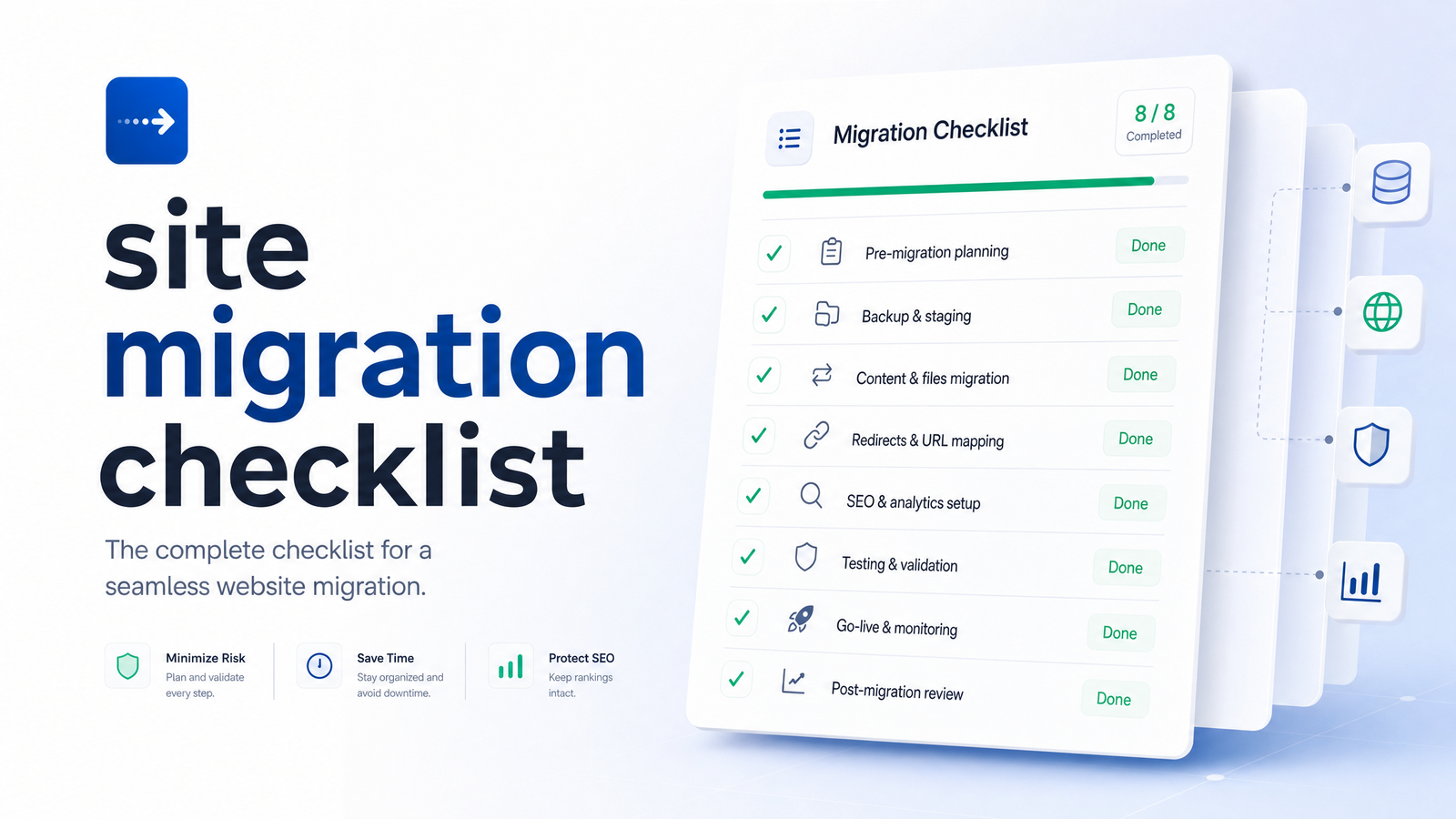
This piece is the execution companion — a site migration checklist organized by timeline, not risk category, so you or a developer can move through it in order during migration week without re-reading strategy docs. For the deeper rationale behind each step, our SEO site migration checklist that protects your rankings covers that ground. Here, we're focused purely on sequence: what happens before launch, what happens during, what gets monitored after, and the exact conditions that should trigger a rollback instead of a "let's wait and see."
Treat this as a working document. Print it, paste it into a project board, assign owners to each line — the goal is that nothing falls through a gap between your dev team and your SEO team during the one week migrations tend to go wrong.
Pre-Launch Checklist: Before You Flip the Switch
Everything on this list should be finished before DNS changes or code deploys, not during them. A pre launch migration checklist still being built on launch day is a sign the timeline needs to slip.
- Full URL inventory and crawl. Crawl the existing site completely — every indexed URL, orphaned page, and parameter variant — before anything moves. You can't map what you haven't counted.
- 1:1 redirect mapping. Every old URL needs a specific destination, not a blanket redirect to the homepage. For the theory behind redirect mapping decisions, see URL Structure for SEO: What Actually Matters. Here, just make sure the spreadsheet is complete and every row has been checked against the new site's actual structure.
- Staging environment testing. Redirects, canonical tags, hreflang, and page templates should all be tested on staging with production-like data — not just a handful of sample URLs.
- Updated XML sitemap prep. Build the new sitemap in advance, but don't submit it yet. It should reflect only live, canonical URLs on the new domain or structure.
- Backup of analytics and Search Console data. Export historical Search Console performance data, Analytics reports, and current indexing status before the switch, so you have a clean "before" snapshot if something breaks.
- Hreflang and canonical mapping. Confirm hreflang tags point to the new URLs, not the old ones, and that canonical tags across the new site self-reference correctly. Canonical mistakes are among the most common failures teams miss — Canonical Tag Troubleshooting covers the specific failure patterns to check for.
- Stakeholder content freeze. Lock content and URL changes on the old site for the final days before launch. A content edit made hours before cutover often doesn't make it into the redirect map.
- Google's own guidance. Cross-check your plan against Google's official site moves documentation, particularly around redirect strategy and sitemap timing — it's the authoritative baseline your redirect map should match.
Run a full site audit against staging before sign-off. Catching a broken redirect or missing canonical here costs minutes; catching it three days after launch costs rankings.
Launch Day Checklist: Going Live Without Breaking Search
Launch day work is mechanical, but sequence matters. Do these in order, and don't move to the next step until the previous one is confirmed.
- DNS cutover. If this is a domain or hosting change, confirm DNS TTL was lowered in advance (ideally 24–48 hours prior) so the cutover propagates quickly instead of leaving users split between old and new servers for hours.
- Verify 301 redirects fire correctly. Spot-check a representative sample across every URL category — not just the homepage and top pages, but deep pages, parameterized URLs, and old campaign landing pages. Confirm each returns a single 301 to the correct final destination, not a redirect chain.
- Submit the new sitemap. Once redirects are confirmed live, submit the updated XML sitemap in Search Console for the new property.
- Use the Change of Address tool — if applicable. If you moved to a new domain, run Google's Change of Address tool once redirects are verified working, not before. It's specifically for domain moves, not path restructures or hosting-only changes.
- Check robots.txt. Confirm the new site's robots.txt isn't accidentally disallowing crawlers — this happens more often than teams expect, especially when staging robots.txt gets pushed to production by mistake.
- Verify Search Console property setup. Make sure the new domain or subdomain is verified in Search Console before you need to check indexing data.
- Spot-check Googlebot access. Use URL Inspection on a sample of new URLs to confirm Googlebot can fetch and render them without errors.
If this is a hosting-only migration with no URL changes, the process is lighter — see Google's hosting change guidance for what to check versus a full URL migration.
Post-Launch Checklist: The First 30–90 Days
This is where most migration content goes quiet, and where the actual risk sits. A post migration SEO checklist needs a monitoring cadence, not just a one-time check.
Monitoring cadence:
- Daily for the first two weeks — indexing status, crawl errors, rankings for priority keywords, and traffic against your pre-migration baseline.
- Weekly from week three through week twelve — same metrics, less frequently, watching for slower-moving trends rather than daily noise.
What to check on each pass:
- Indexing status. Track how quickly new URLs get indexed and how quickly old URLs drop out of the index. A stalled indexing curve after week two is worth investigating, not ignoring. Search Console's coverage and indexing reports are the fastest way to see this without exporting data manually.
- Crawl stats and log files. Pull server logs to see how Googlebot is actually behaving on the new site — which sections it's hitting, which it's ignoring, and whether crawl budget is being wasted on redirect chains or parameter URLs. Log file analysis will surface crawl waste that Search Console alone won't show.
- Rank tracking for target keywords. Track rankings for your priority keyword set daily during weeks one and two, then weekly. Sudden multi-position drops across a keyword cluster (rather than isolated fluctuation) is the signal worth escalating.
- Disavow file re-upload. If you changed domains, confirm your disavow file has been re-associated with the new property — it doesn't carry over automatically.
- Internal link audits. Check for internal links still pointing to old URLs instead of the new structure — these create unnecessary redirect hops and dilute crawl efficiency.
- Redirect chain resolution. Confirm redirects resolve in a single hop. Chains (A→B→C) that accumulate during launch-day fixes should be flattened within the first week.
Rollback Triggers: When to Pull the Emergency Brake
A migration checklist without objective rollback thresholds turns every problem into a judgment call made under pressure. Set these thresholds before launch, not during a crisis.
Roll back or escalate immediately if you see:
- Sudden indexing collapse. A sharp, unexplained drop in indexed pages within the first 72 hours — not a gradual reindexing curve, but a cliff.
- Sustained migration traffic drop beyond expected fluctuation. Some short-term dip is normal. A drop that continues past two weeks with no recovery trend, and exceeds whatever range your pre-migration risk assessment flagged as acceptable, is a rollback signal.
- Critical redirect failures. If high-traffic or high-authority URLs are returning 404s, chains, or redirecting to the wrong destination and can't be fixed within hours, that's not a "monitor and see" situation.
- Googlebot access errors. If URL Inspection shows Googlebot can't fetch or render key templates site-wide, indexing will stall regardless of how good your redirects are.
- Canonical or hreflang misconfiguration at scale. A handful of wrong tags is a fix. A site-wide pattern error is a rollback conversation.
A site migration rollback plan should specify who has authority to call it, how fast the old environment can be restored, and what the decision window is — ideally defined during pre-launch planning, not improvised on the day.
Automate the Checklist Instead of Running It Manually
Running this checklist manually means spreadsheets for redirect mapping, a separate rank tracker, Search Console tabs open for indexing, and someone remembering to re-pull log files each week — exactly the multi-tool juggling most in-house teams are trying to escape during a migration, when attention is already stretched thin.
Rankevra's site audit tool is built to run these checks continuously instead of on a manual spot-check schedule — surfacing broken redirects, canonical conflicts, orphaned pages, and crawl issues automatically both before and after launch. Pair that with automated rank tracking and indexing monitoring, and the daily-then-weekly cadence this checklist calls for happens without someone manually re-running the same audit every Monday morning.
Automate Your Migration Monitoring
Manually re-checking redirects, indexing, and rankings every week is exactly the kind of repetitive audit work a site migration monitoring tool should be doing for you. Run Rankevra's automated audit before you launch to catch mapping errors early, then keep it running after launch to flag indexing drops, broken redirects, and ranking shifts the moment they happen — instead of finding them three weeks later in a spreadsheet.
Frequently Asked Questions
How long should I keep old URL redirects live after a site migration?
Keep 301 redirects live for at least 12 months, and ideally indefinitely for high-authority or frequently linked URLs. Google needs time to fully process the move, and external links, bookmarks, and old search results will keep pointing to old URLs well beyond the initial migration window.
How long does it take for rankings to recover after a site migration?
Most well-executed migrations see rankings stabilize within a few weeks to three months, though Google's own guidance notes it can take longer for large or complex sites. A short-term dip in the first few weeks is normal; rankings that haven't recovered by the 90-day mark warrant a deeper investigation into redirects, indexing, or content parity.
Do I need to use Google's Change of Address tool for every migration?
No — the Change of Address tool is specifically for domain changes, not for path restructures, hosting moves, or protocol changes like HTTP to HTTPS. Using it for a migration it wasn't designed for won't help and can create confusion in Search Console.
What's the difference between a site move with URL changes and a hosting-only migration?
A site move with URL changes requires full redirect mapping, sitemap resubmission, and often the Change of Address tool, because the URLs themselves are different. A hosting-only migration keeps URLs identical and mainly requires DNS cutover verification and confirming Googlebot can still access the site — no redirect mapping needed since the addresses don't change.
What should trigger a rollback during a site migration?
A rollback should trigger on objective signals: a sudden indexing collapse within 72 hours, a sustained traffic drop beyond your pre-defined acceptable range, critical redirect failures on high-value pages, or site-wide Googlebot access errors. These thresholds should be agreed upon before launch so the decision isn't made under pressure.
Can I migrate a site without losing SEO rankings?
Yes, with disciplined execution: complete 1:1 redirect mapping, verified canonical and hreflang tags, a submitted sitemap, and close post-launch monitoring typically preserve the large majority of rankings within a normal recovery window. Ranking loss usually stems from incomplete redirect mapping or missed technical details, not the migration itself.
Keep reading
- Content Decay SEO: How to Detect It and Fix It for GoodLearn to detect content decay SEO issues early, rule out false positives, and build a refresh pipeline that scales — plus how to automate the whole loop.
- Headless CMS SEO: Fixing the Gaps Generic Tools MissHeadless CMS SEO breaks in three predictable places: rendering, metadata, and sitemaps. Here's the diagnostic framework to find and fix each gap.
- Google Algorithm Update Recovery: A Diagnostic FrameworkA step-by-step google algorithm update recovery framework: confirm the cause, segment the damage, benchmark against winners, and set a real timeline.