Rankevra Blog
Site Speed Optimization Service: 2026 Buyer's Guide
July 18, 2026
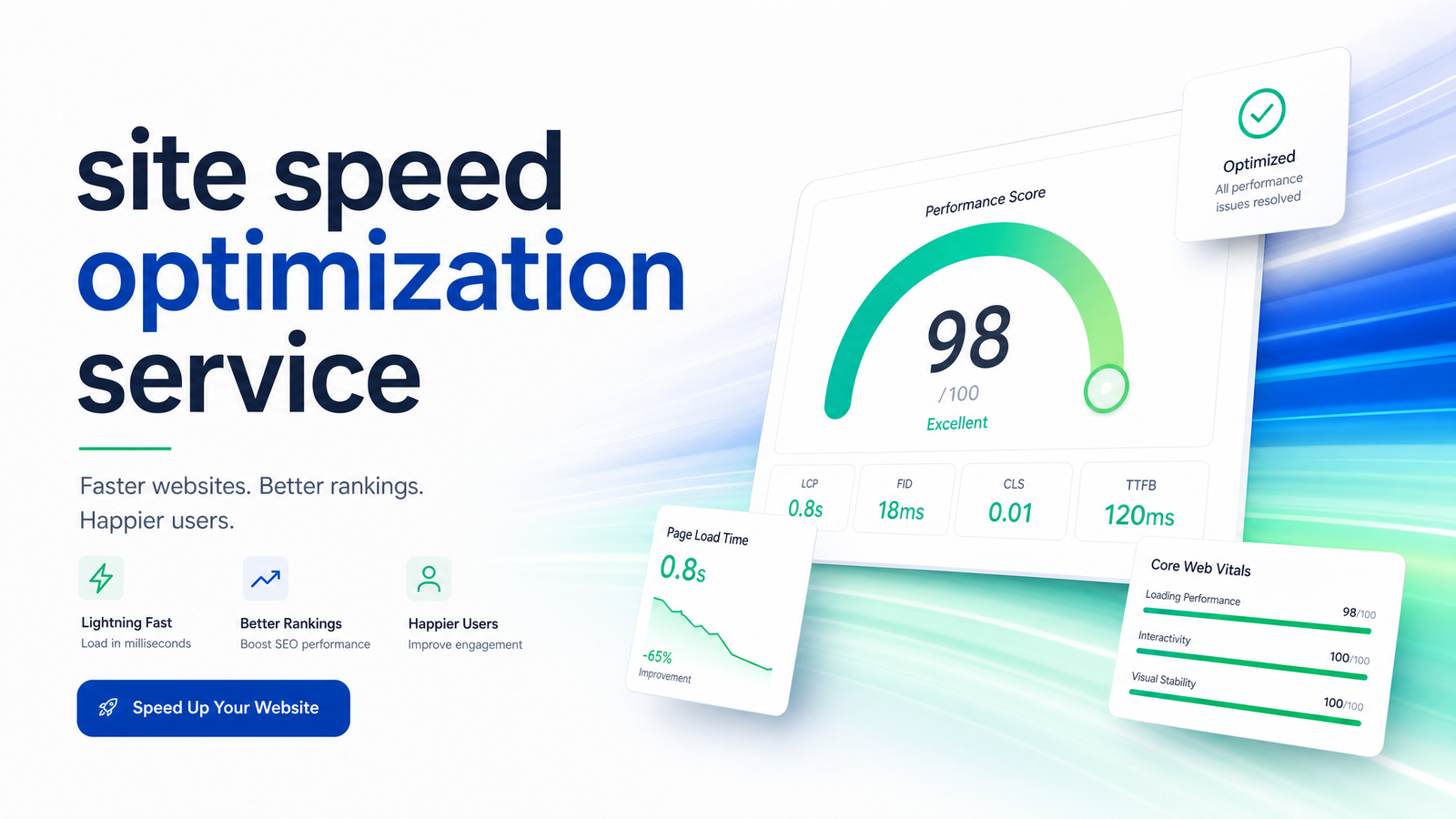
Slow pages still cost rankings and revenue in 2026, but that doesn't tell you what to buy. Do you need a freelancer for a weekend fix, a retainer with an agency, or software that keeps watching your site after the invoice is paid? This guide breaks down what a site speed optimization service typically delivers, what it should cost, the warning signs of a low-value vendor, and how to decide between a one-time purchase and continuous automation.
What Does a Site Speed Optimization Service Actually Do?
A site speed optimization service is a bundle of technical work aimed at cutting page load times and improving Core Web Vitals scores. It's not one task — it's a checklist, and what's included varies a lot between vendors, which is exactly why quotes are hard to compare.
At minimum, a competent provider should cover:
- Image compression and format conversion — resizing, lazy-loading, and converting to modern formats like WebP or AVIF.
- Caching setup — server-side caching plus a plugin layer (WP Rocket is the common WordPress choice) to serve static versions of pages.
- Code minification and deferral — trimming CSS/JS, removing render-blocking scripts, and deferring non-critical code.
- CDN configuration — routing assets through a content delivery network so visitors load resources from a nearby server rather than one origin.
- Hosting and TTFB fixes — diagnosing Time to First Byte issues, which often means server upgrades, database cleanup, or query optimization rather than front-end tweaks.
- Before/after testing — documented scores from tools like Google PageSpeed Insights or GTmetrix, ideally captured under real-world conditions, not just a lab test on a quiet server.
If a quote only mentions "installing a caching plugin and compressing images," you're getting a fraction of the service — the TTFB and hosting-layer work is usually where the real gains live, and it also requires actual expertise rather than a plugin toggle.
Why Site Speed Still Matters for SEO in 2026
Google has been explicit that Core Web Vitals function as a ranking signal, particularly as a tiebreaker between pages of similar relevance and quality, according to Google's own documentation. What's changed is how much that tiebreaker matters: data following the March 2026 core update shows a widening gap in Core Web Vitals pass rates between position-1 and position-9 pages, suggesting Google is leaning on these metrics more heavily than in prior years, per recent analysis.
The conversion argument is just as strong. Faster pages consistently correlate with lower bounce rates and higher conversion rates — a point echoed in WebFX's pricing breakdown, which ties speed work directly to revenue rather than just Lighthouse scores. For the full technical rundown on LCP, INP, and CLS thresholds, see our Core Web Vitals optimization guide — this article stays focused on the buying decision, not the metrics themselves.
How Much Does a Site Speed Optimization Service Cost in 2026?
Cost varies enormously depending on who does the work and how deep it goes. Here's a realistic breakdown, drawing on current market data from Webaloha and WebFX:
DIY (plugins + free tools): Effectively $0–$200/year in plugin and CDN costs, plus your own time. Works for small sites with a handful of pages and no complex hosting issues, but there's no ongoing monitoring — you catch regressions only when you remember to check.
Freelancer, one-time fix: Roughly $300–$1,500 for a single project, depending on site size and how messy the codebase is. Right for a specific, bounded problem — say, one bloated homepage — rather than a whole site needing ongoing attention.
Boutique agency package: $1,000–$5,000 for a more thorough pass, often bundled with a technical SEO audit, typically including hosting recommendations and a documented before/after report, closer to what's described in our technical SEO audit pricing guide.
Enterprise retainer: $2,000–$10,000+ per month for ongoing monitoring, multi-site management, and dedicated engineering support — appropriate for large e-commerce catalogs or publishers where speed regressions happen weekly, not yearly.
The low end of each tier usually means a lighter scope (front-end only, capped page count) while the high end reflects backend/hosting work and recurring monitoring. When a quote lands well outside these ranges in either direction, ask what specifically justifies it.
5 Red Flags to Watch For Before You Hire
Knowing how to vet a speed optimization service saves you from paying twice — once for a shallow fix, and again for someone to redo it properly.
- Vague scope. If the proposal doesn't list specific deliverables (which plugins, which CDN, whether TTFB is in scope), you can't verify you got what you paid for.
- No before/after data. A legitimate provider hands you PageSpeed Insights or GTmetrix scores from before and after, plus ideally some Chrome UX Report field data — not just a verbal "it's faster now."
- Arbitrary page caps that don't match your site. A 10-page cap on a 500-page site isn't a real optimization plan; it's a teaser designed to upsell later.
- No mention of hosting or TTFB. If every recommendation is a front-end tweak and server response time never comes up, the vendor may be avoiding the part of the job that requires real technical skill.
- A one-time fix sold as a permanent solution. Speed isn't static. New plugins, added content, image-heavy campaigns, and theme updates all degrade performance over time, and any vendor implying otherwise is setting you up for a repeat purchase down the line.
Service, Plugin, or AI Tool: How to Decide
Is site speed optimization a one-time cost or an ongoing need? In practice, it's ongoing — sites don't stay fast on their own. A caching plugin alone isn't a substitute for a full service: WP Rocket and similar tools handle caching and some minification well, but they don't touch TTFB diagnosis, CDN strategy, or judgment calls about which images and scripts are actually worth trimming. That's the core difference between installing a plugin and hiring a service — one is a setting, the other is a diagnosis.
Here's a simple framework for the three main options:
One-time freelancer or agency fix makes sense when you have a defined, bounded problem — a slow homepage, a recent redesign that tanked your scores — and no expectation of frequent site changes afterward.
Ongoing agency retainer fits larger, frequently updated sites where a human team needs to catch and fix regressions as new pages, plugins, and campaigns roll out. It's the most expensive option, and much of what you're paying for is the monitoring, not just the fixes.
AI-driven continuous monitoring is the newer alternative, and it's where the "hire someone to optimize website speed" mindset starts to break down. Instead of paying for a person to periodically check your scores, an AI platform runs continuous monitoring on autopilot — flagging regressions as they happen and tying them into the rest of your SEO work, not treating speed as an isolated purchase.
This is where Rankevra fits. Rather than a one-off speed fix you buy and then forget, Rankevra folds speed monitoring into a broader workflow that also handles audits, content, and rank tracking — so a plugin update that suddenly tanks your LCP gets caught alongside everything else affecting your rankings, not months later when someone finally reruns a manual audit. If you're weighing a self-serve alternative before committing to a paid service, our site audit tool guide walks through what that kind of automated checking covers. And if you're shopping more broadly for an SEO vendor rather than just a speed fix, our neutral guide to vetting SEO agencies applies the same red-flag framework at a larger scale.
Whichever route you choose, tie the investment back to results rather than just a Lighthouse number — our SEO ROI tracking framework covers how to connect speed work to actual traffic and ranking movement.
Frequently Asked Questions
What is included in a typical site speed optimization service?
A typical service includes image compression, caching setup, code minification, CDN configuration, and hosting or TTFB diagnostics, followed by documented before/after testing. Cheaper packages often skip the hosting-layer work, which is usually where the largest gains come from. Always ask for a written list of deliverables before comparing quotes.
How much should I expect to pay to have my site's speed fixed?
Expect $300–$1,500 for a one-time freelancer fix, $1,000–$5,000 for a boutique agency package, and $2,000–$10,000+ per month for an enterprise retainer with ongoing monitoring. DIY approaches using plugins and free tools can cost under $200 a year but require your own time and offer no continuous monitoring. Prices scale with site size, hosting complexity, and whether monitoring is included.
Is site speed a one-time fix or an ongoing need?
It's ongoing, not a one-time fix. New plugins, added content, theme updates, and marketing campaigns all tend to degrade performance over time, so a site optimized once can quietly slow back down within months. Any provider claiming a permanent, one-time fix is overselling what speed work can realistically guarantee.
How is a site speed optimization service different from just installing a caching plugin?
A caching plugin like WP Rocket handles one piece of the puzzle — serving static versions of pages faster — but doesn't diagnose Time to First Byte issues, configure a CDN, or make judgment calls about which scripts and images to trim. A full service combines multiple technical fixes with hosting-level diagnosis and documented testing, which a plugin alone can't provide.
How do I know if a speed optimization quote is fair or overpriced?
A fair quote lists specific deliverables, includes before/after test data from tools like PageSpeed Insights or GTmetrix, and addresses hosting/TTFB rather than only front-end tweaks. Red flags include vague scope, arbitrary page caps unrelated to your site's size, and framing a one-time fix as a permanent solution. Compare against 2026 market tiers — roughly $300–$1,500 for freelance one-off work up to $10,000+/month for enterprise retainers — before assuming a quote is out of line.
Hiring a service means paying recurring fees and waiting on a vendor's queue every time a new plugin or content push slows your site down again. Rankevra instead audits continuously, flags speed regressions as they happen, and helps you fix them as part of one connected SEO workflow — not a separate purchase you have to remember to renew. Try Rankevra and see what continuous speed monitoring looks like alongside the rest of your SEO.
Keep reading
- Content Decay SEO: How to Detect It and Fix It for GoodLearn to detect content decay SEO issues early, rule out false positives, and build a refresh pipeline that scales — plus how to automate the whole loop.
- Headless CMS SEO: Fixing the Gaps Generic Tools MissHeadless CMS SEO breaks in three predictable places: rendering, metadata, and sitemaps. Here's the diagnostic framework to find and fix each gap.
- Google Algorithm Update Recovery: A Diagnostic FrameworkA step-by-step google algorithm update recovery framework: confirm the cause, segment the damage, benchmark against winners, and set a real timeline.