Rankevra Blog
Website Duplicate Content Checker Tool: A Buyer's Guide
August 5, 2026
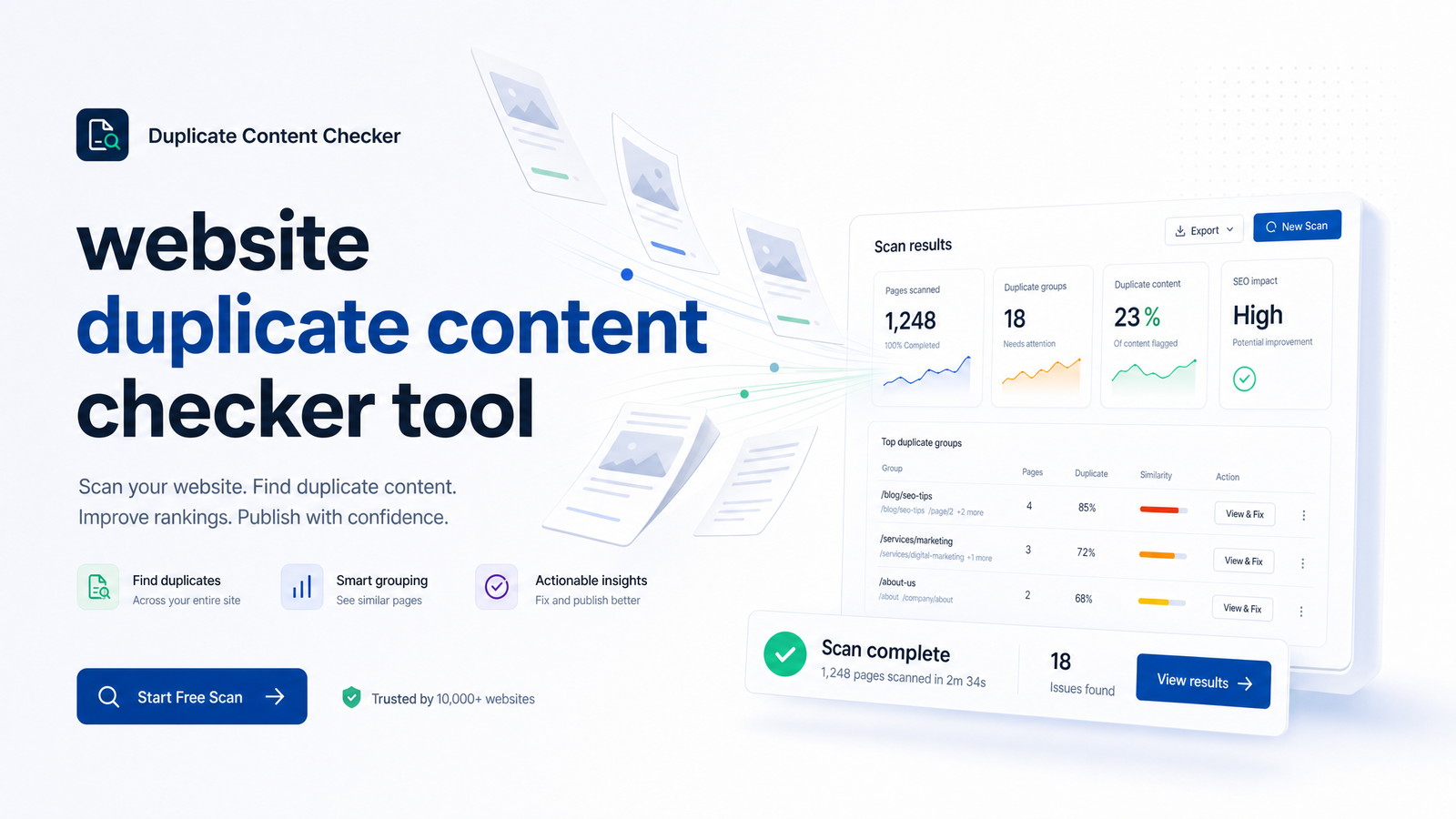
Picking a website duplicate content checker tool sounds simple until you realize "duplicate content" describes two different problems. One lives inside your own site — cannibalized pages, parameter clutter, thin templates. The other lives outside it — scrapers and syndication partners republishing your work elsewhere. Most buying guides skip that split, which is why teams end up with a tool that's great at one job and blind to the other.
This guide treats those as separate purchasing decisions, gives you a feature checklist for each, and maps every duplicate type to the fix that actually resolves it.
What a Duplicate Content Checker Actually Needs to Catch
A genuine duplicate content checker distinguishes between content that's identical or near-identical and content that's merely similar in topic. Two blog posts covering the same keyword aren't duplicates if they're written independently with different structure and depth. Duplicate content, technically, means substantial blocks of identical or near-identical text appearing at more than one URL — whether that's two pages on your own domain or your article and a copy on someone else's site.
That distinction splits the category cleanly in two.
Internal duplicate content happens on your own domain: a product page reachable through five URL parameters, a blog tag archive duplicating a category page, boilerplate text so heavy it swamps the unique content underneath. This is a crawl-and-compare problem — the tool needs to walk your site like a search engine would and compare pages against each other.
External duplicate content happens across domains: your article gets scraped and republished, a press release runs through a dozen syndication partners, or a competitor lifts your product descriptions wholesale. This is a web-wide search problem — the tool needs to check your content against the broader internet, not just your own URL structure.
A crawler built for internal detection generally has no visibility into other domains, and a plagiarism-style scanner built for external detection usually isn't crawling your site's full URL structure for parameter duplicates. That's why "duplicate content checker" isn't one feature — it's two, and knowing which one you need is the first decision to get right.
Does Duplicate Content Really Hurt Your Rankings?
There's no direct "duplicate content penalty" — Google doesn't algorithmically demote your entire site for having duplicate pages. That myth causes real damage anyway, sending teams chasing urgent-feeling fixes while ignoring duplication that's quietly costing them traffic.
The real risks are structural rather than punitive. When Google finds multiple near-identical pages, it picks one to rank and treats the rest as duplicates of the canonical version — meaning your preferred URL might not be the one chosen. Ahrefs' canonicalization deep-dive, drawing on Google's Gary Illyes, notes that as much as 60% of the web consists of duplicate content and roughly 40 signals feed into how Google picks a canonical version. With that much competition for canonical status, leaving the decision entirely to Google's algorithm is a gamble.
Beyond canonicalization, duplication wastes crawl budget — bots re-crawl near-identical pages instead of discovering new content — and bloats your index with low-value URLs that dilute ranking signals instead of consolidating them. PBJ Marketing's analysis reaches the same conclusion: duplication doesn't trigger an automatic penalty, but it can quietly suppress rankings through wasted crawl budget, split link equity, and the wrong page surfacing in search. Prioritize accordingly: not "will I get penalized," but "am I diluting my own signals and wasting crawl equity."
Internal Duplicate Checkers: What to Look For
For same-site detection, a basic checker that flags "these two pages look similar" isn't enough. Look for:
- Crawl-based scanning that walks your entire site the way a search engine bot does, rather than checking a handful of submitted URLs. This is the only reliable way to find duplicate pages you didn't know existed — old campaign landing pages, staging URLs left indexed, orphaned category archives.
- Adjustable similarity thresholds so the tool distinguishes near-identical duplicates from pages that simply share a topic. Too loose and you get false positives on every product family; too strict and templated pages slip through.
- Boilerplate and template awareness. E-commerce and directory sites need a tool that strips shared navigation, footers, and sidebars before comparing content, otherwise every page looks like a duplicate of every other.
- URL parameter handling. Tracking parameters, session IDs, sort orders, and faceted navigation create URL parameter duplicate content at scale — sometimes thousands of variants of one product page. The tool should group these automatically rather than reporting each combination separately.
- A built-in canonical tag checker that verifies whether rel=canonical tags exist, point to the right target, and are actually being respected — not just present in the HTML.
Tools like Screaming Frog handle the crawl-and-compare mechanics well, and Semrush's site audit module adds this as one check among many broader technical items. For the full walkthrough of fixing what a checker like this flags, the step-by-step internal duplicate content guide covers execution in detail.
External Duplicate Checkers: What to Look For
Cross-domain detection is a different technical problem, needing a different feature set:
- Web-wide plagiarism scanning that checks your published content against the indexed web, not just your own domain. Copyscape is the long-standing name here, purpose-built for exact-match scraping detection across domains.
- Syndication tracking, since not all external duplication is theft. Legitimate syndication partners republishing your press releases or guest content is normal and often fine — the tool should distinguish sanctioned syndication from unauthorized scraping rather than flagging both identically.
- Ongoing alerting, because a one-time scan misses content scraped after the fact. Scrapers often pull fresh content within hours of publication, so recurring checks matter more here than for internal audits.
- A clear escalation path for confirmed theft: cross-domain canonical requests (asking the offending site to add a rel=canonical back to your original), direct outreach, or a formal DMCA takedown when the site won't cooperate.
Cross-domain duplicate content rarely threatens rankings directly, but it can confuse attribution and occasionally lets a higher-authority scraper outrank your original if you don't act. Siteliner offers a lighter version of this scanning alongside its internal duplicate reports, worth knowing if you're comparing tools that blend both categories rather than specializing in one.
From Detection to Fix: Matching the Issue to the Right Solution
A duplicate content report is only as useful as the decision it leads to, and the fix depends on which type of duplicate you're looking at:
- Same content, multiple internal URLs you want indexed under one address (parameter variants, tracking URLs, printer-friendly versions) → a canonical tag pointing to the preferred URL. This is the cheapest, least disruptive fix and doesn't require redirecting real traffic.
- Old page permanently replaced by a new one, or a URL structure change → a 301 redirect. Unlike a canonical tag, a redirect sends users and bots to the new location — use it when the old URL shouldn't exist going forward.
- Page exists for functional reasons but shouldn't appear in search (internal search results pages, filtered archives, thin tag pages) → a noindex meta tag, which keeps the page live for users while removing it from the index. The canonical vs redirect vs noindex decision confuses teams because all three "hide" a page from ranking independently — the difference is whether the URL should keep existing (canonical, noindex) or disappear entirely (redirect).
- Legitimately similar pages that should each rank on their own (near-duplicate product descriptions, templated location pages) → rewrite the content to be substantively different, since no technical tag fixes content that's genuinely too thin or too similar to earn its own ranking.
- External scraping or unauthorized republishing → attempt a cross-domain canonical request first, then outreach, and escalate to a DMCA takedown if the site ignores both.
For a deeper look at how canonical signals can fail silently even when the tag looks correct, the canonical tag troubleshooting guide covers five common failure modes basic audits miss. And since duplicate content rarely shows up alone, this technical SEO priority framework is useful for deciding what to fix first when a full audit surfaces multiple issues at once.
Why an All-in-One Workflow Beats a Standalone Checker
Running Screaming Frog for the crawl, Copyscape for scraper checks, Semrush for the broader audit, and a spreadsheet to track fixes works — until it doesn't. Each tool reports on its own schedule, in its own format, with no shared record of what's already been fixed. That's how the same duplicate URL gets flagged, "fixed," and re-flagged three audits later because nobody updated the tracker.
An AI SEO audit tool that combines detection and fixing in one workflow removes that hand-off entirely. Rankevra crawls your site for internal duplicates — parameter variants, thin templates, cannibalized pages — and checks published content for external duplication, then surfaces suggested fixes (canonical, redirect, rewrite, noindex) directly against each flagged page rather than leaving you to work out the mapping yourself. Because it sits inside a single ongoing workflow rather than a one-off scan, it can automate duplicate content fixes as new pages publish, rather than waiting for the next manual audit cycle to catch them. That combination — crawl, flag, fix, and monitor from one dashboard — is what separates a workflow from a pile of point tools that each do one piece of the job.
If you've been comparing a website duplicate content checker tool against your current spreadsheet-and-three-tabs setup, Rankevra runs this scan as part of its full site audit for free: flagged pages arrive with suggested fixes already attached, so you can move straight from detection to action instead of translating a report into a to-do list yourself.
Frequently Asked Questions
Does duplicate content actually hurt my Google rankings?
There's no direct "duplicate content penalty" that demotes your entire site. The real damage comes from diluted ranking signals, wasted crawl budget, and Google choosing the wrong URL as canonical — all of which can suppress traffic without triggering a formal penalty.
What's the difference between an internal and an external duplicate content checker?
Internal checkers crawl your own site to find same-domain duplicates like parameter variants and thin templates, comparing your pages against each other. External checkers scan the broader web to detect scraped or syndicated copies of your content on other domains — different technical problems that rarely overlap in one feature set.
Can I check my whole website for duplicate content for free?
Yes, to a point — tools like Screaming Frog offer free crawls up to a URL limit, and Rankevra runs a duplicate content scan as part of its free site audit. Full-site coverage on larger sites, ongoing monitoring, and automated fix suggestions typically require a paid plan.
What should I do if another site is scraping and republishing my content?
Start by requesting a cross-domain canonical tag or direct outreach asking them to link back to your original. If they ignore both, a formal DMCA takedown request to their host or to Google is the standard escalation path, as outlined in PBJ Marketing's analysis of duplicate content risk.
How often should I run a duplicate content check on my site?
Run internal duplicate checks after any URL structure change, migration, or major content push, and at minimum quarterly for stable sites. External scraper checks benefit from more frequent or ongoing monitoring, since content theft often happens within hours of publishing.
Do canonical tags fully fix duplicate content, or do I still need to rewrite pages?
Canonical tags fix duplicates caused by URL variations of genuinely identical content, but they don't fix pages that are duplicative because the content itself is thin or too similar to a competing page. In that case, rewriting the page to add unique value is the only real fix — a canonical tag just hides the symptom.
Keep reading
- SEO for AI Overviews: Winning Citations, Not Just RankingsSEO for AI Overviews requires new tactics. Learn why ranking #1 no longer guarantees citations and how to earn visibility across AI search engines.
- E-E-A-T SEO in 2026: The Auditable Framework That WorksE-E-A-T SEO explained with concrete, checkable proof points—not vague advice. Learn what to build for Experience, Expertise, Authority, and Trust in 2026.
- Schema Markup for SEO in 2026: What Still WorksA 2026 framework for schema markup for SEO: which types still earn rich results, what Google deprecated, and how to implement and validate it right.