Rankevra Blog
XML Sitemap Generator Tool: What It Must Actually Do
August 9, 2026
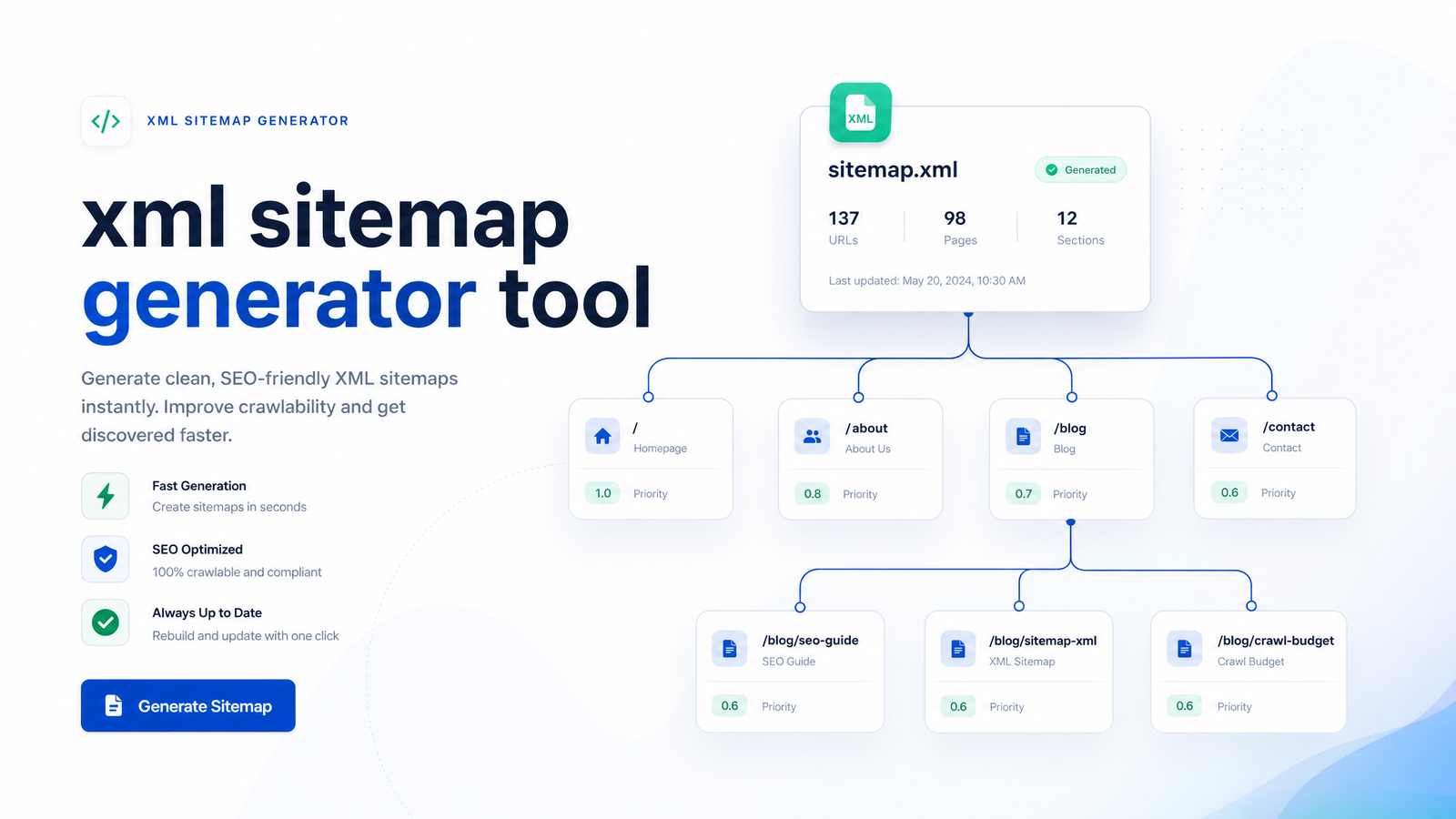
Most people search for an "XML sitemap generator tool" expecting a quick file export, run it once, upload the result, and move on. That approach is why so many sitemaps quietly become liabilities: they list pages that no longer exist, exclude new ones, and feed Google outdated signals about what's changed and when. A sitemap isn't a checkbox — it's a crawl-control document, and treating it as one changes how you should evaluate the tool that builds it.
What an XML Sitemap Generator Tool Actually Needs to Do
A tool that scans a site and dumps every URL into a file is doing about a third of the job. The harder, more valuable work is deciding which URLs belong in that file and keeping the list current as the site changes.
A capable xml sitemap generator tool needs to:
- Filter out non-canonical URLs so it only lists the version of a page you want indexed
- Detect and exclude pages marked noindex, blocked by robots.txt, or returning 4xx/5xx status codes
- Recalculate the file automatically when pages are published, unpublished, or redirected
- Set the
lastmodfield based on actual content changes, not the date the sitemap happened to run - Split output into multiple files with an index when the URL count grows past practical limits
None of this is exotic — it's what Google's own documentation on building and submitting a sitemap describes as baseline expectations. But most free generators and plugins stop at "list the URLs," which is why sitemaps drift out of sync with the site they're supposed to represent.
The Rules Every Sitemap Has to Follow
Before evaluating any generator, it helps to know the actual constraints Google works within, because a lot of sitemap advice online is outdated or invented.
Size limits. Each individual sitemap file can contain a maximum of 50,000 URLs and must not exceed 50MB uncompressed. Files should be UTF-8 encoded. Sitemaps exceeding either limit may be partially ignored or rejected.
Sitemap index files. If a site has more URLs than one file can hold, you build a sitemap index file — a wrapper document that points to multiple individual sitemaps. Search engines crawl the index first, then follow it to each child file. Any generator worth using should create this structure automatically once your URL count approaches the ceiling, rather than requiring you to notice the limit and split files manually.
The lastmod tag. This is the field most sitemaps get wrong. lastmod should reflect the actual date a page's content meaningfully changed — not the date the file was regenerated, and not "today" stamped across every URL by default. Google's own best practices guidance on XML sitemaps is direct about this: if lastmod values are consistently inaccurate, Google will start ignoring the field entirely. Once that trust is lost, you lose a genuinely useful signal for prioritizing recrawls of pages that actually changed.
Why 'Set It and Forget It' Sitemaps Quietly Break
A sitemap generated once — whether by a plugin at install time or a one-off online tool — is accurate for exactly as long as the site stays frozen. That never happens. New blog posts get published. Old category pages get deleted or merged. Product URLs get redirected during a re-platform. Canonical tags change as pages get consolidated.
Every one of those events, if the sitemap doesn't update in step, turns into a bad signal:
- Deleted pages still listed send crawlers to 404s, wasting crawl budget
- Redirected URLs still listed tell Google to fetch a page that immediately bounces elsewhere
- New pages missing from the sitemap simply don't get the discovery boost a sitemap is supposed to provide
- Canonical changes not reflected mean the sitemap points to a URL you've since deprioritized
This is the core failure mode of static sitemaps: they don't break loudly. The site keeps running, the sitemap keeps sitting in /sitemap.xml, and it slowly stops describing the site it claims to represent. An automated sitemap generator solves this by tying regeneration to the same events that change the site — publishing, deleting, redirecting, re-canonicalizing — rather than to a manual schedule someone has to remember to run. Ongoing sitemap maintenance is the entire point of having a generator instead of hand-building an XML file once.
What to Exclude From Your Sitemap
A sitemap audit is often faster than people expect, because the errors tend to fall into a short list of repeat offenders. Check your current sitemap for:
- Noindex pages — if a page tells search engines not to index it, listing it in the sitemap sends a contradictory signal
- Non-canonical URLs — any page with a canonical tag pointing elsewhere shouldn't appear under its own URL; only the canonical version belongs in the file
- Redirected URLs (3xx) — these should be replaced with their final destination, not listed as-is
- 4xx and 5xx pages — broken or removed pages have no reason to be in a crawl-priority document
- Thin or parameterized URLs — filtered, sorted, or tracking-parameter variants of the same page create duplicate-content noise and dilute crawl focus
Getting canonical handling right is foundational here, since a sitemap is only as accurate as the canonical signals feeding it. If you're seeing unexplained mismatches between what's indexed and what you expect, it's worth reading about canonical tag troubleshooting failures that basic audits miss — a lot of "bad sitemap" problems are actually upstream canonical problems.
Fixing canonicalization first, then letting the sitemap reflect it, saves you from re-auditing the same file every time your canonical logic changes.
Choosing an XML Sitemap Generator: What to Compare
Not every site needs the same category of tool. There are roughly three tiers worth understanding before you pick one:
One-time or standalone generators. Web-based tools that crawl your site once and hand you a file. Fine for a static brochure site with a handful of pages that rarely change. They offer no ongoing maintenance, so any site that publishes or edits content regularly will outgrow them fast.
CMS-native or plugin generators. Built into platforms like WordPress, these regenerate the sitemap automatically when you publish or update content, which is a real improvement. Their limitation is usually logic depth — many don't reliably exclude non-canonical duplicates, handle parameterized URLs, or manage lastmod accurately, because they're working from CMS metadata rather than a full crawl-and-audit view of the site.
Platform-level automated tools. These treat the sitemap as one output of a continuous audit process — checking canonical status, indexability, and redirect chains across the whole site, then generating (or correcting) the sitemap from that live picture rather than from static page lists.
When comparing options, the real question isn't "which is the best sitemap generator" in the abstract — it's which tier matches how often your site actually changes. A sitemap generator for a website that publishes weekly needs different guarantees than one for a 12-page site that hasn't changed since 2021.
Submitting and Monitoring Your Sitemap
Generating an accurate file is half the job; confirming Google is actually using it is the other half.
Submit your sitemap URL through Google Search Console, or reference it in your robots.txt file so any crawler can discover it automatically. After submission, check the Page Indexing report in Search Console — it shows how many submitted URLs are indexed versus excluded, and why. This is where a lot of the theoretical problems above (noindex pages, redirects, non-canonicals) show up as concrete numbers.
For a deeper read on getting the most out of that report, see Google Search Console tips that actually drive action. If you want to verify not just that Google received the sitemap but that Googlebot is genuinely crawling the URLs in it, log file analysis is the next layer down — it shows actual crawler behavior rather than self-reported indexing status.
Sitemap monitoring isn't a one-time submission event. Every time a sitemap gets regenerated, it's worth a quick pass through Page Indexing to confirm the change had the expected effect.
How Rankevra Handles Sitemaps as Part of the Workflow
Sitemap accuracy is really a byproduct of everything else being correct — canonical tags set properly, redirects resolved, noindex pages excluded, and content changes tracked as they happen. That's hard to maintain with a standalone generator bolted onto a CMS, because the generator only knows what the CMS tells it, not what a full crawl would reveal.
Rankevra treats the sitemap as one output of a continuous audit-and-publish loop rather than a separate task. As content gets created, updated, or removed through the platform, the underlying audit layer already knows the canonical status, indexability, and redirect state of every URL — so the sitemap reflects that reality automatically instead of requiring a manual re-run. That's the same audit engine covered in more detail in what a site audit tool checks and how to use one, and it's part of the broader prioritization approach outlined in how to fix technical SEO issues.
This is what an AI SEO workflow is meant to remove: the gap between "the site changed" and "the crawl signals caught up." If you're evaluating an automated sitemap generator as part of a larger technical SEO setup, it's worth seeing how Rankevra handles sitemap accuracy alongside audits, content publishing, and rank tracking in one continuous process rather than a stack of disconnected tools.
Frequently Asked Questions
Do I still need an XML sitemap if my site is small?
Yes, though the urgency is lower. Sitemaps matter most for discovery and crawl efficiency, and even a 10-page site benefits from an accurate list that reflects canonical URLs and current lastmod dates — it's cheap insurance against pages getting missed, especially if internal linking is thin.
What's the difference between an XML sitemap and an HTML sitemap?
An XML sitemap is a machine-readable file for search engine crawlers, listing canonical URLs with metadata like lastmod. An HTML sitemap is a human-facing page with links, meant for site visitors and navigation. They serve different audiences and both can exist on the same site without conflict.
How often should an XML sitemap be updated?
It should update whenever the site changes — new pages published, old pages removed, redirects added, or canonical tags changed — not on a fixed calendar schedule. Sites that publish content frequently need sitemaps that regenerate automatically rather than manually on a weekly or monthly cadence.
Can a bad sitemap hurt my rankings?
A bad sitemap doesn't directly cause ranking penalties, but it damages the crawl and indexing signals that support rankings. Listing redirected, noindex, or non-canonical URLs wastes crawl budget and can delay discovery of your actual priority pages, which indirectly affects visibility.
Do I need to submit my sitemap to Google every time it changes?
No — once submitted through Search Console or referenced in robots.txt, Google periodically recrawls the sitemap on its own. Resubmitting manually after major changes can prompt a faster recheck, but it isn't required for every update.
What should NOT be included in an XML sitemap?
Noindex pages, non-canonical URL variants, redirected (3xx) URLs, broken (4xx/5xx) pages, and thin or parameterized duplicate pages should all be excluded. Including any of these sends contradictory or wasteful signals to crawlers and undermines the sitemap's purpose as a clean crawl-priority list.
Keep reading
- Content Decay SEO: How to Detect It and Fix It for GoodLearn to detect content decay SEO issues early, rule out false positives, and build a refresh pipeline that scales — plus how to automate the whole loop.
- Headless CMS SEO: Fixing the Gaps Generic Tools MissHeadless CMS SEO breaks in three predictable places: rendering, metadata, and sitemaps. Here's the diagnostic framework to find and fix each gap.
- Google Algorithm Update Recovery: A Diagnostic FrameworkA step-by-step google algorithm update recovery framework: confirm the cause, segment the damage, benchmark against winners, and set a real timeline.