Rankevra Blog
301 Redirect Mapping: The Build-Test-Monitor Framework
September 15, 2026
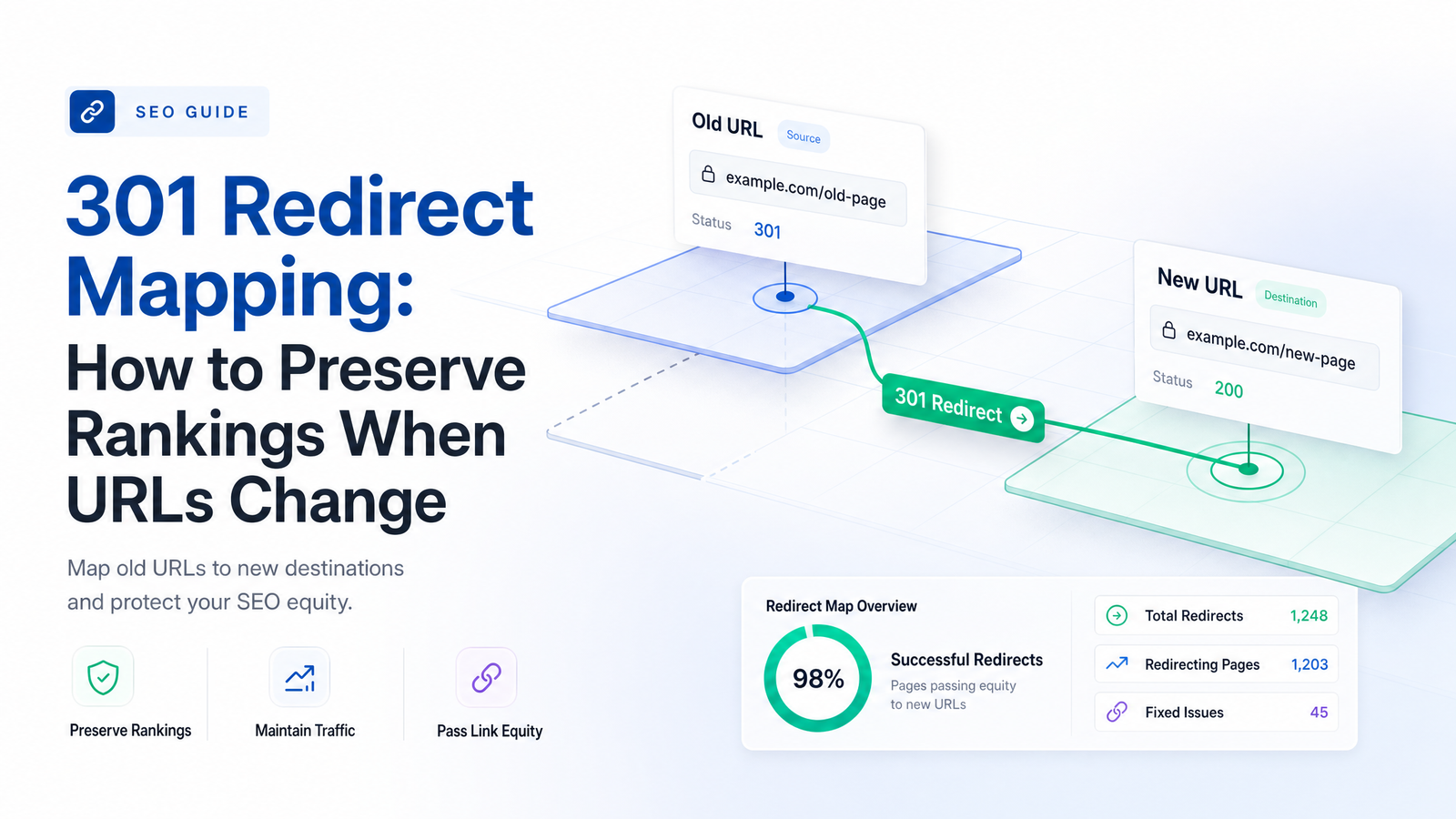
Renaming a folder structure, merging a blog, migrating a platform — every URL change puts existing rankings at risk the moment the old address stops working. The fix is simple in theory: redirect old URLs to new ones. In practice, most ranking loss during a URL change comes from sloppy mapping, not the 301 status code itself. This guide treats 301 redirect mapping as a data-matching problem and walks through a build-test-monitor sequence that holds up whether you're renaming five blog posts or migrating fifty thousand pages.
What a 301 Redirect Map Actually Is (and Isn't)
A redirect map is a documented, one-to-one correspondence between every old URL and its new destination — typically a spreadsheet or database with columns for source URL, destination URL, redirect type, and status. It's a record of decisions, not just a list of rules.
This is different from "adding redirects." You can add a 301 rule for every old URL without ever building a map — pattern-matching old paths to a single template, or routing everything through a catch-all rule. That approach produces redirects without correspondence, and correspondence is what preserves relevance signals. 301 redirect mapping means someone (or something) evaluated each old URL and decided, deliberately, where its content and authority should now live.
The distinction matters because it reframes the risk conversation. Search engines have said plainly that 301s themselves don't cause ranking loss — Google Search Central's site-move guidance treats the 301 as the recommended mechanism for URL changes precisely because it's designed to carry signals forward. What tanks rankings is redirecting a page about "enterprise pricing" to a generic homepage, or chaining three hops before landing on the final URL. The status code is sound engineering; mapping quality is where projects succeed or fail.
Does a 301 Redirect Really Preserve Your Rankings?
301 redirects don't lose PageRank by design — Google has stated for years, including through John Mueller, that redirect signals are treated similarly to a direct link, and equity consolidates at the destination URL rather than evaporating at the source. But "doesn't lose PageRank" and "guarantees your rankings transfer" are not the same claim, and conflating them is where most confused advice on this topic comes from.
Three variables decide whether the ranking signal actually shows up on the new URL:
Relevance of the match. A 301 tells search engines "this content moved here." If the destination doesn't answer the same query intent as the source, the signal has nowhere useful to land — Google may still index the new URL, but it won't rank for the queries the old page did.
Implementation method. Server-side 301s are unambiguous. Meta-refresh redirects, JavaScript-based redirects, or a 302 used where a 301 belongs, introduce doubt about permanence — and a 302 explicitly signals "temporary," so search engines may hold off on consolidating signals at all. This is also why a 301 isn't interchangeable with a canonical tag: canonicalization says "index this version instead," a 301 says "this URL is gone, go here now." Different mechanisms, different use cases.
Redirect chains. Each additional hop between old and new adds latency and dilutes confidence in the signal. Google will follow a reasonable number of hops, but chains are fragile — one broken link turns a 301 into a dead end.
So: link equity survives 301 redirects reliably when the match is genuinely relevant and the implementation is clean and direct. It degrades in exactly the scenarios most redirect projects handle carelessly.
Building the Redirect Map: A 4-Step Process
1. Build a complete URL inventory. Pull URLs from four sources: a full site crawl, Google Search Console's indexed and crawled URL reports, analytics for organic landing pages, and a backlink report for pages with external links pointing in. Each source catches URLs the others miss — a crawl won't surface an orphaned page that still ranks, and GSC won't show a URL removed months ago that still gets backlinks. Cross-reference against your XML sitemap too; anything in the sitemap that isn't in your crawl deserves a second look before launch.
2. Prioritize by impact. Rank your inventory by organic traffic, number and quality of referring domains, and revenue or conversion contribution. High-priority URLs get manual review; low-traffic, low-link pages can often be handled with pattern-based rules once you've confirmed the pattern is safe.
3. Match each old URL to its closest relevant equivalent. This is the core judgment call, and it should follow a relevance tier: exact content match first (the page still exists, just at a new address), then closest topical equivalent (the content was merged or restructured), then category or parent-page fallback only when no reasonable page-level match exists. Never skip straight to tier three because tiers one or two take longer to verify.
4. Implement as clean, server-side 301s. Once matches are decided, the map should live as a structured spreadsheet with columns for source URL, destination URL, redirect type, and priority tier — this becomes your implementation ticket and audit trail. Implement rules at the server or CDN level rather than through client-side scripts, and resolve each URL directly to its final destination in a single hop.
This four-step sequence also fits inside a broader migration plan — if you're mapping redirects as part of a full site migration rather than a handful of renamed pages, the SEO site migration checklist covers everything else that needs to happen alongside it, from content freezes to DNS cutover timing.
Common Mapping Mistakes That Quietly Kill Rankings
Mass-redirecting to the homepage. This is the most common shortcut, and it's the fastest way to waste a migration. Redirecting hundreds of unmatched URLs to the homepage tells search engines the destination has nothing specifically to do with the source, and Google may reclassify the redirect as a soft 404, stripping any equity transfer entirely. A real 404 that gets fixed later is often more recoverable than a mass homepage redirect that quietly suppresses rankings across dozens of URLs at once.
Redirect chains and loops. These accumulate when redirects get layered over time — a URL redirected during one migration gets redirected again during the next, without anyone updating the original rule to point straight to the final destination. Audit your existing redirect rules before adding new ones, not just the new URLs you're mapping.
Irrelevant matches treated as acceptable. If the honest answer is "there's no good match," redirecting to a loosely related category page is often worse than letting the URL 404 with a clear removal signal. Forced matches read as soft 404s and suggest the old page's content simply isn't available anymore.
Removing redirects too early. Search engines need time to recrawl and re-index every mapped URL — pulling redirect rules a few weeks post-launch, before that process completes, sends late crawlers straight into 404s on URLs that hadn't fully transferred yet. Keep redirects live well past the point where you assume the migration is "done."
Forgetting internal links. If your internal navigation, sitemap, or in-content links still point at old URLs, you're relying on the redirect to catch every internal click and crawl, adding unnecessary hops and diluting crawl efficiency. Update internal links to point directly at final destinations as part of the same project.
Validating and Monitoring After Launch
Test the full map in a staging environment before anything goes live. Every mapped URL should resolve in exactly one hop to a 200 status on the new destination — no chains, no loops, no accidental 302s. Crawl the staging map the same way you'd crawl a live site, and flag any redirect that takes more than one hop or lands on an unexpected page.
Once live, monitor three things: crawl status (are old URLs being recrawled and returning 301s cleanly), indexing status in Search Console (are new URLs replacing old ones in the index, or sitting unindexed), and rank movement on the mapped URLs specifically. That last point requires tracking rankings for both the old query set and the new URLs side by side — which is where a dedicated rank tracker earns its keep, since generic analytics won't tell you whether a specific keyword's ranking transferred or was lost in the shuffle.
Why Manual Redirect Mapping Doesn't Scale
A spreadsheet works fine for twenty URLs. It falls apart at two hundred, and becomes actively dangerous at two thousand — not because the logic changes, but because the manual work of cross-referencing crawl data, GSC exports, analytics, and backlink reports multiplies with every added source, and errors compound quietly until launch day. Someone maps a URL to the wrong tier, a chain gets introduced by a well-meaning developer, and nobody notices until rankings drop three weeks later.
This is the gap automated redirect mapping is built to close. An AI SEO audit tool that already crawls your site, pulls Search Console data, and tracks rankings has the raw inventory sitting in one place — instead of exporting four reports and reconciling them by hand, the matching and validation work happens against a single source of truth. Site audit tools built for this purpose can surface orphaned URLs, flag existing redirect chains before you add new ones, and catch soft 404s that a manual crawl would miss.
Redirect mapping is one more spreadsheet task that doesn't need to stay a spreadsheet task. Rankevra combines crawling, auditing, and rank tracking in one workflow, so you can surface every legacy URL that needs a redirect, flag chains and loops before launch, and watch whether rankings actually transfer once you go live — without juggling four separate tools to get there. Try Rankevra's audit workflow on your next URL change and see what a spreadsheet was hiding.
Frequently Asked Questions
Do I need a redirect map for a small change, like renaming a few blog URLs?
Yes, even for a handful of URLs — the process just gets faster, not optional. Document the old and new URL for each post, redirect server-side with a 301, and confirm each one resolves in a single hop; the discipline matters more than the scale.
What's the difference between a 301 and a 302 redirect for SEO purposes?
A 301 tells search engines the move is permanent, so ranking signals consolidate at the destination URL. A 302 signals a temporary change, which means search engines may keep the original URL indexed and hold off on transferring signals — use a 302 only for genuinely short-term redirects, not URL restructuring.
How long should I keep old redirects live after a migration?
Indefinitely is safest, but at minimum keep them live for as long as backlinks, bookmarks, and search engine caches might still reference the old URLs — typically well beyond a year for high-authority pages. Removing redirects early sends late crawlers and referral traffic straight into 404s.
Can I redirect multiple old pages to one new page?
Yes, when the old pages genuinely cover overlapping content that's now consolidated into a single new page — this is a legitimate many-to-one match, not a shortcut. It only becomes a problem when unrelated pages get funneled to one destination just to avoid 404s.
Will a 301 redirect pass 100% of my old page's ranking power?
Not exactly, and no official source claims a fixed percentage. Google has said 301s don't inherently cause a ranking loss compared to other redirect methods, but how much signal shows up on the new URL depends on match relevance, clean implementation, and avoiding chains.
What tool should I use to build and test a redirect map?
Use a tool that combines site crawling, Search Console data, and rank tracking, since building an accurate map requires cross-referencing all three sources anyway. Rankevra's audit workflow pulls that data together in one place, so you can build, test, and monitor a redirect map without stitching together separate crawlers and spreadsheets.
Keep reading
- SEO Cannibalization Audit: Find and Fix It at ScaleLearn to run a real seo cannibalization audit: separate harmless overlap from true ranking loss, then merge, redirect, or canonicalize at scale.
- Featured Snippet Optimization: A Reverse-Engineering GuideA 4-step framework for featured snippet optimization: find winnable queries, decode the incumbent's format, rebuild it tighter, and track ownership.
- Zero-Click Search SEO: A Revenue-First KPI FrameworkZero-click search is now the majority outcome. Learn which KPIs to replace, how to track them, and how Rankevra automates the whole picture.