Rankevra Blog
Google Search Console URL Inspection Tool: Full Guide
August 27, 2026
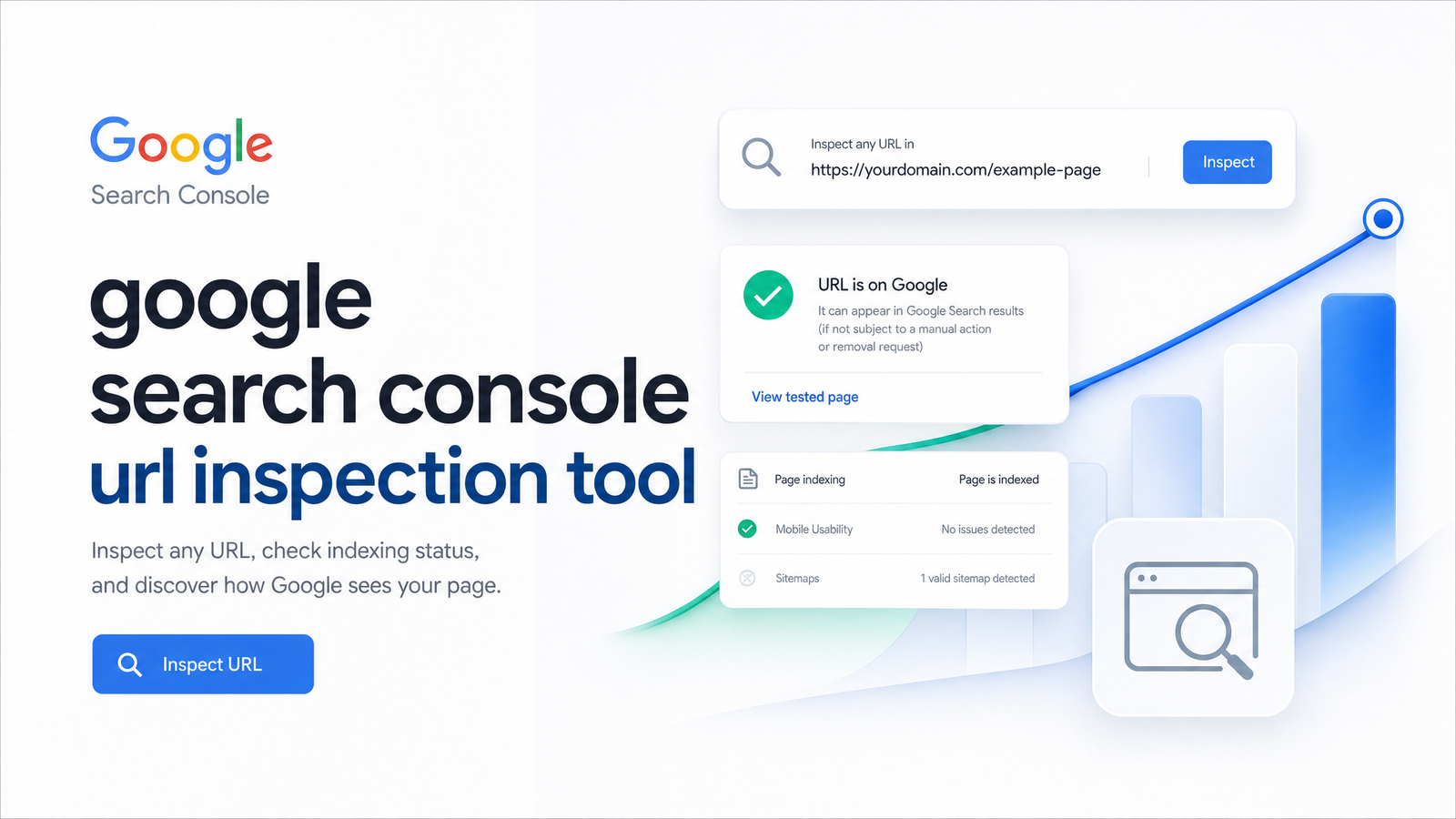
Every site owner eventually asks: is this page actually indexed, and if not, why isn't it ranking? The Google Search Console URL Inspection tool is where most people look — a genuinely useful tool, until you need to check more than a handful of URLs or track results over time.
This guide covers what the tool checks, the two limitations that trip up almost everyone (it shows a cached snapshot, not the live page, and it caps you at roughly 10-12 manual requests a day), and what to do once you outgrow it.
What the URL Inspection Tool Actually Checks
Paste in a URL and you'll get its indexing status, the coverage state Google has assigned it, which canonical URL Google selected (versus the one you declared), mobile usability signals, any structured data Google parsed from the page, and basic crawl information like the last crawl date and crawling user-agent.
This is the fastest way to check if a URL is indexed, but the report actually answers several questions at once: Can Google access this page? Did it choose to index it? Which version does it consider canonical? Does the page pass basic mobile and structured-data checks? Treating it as a single yes/no verdict is where most misreadings start — each sub-question matters on its own, and they don't always point the same direction.
Indexed Version vs. Live Test: The Distinction That Trips People Up
The default "Google Index" tab reflects the last time Googlebot crawled and processed that URL. If you've since fixed a canonical tag, removed a noindex directive, or restructured content, none of that shows up until Google recrawls — you're looking at a historical snapshot, not the current state.
"Test Live URL," by contrast, fetches the page right now and evaluates the live version. This is where "URL is on Google" makes more sense as a status: it means the indexed snapshot exists in Google's index, but it says nothing about whether the current version matches what's live, or whether that indexed version is earning impressions.
Run the live test whenever you've made a fix and want to confirm it worked before waiting for a recrawl, or whenever the indexed report looks stale relative to changes you know you made. The two views answering different questions is normal — it's not a bug.
Reading the Coverage Statuses
Coverage report statuses are Google's shorthand for what happened when it tried to crawl and index a URL. The ones you'll encounter most often:
Submitted and indexed — the URL is in the index and eligible to appear in search results. This is the status you want, though "indexed" doesn't guarantee visibility or clicks.
Discovered — currently not indexed — Google knows the URL exists (usually via a sitemap or internal link) but hasn't crawled it yet, often due to crawl budget constraints or perceived low priority.
Crawled — currently not indexed — Google fetched the page but decided not to index it. This is frequently a content-quality or duplication signal rather than a technical error.
Excluded — covers deliberate exclusions: noindex tags, robots.txt blocks, or a canonical pointing elsewhere. Not necessarily a problem if intentional.
Error — technical failures like 404s, server errors, or redirect issues that stopped Google from processing the page. If you're seeing this repeatedly, our guide to fixing 404 errors in Search Console walks through specific fixes. If the canonical shown doesn't match what you expect, canonical tag troubleshooting covers failure modes basic checks tend to miss.
Request Indexing: How It Works and Its Daily Limit
When a page shows as unindexed and you believe it should be included, "Request Indexing" nudges Google to prioritize a recrawl. It runs a quick live test first, flags obvious blocking issues, then queues the URL for crawling — but it's a request, not a guarantee. Google still applies its normal quality and indexing criteria afterward.
The practical constraint is the daily quota: most properties can submit roughly 10-12 manual requests per day before Search Console rejects further attempts, though Google doesn't publish an exact, universal number and it can vary by site. That ceiling is fine for the occasional new post or a handful of fixed pages. It becomes a real bottleneck once you've published a batch of new content or fixed an issue across dozens of URLs at once.
For anything beyond a few one-off requests, a well-structured sitemap Google can crawl regularly is a more scalable signal than manually requesting each URL. Reserve manual requests for pages where speed genuinely matters — a time-sensitive page or a fix you need confirmed quickly — rather than routine indexing. For a broader look at using Search Console data to prioritize what needs attention, see our step-by-step Search Console audit method.
When One URL at a Time Isn't Enough: The API and Bulk Monitoring
Once you're regularly hitting the manual quota, the next step is the URL Inspection API, which lets you query indexing status programmatically rather than pasting URLs into the UI one at a time. Google's official documentation on current usage limits sets the quota at roughly 2,000 queries per day per site, accessed through a project in Google Cloud Console.
Google introduced the API specifically to let larger sites and tools check status at scale — Google's own announcement frames it as a way to monitor indexing without manual, one-by-one lookups. That 2,000/day ceiling is generous compared to the manual tool, but it's still a hard ceiling, and it requires setting up API credentials and writing or running code to consume it — not something most content teams want to manage themselves just to check indexing status.
This is precisely the gap that turns "checking a URL" into a recurring engineering task rather than a quick SEO habit — and it's the natural point where automated monitoring tools built on top of the API earn their keep.
Common Mistakes to Avoid
- Assuming indexed means ranking. "Submitted and indexed" only confirms eligibility to appear in results — it says nothing about position, impressions, or clicks. If a page is indexed but invisible in search, the issue is usually relevance or competition, not indexing. Our guide to Search Console keyword ranking covers how to diagnose that gap.
- Ignoring where a redirect actually lands. Inspecting the original URL of a redirected page shows the redirect's status, not the destination page's indexing state — inspect the target URL separately.
- Burning requests on minor edits. Typo fixes and small copy tweaks rarely justify spending one of your limited daily requests; save them for changes that materially affect indexability.
- Requesting indexing before checking for noindex or robots.txt blocks. If either is in place, the request is wasted — fix the blocker first, then request.
Why Manual Inspection Doesn't Scale — and What to Do Instead
For a single URL, right now, the tool does its job well. But the design constraints are unavoidable: one URL per lookup, a daily request cap around 10-12, results that reflect a snapshot rather than continuous state, and no built-in history or alerting. If a page's coverage status quietly changes from indexed to excluded next month, nothing tells you — you'd have to think to check.
That's fine for occasional troubleshooting. It falls apart for a content team publishing regularly, a site recovering from a migration, or anyone building topical authority across dozens or hundreds of pages where indexing gaps directly cost traffic. Checking each URL manually, tracking results in a spreadsheet, and remembering to recheck after fixes isn't a workflow — it's a part-time job. For a wider view of what automated, site-wide checks can catch that single-URL lookups miss, see our overview of what a site audit tool checks, and for more tactical ways to get value out of Search Console day-to-day, our Search Console tips guide is a solid companion read.
Manual URL Inspection is the right tool for a one-off check. It's the wrong tool for ongoing indexing monitoring at any real scale — and treating it as your primary indexing dashboard almost guarantees you'll miss problems between checks.
Rankevra replaces that manual loop with automated indexing monitoring: it continuously tracks coverage status across your whole site, flags pages that drop out of the index or pick up canonical and crawl issues, and ties those findings directly into audit and publishing workflows so fixes actually get made — not just logged. If you're tired of pasting URLs into a box one at a time, Rankevra is built to do that watching for you.
Frequently Asked Questions
Why does the URL Inspection tool say 'URL is on Google' but the page still doesn't rank?
"URL is on Google" only confirms the page is in Google's index and eligible to appear in results — it says nothing about ranking position, relevance to specific queries, or competition. A page can be fully indexed and still receive zero impressions if it doesn't match search intent well or faces stronger competing pages. Check performance data and query matching separately from indexing status to diagnose ranking issues.
How many URLs can I check in the URL Inspection tool per day?
There's no published limit on how many URLs you can inspect per day, but Request Indexing is capped at roughly 10-12 successful requests per property per day. Once that quota is hit, further requests get rejected until it resets. For bulk checking beyond manual limits, the URL Inspection API allows about 2,000 queries per day per site.
What's the difference between the indexed version and the live test in URL Inspection?
The indexed version (Google Index tab) reflects the last time Googlebot crawled and processed the page — it can be outdated if you've made recent changes. Test Live URL fetches and evaluates the current live version right now. Use the live test after making fixes to confirm they're working, since the indexed view won't update until Google recrawls.
Does clicking 'Request Indexing' guarantee my page gets indexed?
No, Request Indexing only queues the URL for a prioritized recrawl — it doesn't guarantee inclusion in the index. Google still applies its normal quality, relevance, and indexing criteria afterward, and pages with content or technical issues can still be excluded even after a request.
Can I check multiple URLs at once instead of one by one?
Not through the standard Search Console interface, which only supports one URL per inspection. For checking many URLs at once, the URL Inspection API supports programmatic queries up to about 2,000 per day per site, though it requires developer setup through Google Cloud Console. Automated monitoring tools built on that API can handle bulk, ongoing checks without manual lookups.
Why does URL Inspection show a different canonical than the one I set?
This happens when Google's algorithm disagrees with your declared canonical, often due to duplicate or near-duplicate content, conflicting signals like internal links pointing elsewhere, or inconsistent canonical tags across similar pages. Google's chosen canonical is what actually gets indexed and ranked, regardless of what tag you specified. Reviewing duplicate content and consolidating conflicting signals usually resolves the mismatch.
Keep reading
- Content Decay SEO: How to Detect It and Fix It for GoodLearn to detect content decay SEO issues early, rule out false positives, and build a refresh pipeline that scales — plus how to automate the whole loop.
- Headless CMS SEO: Fixing the Gaps Generic Tools MissHeadless CMS SEO breaks in three predictable places: rendering, metadata, and sitemaps. Here's the diagnostic framework to find and fix each gap.
- Google Algorithm Update Recovery: A Diagnostic FrameworkA step-by-step google algorithm update recovery framework: confirm the cause, segment the damage, benchmark against winners, and set a real timeline.