Rankevra Blog
Headless CMS SEO: Why Clean Audits Still Don't Rank
September 6, 2026
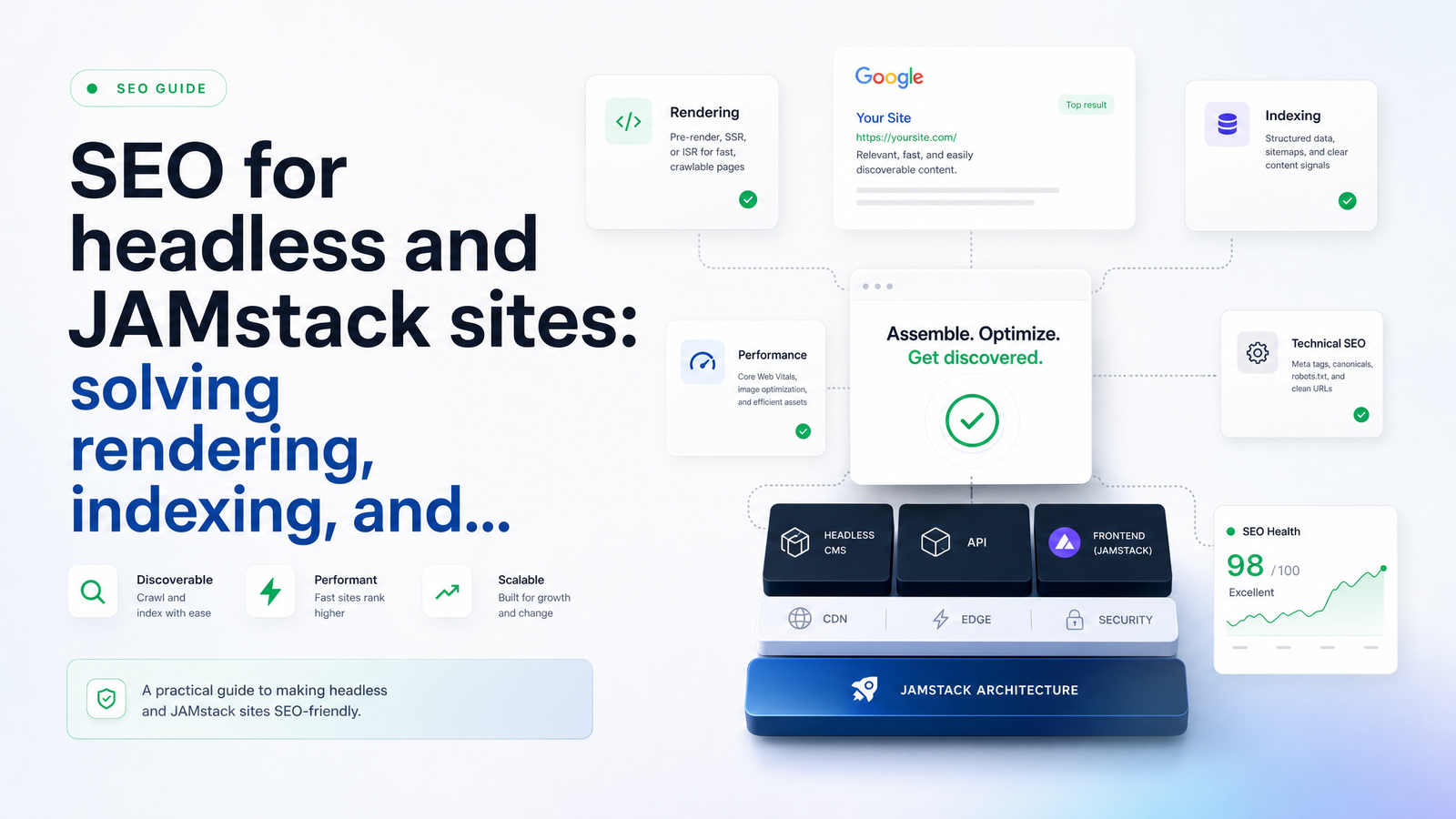
Why Headless Sites Pass Audits But Still Don't Rank
A marketing team migrates to Next.js or Gatsby, wires up Contentful or Sanity, runs a standard SEO audit tool, and gets a green checklist. Titles present. Meta descriptions present. No broken links. Six weeks later, organic traffic hasn't moved, and half the new content isn't in Google's index at all.
This is the defining failure mode of headless CMS SEO. Most audit tools crawl raw HTML or render pages inconsistently, so they report what a basic scraper sees, not what Googlebot actually processes after JavaScript execution. On a traditional WordPress site, raw HTML and rendered HTML are nearly identical, so this gap doesn't matter. On a JAMstack or headless build, the gap can be the entire page. A tool that doesn't account for JavaScript rendering SEO isn't auditing your site — it's auditing a placeholder.
The result is a visibility blind spot: reports say "healthy," Search Console says otherwise, and nobody on the team has the dev background to reconcile the two. That gap is what this article walks through — where it comes from, how to spot it yourself, and what an audit actually needs to check to be trustworthy on a decoupled stack.
The Rendering Problem: What Googlebot Actually Sees
Every headless site makes a rendering decision, whether the team realizes it or not. Client-side rendering (CSR) ships a near-empty HTML shell and lets JavaScript build the page in the browser. Server-side rendering (SSR) and static site generation (SSG) build the full HTML ahead of time — on the server per request, or at build time — so content is present the moment a crawler requests the page.
Googlebot does execute JavaScript, but not in the same pass as its initial crawl. Google uses a two-wave process: it fetches raw HTML first, queues the page for rendering, and comes back later — sometimes minutes, sometimes days later — to execute the JavaScript and see the final content. If your CMS relies heavily on client-side rendering, everything between those two waves is invisible: no body text, no internal links for discovery, sometimes no title tag. This is exactly why "why is my headless CMS site not getting indexed" is such a common search — the content exists, but Google hasn't gotten to wave two yet, or wave two failed silently.
For years, teams patched this with dynamic rendering — serving a pre-rendered snapshot to bots and the JS version to users. Google has since walked back that recommendation, calling it a workaround rather than a sustainable fix, and pointing developers toward SSR or SSG as the real solution.
Quick self-check: right-click any page and choose "View Page Source" — that's the raw HTML Googlebot sees on first pass. Then open DevTools, go to Elements, and look at the rendered DOM. If your title, headings, and body copy only appear in the second view, you have a rendering-dependent site, and indexing delays are structural, not incidental.
The Indexing Problem: Why Pages Get Discovered But Not Indexed
Rendering issues explain why content is invisible; indexing issues explain why it stays that way even once rendering works. Three mechanics are specific to headless/JAMstack setups.
First, crawl budget drain. Large JavaScript bundles take longer to fetch, parse, and render than static HTML, and on big sites, Googlebot has to ration its rendering effort across pages. That directly affects Core Web Vitals, and slower, heavier pages get rendered less frequently and less reliably — a real-world instance of crawl budget JavaScript sites lose without anyone touching a line of code.
Second, static sitemaps that go stale. In a traditional CMS, the sitemap regenerates on every publish because it's built into the plugin layer. In a JAMstack pipeline, the sitemap is often generated at build time and only updates when the site rebuilds — which means new pages, or pages that changed URLs, can sit unlisted until the next deploy. JAMstack SEO best practices increasingly call for CMS webhook-triggered rebuilds specifically to close this gap. For the mechanics of diagnosing sitemap staleness, see this sitemap error deep-dive.
Third, orphaned content between publish and rebuild. An editor publishes in Contentful or Strapi, believes the job is done, but the front end on Netlify or Vercel hasn't rebuilt yet — or the webhook silently failed. The content exists in the CMS but nowhere on the live site, and no standard audit catches a page that was never built. If you want to confirm whether Googlebot is actually reaching and rendering your pages rather than guessing, log file analysis is the most direct evidence available — it shows exactly what bot traffic hit which URLs and when.
The Metadata Problem: No Defaults, No Safety Net
Traditional CMS platforms come with a plugin layer that quietly handles the unglamorous SEO plumbing: auto-generated canonical tags, fallback meta descriptions, Open Graph tags pulled from the featured image, schema markup for articles and products. It's easy to forget this layer exists because it rarely fails loudly.
A headless CMS has none of that by default. Metadata management in a headless CMS means every field — title tag, meta description, canonical URL, OG image, structured data type — has to be explicitly mapped from a CMS content field to a front-end template. There's no plugin catching the case where an editor leaves a field blank, or where a template renders the wrong canonical on a paginated or filtered view.
These mapping errors are small individually and severe at scale. A canonical tag pointing to a staging URL, or defaulting to the homepage across an entire content type, can quietly deindex hundreds of pages while every visible signal looks fine. This exact failure pattern — canonicals that pass a glance but fail in practice — is common enough to warrant dedicated troubleshooting. The fix isn't more plugins; it's treating metadata mapping as a template-level QA task, checked on a schedule, not a one-time setup step.
A Diagnostic Checklist for Marketers Without a Dev Team
You don't need to read code to catch most of these problems. Before escalating to a developer, work through this headless CMS SEO checklist on a sample of pages from each content type:
- Compare raw vs. rendered HTML. View source, then inspect the rendered DOM. If key content only appears after rendering, flag it as a rendering-dependent template.
- Test structured data directly. Run key pages through Google's Rich Results Test rather than trusting a plugin's "schema present" checkbox — it needs to see the rendered output, not the source.
- Check sitemap freshness against your CMS. Publish a test page, then check whether it appears in the live sitemap within your expected rebuild window. If it doesn't show up until the next scheduled deploy, your pipeline needs a webhook trigger.
- Verify canonical tags on templated pages — category pages, tag pages, paginated series — since these are where mapping defaults quietly go wrong.
- Search Console coverage vs. CMS entry count. If your CMS shows 500 published articles and Search Console shows 340 indexed, the gap is your starting investigation point.
- Spot-check Open Graph output by pasting live URLs into a social preview debugger — missing OG images are one of the fastest tells of an incomplete metadata map.
Run through this before deciding whether the fix is a full SSR/SSG rebuild or something much smaller, like a missing webhook or a mistyped canonical field. Most teams assume it's the former when it's usually the latter.
How Rankevra Closes the Gap
The reason this problem persists is that most audit tools weren't built for decoupled architectures — they check what's in the source, not what survives rendering. Rankevra's audits are JS-rendering-aware by design: they crawl the way Googlebot actually processes JavaScript-heavy pages, so a page that looks fine in raw HTML but breaks on render gets flagged instead of passed.
Beyond the audit itself, Rankevra automates the fix-and-publish loop that headless stacks lack natively — the plugin-layer plumbing WordPress users take for granted. That means continuous checks on sitemap freshness, canonical accuracy, and structured data validity, tied to your actual publishing cadence rather than a one-off scan. For teams also trying to fix the publish pipeline itself, building a scalable content publishing workflow is the natural next step once the audit gap is closed. And if you want a broader sense of what a proper audit tool should be checking in the first place, this overview covers the fundamentals.
For a marketer without dev resources on call, this replaces guesswork with an ongoing signal: rendering issues, indexing gaps, and metadata errors surfaced automatically, before they cost months of ranking momentum.
Frequently Asked Questions
Why do headless CMS sites often look 'clean' in standard SEO audits but underperform in actual rankings?
Because most audit tools crawl raw HTML or render pages inconsistently, missing what Googlebot sees after full JavaScript execution. A page can show correct titles and meta tags in the source while the actual rendered content — the version that determines rankings — is empty, delayed, or broken. The audit passes because it's checking the wrong version of the page.
What specifically breaks when content is decoupled from the front end — rendering, indexing, or metadata?
All three, and usually in combination. Rendering breaks when content depends on client-side JavaScript Googlebot hasn't processed yet; indexing breaks when crawl budget, stale sitemaps, or failed rebuilds leave pages undiscovered; metadata breaks when CMS fields aren't explicitly mapped to templates, since headless systems have no built-in plugin layer to catch gaps.
How does Google's two-wave indexing process affect JAMstack/headless sites differently than traditional CMS sites?
Google fetches raw HTML first, then queues a separate rendering pass to execute JavaScript, which can happen minutes or days later. Traditional CMS sites serve nearly identical raw and rendered HTML, so this delay barely matters. JAMstack and headless sites relying on client-side rendering can have empty or incomplete content during that gap, delaying indexing well beyond what teams expect.
What metadata does a traditional CMS handle automatically that a headless CMS does not?
Traditional CMS platforms use plugins to auto-generate canonical tags, fallback meta descriptions, Open Graph tags, and structured data without manual setup. A headless CMS has no equivalent default layer — every meta field, canonical URL, and schema type must be deliberately mapped from CMS content to front-end templates, and blank or mismatched fields go unnoticed at scale.
How can a marketer without dev resources diagnose these issues themselves?
Start by comparing raw page source against the rendered DOM in DevTools to check for rendering-dependent content, then test structured data and Open Graph tags directly on live URLs rather than trusting a plugin checkbox. Cross-check your CMS's published page count against Search Console's indexed count, and confirm new pages appear in the sitemap within your expected rebuild window. These checks isolate whether the problem is rendering, indexing, or metadata before involving a developer.
Run a Rankevra audit against your Next.js, Gatsby, Contentful, or Sanity site and compare it to your current tool's report — it takes minutes and shows exactly what Googlebot's rendering pass is missing right now. Start at Rankevra, and once the audit gap is closed, use this workflow guide to keep publishing safe as you scale.
Keep reading
- Duplicate Content Parameters: Fix It Without Losing UTM DataLearn to diagnose duplicate content parameters in Google Search Console and fix them with canonical tags — without breaking UTM tracking or paid attribution.
- How to Measure Topical Authority: A Real Scoring FrameworkLearn how to measure topical authority with a coverage, internal link, and ranking velocity framework you can score, trend, and defend to stakeholders.
- SEO for Content Teams: Scaling Without Losing QualitySEO for content teams breaks down at four points. Here's the system — briefs, topic ownership, a quality rubric, and author schema — that fixes it.