Rankevra Blog
SEO Site Migration: A Risk-Based Planning Framework
August 19, 2026
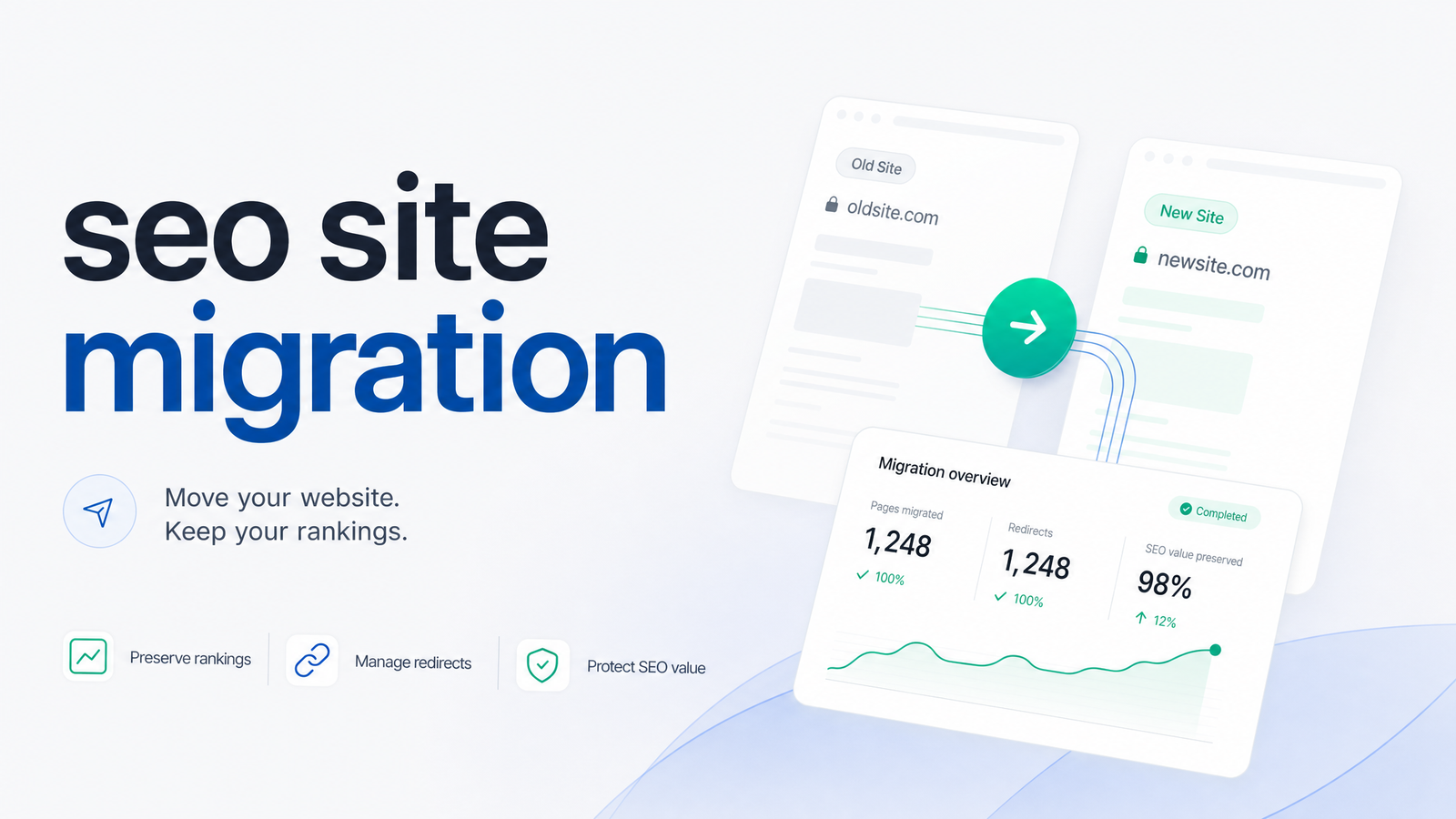
Most guides to SEO site migration jump straight to redirect maps and launch-day checklists. That's useful once you know what you're doing — but it skips the decision that actually determines your outcome: understanding how much risk your specific migration carries before you touch a single URL. This article covers what qualifies as a migration, why rankings move when you change infrastructure, what traffic loss is normal, and how to scope your project so you're not gambling with organic visibility you spent years building.
If you're already past planning and ready to execute, The SEO Site Migration Checklist That Protects Your Rankings covers the tactical steps in order. This piece is about deciding what kind of migration you're actually running and how much caution it deserves.
What Counts as an SEO Site Migration (and What Doesn't)
An SEO site migration is any change that alters how search engines discover, crawl, or evaluate your URLs. If the URL structure, domain, hosting environment, or underlying code changes, you're migrating — even if the content stays identical. Swapping a homepage headline isn't a migration; changing the address search engines use to find that page is.
Common types of site migration, roughly in order of how often they appear:
- Domain migration — moving from one domain to another (rebrand, TLD change, or merging brands). This resets the address Google associates with every signal you've built.
- CMS migration — replatforming from one system to another (WordPress to a headless CMS, Shopify to a custom build). URLs, templates, and rendering can all shift at once.
- HTTPS migration — moving from HTTP to HTTPS. Narrower in scope, but still a full URL change across the site.
- URL restructure — changing folder structure, slugs, or parameters without changing domain or platform.
- Site consolidation — merging multiple sites or subdomains into one property.
- Hosting move — changing servers or infrastructure without changing URLs. Usually the lowest SEO risk, though it can affect speed and uptime.
Many projects combine two or three of these categories in one launch — a rebrand with a new domain, CMS, and redesign simultaneously. That combination is exactly where risk compounds, which the framework section below addresses directly.
Why Migrations Tank Rankings: The Signal-Transfer Mechanics
Rankings don't move because Google "doesn't like" your new site. They move because every ranking signal your old URLs accumulated has to be reassigned to new URLs, and that reassignment depends on mechanical steps you control.
First, Googlebot has to discover that a URL has changed — through a 301 redirect, an updated XML sitemap, or the Google Search Console Change of Address tool for domain moves. Second, it has to recrawl both the old and new URL to confirm the relationship. Third, once confirmed, Google transfers link equity and relevance signals from old to new — but only if the redirect is a clean 301 (permanent) rather than a 302 (temporary), which tells Google not to fully consolidate signals since the move might not be permanent. Fourth, the index updates, replacing old URLs with new ones. Fifth, rankings re-stabilize as Google gains confidence in the new URL's authority and relevance.
Every point in that chain can leak signal. Crawl budget — the number of pages Googlebot will crawl in a given window — is finite, and a botched migration forces Google to spend it rediscovering your whole site instead of indexing new content. Redirect chains, where URL A redirects to B which redirects to C, waste that budget further and can cause Google to stop following the chain, breaking signal transfer. Canonical tags left pointing at old URLs, or misconfigured after a template change, tell Google not to index the page you actually want ranked — a failure mode common enough that it gets its own troubleshooting guide. None of this is punitive; it's just the mechanical reality of Google needing time and clean signals to rebuild what it knew about your site.
How Much Traffic Loss Is Normal (and What's a Red Flag)
Some SEO traffic loss after migration is expected even in a well-executed project, because recrawling and re-indexing take time. Benchmarking from Search Engine Land's site migration guide frames a temporary dip of roughly a few percentage points to around 10-15% of organic traffic in the weeks after launch as within normal range, with recovery typically underway within two to four weeks and largely complete within one to three months for small-to-mid-sized sites.
Domain migrations and large CMS replatforms sit at the longer end — sometimes three to six months for very large sites with hundreds of thousands of URLs — simply because there's more surface area to recrawl and revalidate. HTTPS-only migrations and hosting moves, done correctly, often recover within days to a couple of weeks since the URL structure barely changes.
Red flags rather than a normal dip: traffic loss exceeding 30-50% with no recovery trend after four to six weeks, a sharp drop in indexed page count in Search Console with no explanation, or rankings disappearing entirely (not just dropping in position) for pages that previously ranked well. These patterns usually point to a specific technical failure — missing redirects, a robots.txt blocking the new site, canonical tags pointing the wrong direction, or a sitemap still referencing old URLs — rather than ordinary re-indexing lag. If you're seeing that pattern, How to Fix Technical SEO Issues: A Priority Action Plan is the right next stop for triage.
A Risk-Based Framework for Scoping Your Migration
Not every migration deserves the same level of caution, and treating a hosting move like a domain change (or vice versa) wastes either resources or safety margin. Rank your planned changes against this rough risk order, lowest to highest:
- Hosting move (no URL change) — low risk
- HTTPS migration — low-to-moderate risk
- URL restructure on the same domain — moderate risk
- CMS migration with URL changes — moderate-to-high risk
- Site consolidation — high risk
- Domain migration — highest risk
The core strategic question is whether to bundle several of these into one launch or phase them separately. Combining a domain migration with a CMS migration and a full redesign at once is common — teams want one "big bang" launch instead of three disruptive events — but it means that if traffic drops, you have three simultaneous variables and no clean way to isolate which one caused it. A phased approach — say, replatforming the CMS first while keeping the domain and URL structure stable, then migrating the domain later once the new platform is proven — takes longer calendar time but gives you a diagnosable rollout at every stage.
Bundling is justified when changes are tightly coupled (a new CMS that can't structurally support your old URLs, for instance) or when the business timeline can't support multiple launches. In that case, the mitigation isn't skipping steps — it's investing more heavily in a pre-migration baseline: a full site audit before migration that documents every current URL, its rankings, indexing status, and backlink profile, plus a staging environment where redirects and templates are tested before anything goes live. That baseline is what turns "traffic dropped, no idea why" into "traffic dropped, and here's exactly which 40 URLs lost their redirect." A documented migration risk assessment — even a simple spreadsheet ranking each change by scope and reversibility — forces the bundling-versus-phasing decision to happen deliberately rather than by default.
Monitoring the Migration Without Losing Your Mind (or Your Rankings)
Planning scope and understanding risk mechanics gets you a good strategy on paper. Executing it well requires watching what's actually happening to your site in real time, and that's where most teams fall down — not from bad planning, but from nobody catching a broken redirect until three weeks in.
Three things need eyes on continuously, before, during, and after launch: indexing status (are new URLs getting indexed, are old ones dropping out as expected), crawl health (redirect chains, 404s, blocked resources, canonical mismatches), and rankings across your full keyword set, not just a handful of priority terms. Core Web Vitals deserve a check too, since CMS and hosting migrations frequently change page speed and rendering behavior — Core Web Vitals SEO Impact: What the Evidence Really Shows covers how much that actually matters for rankings.
Doing this manually across a site with even a few hundred URLs means spreadsheets, repeated Search Console exports, and rank checks that are stale by the time you review them. That's the case for automated rank tracking during migration and continuous site auditing rather than one-off spot checks — you need indexing status, crawl errors, and ranking movement in the same view, updated daily, not reconstructed after the damage is done. If you're evaluating tools for this, Best SEO Rank Tracker in 2026: How to Actually Choose breaks down what to look for.
This is exactly the gap Rankevra is built to close: automated site audits and rank tracking running side by side, so you're watching crawl health and keyword positions across the entire site during the transition instead of sampling a handful of URLs and hoping the rest held up.
Frequently Asked Questions
How much traffic will I lose during an SEO site migration?
A well-executed migration typically sees a temporary dip of roughly a few percent up to 10-15% of organic traffic in the first few weeks, with recovery beginning within two to four weeks. Losses beyond 30-50% with no recovery trend after a month usually indicate a technical failure like missing redirects or blocked crawling, not normal re-indexing lag.
How long does it take for rankings to recover after a site migration?
Most small-to-mid-sized sites recover within one to three months, while large domain migrations or major replatforms can take three to six months due to the volume of URLs Google needs to recrawl and revalidate. HTTPS-only migrations and hosting moves usually recover fastest, often within days to a couple of weeks.
Do I need to change my domain and redesign my site at the same time?
No — bundling a domain change with a redesign and CMS switch is a choice, not a requirement, and it increases risk because you lose the ability to isolate which change caused a traffic drop. Phasing changes separately takes longer but is far easier to diagnose if something goes wrong.
What's the riskiest type of site migration for SEO?
Domain migration carries the highest risk because it requires transferring every ranking signal to an entirely new address, followed closely by site consolidation and CMS migrations that also change URL structure. Hosting moves and HTTPS-only migrations, which don't change URLs, carry the lowest risk.
Can I do an SEO site migration without a checklist or agency help?
Yes, for small-to-moderate sites, provided you understand redirect logic, sitemap updates, and how to monitor indexing and rankings afterward. The bigger risk isn't skipping an agency — it's skipping the baseline audit and post-launch monitoring that catch problems early.
Should I use 301 or 302 redirects during a migration?
Use 301 redirects for any permanent URL change, since they tell Google to transfer ranking signals to the new URL. Reserve 302 redirects for genuinely temporary situations, because Google won't fully consolidate signals through a 302, which can stall recovery if used by mistake on permanent moves.
Tracking rankings, crawl status, and technical health across hundreds or thousands of URLs by hand during a migration is close to impossible to do reliably — which is exactly where most redirect and indexing problems go unnoticed until traffic has already cratered. Rankevra automates the audit and rank-tracking work so you can catch broken redirects, indexing gaps, and crawl errors within days of launch instead of weeks.
Keep reading
- Content Decay SEO: How to Detect It and Fix It for GoodLearn to detect content decay SEO issues early, rule out false positives, and build a refresh pipeline that scales — plus how to automate the whole loop.
- Headless CMS SEO: Fixing the Gaps Generic Tools MissHeadless CMS SEO breaks in three predictable places: rendering, metadata, and sitemaps. Here's the diagnostic framework to find and fix each gap.
- Google Algorithm Update Recovery: A Diagnostic FrameworkA step-by-step google algorithm update recovery framework: confirm the cause, segment the damage, benchmark against winners, and set a real timeline.