Rankevra Blog
Website Technical SEO Checker: What It Should Actually Test
July 25, 2026
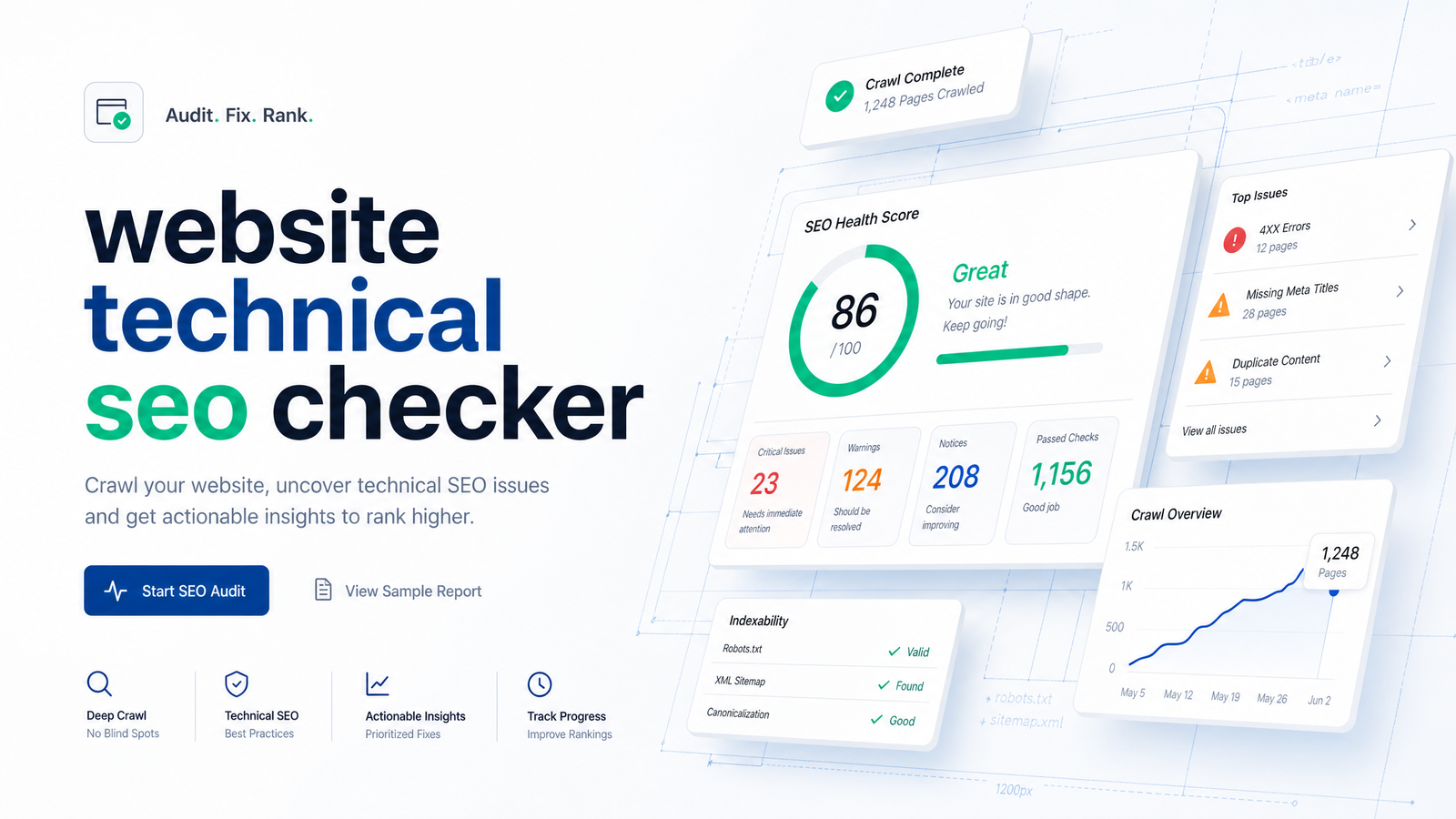
What a Technical SEO Checker Actually Does
A website technical SEO checker is an automated, repeatable scan that flags crawlability, indexability, speed, and markup issues in minutes — not a full manual audit, and not a substitute for a paid agency engagement. Type in a URL, wait briefly, and you get a structured report of what a crawler and a browser see when they hit your pages. That's the whole job: surface issues fast and consistently without a human spending hours in dev tools.
Where people get tripped up is expecting a checker to behave like a full audit. A technical SEO site audit digs into root causes, cross-references analytics, and often involves a strategist interpreting business context. A checker doesn't do that — it tells you what is broken, not always why, and it won't rewrite your information architecture. Confusing the two is how teams end up disappointed with a tool that was never designed to replace a strategist.
This article treats the technical SEO checker as its own category. We'll define the six things a legitimate one must test, show you how to read and prioritize its output, flag the false positives that waste the most time, and explain why a scan without a fix workflow attached is only half a solution. If you're comparing a quick website SEO checker against something more thorough, the distinction matters — and by the end you'll know which one you actually need.
The 6 Things a Real Checker Must Test
Not every tool marketed as a technical SEO checker actually covers the ground that matters. Here's the technical seo checklist a legitimate scan needs to run through.
Crawlability and indexability. This is the foundation: robots.txt directives, XML sitemap validity, HTTP status codes (redirect chains, 4xx, 5xx), and whether pages are actually indexable or quietly carrying a noindex tag. A crawlability check that misses any of these isn't complete.
Core Web Vitals and interactivity. Speed and responsiveness checks should cover Largest Contentful Paint, Cumulative Layout Shift, and Interaction to Next Paint (INP), which replaced First Input Delay as the responsiveness metric in March 2024, with roughly 200ms as the "good" threshold. A proper core web vitals check pulls field and lab data — see this Core Web Vitals SEO impact review and the 2026 CWV checklist for how these metrics factor into mobile-first prioritization.
Mobile-readiness. With Google indexing the mobile version of your site by default, a checker needs to confirm mobile rendering, viewport configuration, and tap-target sizing — not just report a desktop score and call it done.
Structured data validation. Schema markup needs to be both present and valid; broken JSON-LD or mismatched types can quietly cost you rich results. Deeper mechanics are covered in this structured data guide.
Canonical and duplicate content signals. Checkers should flag conflicting canonical tags, orphaned duplicate pages, and parameter-driven duplication — issues that quietly split ranking signals. This canonical tags and duplicate content diagnostic walks through the diagnostic logic in more depth.
Security and HTTPS integrity. Mixed content warnings, expired certificates, and insecure redirects belong in the scan too — security signals affect both user trust and indexing behavior.
Reading the Report: Errors, Warnings, and Real Priority
A scan that returns 300 flagged items isn't necessarily telling you that your site has 300 problems — it's telling you the tool checked 300 things. The job now is triage: separating true errors from noise based on impact, not on how many rows appear in the report.
Start with anything that can pull pages out of the index entirely: unintended noindex tags, broken or conflicting canonicals, and 5xx server errors on pages that used to rank. These are the technical SEO priority items — fix them first because they affect whether Google can index the page at all. Next come issues that dilute ranking ability without killing indexation: slow Core Web Vitals scores, missing structured data, weak internal linking. These matter, but a page with a mediocre INP score still ranks; a page with an accidental noindex doesn't exist in search results.
Cosmetic warnings — a slightly long meta description, a missing alt tag on a decorative image — sit at the bottom. Learning how to read an SEO audit report means asking one question per flagged item: does this affect whether the page gets crawled, indexed, or ranked? If the honest answer is "probably not much," it's a warning, not a crisis. Critical vs. warning SEO issues should be sorted by that impact test every time, not by whatever order the tool happens to list them in.
Common False Positives That Waste Your Time
Even well-built checkers generate noise, and knowing the recurring patterns saves you from chasing phantom problems.
Duplicate titles that are intentional. Paginated category pages or filtered product listings often share title patterns on purpose. A checker flags them as duplicates; in reality, the pages serve distinct search queries and don't need unique titles crafted for each variation.
JavaScript-rendered content misread as missing. Some scanners crawl raw HTML without executing JavaScript, so content injected client-side looks absent even though users and a properly rendering crawler see it fine. Before "fixing" this, confirm whether the checker actually renders JS or is reading a static snapshot.
Noindex tags on staging or dev subdomains. If a checker scans your whole domain including a staging environment, it will rightly report noindex tags there — but that's expected behavior, not a bug. Scope your scans to production URLs to avoid false alarms.
Thin content warnings on legitimately short pages. A contact page or a small FAQ entry can trip a "thin content" flag despite serving its purpose perfectly well. Word count thresholds are a blunt instrument, not a ranking factor on their own.
Recognizing these technical SEO false positives up front means you spend your fix time on errors that actually move the needle rather than pages that were never broken.
From Checker to Fix: Why a Scan Alone Isn't Enough
Most standalone checkers stop the moment the report loads. You get a list, maybe color-coded by severity, and then you're on your own to open a CMS, track down a developer, or dig through a plugin to apply the fix. That handoff is where SEO work quietly stalls — not because the scan was wrong, but because nothing connects the finding to the action.
A checker only earns its keep as the first step in a loop: scan, prioritize, fix, republish, rescan. Skipping the rescan step is just as costly as skipping the fix — teams routinely resolve an issue and never confirm it actually cleared, so the same "error" resurfaces in next month's report and gets treated as new. An effective seo audit workflow closes that loop instead of leaving it open-ended.
This is also where the case for automated SEO fixes gets practical rather than aspirational. Reconciling separate results from a speed tool, a crawler, a schema validator, and a mobile checker by hand is tedious and error-prone — different tools score things differently, and building one consolidated priority list takes real effort every cycle. If you're deciding whether to keep managing this yourself or hand it off, this comparison of hiring an agency versus automating the process lays out the tradeoffs plainly. For ongoing monitoring rather than a one-off scan, it's also worth understanding how a site audit tool differs from a single checker run.
How Rankevra Runs the Checker-to-Fix Loop
Rankevra was built around the idea that a scan should never be the finish line. The workflow starts with an AI SEO audit tool that runs the same six-category scan described above — crawlability, Core Web Vitals and INP, mobile-readiness, structured data, canonicals and duplicates, and HTTPS integrity — but instead of handing you a raw list, it prioritizes findings by indexation and ranking impact automatically.
From there, automated technical SEO fixes take over for issues that don't require a developer: correcting canonical conflicts, generating valid structured data, cleaning up sitemap entries, and flagging content gaps tied to topical authority. Rankevra's content and publishing layer means fixes tied to content — thin pages, missing internal links, weak topical coverage — get resolved and republished within the same platform, not exported to a separate CMS workflow. Rank tracking then confirms whether the fix actually changed anything, closing the loop that most standalone checkers leave open. For a reader who wants issues resolved rather than just listed, that's the practical difference: one connected system instead of four disconnected tools you reconcile by hand.
Run a free scan, get a prioritized fix list, and let the same platform handle the republish and the rank check — that's the loop a checker was always supposed to be part of.
Frequently Asked Questions
What is a technical SEO checker and how is it different from a full SEO audit?
A technical SEO checker is an automated scan that flags crawlability, speed, mobile, and markup issues within minutes. A full audit goes further, investigating root causes, cross-referencing analytics data, and often involving a strategist's manual review — the checker tells you what's broken, the audit explains why and what to do about it strategically.
Are free technical SEO checker tools accurate enough to trust?
Many free checkers are accurate for surface-level issues like broken status codes or missing meta tags, but accuracy varies by whether the tool renders JavaScript and scopes scans correctly. Treat free tool output as a starting point, and verify flagged items against Google Search Console before assuming every warning is real.
How often should I run a technical SEO check on my website?
Run a scan at least monthly, and immediately after any major site change like a redesign, migration, or CMS update. Sites that publish content frequently or run active technical fixes benefit from rescanning after each change to confirm the issue actually cleared.
What's the difference between a critical technical SEO error and a warning?
A critical error affects whether a page can be crawled, indexed, or ranked at all — think 5xx errors, accidental noindex tags, or broken canonicals. A warning is a lower-impact issue, like a slightly long meta description, that doesn't block indexation and can be scheduled rather than treated as urgent.
Can a technical SEO checker fix issues automatically, or just find them?
Most standalone checkers only find and report issues, leaving the fix to a developer or manual CMS edit. Some platforms, including Rankevra, connect the scan directly to an automated fix-and-republish workflow so flagged issues get resolved without switching tools.
Why does my checker report show errors that don't seem to affect rankings?
Checkers often flag anything that deviates from a technical best practice, even when the deviation is intentional or low-impact, like paginated duplicate titles or short but purposeful pages. Not every flagged item is a ranking factor — prioritize by indexation and ranking impact rather than treating every row in the report as equally urgent.
Keep reading
- Wordcount for SEO: Benchmarks by Page Type (2026)How many words should your page be? Get real wordcount benchmarks by page type and a repeatable method to set your own target — no guessing.
- Word Counters for SEO: What Content Teams Actually NeedMost word counters just count. Here's what an SEO-aware word counter needs to do for content teams — and why standalone tools break down at scale.
- Count the Words: Fast Methods + Does It Matter for SEO?Learn to count the words in any document in seconds, then discover what the Backlinko 11.8M study actually says about word count and SEO rankings.