Rankevra Blog
Count the Words: Fast Methods + Does It Matter for SEO?
September 8, 2026
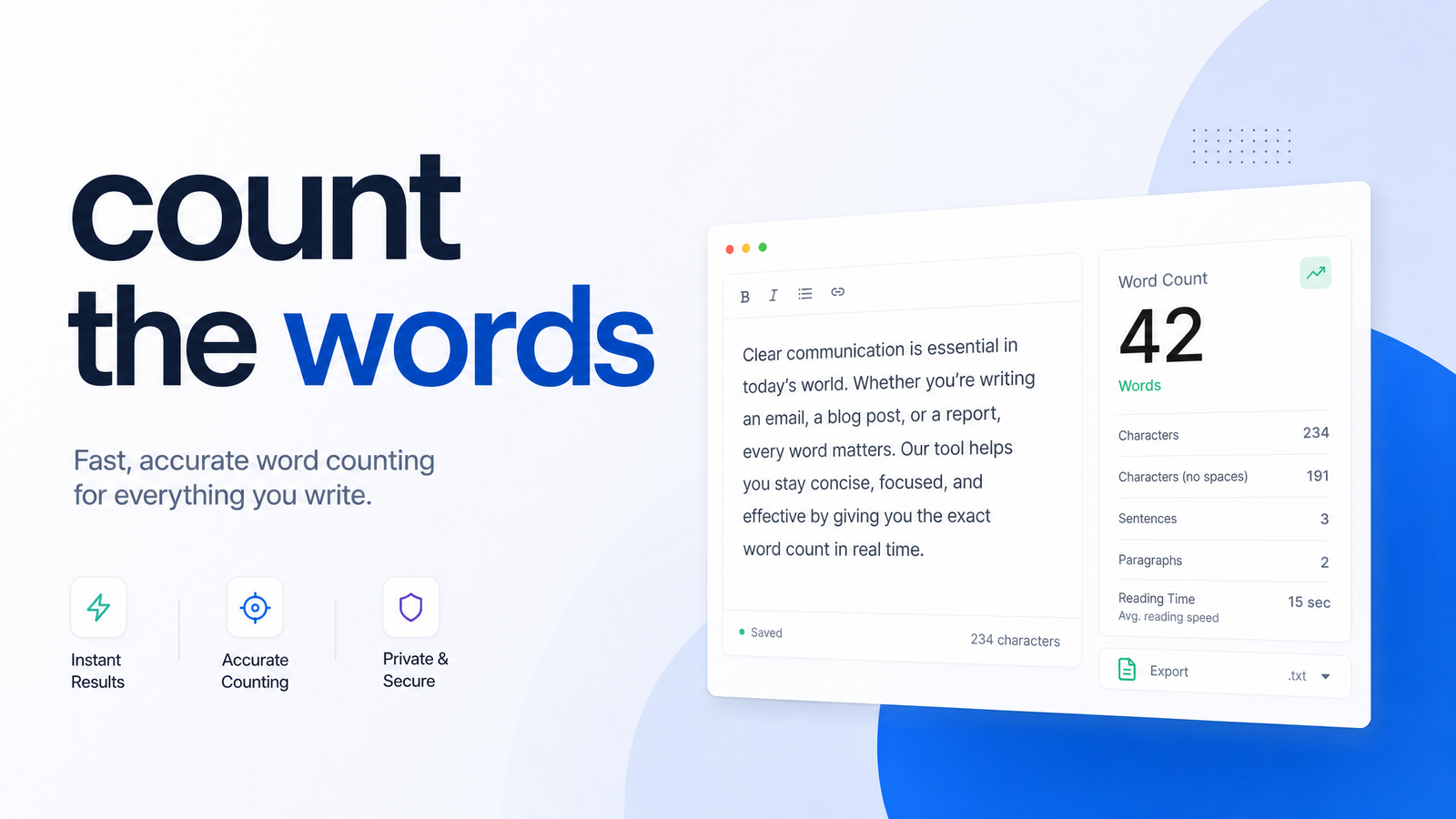
Why People Search "Count the Words" (And What They Actually Need)
Search "count the words" and you'll find two kinds of intent: people who need a raw number (a student checking an essay limit, a writer hitting a submission cap) and people trying to figure out how many words a page "needs" to rank.
This guide covers both. First, the fastest ways to count words in whatever you're working in. Then what word count actually does and doesn't do for search rankings, backed by real data instead of recycled SEO folklore.
The Fastest Ways to Count Words in Any Document
Google Docs: Click Tools > Word count, or use Ctrl+Shift+C (Cmd+Shift+C on Mac). Docs can also show a live count in the bottom-left corner via that same menu.
Microsoft Word: The word count sits permanently in the status bar. Click it for a breakdown of pages, characters, paragraphs, and lines, or highlight a section to count just that selection.
WordPress and other CMS editors: Most block editors, including Gutenberg, display a live word count in the sidebar or the "i" info icon. Ahrefs, Yoast, and similar plugins add their own counters alongside SEO scoring.
Browser extensions and web pages: To count words on a page you don't own — say, a competitor's blog post — a browser extension like "Word Counter Plus" can select and count visible text instantly.
The manual method: Highlight the text, paste it into any free online word counter tool. It takes about ten seconds and works for anything without a native counter — PDFs, emails, transcribed screenshots.
That's the mechanical answer. The more useful question is what you do with that number.
Does Word Count Actually Affect SEO Rankings?
Not directly. Backlinko's analysis of 11.8 million Google search results found the average word count of a page in the top 10 was 1,447 words, but explicitly noted no significant, direct relationship between word count and rankings. Long content often appears at the top, but that's correlation, not causation — comprehensive pages tend to be longer because they cover more ground, not because length itself is rewarded.
Google has said as much directly. As documented by Rankability, Danny Sullivan has stated plainly that word count is not a ranking factor. Google Search Central's guidance points webmasters toward satisfying search intent and demonstrating expertise, not hitting a word target.
This matters more since the Helpful Content Update, which penalizes content written primarily to rank rather than to help a reader. Padding a 600-word answer to 2,000 words to "look thorough" is exactly what that update targets. So: word count isn't a standalone ranking factor, but as a byproduct of thorough work, it correlates with pages that rank well.
How to Find the Right Word Count for Your Content
Treat word count as a diagnostic signal, not a target. Here's a repeatable process:
Check the top 10 ranking pages for your target keyword. Open the pages actually ranking and run a quick count on each. You're establishing a baseline for how much ground the topic typically requires, not copying their structure.
Note the range, not just the average. If results run from 900 to 2,800 words, intent is broad enough that both short and long content can compete. A tight range (say, 1,200–1,500 across all ten) suggests searchers expect specific depth.
Match or exceed depth on competitive terms — depth, not padding. Aim to cover what top performers cover plus anything they're missing. A proper content gap analysis shows which subtopics competitors address that you don't, so any added length comes from substance.
Go shorter for direct-answer and AI Overview-style queries. If top results are FAQs or how-to steps answered in a paragraph, don't force 1,500 words onto a question that needs 200. Google increasingly surfaces these answers directly in AI Overviews, and bloated content around a simple answer just adds friction.
"How many words should a blog post be for SEO" has a right answer for that specific keyword, based on what's already working. Getting the keyword and intent right using proper keyword research does more for your word count decisions than any formula.
Word Count Mistakes That Actually Hurt Rankings
Chasing length causes more damage than ignoring it. Three patterns show up constantly:
Padding and thin restatement. Repeating the same point in three different sentences doesn't add value — it dilutes it. Readers notice, bounce rates climb, and Google's helpful-content systems are tuned to detect this.
Keyword stuffing disguised as length. Adding sections just to work in more keyword variations reads as unnatural and can trigger over-optimization flags. Length should come from covering the topic more completely, not repeating the keyword under a new subheading.
Mobile readability tradeoffs. A 3,000-word page with no subheadings or visual breaks is a worse experience on a phone than a well-structured 1,200-word page. Long content needs scannable formatting — bullets, bolded terms, headers every few hundred words — or the added length works against engagement.
The pages that win long-term combine real depth with restraint. That's closely tied to topical authority — covering a subject comprehensively across your site, not stuffing every fact into one overlong post.
Skip the Manual Counting: Let Rankevra Track Content Length Automatically
Opening ten competitor pages, pasting each into a word counter, and logging the numbers is doable for one article. It falls apart when you're managing dozens of briefs a month.
Rankevra's content workflow handles that benchmarking as part of the audit and brief-generation process. It checks the pages currently ranking for your target keyword, surfaces their word count range, and flags where your draft is thinner or heavier than what's competing — no copy-pasting into a separate tool. That analysis runs alongside topical gap detection, so word count context and missing subtopics appear in the same brief.
Because this is built into a broader publishing workflow, the same system also handles drafting, on-page fixes, and rank tracking after publish — useful if you're evaluating AI content generators and want length guidance built in rather than bolted on. Instead of guessing or copying the top result, you get a data-backed range specific to your keyword, updated as rankings shift.
Frequently Asked Questions
Is there a minimum word count Google requires to rank a page?
No. Google has stated word count is not a ranking factor, and pages of any length can rank if they satisfy searcher intent. Some queries need a couple hundred words; others need in-depth coverage past 2,000 words.
How do I quickly count the words in a Google Doc or Word file?
In Google Docs, use Tools > Word Count or Ctrl+Shift+C (Cmd+Shift+C on Mac). In Microsoft Word, the live count is always visible in the bottom status bar; clicking it shows a full breakdown by page and paragraph.
What's the ideal word count for a blog post in 2026?
There's no universal number — it depends on what's already ranking for your specific keyword. Backlinko's study of 11.8 million results found an average of 1,447 words among top-10 pages, but that reflects topic complexity, not a target to hit.
Can a short page ever outrank a longer, more detailed one?
Yes, regularly. If a short page answers the search intent more directly, it can outrank a longer competitor, especially for definition, how-to, or direct-answer queries where extra length just adds friction.
How do I find out how many words my competitors' top-ranking pages have?
Open the top 10 results for your target keyword and run each through a word counter tool or browser extension, or use a platform like Rankevra that surfaces the competitor word count range automatically inside a content brief. Manual copy-paste works for a one-off check; automated benchmarking is faster for ongoing planning.
Does adding more words to an old post help it rank better?
Only if the added words fill a genuine content gap — missing subtopics, outdated information, or unanswered questions competitors now cover. Padding an existing post with filler typically does nothing for rankings and can hurt readability.
Manually counting words and cross-checking every competitor page eats time you could spend actually improving the content. Rankevra surfaces the target word count for any keyword automatically during audits and content briefs, alongside the topical gaps that actually explain why competitors rank — so you write to a real benchmark instead of a guess.
Keep reading
- Wordcount for SEO: Benchmarks by Page Type (2026)How many words should your page be? Get real wordcount benchmarks by page type and a repeatable method to set your own target — no guessing.
- Word Counters for SEO: What Content Teams Actually NeedMost word counters just count. Here's what an SEO-aware word counter needs to do for content teams — and why standalone tools break down at scale.
- Finding Your Real SEO Competitors (Not Just Rivals)Learn to tell business rivals from true SEO competitors, build a shortlist without paid tools, and keep competitor tracking automated instead of stale.