Rankevra Blog
Word Counters for SEO: What Content Teams Actually Need
September 8, 2026
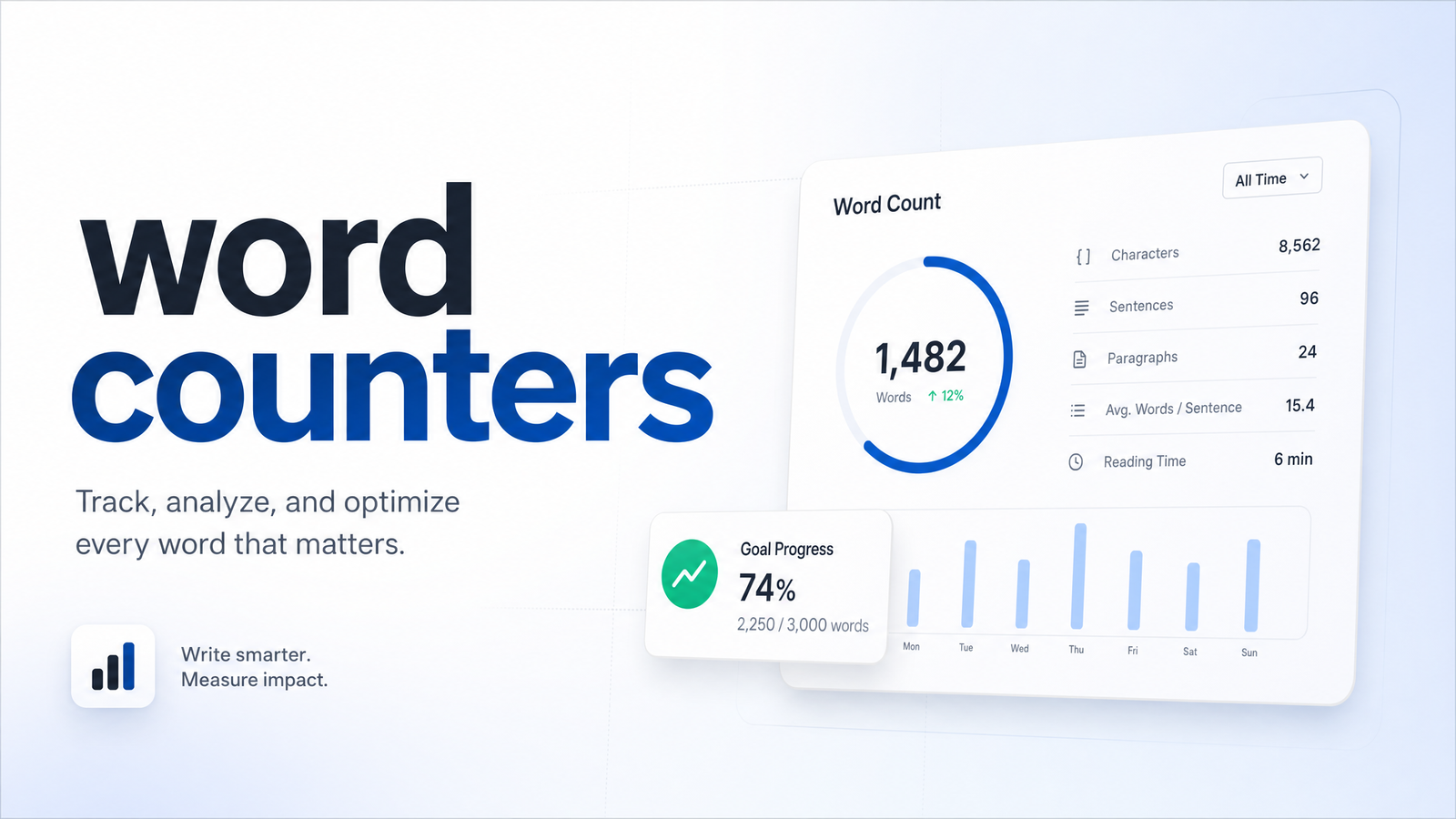
Not All Word Counters Are Built for SEO Work
Type "word counter" into Google and you'll get near-identical utility pages: a text box, a live number, maybe a character count. That's fine for a student checking an essay against a limit. It's not enough for a content team shipping SEO pages every week.
Whether word count itself moves rankings is a separate debate, covered in Count the Words: Fast Methods + Does It Matter for SEO?. This article is about something more practical: what separates a bare character-counting utility from a word counter tool for SEO that earns a place in a content team's workflow.
Most free word counters were built for one person checking one document. Content teams have a different set of problems — keyword targets from a brief, readability standards to hit, meta fields with hard character caps, and dozens of pages to check before a publish batch. A tool that only tells you "1,247 words" doesn't solve any of that. The rest of this piece evaluates word counters as a category: what to look for, what's filler, and where they stop being enough once you're publishing at any real volume.
The Features That Actually Matter
A basic counter answers one question. An SEO-aware one answers several, at once, without you opening three other tabs.
Keyword density checking. A keyword density checker tells you how often your target term (and its variants) appear relative to total word count. It won't make or break rankings alone, but it catches two problems: keyword stuffing that reads unnaturally, and pages that never mention the target term enough to signal relevance. For a content team working off a brief, this only matters if the density check is measuring the same keyword the brief assigned — a connection most standalone tools can't make. If you're still figuring out which keywords deserve that attention, that's an upstream problem worth solving with something like AI Tool for SEO Keyword Research: What Actually Works.
Readability scoring. A readability score tool — usually built on Flesch-Kincaid or similar — flags sentence length, syllable complexity, and passive voice that make a draft harder to skim. Yoast SEO popularized this inside the WordPress editor; Word's readability check and Google Docs add-ons offer thinner versions of the same idea. For a team, the value isn't the score itself — it's a consistent bar every writer is held to, instead of five people guessing at "readable enough."
Platform-specific character limits. This is the most overlooked feature category. Meta titles, meta descriptions, and social captions all have hard limits, and a character limit checker built for SEO work should flag all of them, not just show total word count.
Bulk and batch checking. A bulk word count tool that can check ten or fifty drafts at once — instead of one text box at a time — is the difference between a tool for a solo blogger and one for a publishing operation. Checking pages one by one in a browser tab is a workflow bottleneck, not a minor inconvenience.
Local or private processing. Anyone pasting unpublished drafts into a free web tool should know where that text goes. Many free counters run client-side with nothing stored — but plenty don't say either way, and that ambiguity matters more the more unpublished or confidential content moves through your pipeline.
Keyword Density and Readability
Kept brief, since the ranking-factor debate lives elsewhere: keyword density is typically useful in a loose range rather than a hard rule — enough repetition to signal topic relevance, not so much that it reads unnaturally. Readability scores work the same way — a Flesch-Kincaid level appropriate to your audience (often aiming for accessible "plain English" for general web content) is a proxy for how easily a reader gets through the page, not a ranking lever by itself. Both are diagnostic signals, not targets to chase for their own sake.
Platform and Field Limits
Every SEO writer eventually learns these limits the hard way — a meta title clipped in the SERP, a meta description that trails off mid-sentence. A counter built for SEO work should check these fields as a matter of course:
- Meta titles: commonly truncated past roughly 60 characters
- Meta descriptions: commonly truncated past roughly 155–160 characters
- Social captions: platform-specific caps that vary by network
Checking these manually, page by page, is exactly the kind of repetitive task that should be automated rather than eyeballed in a separate tab.
Where Standalone Counters Break Down at Scale
A free word counter works fine the first time. By the twentieth draft in a month, the cracks show.
The first crack is copy-paste overhead. Every draft gets pasted into a counter tab, then a readability plugin, then a separate keyword density checker, then back to the doc to fix whatever got flagged. That's three or four tools per draft, multiplied by every writer on the team.
The second crack is disconnection from the content brief. A standalone counter has no idea what keyword target the brief assigned, what topical comprehensiveness the page needs, or what a content gap analysis already identified as missing. It just counts what's in front of it. If your process includes a formal content gap step — see SEO Content Gap Analysis: A Complete Framework — a word counter that can't reference that work is measuring the wrong thing in isolation.
The third crack is disconnection from the audit. If your site audit already flagged thin content, duplicate meta descriptions, or missing keyword coverage, none of that context reaches a standalone word counter. You end up re-diagnosing problems the audit already solved.
The fourth crack is the biggest: no tie-back to actual performance. A word count means nothing without knowing whether pages at that length, on that topic, are the ones actually ranking. This is content workflow word count in its most literal form — the count needs to connect to what's shipped and what's working, not sit in a browser tab that forgets everything the moment you close it. Word count for content teams has to be a data point inside a larger system, not a number you check once and discard.
Folding Word Count Into One Content Workflow
The fix isn't a better standalone counter — it's not needing one as a separate step at all.
An automated SEO workflow that combines audits, drafting, publishing, and rank tracking can run word count and readability checks inline, at the moment they're useful: while a draft is being written against a specific keyword target, not after the fact in an unrelated tool. The density check reflects the actual keyword assigned to that page, the readability score is checked against the same draft about to publish, and platform character limits get flagged before a meta description ships truncated — not after it's live and already clipped in search results.
This is the core of Rankevra's approach: an AI content workflow where audit findings, AI-assisted drafting, keyword targets, and rank data all live in the same system. Instead of pasting a draft into a counter, then a readability plugin, then checking meta limits by hand, the checks happen as part of writing and publishing the page. If you're evaluating AI drafting tools more broadly and want to know which ones bundle counting and readability into the writing step itself rather than bolting it on, Open Source AI Content Generator: The Honest Breakdown is a useful comparison point. And if the goal is a full publishing pipeline rather than just a smarter editor, Building a Content Publishing Workflow That Scales Safely covers what that looks like end to end.
A Quick Checklist for Choosing a Word Counter (or Ditching One)
Use this to evaluate whatever you're using now, or to decide it's time to consolidate into a broader workflow platform:
- Does it check keyword density against the specific term your brief assigned — or just count words with no context?
- Does it score readability using a recognized method (Flesch-Kincaid or similar), not just a vague "easy/hard" label?
- Does it flag meta title, meta description, and social character limits automatically, without you counting by hand?
- Can it check multiple drafts in a batch, or only one text box at a time?
- Is it clear where your pasted text goes — local processing, no storage — especially for unpublished drafts?
- Does the count connect to anything else — a brief, an audit, ranking data — or does it live in total isolation?
If your current tool fails more than one or two of these, that's less a sign you need a better word counter and more a sign the whole checking step belongs inside your publishing workflow instead of a separate browser tab. When choosing a word counter tool stops being the real question — because counting is just one input among audits, drafts, keyword targets, and rank data that all need to talk to each other — that's the point to stop patching together standalone tools.
Word count and readability are useful signals, but only when connected to the brief that set the keyword target, the audit that flagged the problem, and the rank data showing whether any of it worked. Rankevra folds all of that into one workflow — draft, check, publish, and track rankings without switching tools for every step. If you're ready to stop juggling tabs, Rankevra is built to do the whole thing in one place.
Frequently Asked Questions
Do word counters and readability checkers actually help SEO, or just writing quality?
They primarily help writing quality — clarity, pacing, and consistency across writers — which indirectly supports SEO by making content easier for readers to finish and share. Neither word count nor readability score is a direct ranking factor; they're diagnostic signals, not targets. The real SEO value comes from connecting those signals to keyword targets and topical comprehensiveness, not from the raw numbers.
What's the difference between a word counter and a keyword density checker?
A word counter measures total length — words and characters in a piece of text. A keyword density checker goes further, measuring how often a specific target term (and close variants) appears relative to that total, flagging either under-optimization or unnatural stuffing. Basic counters typically don't include density checking at all; it's a feature you have to look for specifically.
Is it safe to paste unpublished drafts into a free online word counter?
It depends entirely on the tool, and many free counters don't clearly disclose what happens to pasted text. Some process everything locally in your browser with nothing stored or transmitted; others don't say either way. For unpublished, embargoed, or client-confidential drafts, only use tools explicit about local or private processing.
What word count should I actually aim for on a blog post or landing page?
There's no universal target — the right length depends on what the topic and search intent actually require, not a fixed number. This is covered in depth, including the evidence on length versus rankings, in Count the Words: Fast Methods + Does It Matter for SEO?
Can a word counter check character limits for meta titles and social posts too?
Yes, but only if it's specifically built to — most basic word counters only total up body text and ignore field-specific limits. A counter designed for SEO work should separately flag meta title limits (roughly 60 characters), meta description limits (roughly 155–160 characters), and social platform caps, since each field truncates at a different point.
Do I still need a separate word counter if my CMS or AI writing tool already shows a count?
Usually not, as long as that built-in count is connected to your actual keyword targets, readability standards, and platform limits — not just a raw number. A count with no context is no more useful inside a CMS than in a standalone browser tab. The goal is a workflow where the count, the brief, and the audit findings all reference each other, not just where the number happens to display.
Keep reading
- Wordcount for SEO: Benchmarks by Page Type (2026)How many words should your page be? Get real wordcount benchmarks by page type and a repeatable method to set your own target — no guessing.
- Count the Words: Fast Methods + Does It Matter for SEO?Learn to count the words in any document in seconds, then discover what the Backlinko 11.8M study actually says about word count and SEO rankings.
- Finding Your Real SEO Competitors (Not Just Rivals)Learn to tell business rivals from true SEO competitors, build a shortlist without paid tools, and keep competitor tracking automated instead of stale.