Rankevra Blog
Check Backlinks: The Right Way for Every Scenario
August 18, 2026
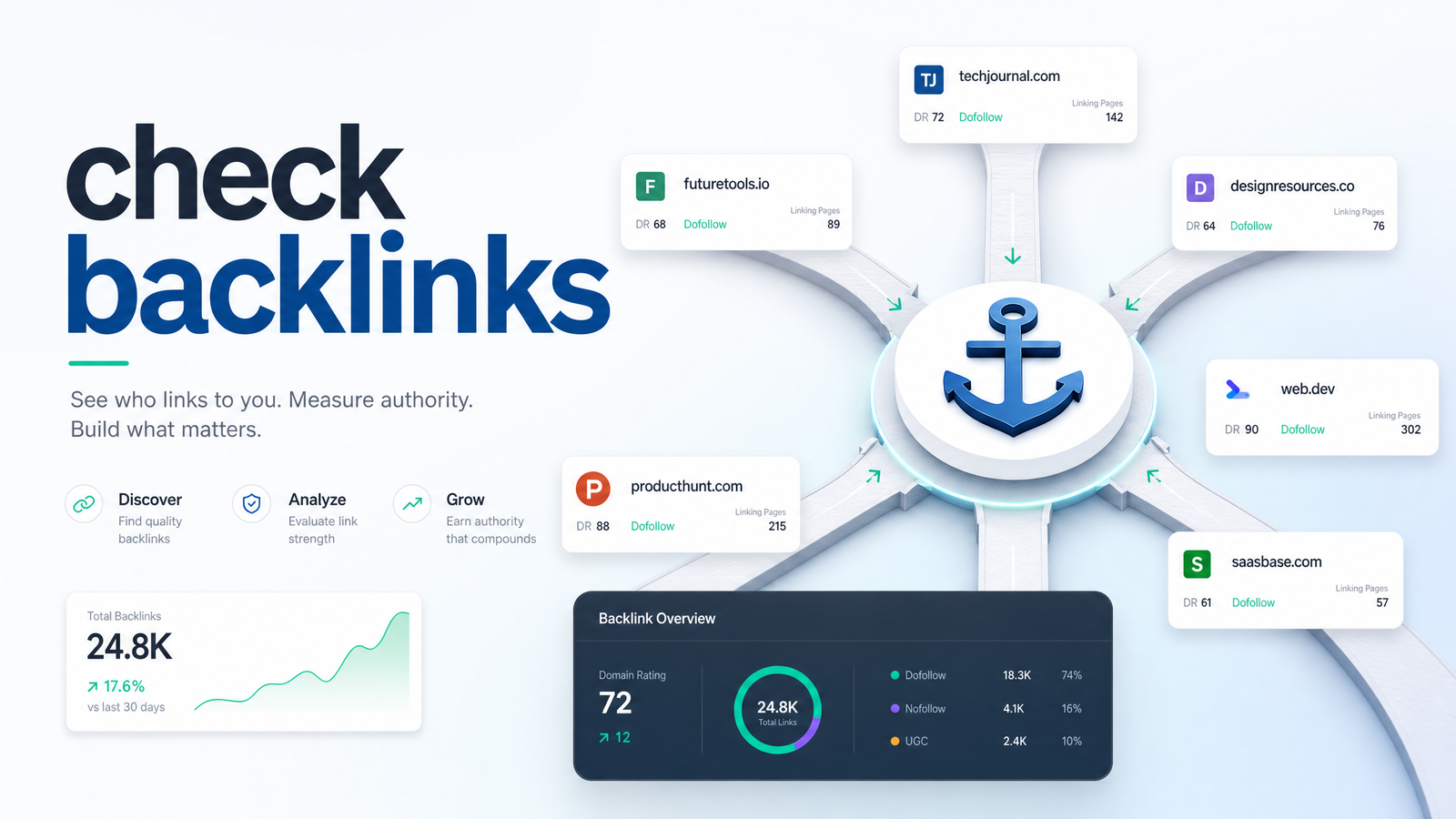
Most people type "check backlinks" into Google expecting one answer and one tool. In reality, you're asking one of three different questions: How healthy is my own link profile? What's my competitor doing that I'm not? Or, is this one specific link safe to acquire, keep, or remove? Each needs different data, a different lens, and often a different tool entirely.
"Check Backlinks" Isn't One Task — It's Three
Treating backlink checking as a single generic task is why so many audits go nowhere. Auditing your own site means knowing what you have, what you've lost, and whether anything looks spammy. Researching a competitor means hunting for referring domains you don't have yet. Vetting a single link before you buy, accept, or disavow it needs a narrow checklist, not a full crawl.
Knowing how to check backlinks starts with knowing which of these three jobs you're actually doing. The rest of this guide walks through each one, then makes the case for why none of them should be a one-time event.
Checking Your Own Site's Backlinks
The fastest, genuinely free way to check backlinks is Google Search Console's Links report. Log in, open your property, and go to Links in the left sidebar. Google splits the data into "external links" (who links to you) and "internal links" (how your own pages link to each other), and under external links you can see top linking sites, top linking pages, and top target pages on your own domain.
This gets you a real, first-party view of what Google itself has indexed as pointing to your site — no third-party crawler guesswork involved. It's the right starting point if you just want a gut-check before deeper work. For a full breakdown of how the report is structured, How to Check Backlinks in Google Search Console and How to Use the Google Search Console Links Report both walk through it in detail.
The catch: GSC only shows links Google has crawled and chosen to report, it doesn't show anchor text at scale, it won't flag spam or toxicity, and it can't tell you anything about a competitor's site. It's a snapshot of your own domain, refreshed on Google's schedule, not yours. If you need more than GSC offers — anchor text, link velocity, lost-link tracking — the deeper methodology in How to Check Incoming Links: Free & Reliable 2026 Guide covers the full self-audit process, including which free tools fill GSC's gaps.
Checking a Competitor's Backlinks
Checking a competitor's backlinks is a fundamentally different exercise, because you're not looking for problems — you're looking for opportunity. You have no login access to their Search Console, so you're relying entirely on third-party backlink data, and the metric that matters shifts from "lost links" to referring domains and link gaps.
A referring domain is a unique website linking to theirs; the gap is every domain that links to a competitor (or several) but doesn't link to you yet. That gap list is the actual output you want — it's a prospecting list, not a diagnostic report. Run the same query for two or three direct competitors and you'll usually find a cluster of sites — resource pages, industry directories, guest post hosts — that link to more than one of them but not to you. Those are your highest-probability outreach targets.
This is also where checking a competitor's backlinks tends to reveal something adjacent: content gaps. If a competitor earns links to a resource you don't have — a calculator, a comparison page, an original data study — the backlink gap and the content gap are usually the same problem wearing two hats. SEO Content Gap Analysis: A Complete Framework shows how to turn a list of referring domains into an actual content plan instead of a spreadsheet nobody acts on.
Vetting a Single Link Before You Acquire or Remove It
The third scenario is the one most "check backlinks" content skips: you have one specific link — maybe someone's offering to sell it, maybe you're deciding whether to accept a guest post placement, maybe you're staring at something in your disavow file wondering if it still belongs there. This isn't a full audit; it's a fast checklist against a single URL.
Run through these before you commit either way:
- Relevance — Does the linking page's topic actually relate to yours, or is it a generic "resources" page stuffed with unrelated links across every niche?
- Indexation — Is the linking page actually indexed by Google? A link on an unindexed page passes no equity at all.
- Spam signals — Does the site have thin content, an unnatural ratio of outbound links to actual text, or a history of link-scheme penalties?
- Anchor text — Is the anchor natural phrasing, or an exact-match commercial keyword stuffed in a way no real editor would write?
If you're vetting a link before buying it, indexation and spam checks matter more than anything else — a cheap link on a deindexed, content-farm domain isn't worth the money regardless of its stated "domain authority." Deciding whether something belongs on a disavow file works the same checklist in reverse: irrelevant, deindexed, spammy pages with manipulated anchors are the classic signature of toxic backlinks worth cutting loose. Once you've pulled the actual report data for that link, Backlink Tool Checker: How to Read the Report, Not Just Run explains how to interpret the metrics rather than just glancing at a score.
Why a One-Time Check Isn't Enough
Every scenario above assumes you're looking at a snapshot — and that's exactly the limitation. Backlink profiles aren't static. Sites go down, pages get deleted, competitors run outreach campaigns, and negative SEO attacks drop toxic links onto your profile without warning. A check run once in March tells you nothing about what happened in April.
The risks of relying on manual, occasional checks are concrete: you miss lost links (a valuable referring page removes your link and your rankings quietly slide before you notice why), you miss new toxic links (a spam network points at your site and sits there for weeks before your next manual check catches it), and you miss timing (a competitor earns a batch of links right after a product launch, and by the time you check again, the opportunity to act on that same news cycle is gone).
This is the actual argument for a standing system rather than a habit of remembering to check backlinks every so often: the value of backlink data isn't in the single pull, it's in the comparison between pulls. You need to know what changed, not just what exists today.
Turning Backlink Checks Into a System
Once you accept that a one-off check is a snapshot and not a system, the next question is how to automate backlink monitoring without adding yet another dashboard to your rotation. This is the gap Rankevra is built to close.
Rankevra runs backlink monitoring as one piece of a full AI-driven SEO workflow rather than a bolted-on feature — the same platform handles technical audits, content creation and publishing, and rank tracking, so you're not toggling between four separate tools to answer four separate questions. Instead of manually re-running a check on a calendar reminder, monitoring runs continuously: new referring domains, lost links, and toxic-signal spikes surface automatically, in the same place you're already tracking rankings and site health.
If you've been managing SEO with a stack of disconnected free tools and manual spreadsheet exports, the tradeoffs of that approach — and when it's time to graduate to something dedicated — are covered in Best Backlink Analysis Tool: A No-BS Evaluation Framework. And because backlinks are only half the technical-health picture, How to Fix Technical SEO Issues: A Priority Action Plan is the natural next stop for turning audit findings — link-related or otherwise — into a prioritized action list instead of a backlog.
Frequently Asked Questions
Is there a truly free way to check backlinks?
Yes — Google Search Console's Links report is free and shows real data Google has crawled for your own domain, including top linking sites and pages. It won't cover competitors or flag spam, but as a baseline self-check it costs nothing and takes minutes to run.
Why do different backlink checkers show different numbers for the same site?
Each tool crawls the web with its own bot and refreshes its index on its own schedule, so no two databases are identical. Google Search Console only shows links Google itself has indexed, while third-party crawlers may have found (or missed) different pages entirely — there's no single "correct" total, only different snapshots of the same shifting reality.
How often should I check my backlinks?
For most active sites, a monthly check catches major changes without wasting time, but sites running aggressive link-building campaigns or recovering from a penalty benefit from continuous monitoring. The real answer depends on how fast your link profile changes — the faster it moves, the more a single monthly snapshot misses.
What's the difference between checking backlinks and doing a backlink audit?
Checking backlinks means pulling the current list of links pointing to a site — a single data grab. A backlink audit goes further, evaluating each link's quality, relevance, and risk to decide what to keep, disavow, or pursue, turning raw data into a judgment call.
Can I check backlinks without Google Search Console access to the site?
Yes — that's exactly why third-party backlink checkers exist. GSC only works if you own or have been granted access to a property, but a dedicated crawler-based tool can pull external link data for any public domain, which is essential for competitor research.
What's a red flag when vetting a single backlink?
The clearest red flag is a linking page that isn't indexed by Google, since an unindexed page passes no ranking value regardless of its apparent authority. Other warning signs include irrelevant surrounding content, exact-match commercial anchor text that reads unnaturally, and a domain history tied to link schemes or spam networks.
Checking backlinks manually will always leave gaps — a lost link you don't notice for weeks, a toxic domain that sits unflagged between audits, a competitor's new referring domain you find months too late to act on the same opportunity. Turning that occasional habit into a standing system, monitored continuously alongside your technical audits and rank tracking, closes those gaps before they cost you rankings. Start a trial with Rankevra and put backlink monitoring on autopilot instead of your calendar.
Keep reading
- Content Decay SEO: How to Detect It and Fix It for GoodLearn to detect content decay SEO issues early, rule out false positives, and build a refresh pipeline that scales — plus how to automate the whole loop.
- Headless CMS SEO: Fixing the Gaps Generic Tools MissHeadless CMS SEO breaks in three predictable places: rendering, metadata, and sitemaps. Here's the diagnostic framework to find and fix each gap.
- Google Algorithm Update Recovery: A Diagnostic FrameworkA step-by-step google algorithm update recovery framework: confirm the cause, segment the damage, benchmark against winners, and set a real timeline.