Rankevra Blog
Free SEO Competitor Analysis Tool: The Honest 2026 Guide
July 22, 2026
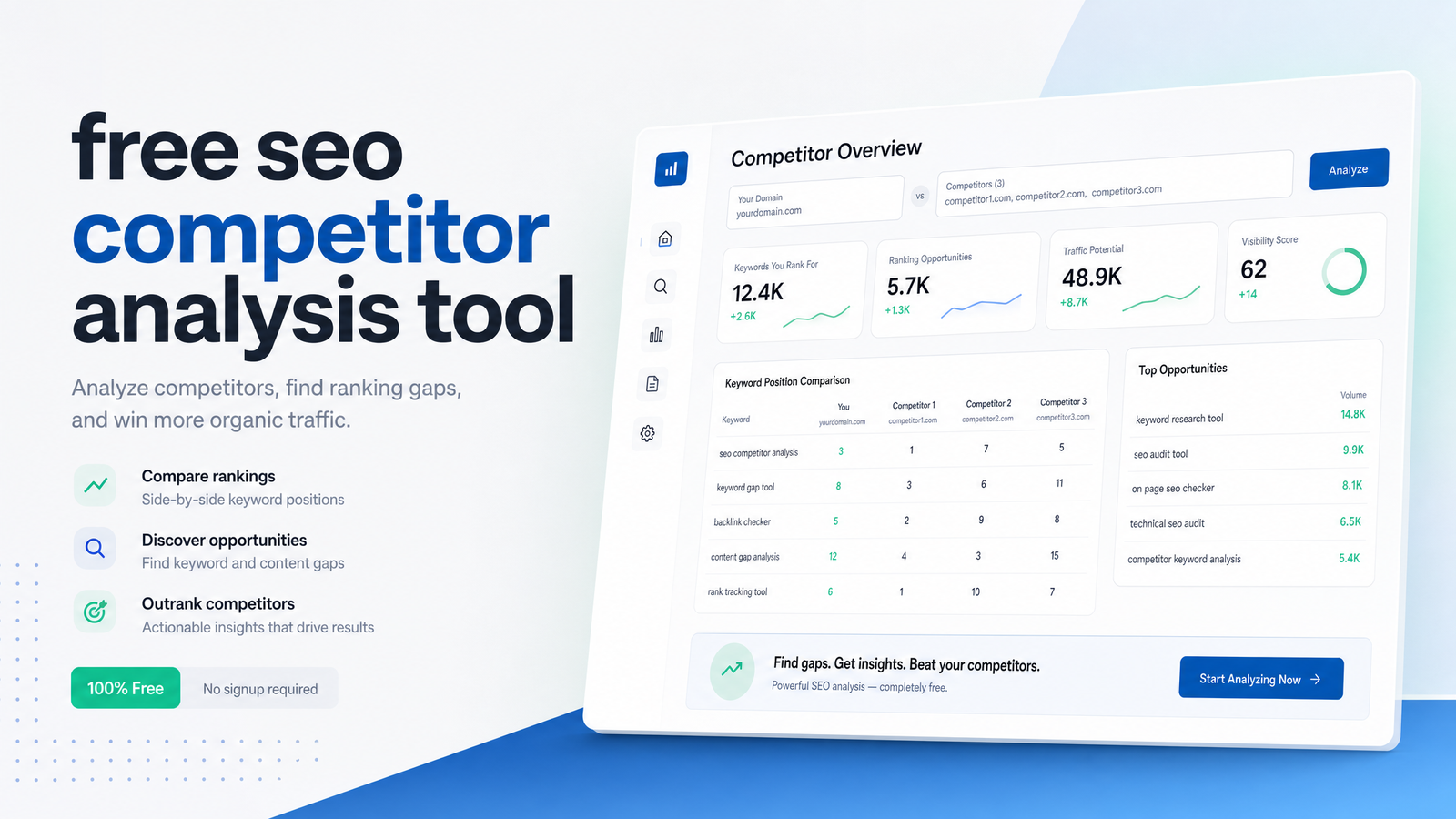
Most roundups of a "free SEO competitor analysis tool" are affiliate bait — ten logos, no context, a paid link at the bottom. This isn't that. Free competitor analysis is a legitimate starting stack, not a watered-down Semrush or Ahrefs, and it answers most questions a DIY marketer actually has. It just has a ceiling, and knowing exactly where that ceiling sits — before you hit it mid-project — saves you hours of tab-juggling and bad assumptions.
This guide sets a standard for what any competitor analysis should show you, reviews the seven free tools worth your time, gives you a 15-minute workflow to run today, and tells you honestly when it's time to stop stitching together free data by hand.
What a Free SEO Competitor Analysis Tool Should Actually Show You
Hold any tool, free or paid, to the same standard. A useful seo competitor analysis, at minimum, surfaces:
- Top organic keywords — the terms actually sending a competitor traffic, not just ones they rank on page one for.
- Keyword gaps — terms competitors rank for that your site doesn't touch yet, the foundation of competitor keyword data worth acting on.
- Estimated traffic and trend direction — is the competitor's organic visibility growing, flat, or shrinking.
- Top-performing pages — which URLs earn the traffic, so you can reverse-engineer format and intent.
- Backlink snapshot — referring domains and anchor patterns, even a rough one, to gauge authority gaps.
If a tool can't get you at least three of these five, it's not a competitor analysis tool — it's a keyword lookup with a marketing budget. Every free option below is measured against this list, and it's the same list to use when you eventually evaluate paid platforms.
7 Free SEO Competitor Analysis Tools Worth Using
Google Search Console — free, first-party, and unmatched for your own click and impression data, but it only reports on your domain, so pair it with another tool for competitor keyword data.
Ubersuggest free tier — a quick read on a competitor's estimated traffic, top pages, and a handful of ranking keywords, capped at a small number of daily lookups — fine for occasional spot checks.
Semrush free account — a limited number of daily searches into organic keywords, top pages, and a partial keyword gap view, remaining one of the most accurate estimate engines even at the free tier.
Ahrefs free tools / Webmaster Tools — the suite of ahrefs free tools (broken link checker, free keyword generator) plus Ahrefs Webmaster Tools gives verified-site backlink and indexing data, though full competitor backlink profiles stay behind the paid product.
SimilarWeb free — strong for estimated total traffic, traffic sources, and audience overlap at a domain level, useful for sanity-checking whether a competitor is actually growing before you invest time analyzing them.
Google Trends — not a keyword-volume tool, but essential for confirming whether a competitor's topic or niche is rising or declining before you commit content resources there; see Google Trends Explained: How to Use It for SEO in 2026 for the deeper method.
AlsoAsked — maps the follow-up questions real searchers ask around a topic, a fast way to spot content gaps competitors haven't filled, even though it doesn't touch rankings or backlinks directly.
This lineup lines up with 14 Best Competitor Research Tools in 2026, which flags Google Alerts, MozBar, Ubersuggest, and Search Console as the common free entry stack.
Where Free Tools Hit a Ceiling
Free tools cover a genuine majority of competitive signals, but the limitations show up fast once your competitor tracking needs go past a one-off check.
Daily search caps. Ubersuggest and Semrush free accounts throttle you to a handful of lookups per day — fine for one competitor, painful for five.
Delayed or estimated data. Traffic and keyword figures in free tiers are modeled estimates, refreshed less frequently than paid data, so a competitor's real-time momentum can be invisible for weeks.
No historical tracking. Free tools show today's snapshot only. There's no retained timeline, so you can't tell if a competitor's rankings rose this month or six months ago without manual logging.
No automated alerts. Nothing pings you when a competitor publishes a new page or jumps ranking positions — you have to remember to check.
Manual tab-juggling. A real competitor snapshot means pulling data from three or four separate tools and reconciling it yourself, eating the time savings free tools were supposed to give you.
No link from insight to action. The biggest gap: free tools tell you a competitor outranks you on a keyword, but none draft the page, fix the technical issue, or track whether your fix worked. As Best Free SEO Competitor Tools: What to Use in 2026 notes, free options are strong on breadth of signal but thin on historical depth and automation — exactly where the manual workflow runs out of road.
A 15-Minute Free Competitor Snapshot You Can Run Today
Here's how to analyze a competitor's SEO for free without opening ten browser tabs, combining three tools into one usable snapshot.
- Pull top pages and keywords (5 min). Search the competitor's domain in Ubersuggest or a Semrush free account. Note their top three organic keywords and top three pages by estimated traffic.
- Check topic momentum (3 min). Drop the competitor's core topic or brand into Google Trends. Rising interest means the gap is worth closing now; flat or falling interest means deprioritize it.
- Find the content gap (5 min). Enter the competitor's main keyword into AlsoAsked to see related questions they may not be answering — quick-win content angles.
- Sanity-check traffic direction (2 min). Look up the domain in SimilarWeb free to confirm whether their overall traffic trend supports what the keyword data implies.
In fifteen minutes you have a directional read: what they rank for, whether it's growing, and what they're missing. For a full method that turns this into an actual content calendar rather than a one-off list, see Keyword Gap Analysis: The 5-Step Process That Works.
When to Move Past Free Tools
The signal is usually one of three things: you're running this workflow weekly instead of occasionally, you're tracking more than two or three competitors at once, or you keep finding gaps you never act on because turning "insight" into "published page" takes too many manual steps.
That's the point where an ai seo competitor analysis workflow earns its keep. Instead of pulling data from four tools and reconciling it by hand, an all-in-one seo tool folds competitor keyword data, technical audits, content drafting, and rank tracking into a single loop — so a keyword gap doesn't just sit in a spreadsheet, it becomes a brief, then a draft, then a published page, then a tracked ranking. Rankevra is built around exactly that workflow: automated audits catch the technical issues free tools skip, and the same platform turns competitor gaps into content without you switching tabs. If you're weighing whether that jump makes sense for your team, Best SEO Reporting Software in 2026: A Buyer's Framework and Site Audit Tool: What It Checks and How to Use One are useful next reads, as is Organic Traffic Growth in 2026: What Actually Works Now for the broader growth picture beyond competitor gaps alone.
Frequently Asked Questions
Is there a truly free tool for SEO competitor analysis?
Yes, though no single free tool covers every data point — combining Google Search Console, a Semrush or Ubersuggest free account, and SimilarWeb gets you organic keywords, top pages, and traffic estimates without paying anything. The tradeoff is capped daily searches and no historical tracking across any of them.
How do I check a competitor's SEO for free?
Pull their top organic keywords and pages from a free tier tool like Ubersuggest or Semrush, cross-check topic momentum in Google Trends, and use AlsoAsked to find content gaps. This 15-minute combination gives a directional competitor snapshot without a paid subscription.
What's the difference between free and paid competitor analysis tools?
Free tools give estimated, capped, single-snapshot data; paid tools add historical tracking, larger daily search limits, deeper backlink profiles, and automation that connects insight to action. The core data categories are similar — the difference is depth, freshness, and whether the tool does anything with the finding beyond reporting it.
How often should I re-run competitor analysis?
Monthly is a reasonable baseline for most sites, but re-run it any time a competitor publishes major new content or you notice a ranking shift. Teams tracking several competitors at once usually find monthly manual checks too slow and move to automated competitor tracking instead.
Can free tools show me a competitor's exact keyword rankings?
No — free tiers show estimated rankings and traffic, not exact position data, and those estimates are modeled rather than measured in real time. For precise, current ranking positions you generally need a paid tool or an automated rank tracker.
Do free SEO tools work for local business competitor research?
Partially — Google Search Console and Ubersuggest can reveal a local competitor's top keywords and pages, but local-specific signals like map pack rankings and review velocity aren't covered by most free organic tools. You'll get a useful organic baseline, just not the full local-pack picture.
Once you're juggling four browser tabs to build one competitor snapshot, re-running stale estimates weekly, and still manually turning every gap into a brief yourself, the free stack has done its job and hit its limit. Run one competitor domain through Rankevra and watch that same analysis feed directly into an automated audit, a content draft, and a tracked ranking — without you touching a single spreadsheet.
Keep reading
- Subdomain vs Subdirectory SEO: The Real Decision FrameworkSubdomain vs subdirectory SEO, resolved: what Google says, what migration data shows, and a 5-question framework to pick the right structure.
- Answer Engine Optimization: A Platform-by-Platform GuideAnswer engine optimization explained for ChatGPT, Perplexity, and Google AI Mode — with a practical, platform-aware framework to earn citations in 2026.
- SEO A/B Testing: A DIY Framework Using Only GSCLearn SEO A/B testing with just Google Search Console and a spreadsheet — hypotheses, page grouping, significance checks, and when to automate.