Rankevra Blog
Google Search Console Removals Tool: What It Really Does
August 27, 2026
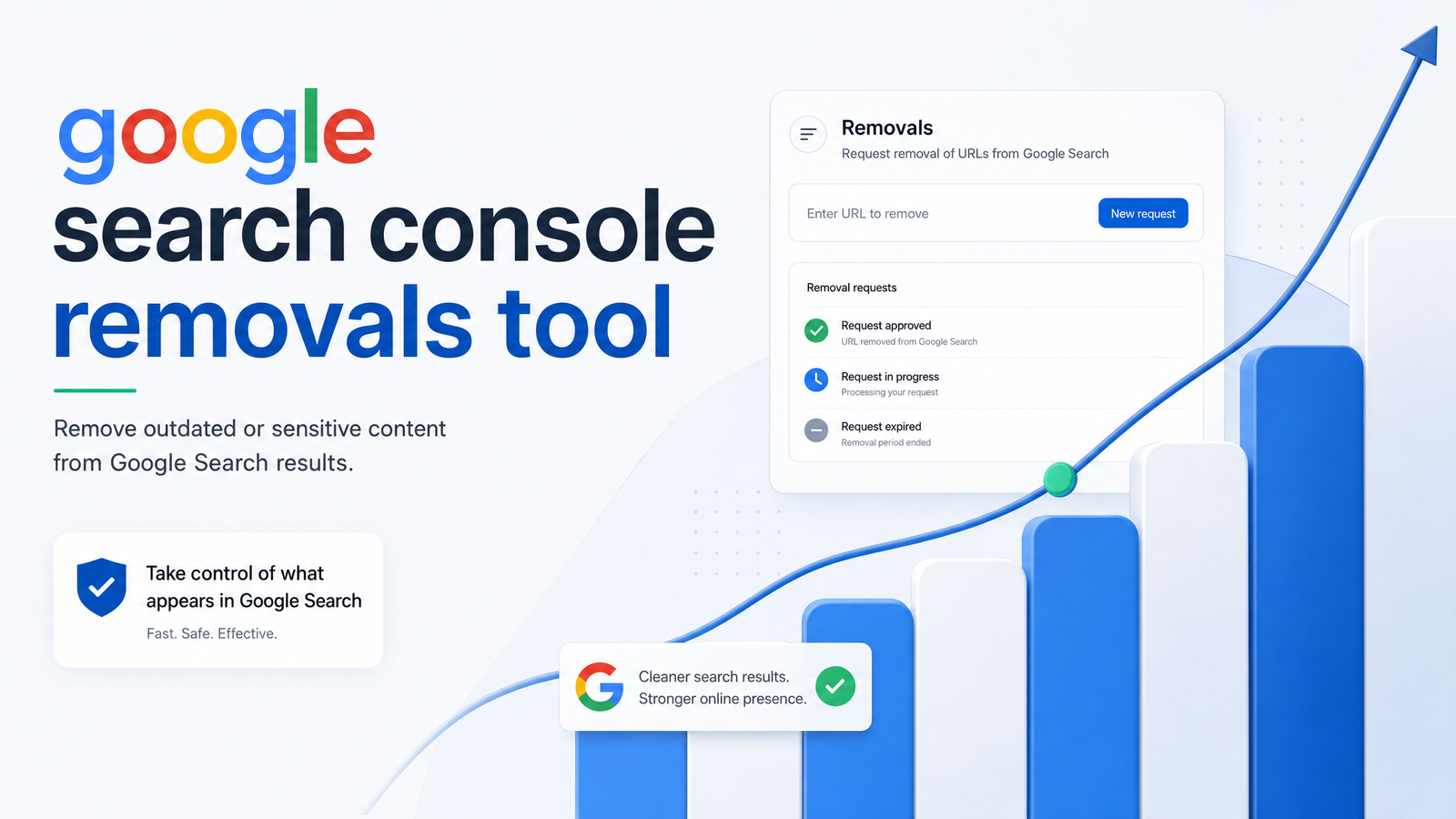
Search "google search console removals tool" and you'll find two flawed narratives: one treats it like a delete button for the internet, the other buries three genuinely different sub-tools under vague language. Neither helps when a staging URL leaks into search results at 4pm on a Friday. This guide draws the hard lines that matter — what gets hidden, for how long, and which requests need a completely different fix.
What the Google Search Console Removals Tool Actually Does
The GSC removals tool is a temporary suppression control, not a deletion mechanism. It lives under Index > Removals in Search Console and only works on properties you've verified ownership of — you cannot act on domains you don't control. Google's own documentation frames it plainly: it hides URLs from search results for a limited window while the page, or your fix for it, catches up.
Inside that report sit three distinct sub-reports: Temporary Removals, Outdated Content, and SafeSearch Filtering. Google's engineering team described this structure when they rebuilt the report in 2020, consolidating scattered tools into one place. Each section has a different owner, trigger, and expiration — which is where most confusion starts. Index removals suppress visibility; they don't erase a URL from Google's index or the web.
The Three Sections of the Removals Report
Temporary Removals is for site owners who need a page pulled fast — a pricing error, an unpublished draft, a page with sensitive data. It requires verified ownership and works on exact URLs or URL prefixes.
Outdated Content, sometimes called the remove outdated content tool, is public: anyone, not just verified owners, can submit a URL to ask Google to refresh what's showing when the live page has changed or is already gone. It's not a request to hide a live page; it's a request to update Google's snapshot so it matches what's actually online.
SafeSearch Filtering is narrower still. It lets site owners flag pages incorrectly filtered as adult content under SafeSearch, requesting a review rather than a removal — for correcting a filtering mistake on content you want visible.
Temporary Remove URL vs. Clear Cached URL
Within Temporary Removals, Google gives you two request types, and picking the wrong one is a common source of frustration, as Search Engine Journal noted when Google clarified the distinction.
Temporary remove URL clears the cached snippet and blocks the page from search results entirely for about six months. Use this when the page itself is a problem — leaked data, an embarrassing draft, a page that shouldn't be public yet.
Clear cached URL is lighter: it clears only the cached title, description, and snippet, without removing the page from results — the URL stays indexed and clickable, just with stale preview text scrubbed. Use this when the page is fine but the cached snapshot is outdated and you don't want to wait for a recrawl.
Both apply to a single exact URL by default, though temporary removal also supports a whole URL prefix — useful for pulling an entire staging subfolder rather than filing dozens of individual requests.
Remove Outdated Content: For Pages That No Longer Exist
The remove outdated content tool solves a specific problem: the source page has already been deleted, moved, or edited, but Google's index still shows the old snippet or a cached version. Since it's public-facing, it's also the one avenue available to someone spotting outdated cache removal opportunities for their own already-changed content, without needing GSC property access at all.
It won't work as a takedown request for content that's still live and unchanged — Google checks the current state of the page, and if the "outdated" content is still there, the request is rejected. This is strictly an outdated-page removal mechanism, not a suppression one.
How to Submit a Removal Request, Step by Step
Assuming you're signed into Search Console for a verified property:
- Open Index > Removals in the left-hand menu.
- Click New Request.
- Choose the request type: temporary removal (exact URL or prefix) or clear cached URL.
- Enter the precise URL — copy it directly from the address bar or the URL Inspection tool rather than retyping it.
- Submit and check the status, which updates from Pending to Approved (or Denied) usually within a day.
- Monitor the Temporary Removals list periodically — approved requests show remaining duration, so you can plan the permanent fix before the clock runs out.
That's the mechanical process for how to remove a URL from Google search temporarily. The harder part is everything around it.
What the Removals Tool Can't Do (And What to Use Instead)
The biggest misconception is that this tool permanently removes a URL from Google. It doesn't. Temporary Removals last roughly 180 days, then the page is eligible to reappear if Google can still crawl and index it. Search Engine Land's breakdown makes the same point: these are visibility switches, not deletion tools, and treating them as permanent is where "GSC removals not working" complaints usually originate — the tool did what it was built to do; the expectation was wrong.
It also can't touch pages you don't own. If a competitor, a scraper, or a former employer republishes your content, GSC removals has no jurisdiction there — that's a legal or platform-abuse process, not a Search Console function.
For content you do control, the durable answer is a real technical fix, not temporary suppression:
- 404 or 410 status codes tell Google the page is genuinely gone, the correct permanent signal — covered in How to Fix 404 Errors in Google Search Console.
- A noindex meta tag keeps a live page out of the index indefinitely without removing it from the site — this is the real noindex vs. removals distinction: noindex is a standing instruction, removals is a temporary favor.
- Robots.txt disallow rules prevent crawling (though not always deindexing of already-indexed URLs).
- Password protection removes public access entirely, often the right call for staging environments.
Verify any of these took effect using the URL Inspection tool before assuming the job is done.
Common Removals Mistakes That Cause Bigger SEO Problems
Most google search console removal mistakes trace back to treating the tool as a finish line instead of a stopgap:
- No follow-up fix. Submitting a temporary removal and doing nothing else guarantees the URL reappears after 180 days. If the page genuinely needs to be gone, pair the removal with a 404/410 or noindex before the window closes.
- Imprecise URLs. A typo, a trailing slash, or the wrong protocol (http vs https) hides a different page than intended — always copy the exact URL rather than reconstructing it from memory.
- Removals as a substitute for real fixes. Duplicate content, thin pages, and canonicalization problems need consolidating, not hiding. If you're removing pages that should instead point to a canonical version, read Canonical Tag Troubleshooting: 5 Failures Basic Audits Miss before filing another request.
- Reputation-management confusion. Assuming removals can scrub someone else's negative post about you from Google is a persistent myth; it only ever applies to properties you've verified.
A URL reappears after removal almost every time because the underlying cause — a live, crawlable, indexable page — was never actually addressed.
Where Removals Fits Into a Real SEO Workflow
Removals is a patch, not a strategy. It buys time when something urgent leaks — a staging environment, an accidental publish, a pricing page with wrong numbers — but shouldn't be a recurring item on anyone's SEO to-do list. Filing removal requests every month signals a deeper technical SEO gap: duplicate content isn't being canonicalized, thin pages aren't being pruned, and crawl budget is wasted on URLs that shouldn't be indexable in the first place.
A recurring Search Console audit catches these issues before they become emergencies, and the index coverage report shows exactly which URLs Google is choosing to index versus ignore. This is where AI SEO automation earns its place: a proper site audit tool should flag duplicate templates, thin category pages, and orphaned staging URLs continuously, not wait for them to surface as a crisis.
That's the gap Rankevra is built to close. Instead of discovering a leaked staging folder because someone noticed it ranking, Rankevra's automated audits scan for duplicate content, thin pages, and crawl-budget waste on an ongoing basis — flagging the fix before you ever need to open the Removals report. Pair that with your regular GSC checks and removals stops being routine and goes back to being a rare emergency lever, not a monthly chore. See how the full workflow runs on Rankevra.
Frequently Asked Questions
What is the Google Search Console removals tool used for?
It's used to temporarily hide URLs you own from Google search results, refresh outdated cached snippets, or flag incorrect SafeSearch filtering. It does not delete pages from the web or permanently deindex them — it's a short-term visibility control found under Index > Removals.
How long does a URL stay removed from Google search results?
A Temporary Removals request lasts approximately 180 days. After that window, the page becomes eligible to reappear if it's still live, crawlable, and indexable.
Can I permanently delete a page from Google using the removals tool?
No — the tool only suppresses visibility temporarily. Permanent removal requires a real technical fix on the page itself, such as a 404/410 status code, a noindex meta tag, or password protection, applied before the temporary removal window expires.
What's the difference between Temporary Remove URL and Clear Cached URL?
Temporary Remove URL blocks the page from search results entirely for about six months and clears its cached snippet. Clear Cached URL only refreshes the cached title, description, and snippet — the page itself stays live and indexed.
Can I remove a competitor's page from Google search using this tool?
No. The removals tool only works on properties you've verified ownership of in Search Console; it has no authority over domains or pages you don't control, regardless of the reason for wanting them removed.
Why did my page reappear in Google search after I removed it?
Most likely the 180-day removal window expired and no permanent fix — such as a 404/410, noindex tag, or access restriction — was applied before then. The removal was only ever a suppression, so once it lapses, a still-live, crawlable page is free to be reindexed.
Keep reading
- Content Decay SEO: How to Detect It and Fix It for GoodLearn to detect content decay SEO issues early, rule out false positives, and build a refresh pipeline that scales — plus how to automate the whole loop.
- Headless CMS SEO: Fixing the Gaps Generic Tools MissHeadless CMS SEO breaks in three predictable places: rendering, metadata, and sitemaps. Here's the diagnostic framework to find and fix each gap.
- Google Algorithm Update Recovery: A Diagnostic FrameworkA step-by-step google algorithm update recovery framework: confirm the cause, segment the damage, benchmark against winners, and set a real timeline.