Rankevra Blog
Google Search Console vs Google Analytics: Why Numbers
August 27, 2026
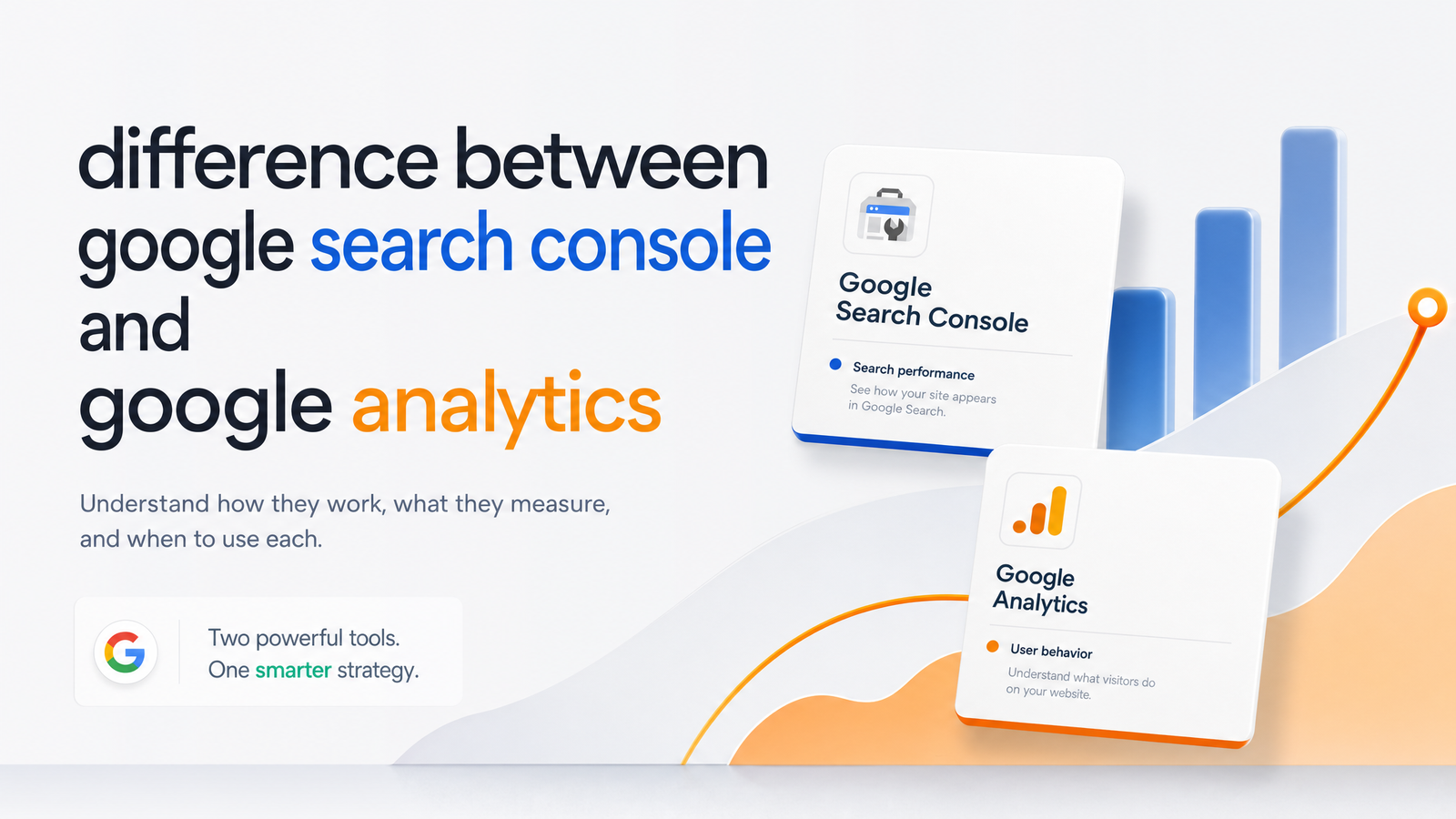
Two Google Tools, Two Completely Different Jobs
The difference between Google Search Console and Google Analytics comes down to one dividing line: the click. Google Search Console measures everything that happens before someone clicks your result on a search engine results page — how often you appeared, how often you got clicked, and what position you ranked in. Google Analytics 4 measures everything that happens after the click — what visitors did on your site, how long they stayed, and whether they converted. Neither tool is broken and neither is redundant; they're reporting on different halves of the same journey. Once you separate "before the click" from "after the click," the comparison stops being confusing and starts being useful, because you know exactly which dashboard answers which question.
What Google Search Console Measures
Google Search Console is Google's own reporting layer on how your site behaves inside Search. Its Performance report tracks impressions, clicks, CTR (click-through rate), and average position for every query and page combination. These are search-engine-side metrics: logged the moment Google serves your listing, regardless of whether the searcher ever visits your site. Beyond rankings, GSC also reports indexing status — which pages Google has crawled and included, which are excluded and why — plus Core Web Vitals and mobile usability data reflecting Google's technical read of your site.
This makes GSC the tool for diagnosing visibility problems: a page not ranking, a sudden drop in impressions, a spike in average position that isn't converting to clicks. For a structured way to work through this data, the step-by-step method for running a Google Search Console SEO audit walks through prioritizing what to fix first. For teams using GSC's Performance report to monitor rankings over time, the full guide to Google Search Console keyword ranking goes deeper than this overview intends to.
What Google Analytics 4 Measures
Google Analytics 4 picks up where Search Console leaves off. Once a visitor lands on your site, GA4 tracks sessions, engagement rate, events (scrolls, video plays, form submissions), conversions, and the traffic source that brought them there — organic search, paid, referral, direct, or social. These are behavioral metrics: they only exist because a browser loaded your page and executed the GA4 tracking script.
GA4 replaced Universal Analytics in July 2023, and the shift wasn't cosmetic — it moved measurement from session-based hits to an event-based data model, which is why GA4 reports can look structurally different from older Universal Analytics exports. For SEO purposes, GA4's most relevant view is the Organic Search channel under Acquisition reports, which tells you how many sessions came from search and what those visitors did next — bounce, browse, buy. What GA4 won't tell you, on its own, is which keyword drove those sessions. Google encrypts that data at the browser level, and GA4 simply displays it as "(not provided)" — a limitation worth knowing before you go looking for keyword-level detail in the wrong tool.
Why the Numbers Never Match (And That's Normal)
This is where most people get stuck: they pull up 1,200 clicks in Search Console for last month, then check GA4 and see 800 sessions from organic search for the same range, and assume one tool is wrong. Neither is. GSC counts a click server-side, the instant Google's system registers that someone selected your result. GA4 counts a session client-side, only after the browser finishes loading the page and fires the analytics script. Between those two events, a real gap opens up — and it's structural, not a tracking error.
A few things routinely eat into that gap: users who click but close the tab before the page finishes loading, slow-loading pages that lose the tracking hit, ad blockers or privacy settings that block GA4's script entirely, bot and prefetch traffic that Google may count as an impression-adjacent click but that never generates a real session, and simple date-boundary mismatches between how each tool buckets time zones. None of this means your data is untrustworthy — GSC and GA4 are sampling different moments in the same funnel, and a 15-30% variance between clicks and sessions is common rather than alarming. For a more technical reference on this server-side-versus-client-side distinction, AgencyAnalytics' breakdown of how GSC and GA4 count differently is a solid companion read.
Which One Should You Check First?
Confusion usually isn't really about the numbers — it's about not knowing which dashboard to open when something goes wrong. Use the question you're asking to decide:
- "Did my rankings drop?" or "Is this page indexed?" → Open Google Search Console. It's the only source for average position, impressions, and indexing status.
- "Are visitors converting?" or "How much revenue came from organic?" → Open GA4. It's the only source for engagement, events, and conversion tracking.
- "Which keyword actually drove this conversion?" → Neither tool alone answers this. You need the linked report, covered next.
As a fast diagnostic rule: if traffic drops and you're not sure why, check GSC first. A falling impression count usually points to a ranking or indexing issue upstream; a stable impression count with falling clicks points to a CTR problem (title, meta description, or a competitor eating your snippet); and stable clicks with falling GA4 sessions points downstream — to a site speed, tracking, or bot-filtering issue rather than a search visibility problem. Oneupweb's explainer on GSC and GA4's distinct roles makes a similar case for using Search Console as the first stop for search-driven content decisions.
Linking GSC and GA4: What You Unlock
Search Console and GA4 can be connected directly inside GA4's admin settings, under Property > Product Links > Search Console Links. Once linked, GA4 surfaces a Search Console section inside its Acquisition and Landing Page reports, pulling in query, impression, and average-position data alongside session and conversion metrics for the same pages — all without leaving GA4.
This doesn't undo the "(not provided)" keyword limitation at the individual-user level (a permanent browser privacy restriction since GA4 succeeded Universal Analytics), but it does let you trace landing-page-level performance across both data sets in one report instead of two tabs. Practically, that means you can see that a specific landing page ranked for a cluster of queries in GSC and then track how those same sessions converted in GA4, without manually cross-referencing spreadsheets. It's a meaningful upgrade, but it's also a manual setup step many teams skip entirely — plenty of sites run GSC and GA4 side by side for months without ever linking them, quietly losing this combined view. For more hands-on ways to put GSC data to work once it's flowing, the tips for making Search Console data drive action is a useful next stop.
Stop Reconciling Two Dashboards by Hand
Linking the two tools helps, but it doesn't solve the underlying workload problem. Even with GSC and GA4 connected, answering one business question — "which query brought in this month's top converting visitors" — still means opening two interfaces, matching URLs by hand, and reconciling date ranges that don't always align cleanly. For a single site, that's a mildly annoying twenty minutes. For a marketer or agency managing a dozen properties, or a content team publishing weekly and needing to trace performance for every new page, it turns into a recurring, unscalable task that competes with actual optimization work.
This is the gap Rankevra is built to close. Instead of treating search visibility and site behavior as two separate reporting systems that happen to share some data, Rankevra centralizes search performance, technical health, and content output into one workflow — so the audit, the ranking data, and the publishing pipeline live in the same place rather than across tabs. If your current setup already has you jumping between platforms just to build a monthly report, the guide on what to include in an SEO reporting dashboard outlines what a properly unified view should surface. And if the real underlying issue is that you've outgrown ad-hoc rank checking altogether, the framework for choosing an SEO rank tracker is worth a look before you commit to another point solution.
Frequently Asked Questions
What does Google Search Console actually measure that Google Analytics doesn't, and vice versa?
Google Search Console measures pre-click search visibility: impressions, clicks, CTR, average position, and indexing status — data generated by Google's own search systems. Google Analytics 4 measures post-click behavior: sessions, engagement rate, events, and conversions, which only exist once a visitor loads your page. Each tool reports on a half of the journey the other one can't see.
Why do click numbers in GSC never match session numbers in GA4 for the same period?
GSC logs a click server-side the instant Google registers a search result selection, while GA4 logs a session client-side only after the browser finishes loading the page and fires the tracking script. Users who click and leave before the page loads, ad blockers, slow load times, and bot traffic all widen this gap. A variance between the two is expected and doesn't indicate broken tracking in either tool.
Do I need to use both tools, or can one replace the other?
Yes, both are needed because neither tool covers the other's data. GSC can't tell you if a visitor converted or how engaged they were, and GA4 can't tell you your search ranking, impression volume, or indexing status. Using only one leaves a permanent blind spot on either the visibility side or the behavior side of your SEO performance.
How do you link Google Search Console to GA4 and what does that unlock?
You link them inside GA4's admin panel under Property > Product Links > Search Console Links, connecting a verified GSC property to your GA4 property. Once linked, GA4's Acquisition and Landing Page reports display Search Console query and position data alongside session and conversion metrics, letting you trace which search queries led to which landing pages and outcomes without switching tools.
Which tool should I check first when traffic drops — GSC or GA4?
Check Google Search Console first, since falling impressions or average position usually signal a ranking or indexing issue that originates in search, before a visitor ever reaches your site. If impressions and clicks are stable but GA4 sessions or conversions are falling, the issue is likely downstream — on-site speed, tracking setup, or user experience — and GA4 becomes the right tool to diagnose it.
Switching between a GSC tab and a GA4 tab just to answer "which keyword actually drove this conversion" is exactly the kind of manual reconciliation that quietly eats an SEO manager's week. See how Rankevra pulls search performance, technical audits, and content workflow into a single dashboard, so you stop cross-referencing two Google tools and start acting on one clear picture of your site's performance.
Keep reading
- Content Decay SEO: How to Detect It and Fix It for GoodLearn to detect content decay SEO issues early, rule out false positives, and build a refresh pipeline that scales — plus how to automate the whole loop.
- Headless CMS SEO: Fixing the Gaps Generic Tools MissHeadless CMS SEO breaks in three predictable places: rendering, metadata, and sitemaps. Here's the diagnostic framework to find and fix each gap.
- Google Algorithm Update Recovery: A Diagnostic FrameworkA step-by-step google algorithm update recovery framework: confirm the cause, segment the damage, benchmark against winners, and set a real timeline.