Rankevra Blog
Google Trends: How to Read It and Actually Rank From It
August 3, 2026
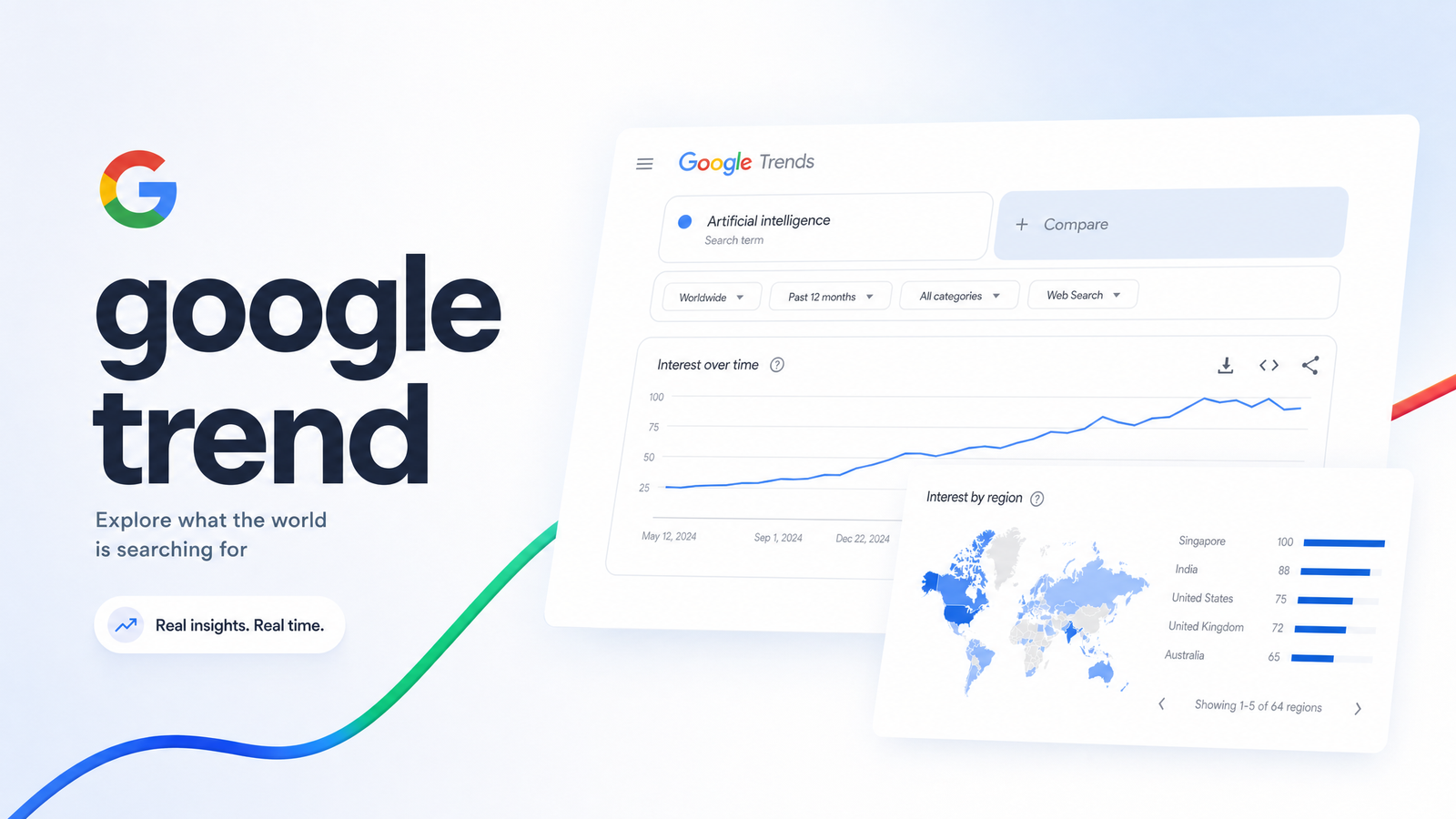
Most teams open Google Trends, see a line shoot upward, and treat it like proof that a keyword is suddenly worth millions of searches. That misreading wastes more content budget than almost any other SEO mistake. A google trend isn't a volume number — it's a timing signal, and treating it as anything else is why so much "trend-based" content publishes late, targets the wrong audience, or never ranks at all.
This piece covers what the Google Trends line actually measures, so you stop misreading it, and — the part almost nobody writes about — what to do in the narrow window after you spot a rising topic, before a bigger site or a slower internal process eats the opportunity.
What Google Trends Actually Measures (and What It Doesn't)
The 0-100 score on a Google Trends chart is relative search interest, not a count of searches. Google indexes the data point with the highest search share in your selected time range and region as 100, then scales every other point against it. A score of 50 means "half as popular as the peak," not "50,000 searches" or any absolute figure at all.
This is where google trends data diverges sharply from Google Keyword Planner. Keyword Planner (and most third-party keyword tools) estimate actual monthly search volume ranges based on advertising auction data. Google Trends shows relative search interest over time, sampled from a portion of total Search traffic, with no volume figures attached. Compare "espresso machine" against "coffee grinder" and you'll see two lines relative to each other's peak — useful for spotting which is gaining or losing interest, useless for knowing if that's 500 monthly searches or 500,000.
That distinction explains why a rising line doesn't guarantee meaningful traffic potential. A niche topic can spike to 100 on Trends with a tiny actual search base, because the score only reflects proportional change, not scale. The google trends vs keyword planner comparison isn't about which tool is "better" — they answer different questions. Trends tells you when interest is moving. Keyword Planner (or a proper keyword research tool) tells you how big the opportunity actually is. You need both before committing writer time to a topic. Google's own Search Central guidance backs this up, recommending Trends be paired with Search Console data rather than used as a standalone volume source.
5 Practical Ways to Use Google Trends for SEO Research
Once you treat Trends as a directional signal, five features do most of the useful work.
Explore + related queries/topics. The Explore tab is where google trends keyword research actually starts. Enter a seed term, and the related queries and related topics panels surface adjacent searches gaining momentum — often phrases you wouldn't have thought to target directly. Sort by "Rising" rather than "Top" to catch queries before they saturate.
Comparing up to five terms. Trends lets you plot five terms on one chart, the fastest way to prioritize among competing content ideas. If three candidate topics are trending downward and one is climbing, that's your production queue, not a guess.
Geographic breakdowns. The regional interest map shows where a topic's popularity concentrates, which matters enormously for local service businesses or region-specific campaigns. A term trending nationally at 60 might hit 100 in three states — a strong signal to localize a page rather than publish generically.
Seasonality charts. Pulling a five-year view of any term reveals seasonal keywords that repeat annually — tax software every spring, holiday shipping deadlines every November. This is calendar-building data, not real-time discovery, and it pairs naturally with a content calendar built on SEO data rather than gut feel.
Trending Now and breakout view. The Trending Now dashboard surfaces real-time spikes, often flagged as "breakout" when growth exceeds what a numeric percentage can express. Breakout trends are the highest-risk, highest-reward category — new enough that competition is thin, but unproven enough that some fade within days.
The Trap: Why Spotting a Trend Isn't the Same as Ranking For It
Here's where most self-managed SEO teams lose the opportunity entirely. Someone spots a rising trend on Monday, flags it in Slack, a brief gets written by Wednesday, a draft gets assigned, edited, and scheduled — and by the time it's live the following week, interest has already peaked and rolled downward, or a domain with more authority published three days earlier and is absorbing the search demand instead.
This is the core limitation to internalize: Google Trends validates direction and timing, it doesn't replace competitive or volume data, and it definitely doesn't replace a fast execution pipeline. A trend-based content strategy built purely on "this topic is rising" produces generic posts that say what everyone else says, published too late to matter. Trends tells you when to move. It doesn't tell you how to beat everyone else already moving.
The teams that consistently win trend-driven traffic do two things differently. They validate the trend against real keyword and competition data before writing a word — using something like an AI-driven keyword research tool to confirm the volume and difficulty actually justify the effort. And they compress the brief-to-publish timeline to days, not weeks, because a google trend's shelf life is often measured in days too.
There's a compounding angle worth naming: trend-responsive content works best when it reinforces topical authority you already have, rather than chasing unrelated spikes. A site with deep coverage of personal finance ranking a fast piece on a trending tax-law change has a structural advantage over a generalist site publishing the same topic — Google already trusts the domain in that space. Chasing trends outside your established topic clusters usually wastes the speed advantage you're trying to build.
Turning a Trend Into a Ranked, Tracked Page — Fast
This is the step almost every "how to use Google Trends" article skips, and it's where the actual opportunity is won or lost. A realistic workflow looks like this:
1. Spot the signal. Monitor Trending Now and Explore for rising terms inside your existing topical clusters — not the entire internet's trending list, just what's relevant to your site's authority.
2. Validate against real data. Cross-check the rising term against actual search volume, keyword difficulty, and existing content gaps before committing resources. This filter separates a genuine opportunity from a spike that peaks at low absolute volume. A proper keyword research process here prevents wasted writer hours on topics that looked exciting but weren't big enough to matter.
3. Generate a brief and draft quickly. Speed here is the whole game. Manually researching, briefing, and writing a competitive page typically takes days a trend doesn't have. Teams using an AI blog writer built for ranking content can compress brief-to-draft from days to hours, often the entire difference between capturing a breakout trend and watching a competitor capture it instead.
4. Publish and immediately add to rank tracking. Publishing isn't the finish line — it's the point where you start measuring whether the bet paid off. A page needs to go live inside a publishing workflow that doesn't break your site as it scales, and it needs to enter rank tracking the same day, not weeks later. Without tracking from day one, you can't tell whether the trend converted into rankings and traffic, or whether it was worth chasing at all next time.
This four-step sequence is exactly where most self-managed teams break down — not because the trend-spotting instinct is wrong, but because audit, drafting, publishing, and tracking live in four disconnected tools with four different queues. Closing that gap is the entire premise behind Rankevra's end-to-end AI SEO workflow, which runs audit, content generation, publishing, and rank tracking as one connected pipeline instead of four separate logins.
Frequently Asked Questions
Is Google Trends data the same as search volume?
No. Google Trends shows relative search interest on a 0-100 scale indexed to the highest point in your selected timeframe and region, while actual search volume (available through tools like Google Keyword Planner) reports estimated real numbers. A score of 80 tells you a topic is near its peak popularity for that period — it doesn't tell you if that peak represents 200 searches or 200,000.
How far back does Google Trends data go?
Google Trends data extends back to 2004 for most regions and search categories. You can view any custom date range within that span, from the past hour up to the full two-decade history, useful for confirming whether a topic is genuinely seasonal or a one-off spike.
How many keywords can you compare in Google Trends at once?
Up to five search terms simultaneously on a single chart. This cap is useful for prioritization — plot your candidate topics together and let the relative trajectories show which is actually gaining interest rather than guessing from memory.
Can Google Trends predict what will rank, or just what people are searching?
Google Trends only reflects search interest patterns, not ranking outcomes. It tells you when interest in a topic is rising or falling, but ranking still depends on competition, content quality, site authority, and search intent match — all factors Trends doesn't measure at all.
How do you know if a rising trend is worth writing about?
Cross-reference the trend against real keyword volume and difficulty data, and check whether it fits your site's existing topical authority. A rising Trends line paired with reasonable search volume and low-to-moderate competition inside a topic you already cover is a strong signal; a spike disconnected from your site's focus usually isn't worth the resources.
Should small sites even bother chasing trending topics?
Yes, but selectively — small sites benefit most from trends inside their existing topical clusters, where they already have some authority, rather than broad breakout trends everyone is chasing. Speed matters more for smaller sites too, since they can't out-authority larger competitors, only out-publish and out-track them on relevant niche signals.
Spotting a rising google trend was never the hard part — plenty of tools will show you a line going up. The bottleneck is everything after: briefing it, drafting it, publishing it, and confirming it actually ranked, all before interest decays. Rankevra connects that entire path — audit, AI drafting, publishing, and rank tracking — into one workflow, so a trend you spot this morning can be a tracked, published page by tomorrow instead of a missed opportunity next week.
Keep reading
- SEO Content Refresh Strategy: Update, Rewrite, or MergeA data-backed SEO content refresh strategy: diagnose decay, score priority, and decide whether to update, rewrite, or merge each underperforming post.
- Duplicate Content SEO: A Framework to Find and Fix ItDuplicate content SEO isn't one problem — it's three. Learn to diagnose parameter, syndication, and scaled-content overlap, then fix each correctly.
- Best Tool for Backlink Analysis in 2026: A Use-Case GuideThe best tool for backlink analysis depends on your job: Ahrefs, Semrush, Majestic, Moz, or an AI SEO platform. Here's how to pick in 2026.