Rankevra Blog
Best Content Calendar Tool: Why SEO Data Should Drive It
August 1, 2026
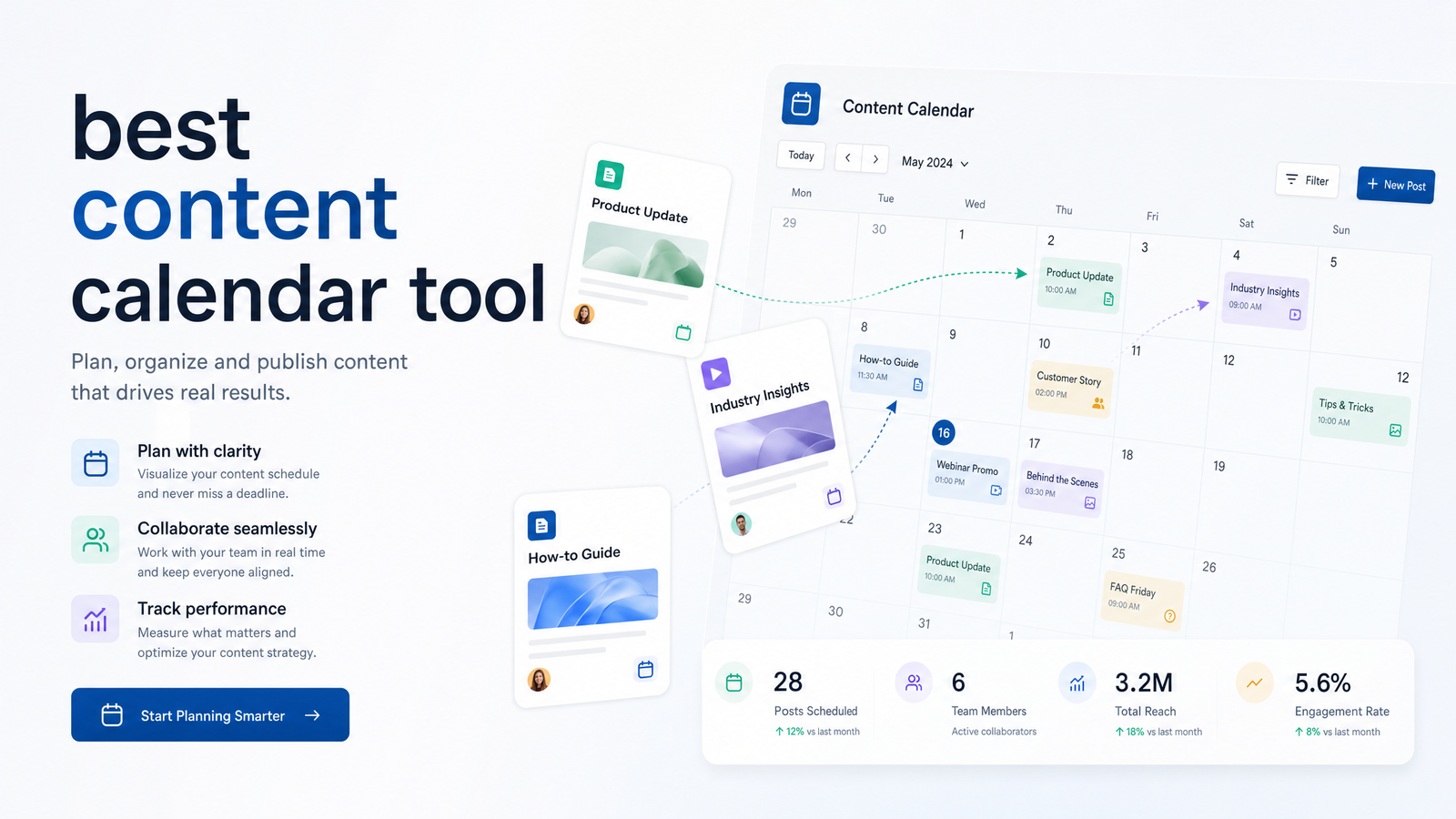
Why Most 'Best Content Calendar Tool' Lists Miss the Point
Search for "best content calendar tool" and you'll get the same roundup restated a dozen times: Notion, Asana, Airtable, Hootsuite, CoSchedule — ranked by how pretty the board view looks and whether you can drag a card from Tuesday to Thursday without breaking anything. Those are real features. They're also the wrong ones to lead with if the reason you're building a calendar is organic traffic.
A content calendar is a planning surface. Content calendar software should be judged on what feeds it and what happens after a post goes live — not just how it displays dates. If your calendar is a list of titles and due dates disconnected from search demand, you're organizing your publishing schedule, not your SEO strategy. Most comparison articles only evaluate the first job.
This article evaluates the decision the way an SEO-led team actually has to make it: does the tool know what to publish based on real search gaps, does it track what happens after publishing, and does it feed that performance data back into what you plan next? That loop — not the calendar grid — determines whether your content builds rankings or just fills a schedule.
What Actually Makes a Content Calendar Tool 'Best' for SEO Growth
Strip away the visual polish and there are five things worth scoring any SEO content calendar tool on.
Topic sourcing. Where do the ideas on your calendar come from? If they come from brainstorming and competitor skimming, you're guessing. A useful calendar pulls topics from keyword and content-gap data — the same methodology laid out in this SEO content gap analysis framework — so every slot starts from demonstrated search demand rather than intuition.
Pillar mapping. Individual posts rarely rank on their own merit anymore. Search engines reward sites that demonstrate depth across a topic, so your calendar needs to show how each planned piece connects to a content pillar and contributes to topical authority, not just whether it fills a slot.
Workflow status. Drafting, editing, and approval stages matter for team coordination, but they're table stakes — nearly every tool in this space handles status columns.
Publishing integration. Does the calendar push content live, or just remind someone to copy-paste into a CMS? A calendar disconnected from publishing introduces a manual handoff where things get delayed, lost, or shipped with formatting errors.
Feedback from rank tracking. This is the piece almost every roundup skips. Once something publishes, does its ranking and traffic performance flow back into the calendar so you know whether to double down on that topic cluster or drop it? Without that loop, you're publishing on faith.
3 Categories of Content Calendar Tools (and Which One You Actually Need)
The market splits into three honest categories, and conflating them is why so many teams pick the wrong tool.
Generic project and board tools — Notion, Asana, Airtable — are built for task management and team visibility. They're flexible, cheap to set up, and good at showing who's doing what by when. What they don't do is know anything about search volume, keyword difficulty, or ranking movement. Any "SEO" structure in a Notion calendar is manually built and maintained by you.
Social-first schedulers — Hootsuite, Buffer, CoSchedule — solve a different problem: getting content out across social channels at the right time, with approval flows and posting queues. This is the classic content calendar vs. social media calendar distinction, and it matters because these tools optimize for distribution cadence, not search-engine visibility. They can queue a blog link to post on schedule, but they have no concept of whether that post closes a keyword gap or builds toward a pillar.
SEO-integrated platforms are the newer category, and most "best content calendar" lists skip it because it doesn't map cleanly to "editorial calendar tool" as a search term. These platforms treat the calendar as one stage in a pipeline: keyword and gap data feeds topic selection, an AI content calendar assigns drafts, publishing happens on schedule, and rank tracking closes the loop. Rankevra sits in this category — the calendar is a byproduct of the SEO workflow, not a separate app you're manually syncing with everything else.
The Best Content Calendar Tool by Use Case
There's no single best content calendar tool for everyone — the right pick depends on team size and what you're actually optimizing for.
Solo blogger or small site. If you're publishing a handful of posts a month with no dedicated SEO strategist, a lightweight board in Notion or Airtable is often enough. The overhead of a full SEO platform isn't justified yet, though you'll still want to source topics from actual search data rather than guesswork.
Marketing team publishing across channels. If your calendar spans blog, social, and email, and the bottleneck is coordination rather than search strategy, a social-first scheduler like CoSchedule or Hootsuite earns its keep. These are genuinely among the best content calendar software for small teams juggling multiple channels and approval chains — just don't expect them to tell you what to write about.
SEO-first teams scaling organic traffic. If your growth goal is rankings and topical authority, and you're currently stitching together a planning doc, a separate AI writer, and a separate rank tracker, that's the gap Rankevra is built for. It functions as a content calendar tool for SEO specifically: topics originate from gap analysis, drafts get produced and scheduled inside the same system, and published performance feeds back into what gets planned next. Teams that need to scale to large page volumes — location pages, comparison pages, programmatic sets — should also look at how a programmatic SEO approach changes calendar structure, since volume publishing needs different guardrails than a dozen posts a month.
What an SEO-Connected Content Calendar Looks Like in Practice
Walk through the loop end to end and it's easier to see where generic calendars break.
It starts with data, not a blank grid. A gap analysis identifies where competitors rank and you don't, or where search volume exists without adequate coverage on your site. Those gaps become calendar entries — not arbitrary "blog post #47," but specific topics tied to specific keyword clusters.
Each entry then gets mapped to a content pillar. This is what separates a list of dates from a strategy: you can see at a glance whether next month's calendar is deepening an existing pillar (good for topical authority) or scattering effort across unrelated topics (not good, even if the calendar looks full).
From there, drafting happens. Whether that's an AI writer or a human writer, the draft should be generated inside or tightly connected to the same system tracking the topic's purpose — see this breakdown of what to look for in an AI blog writer if you're evaluating that stage specifically. Publishing follows on schedule, ideally through an automated pipeline rather than a manual copy-paste, which is the mechanic covered in this piece on scaling a publishing workflow safely.
The loop only closes once rank tracking re-enters the picture. A content calendar tool that connects to rankings can show you, weeks after publishing, whether a pillar is climbing or stalling — and that answer should change what you plan next, not sit in a separate dashboard nobody checks. Choosing the tracking layer itself matters too; this guide to picking a rank tracker covers what to look for if you're sourcing that piece separately.
Disconnect any one of these stages — planning from data, drafting from planning, or tracking from everything — and you get exactly what most teams have today: a calendar that looks organized and a traffic graph that doesn't move.
The Real Choice
You can keep running a spreadsheet or Notion calendar next to a separate AI writer and a separate rank tracker, manually copying topics between them and hoping nothing falls through the cracks. Or you can run topic planning, drafting, publishing, and rank tracking as one connected loop, where each stage feeds the next automatically. Rankevra is built as that second option — try it as the calendar that actually knows what your rankings are doing.
Frequently Asked Questions
What's actually the difference between a content calendar and a content calendar tool?
A content calendar is the plan itself — topics, dates, and owners. A content calendar tool is the software managing that plan, and the meaningful difference between tools is whether they just display the schedule or actively connect it to data like keyword demand, drafting, and performance.
Do I still need a separate SEO tool if my content calendar already has scheduling and approvals?
Yes, unless your calendar tool already pulls in keyword data and rank tracking. Scheduling and approvals solve coordination problems, not strategy problems — they won't tell you which topics are worth publishing or whether published content is actually ranking.
Can a content calendar tool help build topical authority, or is that a separate process?
A calendar tool can actively support topical authority if it maps individual topics to content pillars and shows coverage gaps within those pillars. Without that mapping, topical authority becomes a manual tracking exercise you have to maintain outside the calendar.
What's the best content calendar tool for a solo marketer versus a full content team?
A solo marketer with light publishing volume is often well served by a simple board tool like Notion or Airtable, manually fed with keyword research. A full content team chasing organic growth benefits more from an SEO-integrated platform where topic sourcing, drafting, publishing, and rank tracking run in one connected system.
Is Notion or Asana good enough for planning SEO content, or do I need something more specialized?
Notion and Asana are strong for task coordination but have no built-in awareness of search demand, keyword gaps, or ranking performance. They work fine for organizing a schedule you've already researched elsewhere, but they can't generate that research or tell you if it worked.
How do I connect my content calendar to keyword data and rank tracking instead of just dates?
Start by sourcing calendar topics directly from a keyword and content-gap analysis rather than brainstorming, then route published content through a rank tracker that reports back on performance by topic or pillar. Platforms built around this loop, like Rankevra, automate that connection instead of requiring manual data transfer between separate tools.
Keep reading
- SEO Cannibalization Audit: Find and Fix It at ScaleLearn to run a real seo cannibalization audit: separate harmless overlap from true ranking loss, then merge, redirect, or canonicalize at scale.
- Featured Snippet Optimization: A Reverse-Engineering GuideA 4-step framework for featured snippet optimization: find winnable queries, decode the incumbent's format, rebuild it tighter, and track ownership.
- 301 Redirect Mapping: The Build-Test-Monitor FrameworkLearn how to build, validate, and monitor a 301 redirect map so URL changes preserve rankings and link equity — without a spreadsheet mess.