Rankevra Blog
Inbound Links Check: The 2026 Process That Actually Works
August 14, 2026
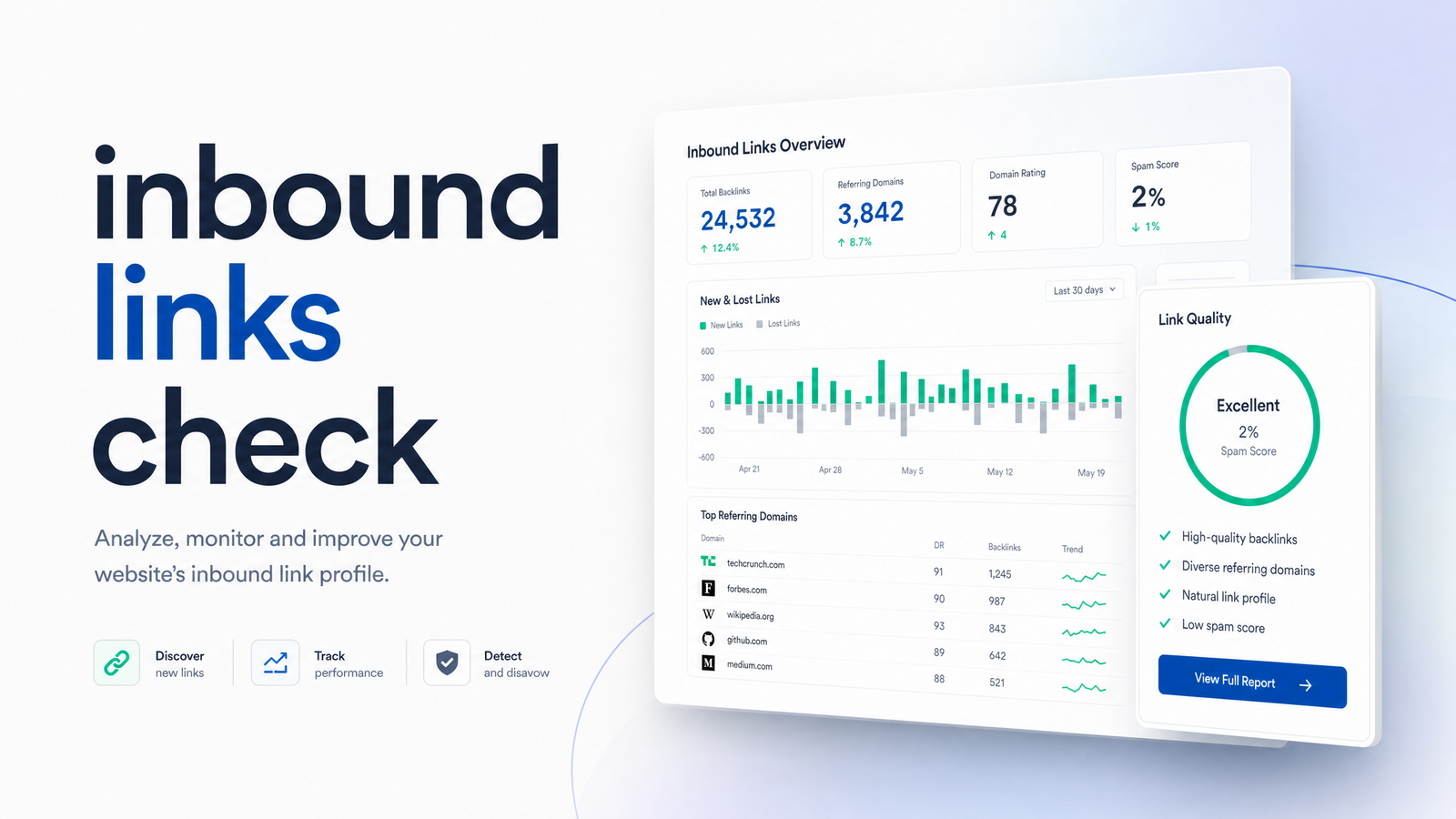
Most people run an inbound links check once a year: panic-Google a free tool, get a scary "toxicity score," and either disavow everything or forget about it for another twelve months. Neither fixes anything. A useful inbound links check is a repeatable diagnostic — signals you look at on a schedule, not a one-time fire drill.
This guide covers what counts as an inbound link, a four-step checking process, the five signals separating healthy links from noise, and when disavowing is genuinely warranted versus a waste of time in 2026.
What Counts as an Inbound Link (and Why It's Not the Same as a Backlink Count)
An inbound link is a hyperlink on someone else's website that points to a page on yours. That's the whole definition — but "backlink," "inbound link," "internal link," and "outbound link" get used interchangeably, and that confusion is where bad SEO decisions start.
- Inbound links (backlinks) come from external domains and point to your site.
- Internal links connect pages within your own site — nav menu, related-posts section, footer.
- Outbound links go from your pages out to other domains.
Only inbound links carry the third-party trust signal Google uses to judge how the wider web vouches for your content. Internal links matter for crawlability and topical structure, but that's a separate lever.
Raw backlink counts get this wrong: a site with 200 inbound links from relevant, moderately trusted domains will typically outperform a site with 2,000 links from irrelevant directories and comment spam. Quantity is the metric beginners fixate on because it's the easiest number to see — and the least predictive of ranking movement. Treat an inbound links check as a quality audit, not a scoreboard.
How to Run an Inbound Links Check in 4 Steps
You don't need five tabs and a subscription stack to check who links to your website. This process runs in under an hour the first time, and minutes on repeat visits.
Step 1: Pull your link data. Start with Google Search Console — free, directly from Google, and the closest thing to ground truth for links Google has actually noticed. Check the Links report's "Top linking sites" and "Top linking pages" under external links. For a fuller picture, a link index tool like Ahrefs or Moz shows a broader crawl, including links Google hasn't indexed or has quietly deprioritized. For more on what else that report reveals, see this breakdown of Google Search Console tips that actually drive action.
Step 2: List referring domains, not just individual links. A single high-trust domain linking five times is different from five domains linking once each. Sort by unique referring domain — that metric correlates more reliably with authority than total link count.
Step 3: Check anchor text and placement for each new domain. Is the link buried in a footer/sidebar, or placed within body content near relevant text? Is the anchor text natural ("Rankevra's audit tool") or manipulated ("cheap SEO services buy now")? This single check filters out most of what you need to worry about.
Step 4: Flag anything unfamiliar for manual review. Don't act yet — just flag it. An unrecognized domain, a spike in links from one unrelated country or niche, or an anchor text pattern repeating identically across dozens of domains all deserve a second look before deciding anything.
Run this once and you have a snapshot. Run it on a schedule and you have a trend line — the only version of this data that's actually actionable.
5 Signals That Actually Tell You If a Link Is Good
Judge each referring domain against these five signals. This is where most free tools fail — they collapse everything into a single "toxicity" number that hides more than it reveals.
1. Topical relevance. A link from a site covering your industry, adjacent industries, or your specific topic carries far more weight than one from an unrelated general-interest domain, regardless of its authority score. Relevance is arguably the single most under-rated backlink quality signal — see topical authority backlinks: relevance beats DA in 2026.
2. Referring domain trust. Domain Rating and Domain Authority are third-party estimates, not Google metrics, but a reasonable proxy for how established a linking site is. Treat them as directional — a modest-score domain with genuine relevance and traffic often outweighs a high-score domain that's really a link farm with inflated metrics.
3. Anchor text diversity. A natural link profile mixes branded anchors, naked URLs, and descriptive phrases. If a large share of your inbound links use the exact same commercial keyword as anchor text, that's a pattern Google's spam systems are built to notice — not because keyword anchors are inherently bad, but because uniform repetition rarely happens organically.
4. Link placement. A link embedded in the body of a relevant article, several sentences deep, generally passes more value and reads as more editorially earned than one stuffed in a sidebar, footer, or resource-dump page. Homepage-only link farms with no deep links to specific pages are a common pattern worth flagging.
5. Growth pattern over time. Healthy link profiles grow gradually and in proportion to content output and PR activity. A sudden, unexplained spike — hundreds of new referring domains in a week with no corresponding announcement or campaign — is worth investigating, not necessarily disavowing.
None of these signals work well in isolation. A link can look questionable on one axis (low domain trust) and fine on the others (relevant, natural anchor, deep placement). Judge the whole picture before deciding a link is a problem. For a full walkthrough of reading an actual backlink report line by line, see reading the report, not just running it.
Should You Disavow What You Find?
Probably not, and definitely not by default. Google's disavow tool exists for a narrow set of circumstances, and current guidance treats it as a last resort rather than routine maintenance.
Google's spam-fighting system, SpamBrain, already discounts or ignores the overwhelming majority of manipulative and low-quality links algorithmically — meaning most of what a free "toxic backlink" scanner flags is already being neutralized before it affects your rankings. Disavowing those links again does nothing except cost you time. Post-Penguin, Google's link spam algorithms work continuously in the background rather than requiring manual cleanup for every low-quality link.
Disavowing is genuinely warranted in two situations: you've received a manual action in Search Console specifically citing unnatural links, or you can trace a clear, deliberate pattern of manipulation — a negative SEO attack using identical spammy anchor text pointing at a specific page, or links you or a previous agency built through paid schemes that violate guidelines. Outside those two cases, disavowing based on a vendor's automated toxicity score is very likely solving a problem that doesn't exist while ignoring the signals — relevance, placement, anchor diversity — that actually matter.
If your inbound links check turns up broken links pointing to pages that no longer exist or have moved, that's a technical fix, not a disavow situation — redirect the page and you keep the link equity. For a broader backlog of technical issues surfaced during a link audit, this priority action plan for fixing technical SEO issues is a useful framework for sequencing fixes.
Make Inbound Link Checks Part of an Ongoing Workflow, Not a One-Time Task
The reason most inbound link audits don't lead to better rankings isn't the analysis — it's that they happen once, in isolation, disconnected from everything else in the SEO workflow. A link check not paired with technical audits, content planning, and rank tracking is a snapshot with no context for whether it's working.
Checking manually every quarter with Search Console exports and a spreadsheet is workable at small scale, but it doesn't scale as your content library and link count grow, and it's easy to let slide once other priorities take over — which is exactly how a healthy link profile turns into an unmonitored one. If you want help choosing a standalone tool, the no-BS evaluation framework for backlink analysis tools covers what actually matters when comparing options.
Rankevra folds this into a single, continuously updated workflow instead of a separate habit you have to remember. Inbound link tracking runs alongside automated technical audits, AI-assisted content creation, publishing, and rank tracking — so a new referring domain, a lost link, or a spike in low-relevance anchors surfaces in the same dashboard where you're already managing content and rankings, instead of a spreadsheet you export once and never open again.
Stop treating your inbound links check as a rescue mission and start treating it as maintenance. Run a free automated inbound links check inside Rankevra and replace the manual Search Console exports, spreadsheet tracking, and disavow-tool guesswork with one dashboard that stays current on its own.
Frequently Asked Questions
How often should I check my inbound links?
Monthly is a reasonable baseline for most sites, with a lighter check after any major content push, PR mention, or algorithm update. Sites in competitive niches or actively building links through outreach should look weekly, since that's often enough time for a spike or drop in referring domains to become visible before it compounds.
What's the difference between inbound links and backlinks?
There isn't one — "inbound link" and "backlink" describe the exact same thing: a link from an external site pointing to yours. The terms are used interchangeably in SEO, unlike internal links (connecting pages within your own site) or outbound links (pointing from your site to others).
Can Google Search Console alone tell me if my inbound links are healthy?
Not entirely — GSC shows links Google has crawled and indexed, useful ground-truth data, but it doesn't score relevance, anchor text diversity, or referring domain trust the way a dedicated link index tool does. Use GSC as your free starting point and a link analysis tool for deeper quality signals.
Should I disavow every low-quality backlink I find?
No — disavowing is meant for confirmed manual actions or clear manipulative patterns, not every link that scores poorly on a free toxicity scanner. Google's SpamBrain system already discounts most spammy and low-quality links algorithmically, so disavowing them again typically has no measurable effect.
How many inbound links does my site actually need to rank?
There's no fixed number — relevance and quality of referring domains matter far more than total count. A smaller set of topically relevant, naturally placed links from trusted domains consistently outperforms a large volume of low-relevance or spammy links.
What's a red flag versus a normal link I should ignore?
A red flag is a sudden spike of many new referring domains with near-identical, commercial anchor text and no corresponding content or PR event behind it. A normal link is one from a relevant site, with varied natural anchor text, placed within body content — that pattern needs no action beyond noting it in your tracking.
Keep reading
- Content Decay SEO: How to Detect It and Fix It for GoodLearn to detect content decay SEO issues early, rule out false positives, and build a refresh pipeline that scales — plus how to automate the whole loop.
- Headless CMS SEO: Fixing the Gaps Generic Tools MissHeadless CMS SEO breaks in three predictable places: rendering, metadata, and sitemaps. Here's the diagnostic framework to find and fix each gap.
- Google Algorithm Update Recovery: A Diagnostic FrameworkA step-by-step google algorithm update recovery framework: confirm the cause, segment the damage, benchmark against winners, and set a real timeline.