Rankevra Blog
Search Operators in 2026: What Works, What's Dead
August 15, 2026
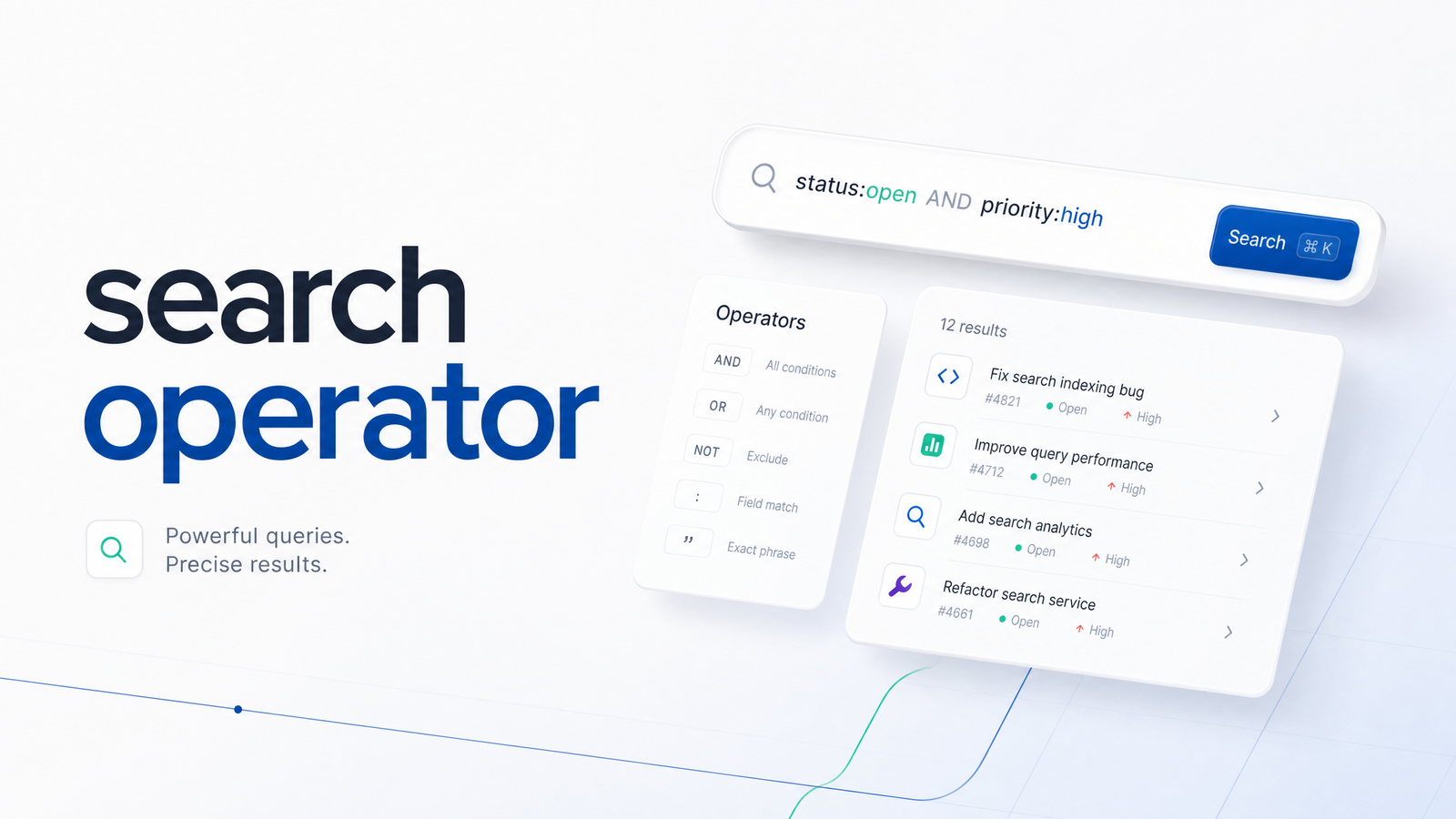
What Is a Search Operator?
A search operator is a symbol or keyword you add to a Google query to narrow results beyond what a plain-text search returns. Instead of typing a phrase and hoping for the best, you tell Google exactly where to look — a specific domain, a page title, a file type, a date range. The classic example is the site: operator: typing site:rankevra.com restricts results to pages Google has indexed from that one domain, instantly showing you what's in the index and, just as usefully, what's missing.
That's the core value of a search operator — it turns Google into a filtered lookup tool rather than a general-purpose guessing game. For SEO practitioners, operators are the fastest free way to check indexation, spot duplicate content, or size up a competitor's page structure without opening a single third-party tool.
The Search Operators That Still Work in 2026
Most "master list" posts recycle operators that quietly stopped functioning years ago. Here's what actually returns reliable results right now, grouped by use case.
Scope and indexation
site:domain.com— Restricts results to one domain or subdomain. Still the single most useful operator for indexation spot-checks.site:domain.com/blog/— Narrows further to a subfolder, handy for auditing a specific content section.
Title and content matching
intitle:keyword— Finds pages with a specific word in the title tag.allintitle:keyword phrase— Requires every listed word to appear in the title; stricter than stacking multipleintitle:calls.intext:keyword— Finds the term anywhere in the page body.allintext:keyword phrase— Same logic asallintitle:but applied to body text.
URL structure
inurl:keyword— Finds the term in the URL path.allinurl:keyword phrase— Requires all terms in the URL; useful for finding parameter patterns or thin category pages.
File and format filters
filetype:pdf(orext:pdf) — Limits results to a specific file type — PDFs, DOCs, XLS — useful for finding downloadable competitor assets or exposed internal documents.
Exact match and logic
"exact phrase"— Forces an exact-match search, essential for plagiarism and duplicate-content checks.keyword1 OR keyword2— Returns results matching either term (must be capitalized to register as an operator, not a stopword).-keyword— Excludes a term from results, useful for filtering out your own brand or irrelevant senses of a word.keyword*— The wildcard acts as a placeholder for one or more words in a phrase match.
Date filtering
before:2026-01-01/after:2025-01-01— Restricts results to content indexed before or after a given date, useful for freshness and content-decay checks.
These are the operators worth memorizing. Everything else circulating in older "google search operators list" roundups either never worked consistently or has since been retired.
Search Operators Google Has Killed (Stop Using These)
A handful of once-standard operators now return empty, inconsistent, or misleading results. Using them wastes query time and can send you chasing a false negative.
cache:— The cache operator was formally removed by Google in 2024. It used to show Google's stored snapshot of a page; now it returns nothing. Use the Wayback Machine instead for historical page snapshots.link:— The link operator was deprecated years earlier and only ever showed a tiny, unreliable sample of backlinks even when active. For real backlink data, Google Search Console or a dedicated inbound links check process will serve you far better.related:— Once surfaced "similar sites"; results are now sparse to nonexistent.info:— Meant to summarize a single URL's indexing status; largely replaced by directsite:queries or GSC's URL Inspection tool.+keyword— Previously forced exact-match inclusion of a term; Google phased this out in favor of quotation marks.~keyword— The synonym-search tilde operator stopped functioning years ago.inanchor:— Meant to find anchor text on linking pages; unreliable now thatlink:itself is broken.
If a blog post from 2018 tells you to run cache: or link: for an audit, skip it — the syntax still executes, but the data behind it is gone.
5 Operator Combinations for Real SEO Work
Single operators are useful for spot checks; combining them turns a search bar into a lightweight audit tool.
1. Indexation audit. site:domain.com -inurl:blog shows every indexed page outside your blog folder — fast way to catch stray or unwanted pages Google has picked up. Pair it with site:domain.com/category/ to check whether a specific section is fully indexed.
2. Duplicate or plagiarism detection. Take a unique sentence from a key page and search it in quotes: "exact sentence from your page". If it returns other domains, you've found scraped or duplicated content. This same technique also flags internal duplication when combined with site:domain.com "exact phrase" — a common symptom of canonical tag failures.
3. Competitor title research. site:competitor.com intitle:keyword reveals how a competitor structures titles around a topic — pattern, length, keyword placement — without crawling their whole site manually.
4. Content gap discovery. site:competitor.com inurl:guide -site:yourdomain.com surfaces topic angles a competitor covers that you likely don't. Running the same query across two or three competitors and comparing results is a manual version of a proper content gap analysis framework.
5. Unlinked brand mentions. "your brand name" -site:yourdomain.com finds pages mentioning your brand without a link back — prime candidates for outreach requesting a backlink.
Each of these is a genuinely useful search operator combination for SEO work — but notice the pattern: every one requires you to write, run, and manually review a separate query.
Fixing 'Zero Results' and Other Syntax Mistakes
A search operator returning zero results is almost always a syntax problem, not proof that nothing exists. Check these first:
- Space after the colon.
site: domain.com(with a space) breaks the operator; it must besite:domain.com. - Over-stacking operators. Combining too many restrictive operators in one query (
site:+intitle:+inurl:+ a quoted phrase) can over-filter results to nothing. Drop one and re-test. - Lowercase OR.
keyword1 or keyword2is read as plain text; only capitalizedORfunctions as the logical operator. - Cached browser results. Run searches in an incognito window — personalization and cached results can skew what you see and make troubleshooting harder.
- Protocol or www mismatches.
site:domain.comandsite:www.domain.comcan return different counts if the site has inconsistent redirects — worth checking both.
Where Manual Operators Stop Scaling
Search operators are free, immediate, and genuinely useful for a one-off check — is this page indexed, does a competitor rank a certain title, has this phrase been copied elsewhere. The limitation shows up the moment you need to do this across more than a handful of pages: every operator is a separate query, reviewed by eye, with no record of what you found last week or last quarter. There's no prioritization, no trend line, no alert when a new duplicate page appears — just whatever you happen to check today.
That's the gap an automated site audit tool is built to close: instead of running site: and intitle: queries page by page, it crawls the whole domain, flags indexation and duplicate-content issues automatically, and tracks them over time. Rankevra extends that further, pairing automated audits with AI-driven content-gap discovery and publishing — so the manual research you'd otherwise do one query at a time becomes a scheduled, scalable workflow instead of a recurring chore.
Frequently Asked Questions
Do Google search operators still work in 2026?
Most core operators still work reliably, including site:, intitle:/allintitle:, inurl:/allinurl:, intext:/allintext:, filetype:, quotes, OR, -, and before:/after:. Others — cache:, link:, related:, info:, +, and ~ — have been deprecated or return unreliable results and should be avoided.
What is the difference between intitle: and allintitle:?
intitle:keyword requires only that one word to appear in the title, while any other words in the query can appear anywhere on the page. allintitle:keyword phrase requires every word listed to appear in the title tag, making it a stricter, more precise filter.
Why did my search operator return zero results?
Zero results almost always come from a syntax error rather than an actual absence of matching pages. Common culprits include a stray space after the colon, stacking too many restrictive operators in one query, or using lowercase or instead of capitalized OR.
Is the link: operator still useful for finding backlinks?
No — the link: operator was deprecated years ago and only ever returned a small, unreliable sample even while active. Google Search Console and a structured inbound links check process are far more accurate ways to review backlink data today.
Can I combine multiple search operators in one query?
Yes, and combining operators is where search operators become genuinely useful for SEO work — for example, site:domain.com intitle:keyword narrows results to one domain and one title term simultaneously. Just avoid stacking too many restrictive operators at once, since that can over-filter and return zero results.
Are search operators the same on mobile and desktop?
The syntax itself is identical across devices, but result rendering and personalization can differ between mobile and desktop search, sometimes producing slightly different result counts. Running checks in an incognito browser window on desktop is the most consistent way to get repeatable results.
Search operators remain a solid free tool for quick spot-checks, but they're inherently manual — one query, one page of results, no historical record, no prioritization across a full site. When you're ready to turn that ad hoc checking into a tracked, automated workflow covering indexation gaps, duplicate content, technical issues, and content gaps, see how Rankevra handles it end to end.
Keep reading
- Content Decay SEO: How to Detect It and Fix It for GoodLearn to detect content decay SEO issues early, rule out false positives, and build a refresh pipeline that scales — plus how to automate the whole loop.
- Headless CMS SEO: Fixing the Gaps Generic Tools MissHeadless CMS SEO breaks in three predictable places: rendering, metadata, and sitemaps. Here's the diagnostic framework to find and fix each gap.
- Google Algorithm Update Recovery: A Diagnostic FrameworkA step-by-step google algorithm update recovery framework: confirm the cause, segment the damage, benchmark against winners, and set a real timeline.