Rankevra Blog
Search Optimization Tools: A Category Buying Framework
August 22, 2026
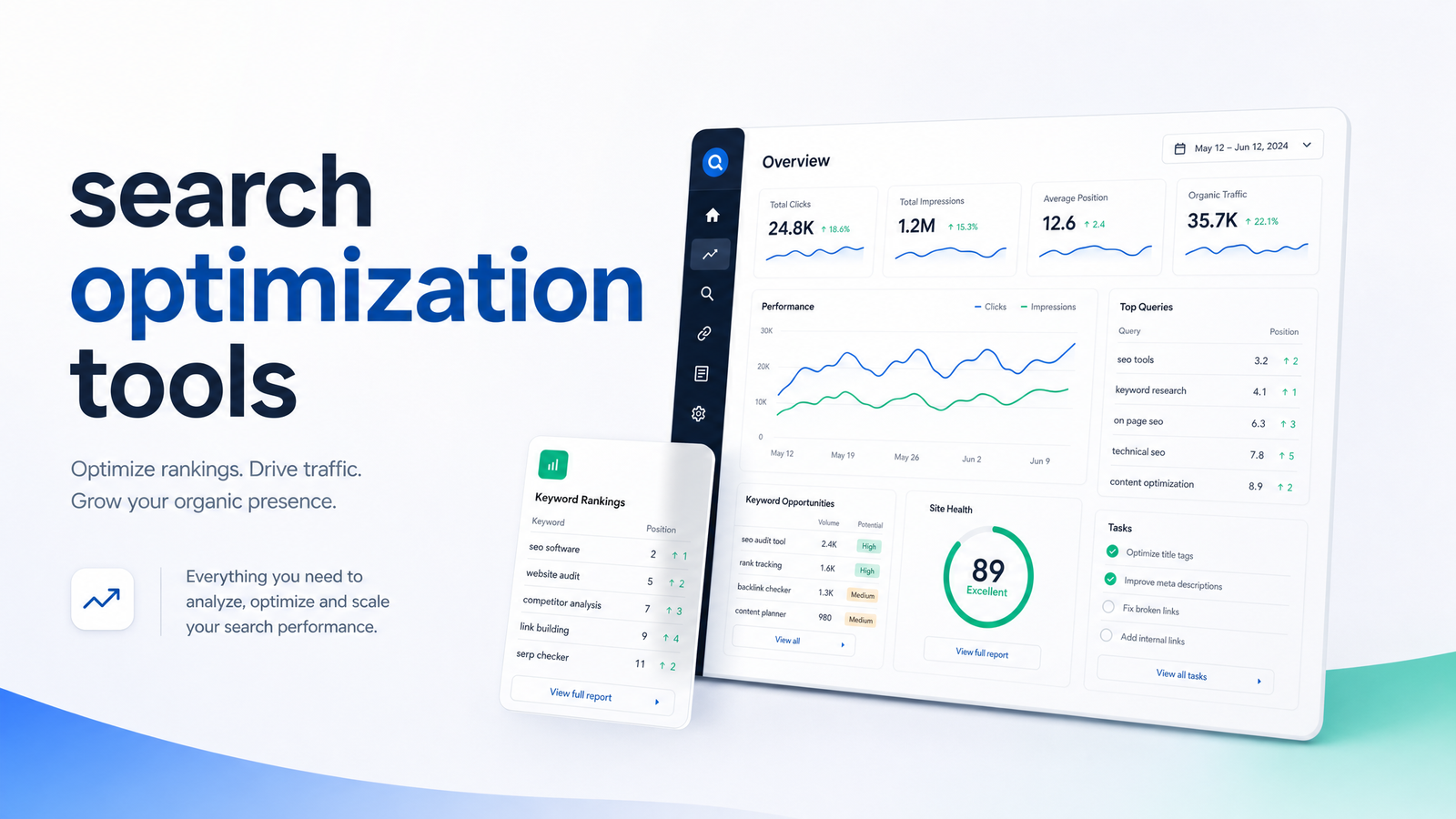
Most people shopping for search optimization tools don't have a tool problem — they have a category problem. They don't know which functions they need, which they already own in duplicate, and which ones are safe to cut. This article treats the topic as a decision framework: what the category actually includes, the six functions every stack needs, why most stacks end up bloated anyway, and how to evaluate whether it's time to consolidate onto a single AI-driven platform.
What Counts as a Search Optimization Tool (And What Doesn't)
A search optimization tool is software built to help a website get found, understood, and ranked by search engines. Google's own SEO Starter Guide frames SEO as making a site easier for search engines to crawl, index, and understand — and easier for people to find useful once they arrive. Software that serves that job — crawling pages for errors, researching what people search, tracking rankings, analyzing backlinks, or reporting on organic performance — qualifies as SEO software.
What doesn't qualify, even though it often gets lumped in: general analytics platforms that measure traffic but don't diagnose why it changed, social media schedulers, email marketing tools, and broad content management systems. Those are marketing software — useful, sometimes overlapping at the edges, but not built around the specific mechanics of search visibility. Knowing this boundary matters before you buy anything, because a lot of "SEO platform" marketing copy blurs the line to look more comprehensive than it is.
The Six Categories Every Stack Actually Needs
Once you strip away the branding, nearly every credible SEO tool stack — from a solo blogger's to an agency's — covers the same six categories. Each does a distinct job, and none fully substitutes for another.
Technical audits. Crawls your site to find indexing errors, broken links, slow pages, and Core Web Vitals issues that block rankings before content even matters. See our deep-dive on what a site audit tool checks.
Keyword and content research. Identifies what your audience searches, how competitive those terms are, and what gaps exist in your content. Our guide to AI keyword research tools covers what actually works here versus marketing fluff.
Content creation and publishing. Turns research into briefs, drafts, and published pages — ideally without exporting to three other apps first.
Rank tracking software. Monitors where your pages sit in results over time, by keyword, device, and location, so you can tie changes to cause and effect. Our rank tracker evaluation framework breaks down what to look for.
Backlink analysis tools. Show who links to you (and competitors), flag toxic links, and surface link-building opportunities. Full framework here.
SEO reporting. Pulls the above into a dashboard showing what's working, what needs budget, and what to tell a client or boss. Our reporting dashboard guide lays out what belongs in one.
That's the map. Everything else — Google Search Console, competitive intelligence add-ons, AI content assistants — sits inside or bridges these six functions. Search Console is worth noting separately: it's free, it's the closest thing to ground truth on indexing and search performance, and it's a baseline every stack should already include rather than a substitute for the categories above.
Why Most Stacks Are Bloated (And What It's Costing You)
Here's the uncomfortable part: most teams own more of this than they use. The broader marketing technology landscape now spans more than 14,000 tools in a market valued around $200 billion, and a large share of licensed capability goes unused month to month — utilization, not tool count, is the real budget leak. SEO tooling isn't exempt. A common setup: one subscription for audits, another for rank tracking, a separate backlink checker, plus a reporting tool that stitches data from all three — each purchased at a different point in the company's life, each solving a real problem at the time, none retired once a better option showed up.
This is tool sprawl, and it costs more than the sum of the invoices. Every tool with its own login, export format, and quirks adds workflow drag — time spent moving data between systems instead of acting on it. Research on marketing stack consolidation confirms this: leaner, better-integrated stacks correlate with stronger marketing ROI and pipeline performance than sprawling ones, because teams spend more time acting on insight and less reconciling it across tabs. For a self-serve marketer or a two-person content team, that drag is proportionally worse — there's no dedicated analyst to own the integration work.
A 15-Minute Self-Audit: Do You Have the Right Tools?
Before deciding whether to consolidate, find out what you're actually running. Pull up your subscriptions and go category by category:
- Technical audits — Do you have a tool that crawls your site on a schedule? Have you logged in in the last 30 days? Does it connect to your CMS or is it a standalone report you re-read and forget?
- Keyword/content research — Is your research tool separate from your content drafting process, forcing a copy-paste step?
- Content creation and publishing — Can you go from keyword idea to published page without leaving the tool, or does publishing happen elsewhere?
- Rank tracking — Do you check rankings weekly, or did you set it up once and forget the login?
- Backlink analysis — Do you use this monthly, or is it sitting in your stack because it seemed necessary at signup?
- Reporting — Is your reporting manual (spreadsheets, screenshots) or does it pull live from the tools above?
Score yourself on three questions per category: Do you have a tool for it? Do you use it weekly? Does it share data with the rest of your stack without manual export? Any category with two "no" answers is either underused and cuttable, or a genuine gap worth filling. This is how to audit your SEO tools without hiring a consultant — it takes fifteen minutes and shows exactly where the waste and the gaps sit.
When to Consolidate Into an All-in-One AI Platform
If your self-audit turned up three or more tools you barely touch, or categories connected only by manual exporting, that's the signal to consolidate — not because point solutions are bad, but because your team doesn't have the headcount to babysit six of them. Enterprise SEO teams often keep specialist tools per category because they have specialists per category. Self-serve marketers, solo founders, and small content teams don't have that luxury, and a fragmented stack built for a five-person SEO department doesn't fit a one-person operation.
This is the calculus AI SEO tools are built to change. Instead of separate logins for audits, research, publishing, and tracking, an all-in-one SEO platform runs those functions against the same data, in the same workflow — audit findings feed directly into content priorities, published pages get tracked automatically, and reporting reflects real usage instead of a stitched-together export. Rankevra is built around that consolidation: it automates technical audits, keyword-driven content creation, publishing, and rank tracking in a single AI-driven workflow, so a self-serve team gets the coverage of six categories without paying for and logging into six separate products.
Skepticism about AI replacing established point tools is fair — a general-purpose AI assistant with no SEO-specific data isn't going to out-audit a dedicated crawler. But that's not the comparison that matters. The real comparison is a purpose-built AI platform against a pile of underused subscriptions doing the same six jobs, badly connected. For teams still running technical fixes manually after an audit, it's worth pairing any audit tool with a clear prioritization plan for fixing technical SEO issues — automation should point you at what to fix, not just tell you what's broken.
Frequently Asked Questions
What's the difference between SEO tools and search optimization tools?
There isn't a meaningful difference — both describe the same category, just phrased differently, referring to software built around six functions: audits, research, content, tracking, backlinks, and reporting. The phrasing difference is mostly a search-query variation, not a category distinction.
Do I really need more than one search optimization tool?
Usually yes, but not one per category. Most self-serve teams need coverage across audits, research, tracking, and reporting at minimum — exactly why all-in-one platforms exist, to deliver that coverage without requiring four to six separate subscriptions and logins.
Can AI tools replace a traditional SEO tool stack?
A purpose-built AI SEO platform can replace a fragmented stack of point tools, but a generic AI assistant without SEO-specific crawling and ranking data cannot. The distinction is whether the tool has real audit, keyword, and tracking data behind it — Rankevra and similar platforms are built specifically to automate those functions, not just answer questions about SEO.
How much should a small business budget for search optimization tools?
Budget should be sized to categories used, not tools owned — a small business typically needs working coverage of audits, keyword research, rank tracking, and reporting before spending anything on backlink-heavy features. Consolidated platforms usually cost less than licensing four or five separate single-purpose tools that each cover one category.
What's the first search optimization tool a new website owner should get?
A technical audit tool, paired with free Google Search Console, should come first — you can't improve rankings for content search engines can't properly crawl or index. Keyword research and rank tracking matter next, once the technical foundation is confirmed sound.
Are free search optimization tools good enough, or do I need paid software?
Free tools like Google Search Console are essential and should never be skipped, but they report data rather than automate action across audits, content, and tracking. Paid software becomes worthwhile once you need to act on that data at scale — publishing consistently, tracking rankings across many keywords, or reporting results without manual spreadsheet work.
Run the self-audit above against your own stack this week — you'll likely find at least one subscription earning its keep and two that aren't. Then see what a single AI workflow replaces: Rankevra consolidates audits, content, publishing, and rank tracking into one platform built for exactly the self-serve teams this article describes.
Keep reading
- Content Decay SEO: How to Detect It and Fix It for GoodLearn to detect content decay SEO issues early, rule out false positives, and build a refresh pipeline that scales — plus how to automate the whole loop.
- Headless CMS SEO: Fixing the Gaps Generic Tools MissHeadless CMS SEO breaks in three predictable places: rendering, metadata, and sitemaps. Here's the diagnostic framework to find and fix each gap.
- Google Algorithm Update Recovery: A Diagnostic FrameworkA step-by-step google algorithm update recovery framework: confirm the cause, segment the damage, benchmark against winners, and set a real timeline.