Rankevra Blog
Inbound Link Checker: What It Should Really Show You
August 20, 2026
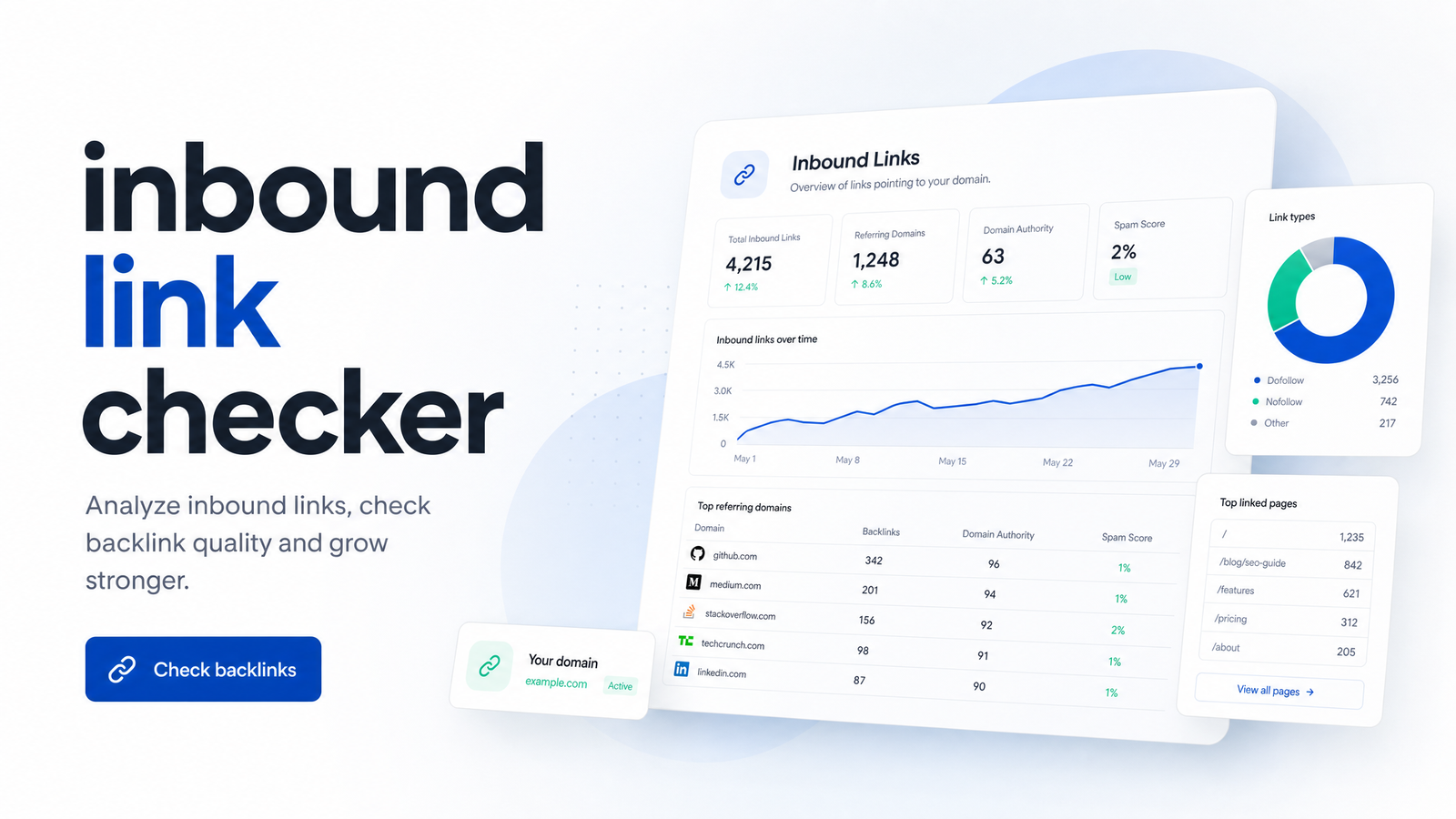
Type your domain into three different backlink tools and you'll get three different answers about how many sites link to you. That's not a bug — it's how an inbound link checker works, and understanding why turns a confusing exercise into a genuinely useful habit. This guide treats the inbound link checker as a category of tool, a data problem, and — if you set it up right — an ongoing monitoring workflow instead of a once-a-quarter chore.
What Actually Counts as an Inbound Link
An inbound link is any hyperlink that lives on someone else's website and points to a page on yours. People conflate three different things: internal links (one page on your site linking to another), outbound links (your page linking out to someone else's domain), and inbound links (the reverse — an external vote pointing in). Only the third category matters when you're checking authority signals.
"Inbound link" and "backlink" are used interchangeably, and for practical purposes they are the same thing. Where the terms sometimes diverge is emphasis: "backlink" tends to show up in link-building and outreach conversations, while "inbound link" is more common in analytics and technical contexts. An inbound link checker query returns the same underlying data either way.
Checking inbound links sounds as simple as running a search, but three complications show up immediately. First, a link can exist on a page that's been deindexed, so it's technically live but invisible to most crawlers. Second, a link can be nofollow — present in the HTML but explicitly instructing search engines not to pass ranking credit. Third, a single referring domain might link to you dozens of times from different pages, which inflates a raw link count without adding much real authority. None of that shows up if you only look at a total number.
Why Every Inbound Link Checker Gives You a Different Number
Backlink counts diverge because every checker reports on a different slice of the web, built from a different crawler, updated on a different schedule. There isn't one master list of every link on the internet — each tool maintains its own index, and index size alone explains most of the gap between, say, a free tool and a paid database.
Three factors drive inbound link checker accuracy:
- Index size and crawl coverage. A tool with smaller crawling infrastructure hasn't discovered as many pages, so it can't report links it never found. Larger commercial crawlers index a bigger share of the web, closer to what Google itself has seen.
- Crawl frequency. Some databases refresh weekly, others monthly. A link that appeared last week won't show up in a checker that hasn't recrawled that source page yet — which is also why "lost" links sometimes reappear later; the tool just caught up.
- Data source. Google Search Console reports links Google itself has crawled and stored for your property — arguably the most authoritative single source, but limited to what Google chooses to surface. Third-party crawlers like Ahrefs or Semrush run independent bots that discover a different, often larger or differently-weighted, set of pages. Neither is "wrong" — they're sampling the same web with different nets.
Stop expecting one number to be the truth. Use Search Console as your ground-truth check on what Google has actually registered, and use a broader database when you want scale and competitive comparison. For a deeper walkthrough of reading what a report actually tells you, see how to read a backlink checker report instead of just running one.
The Three Types of Inbound Link Checkers
Inbound link checkers sit on a spectrum rather than strict "good" or "bad" categories — which one fits depends on how often you need answers and how deep you need to go.
Free and manual tools sit at one end. Google Search Console is the obvious starting point, along with browser extensions that surface link data for a page you're viewing. These are useful for spot-checks and cost nothing, but they're manual by design — you have to remember to open them, and they rarely alert you to change.
Dedicated backlink databases sit in the middle. These standalone products crawl the web and maintain a searchable link index, often with metrics like referring domain counts, anchor text breakdowns, and authority scores layered on top. They're more comprehensive than free tools but represent one more login, one more subscription, and one more export to reconcile.
All-in-one SEO platforms with built-in monitoring sit at the other end. Inbound link checking is one module inside a broader system that also runs audits, tracks rankings, and manages content — so link data updates automatically and surfaces alongside the rest of your site's health rather than living in its own silo. For a structured way to weigh specific platforms against each other, the backlink analysis tool evaluation framework walks through that comparison — this article is concerned with the category, not the leaderboard.
What a Good Checker Should Surface Beyond a URL List
A list of URLs that link to you is the least useful output an inbound link checker can produce. The signals that inform decisions sit one layer deeper.
New versus lost links. A snapshot tells you where you stand today; a change log tells you what's happening. A good checker flags links you gained since the last crawl and links you've lost, so a dropped partnership page or a site redesign that wiped your backlink doesn't go unnoticed for months.
Referring domain concentration. Ten links from one domain carry far less weight than ten links from ten different domains. A useful report separates total link count from unique referring domains, because domain diversity is a much stronger signal of real authority than raw volume.
Anchor text patterns. The words used in the link tell you how the web is describing your site. A healthy profile has natural variation; a pattern dominated by the exact same commercial keyword phrase across dozens of links can look manipulative to a search engine rather than helpful.
Follow versus nofollow mix. Nofollow links don't pass the same link equity as followed links, but they're not worthless — they drive referral traffic, build brand visibility, and occur naturally on legitimate, high-traffic sites like news outlets and forums. A checker that reports the ratio, rather than hiding nofollow links, lets you judge your profile honestly instead of panicking over a number that includes links never meant to carry ranking weight.
Toxic or spammy link flags. Not every inbound link deserves worry, but a batch of links from clearly unrelated, low-quality, or link-farm-style domains is worth identifying so you can decide whether disavowal or simple monitoring is the right response. A single low-authority link isn't automatically damaging — context and pattern matter more than any single link.
Domain authority scores, when a checker includes them, are useful as a rough directional signal about a referring site's overall strength, but they're a third-party estimate, not a Google metric — treat them as one data point among several, not a verdict. For scenario-specific guidance on running these checks — auditing a new site, vetting a link before outreach, or investigating a ranking drop — the scenario-based backlink checking guide covers the situational nuance this section can't.
Turning Link Checking Into a Monitoring Habit
Most people run an inbound link checker the way they'd look something up in a dictionary: once, when a question comes up, then not again until the next question arises. That reactive pattern means you typically find out about a lost link, a spam attack, or a broken referring page weeks or months after it happened — long after the missed opportunity to fix it.
Inbound link monitoring flips that into a recurring cadence. A weekly or monthly check — automated rather than manually triggered — catches new links while they're still fresh enough to act on (thank the linking site, request an anchor text update, pitch a related placement) and catches lost links while there's still a reasonable chance the cause is fixable, like a broken redirect or a page that moved without a corresponding update on the linking site.
Building this workflow manually usually means logging into a checker, exporting a spreadsheet, comparing it against last month's export, and repeating that ritual indefinitely — exactly the kind of task that gets skipped the first time you're busy. Automated monitoring tools solve this by running the comparison for you and surfacing only what changed, which is the difference between a task you have to remember and a report that shows up whether you remember or not.
Choosing the Right Checker for a Self-Managed Team
The right choice depends less on which tool has the biggest index and more on how your team actually operates day to day.
If you're a solo site owner checking in occasionally, a free tool like Search Console covers the basics without adding a subscription. If you're managing outreach or competitive research at scale, a dedicated backlink database's depth of index and historical data earns its cost. But if you're a small marketing team or a self-managed content operation already juggling a site audit tool, a rank tracker, and a content calendar, adding a fourth standalone login for link checking is its own kind of overhead — one more export to reconcile, one more dashboard to remember to open.
That's the case for an all-in-one platform: inbound link monitoring that lives next to your technical audits and your rank tracking, pulling from the same crawl data instead of a separate silo. It also means link issues get read in context — a lost backlink alongside a crawl error from your site audit tool tells a more complete story than either signal alone.
Running lookups in one tool, exporting to a spreadsheet, then repeating that process every month doesn't scale once inbound link monitoring needs to sit alongside audits, content production, and rank tracking — it becomes the bottleneck that quietly stops happening the moment things get busy. Rankevra builds inbound link monitoring into the same AI-driven workflow that handles your audits, content, and publishing, so link changes surface automatically instead of depending on you remembering to run one more export.
Frequently Asked Questions
What is an inbound link checker and how does it work?
An inbound link checker is a tool that scans the web for external pages linking to your domain and reports them back, typically with metrics like referring domain count, anchor text, and follow/nofollow status. It works by relying on a crawler — either Google's own index via Search Console or a third-party bot — that has discovered and stored a link pointing to your site during a previous crawl. No checker sees links in real time; every report reflects the state of that tool's index as of its last crawl.
Why do backlink numbers differ between tools?
Backlink numbers differ because each tool crawls and indexes a different slice of the web, on a different schedule. A tool with smaller crawl coverage hasn't found every link that exists, and one that refreshes monthly will lag behind one that refreshes weekly. Google Search Console and third-party databases like Ahrefs or Semrush also use entirely separate crawlers, so discrepancies are expected rather than a sign that any single tool is broken.
What's the difference between an inbound link and a backlink?
There is no meaningful difference — both terms describe an external link on another website that points to your domain. "Backlink" is more common in link-building and outreach conversations, while "inbound link" tends to appear in analytics and technical contexts, but any checker treats them as the same data.
What should a good inbound link checker report include?
A good report goes beyond a raw URL list to show new versus lost links over time, referring domain concentration, anchor text patterns, the follow/nofollow mix, and flags for toxic or spammy sources. These layers turn a static count into information you can act on, rather than a number with no context.
How often should inbound links be checked?
Weekly or monthly, depending on how actively your site earns new links and how quickly you need to catch losses. A recurring, automated cadence catches new links while outreach follow-up is still useful and catches lost links while the cause — a broken redirect, a removed page — is still fixable, which a one-off annual lookup can't offer.
Keep reading
- Content Decay SEO: How to Detect It and Fix It for GoodLearn to detect content decay SEO issues early, rule out false positives, and build a refresh pipeline that scales — plus how to automate the whole loop.
- Headless CMS SEO: Fixing the Gaps Generic Tools MissHeadless CMS SEO breaks in three predictable places: rendering, metadata, and sitemaps. Here's the diagnostic framework to find and fix each gap.
- Google Algorithm Update Recovery: A Diagnostic FrameworkA step-by-step google algorithm update recovery framework: confirm the cause, segment the damage, benchmark against winners, and set a real timeline.