Rankevra Blog
Incoming Links Checker: Build a Monitoring System, Not a
August 22, 2026
Most people run an incoming links checker the way they'd check a weather app before a trip — once, right before they need the answer, then never again until something goes wrong. That habit is why link losses go unnoticed for weeks and rankings slip before anyone traces the cause back to a missing backlink. Treating link checking as a recurring monitoring system, rather than a one-off lookup, is the difference between catching a problem in days versus discovering it after the damage is already reflected in your traffic reports.
This article isn't another walkthrough of what fields appear in a backlink report — we've covered that in our breakdown of what an inbound link checker should really show you. Instead, it's about what happens after you run that first check: how often to look again, which changes deserve action, and how to stop the process from eating your week.
What an Incoming Links Checker Actually Tracks
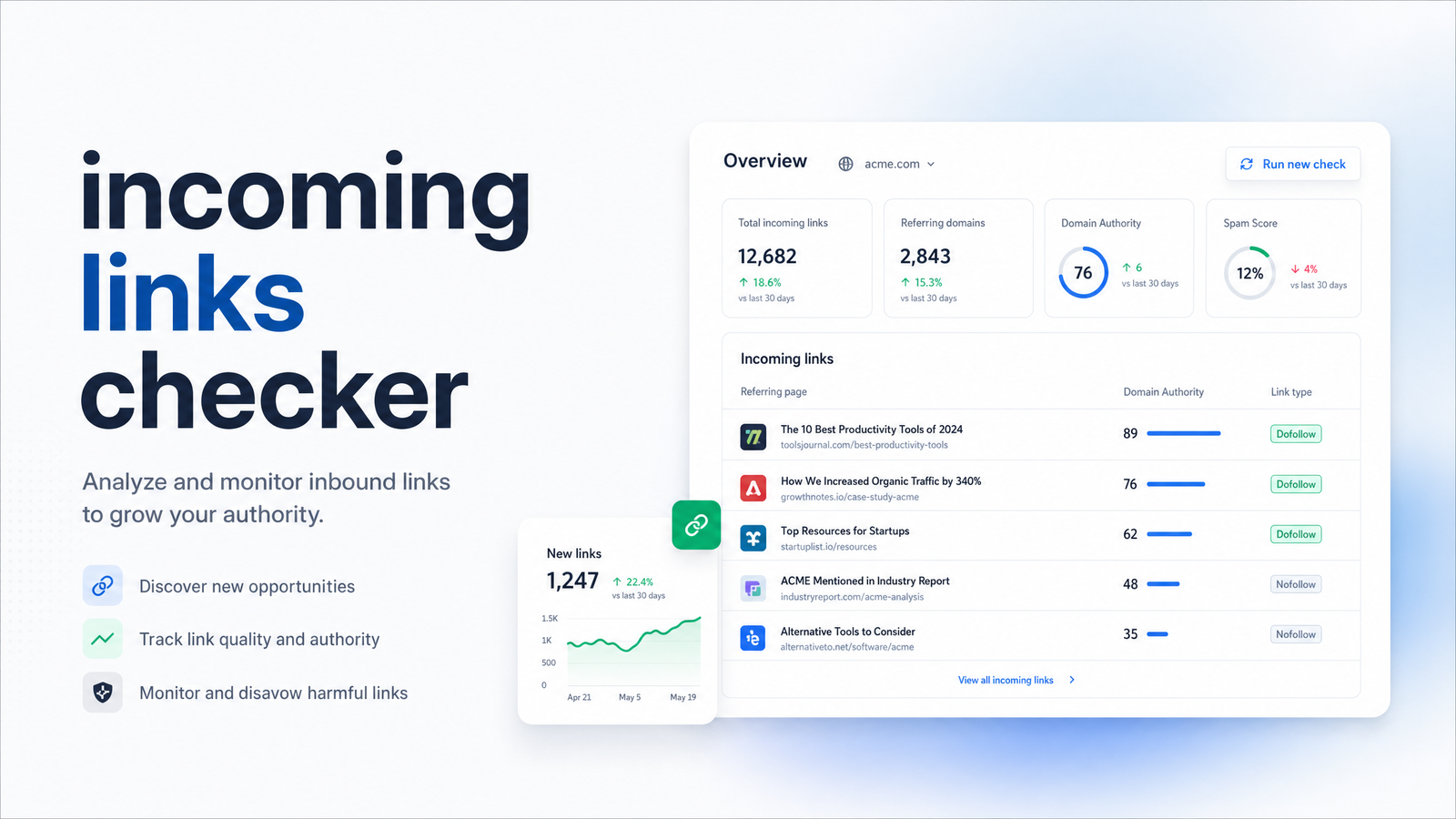
An incoming links checker scans the web for pages linking back to your site — your incoming links, also called backlinks or inbound links — and reports on the state of that link profile at the moment you run it. A typical report shows new links earned since the last scan, links that have disappeared, the referring domains behind each link, anchor text used, and whether each link passes authority as dofollow or is tagged nofollow.
That single report is a snapshot, not a system. Link profiles are not static — they shift constantly as pages get edited, sites get redesigned, and content gets deleted. A checker only becomes genuinely useful when you run it on a schedule and compare results over time, turning a static list into a monitoring feed you can act on. For specifics on interpreting individual metrics — domain rating tiers, anchor distribution, follow ratios — our guide to reading a backlink report rather than just running one covers that ground.
Why a One-Time Check Isn't Enough
Backlinks decay. A link that pointed to your best-performing page six months ago might now be nofollowed after a site redesign, redirected to an unrelated page, or gone entirely because the linking site pulled the article during a content cleanup. This gradual erosion, often called link rot, happens without any signal on your end — nobody notifies you when a webmaster deletes a paragraph containing your link.
Teams that only check quarterly tend to discover these losses after a page's rankings have already dropped and someone starts digging for a cause. By then, the link has often been gone for weeks, competitors may have picked up the same placement, and outreach to recover it starts from a colder position. Backlink monitoring exists to close that gap — catching lost backlinks close to when they happen rather than during a scheduled audit months later.
Setting a Monitoring Cadence That Actually Works
The right frequency depends on what's at stake, but the practical minimum most SEO teams land on is weekly. Monthly or quarterly checks are common but risky, since they leave enough time for a significant loss to go unnoticed until a ranking drop forces a manual investigation — research on backlink monitoring cadence backs this up, noting that monthly reviews routinely miss critical changes that a weekly cycle would catch.
A workable cadence looks like this:
- Weekly — the baseline for most sites, sufficient to catch link rot before it compounds and to spot new links worth acknowledging or building on.
- Daily — appropriate during active link-building or PR campaigns, or immediately after a ranking drop, when you need to correlate link changes with performance shifts in near real time. Nightwatch's guide to backlink monitoring makes the same case for tightening cadence around campaign windows.
- Real-time alerts — reserved for high-stakes events only: the loss of a link from a high-authority referring domain, or a sudden spike in low-quality links that could indicate a negative SEO attempt or a toxic link spike.
Alert thresholds matter as much as frequency. Flagging every single link change — including irrelevant directory listings or low-authority forum mentions — trains people to ignore notifications altogether, a pattern known as alert fatigue. A more disciplined setup only pages you for links from domains above a meaningful authority tier (commonly DR 50 or higher, per the thresholds discussed in Nightwatch's monitoring framework), or for a sudden cluster of new links arriving within days that doesn't match your normal acquisition pattern. Guidance on avoiding alert fatigue in backlink monitoring makes a similar point: routine editorial link churn is normal and shouldn't trigger urgent notifications — it's the outliers that deserve attention.
Once you've settled on a cadence, check whether link changes are actually moving your rankings by pairing this data with a rank tracker rather than reviewing it in isolation — see our framework for choosing a rank tracker if that piece isn't in place yet.
What to Do When a Link Disappears (or a Bad One Shows Up)
Not every lost link deserves the same response, and treating them all equally is how outreach time gets wasted chasing links that were never going to move the needle. Before sending a single recovery email, run through a quick assessment:
- Authority — Was the referring domain high enough authority to matter for rankings, or was it a low-value directory that contributed little to begin with?
- Relevance — Did the link sit in content genuinely related to your topic, or was it a passing mention unlikely to have carried much topical weight?
- Follow status — Was it dofollow, passing authority directly, or nofollow, where the SEO impact was already limited?
If a lost link scores well on all three, recovery is worth the effort: reach out to the site owner, reference the original placement, and ask whether it was removed intentionally or as a byproduct of a redesign — often it's the latter, and reinstating it is a quick fix for them. If it scores poorly across the board, let it go and redirect that energy toward earning new, more relevant links instead.
The newly-appeared "toxic-looking" link question is trickier, and the advice here has shifted. Google's spam-detection systems, including SpamBrain, are built to devalue manipulative links automatically, and John Mueller has repeatedly said most sites never need to touch the Google Disavow Tool. Mass-disavowing every suspicious-looking incoming link is now widely discouraged outside cases where you've received an actual manual action in Search Console — a 2026 industry survey found that only around 39% of SEOs still use the disavow tool at all, down sharply from years when disavowing was treated as routine maintenance. Unless you have clear evidence of a manual penalty or a deliberate negative SEO attack with real ranking impact, the more defensible move in 2026 is to monitor the pattern, document it, and disavow only if it escalates — not react to every odd-looking link the moment a checker flags it.
Turning Link Monitoring Into One Automated Workflow
Everything described above — check, alert, decide, act — is a loop, and loops are exactly what automation is built for. The problem most teams run into isn't understanding the logic; it's executing it consistently across a standalone backlink checker, a spreadsheet for tracking changes over time, and a separate login to Google Search Console's Links report to cross-reference what Google itself sees. Each extra tool is another place for the cadence to break down.
Rankevra folds that entire loop into a single AI SEO workflow: automated backlink monitoring runs on the schedule you set, flags changes against the authority and relevance thresholds that actually matter, and sits inside the same dashboard as your site audits, content fixes, and rank tracking. Instead of exporting a backlink list, pasting it into a spreadsheet, and manually checking Search Console for confirmation, you see new and lost links alongside the ranking and technical data needed to judge whether a change is worth acting on — the foundation for a solid [SEO reporting dashboard](https://rankevra.com/blog/seo-reporting-dashboard-what-to-include-and-how-to build-it) if you're reporting this to a client or team. If you're still evaluating which underlying data source to trust for monitoring, our framework for choosing a backlink analysis tool is a good next read before you commit to one.
This is SEO automation in the practical sense: not replacing judgment about which links matter, but removing the manual overhead of checking, exporting, and reconciling data across tools so that judgment gets applied consistently every week instead of sporadically once a quarter. If you want to run the exact weekly-baseline, daily-during-campaigns, real-time-for-high-authority cadence outlined above without juggling separate logins, Rankevra is built to run that system for you.
Frequently Asked Questions
How is an incoming links checker different from just running a one-time backlink report?
A one-time report shows your link profile at a single moment, while an incoming links checker becomes a monitoring system only when run on a recurring schedule and compared against previous results. The value isn't in any single scan — it's in tracking new links, lost links, and status changes (like dofollow shifting to nofollow) over time so you catch problems while they're still recoverable.
How often should I actually check my incoming links?
Weekly is the practical baseline for most sites, since it catches link rot before it compounds without generating excessive noise. Increase to daily during active link-building campaigns or immediately after a ranking drop, and reserve real-time alerts for high-authority link losses or sudden toxic link spikes.
Do I need to disavow every spammy-looking link a checker flags?
No — mass disavowing is now discouraged outside of confirmed manual actions in Search Console. Google's automated systems, including SpamBrain, are designed to devalue manipulative links without manual intervention, and a 2026 survey found only around 39% of SEOs still use the disavow tool regularly, reserving it for clear penalty situations rather than routine flagged links.
What should I do first when I notice I've lost a high-authority backlink?
Assess the link's authority, topical relevance, and follow status before doing anything else. If it scores well on all three, contact the site owner promptly — losses are often accidental byproducts of a redesign or content edit — and request reinstatement; if it scores poorly, deprioritize it in favor of new link opportunities.
Why do different incoming link checkers show different numbers for the same site?
Each tool crawls and indexes the web independently, so their databases capture different subsets of links at different times, leading to varying counts for referring domains and total backlinks. This is normal and expected — the fix isn't picking the tool with the highest number but choosing one consistent source and tracking relative change over time within that same tool.
Can I automate incoming link monitoring instead of checking manually every week?
Yes — automated backlink monitoring tools can run scans on a set cadence, apply authority and relevance thresholds to filter alerts, and surface only the changes worth reviewing. Platforms like Rankevra combine this with site audits and rank tracking in one dashboard, removing the need to manually export data or cross-check Google Search Console separately.
Keep reading
- Content Decay SEO: How to Detect It and Fix It for GoodLearn to detect content decay SEO issues early, rule out false positives, and build a refresh pipeline that scales — plus how to automate the whole loop.
- Headless CMS SEO: Fixing the Gaps Generic Tools MissHeadless CMS SEO breaks in three predictable places: rendering, metadata, and sitemaps. Here's the diagnostic framework to find and fix each gap.
- Google Algorithm Update Recovery: A Diagnostic FrameworkA step-by-step google algorithm update recovery framework: confirm the cause, segment the damage, benchmark against winners, and set a real timeline.