Rankevra Blog
SEO Content Calendar: A Data-Driven New/Refresh/Prune Plan
September 7, 2026
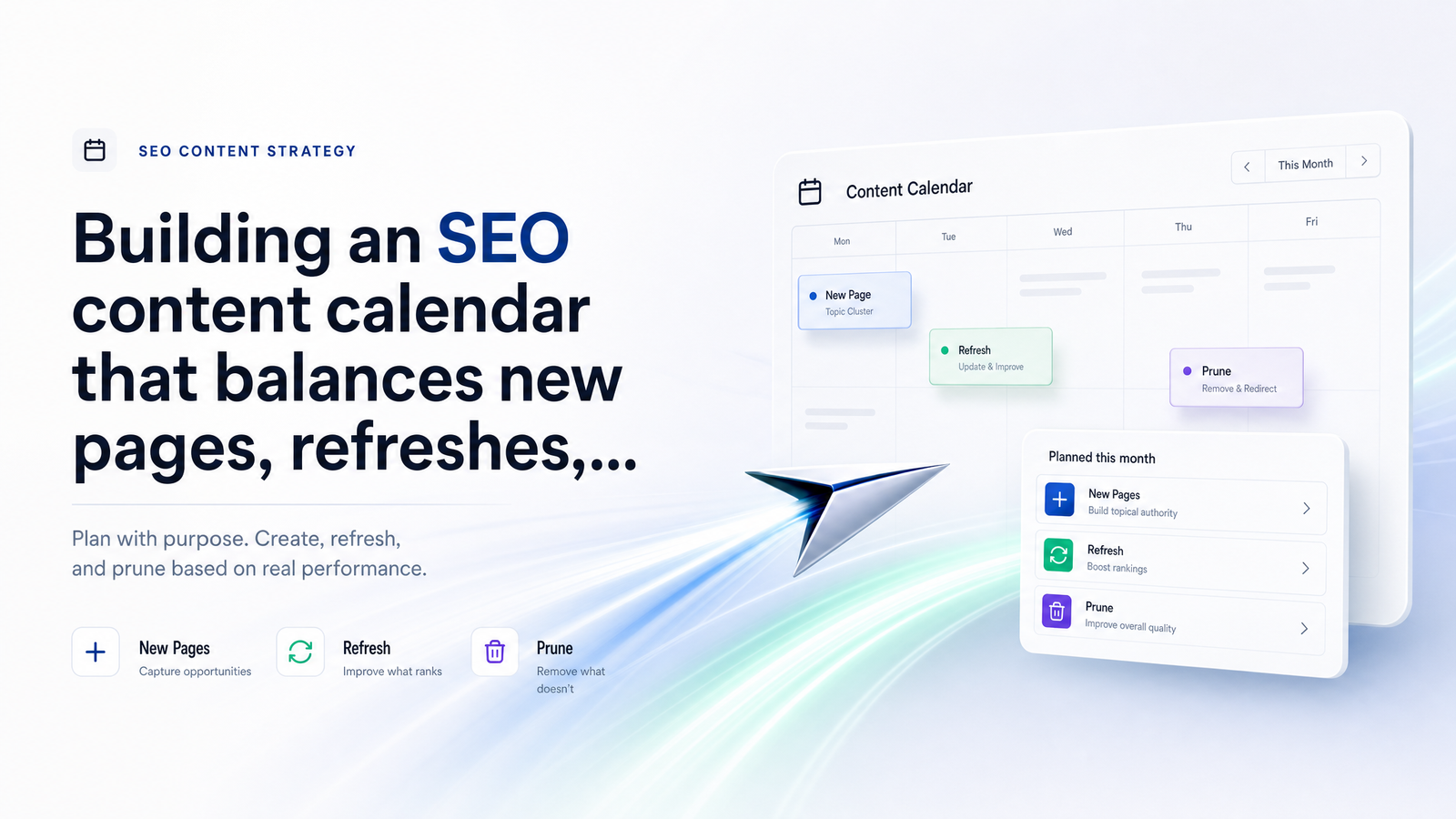
Why Most Content Calendars Only Plan Half the Work
Open most editorial calendars and you'll find the same thing: a list of publish dates for new posts, color-coded by writer or topic cluster. Nothing about the 200 posts already on the site. Nothing about pages sliding down the rankings while attention stays on next week's draft.
That gap is why sites publish consistently and still watch traffic plateau. New pages launch on schedule, but older ones quietly lose rankings to fresher competitors, algorithm updates, or content decay — the gradual drop in traffic and rankings a page experiences as its information ages, competitors outrank it, or search intent shifts. Nobody scheduled time to notice, so nobody fixed it.
An SEO content calendar has to be more than a publishing schedule. It's a resource-allocation plan across three kinds of work: creating new pages, refreshing existing ones, and pruning what no longer earns its place. Treat all three as scheduled, resourced line items, and the plateau usually has an obvious cause and an obvious fix.
The Three Buckets: New, Refresh, and Prune
Get the vocabulary straight, because "update the blog" means three different things depending on which bucket a page falls into.
New covers pages that don't exist yet — new topics, keyword targets, or cluster pages that fill a gap in coverage. This is what most calendars already track, informed by a proper content gap analysis rather than a random topic list.
Refresh means a page already exists, still has ranking potential, and needs work: updated stats, expanded sections, better structure, a stronger match to search intent, or E-E-A-T signals like author credentials and sourcing. A content refresh strategy isn't a light copyedit — it's substantive enough to change how the page performs.
Prune means the page is a liability or dead weight: delete it, 301 redirect it into a stronger page, or consolidate it with overlapping content. Content pruning SEO isn't about tidiness — it's about removing pages that drag down crawl budget, dilute topical relevance, or compete with your better pages in the index.
Every page should sit in exactly one bucket at any given time, plus a fourth implicit status: leave alone, because it's performing fine.
The Data That Should Decide Each Bucket
This is where most calendars fall apart — they're built on opinion, not signals. Deciding what to refresh vs. prune should come from a specific, repeatable set of inputs, not from whoever shouts loudest in the planning meeting.
Ranking and traffic trend. Pull 6-12 months of position and click history per page. A steady decline is decay; a sharp single-month drop is more likely SERP volatility worth watching before you touch anything. Rank tracking matters here because Search Console's trend view can be noisy — a dedicated tracker showing daily or weekly position movement makes the decay pattern clearer. If comparing tools, choosing the right rank tracker is worth doing properly rather than defaulting to whatever's cheapest.
Click-through vs. impressions gap. In Google Search Console, a page holding impressions but losing clicks usually means the ranking is still there but the title, meta description, or SERP feature landscape has changed. That's a fast, high-leverage refresh — often just rewriting the title and intro — rather than a full rewrite.
Keyword cannibalization. When two pages compete for the same query, Google splits authority between them and both rank worse than one consolidated page would. Check Search Console for pages that both appear for the same query with similar impressions; that's a prune-and-merge candidate, not two refresh candidates.
Business relevance. A page can perform fine on paper but target a product, service, or audience you no longer serve. Relevance to current business goals overrides pure metrics.
Backlink equity. Before deleting anything, check whether it holds inbound links. A page with real referring domains is worth a redirect, not a straight deletion — killing it outright forfeits link equity you can't easily rebuild.
Run these five checks and most pages sort themselves into a bucket automatically — a lightweight content audit for calendar planning, done monthly instead of once a year.
Setting Your New/Refresh/Prune Ratio
There's no universal ratio, but a reasonable starting point for a site with a year or more of published content is roughly 40% new, 40% refresh, 20% prune — adjusted based on site maturity and goals.
A newer site with thin topical coverage should skew heavier toward new content, maybe 60/30/10, since the priority is filling gaps before there's much to refresh. A mature site with years of published content and many low-position pages should flip that — closer to 25/50/25 — because the highest-ROI work is almost always fixing what already half-works rather than adding more volume.
The ratio should also shift with the quarter's goal. If chasing raw traffic growth, refresh gets priority because pages already ranking on page two are cheaper to move than brand-new pages are to rank from zero. If the goal is topical authority — deep, comprehensive coverage of a subject area — new content and consolidation both matter more than isolated refreshes, since authority comes from coverage breadth and internal linking, not just individual page quality. Tie this back to an actual topical authority scoring framework so "authority" isn't just a vibe you're chasing.
Whatever ratio you land on, write it down as part of the editorial calendar for SEO — it should get revisited each planning cycle as the data shifts.
Turning the Ratio Into an Actual Calendar
A ratio is a planning input; a calendar is where it becomes assigned work with dates. A simple monthly structure for a team publishing four pieces per month at a 40/40/20 split might look like this:
| Week | Bucket | Work |
|---|---|---|
| 1 | New | Publish 1 new page from the gap analysis backlog |
| 2 | Refresh | Update 1-2 pages flagged by decay/CTR data |
| 3 | New | Publish 1 new page |
| 4 | Prune | Redirect/consolidate 1-2 flagged pages, review Search Console data for next cycle |
The exact cadence matters less than having one — this is a starting SEO content calendar template you adapt to publishing volume. Larger teams might run new and refresh work in parallel every week and dedicate one week per quarter solely to pruning.
Layer in a review rhythm on top of the publishing cadence: a monthly data pull from Search Console and your rank tracker to flag new decay or cannibalization candidates, and a quarterly rebalancing where you revisit the ratio itself based on what the last quarter's data showed. Content calendar cadence isn't just about publish frequency — it's about how often you re-check the data driving it.
Common Mistakes That Break the Balance
A few patterns quietly undo an otherwise solid calendar.
Refreshing pages with no ranking potential left — a page stuck at position 60 for a highly competitive term usually needs a different strategy, not a refresh. Check current SERP competition before committing hours to a rewrite.
Pruning pages with backlinks without redirecting them. Deleting a linked page and returning a 404 forfeits link equity that a 301 redirect would have preserved. Always check backlinks before deciding between "delete" and "redirect."
Letting the new-content bucket crowd out maintenance entirely. It's easy to keep publishing because it feels like progress, while decay quietly erodes older pages in the background. This is the single most common content refresh mistake — not making a wrong call on any individual page, but never scheduling refresh work at all.
Using vanity metrics instead of decay and cannibalization data. Total sessions or pageviews hide what's happening at the page and keyword level. Two pages can maintain flat overall traffic while one climbs and one silently cannibalizes it — a metric you'll only catch by checking query-level data in Search Console, not the site-wide traffic graph.
Automating the Calendar With Real Performance Data
Everything above depends on cross-referencing data that normally lives in three or four places: a rank tracker for position trends, Search Console for clicks and impressions, a crawler or audit tool for technical issues and internal link structure, and a spreadsheet to try to stitch it all together. That stitching is where most teams' calendars quietly fail — the data exists, but nobody has time to merge it every month.
Rankevra is built to remove that manual step. It audits your site, tracks rankings, and flags decay and cannibalization inside one workflow — so instead of exporting three reports and building a pivot table, you get pages already sorted into new-opportunity, refresh, and prune candidates based on the same signals covered above. That's the difference between SEO content calendar automation and a spreadsheet someone updates when they remember to. Once the calendar decides what to publish, pairing it with a solid publishing workflow that scales safely keeps quality consistent as volume grows — and for teams with multiple writers and editors, operationalizing SEO across a content team is worth reading alongside this framework.
If you're currently juggling a rank tracker, Search Console, and a spreadsheet just to decide what to work on this month, that's the exact AI SEO workflow gap Rankevra is meant to close. Try it against your own site's data and see what the buckets actually look like.
Frequently Asked Questions
How often should I update my SEO content calendar?
Pull performance data monthly and rebalance the new/refresh/prune ratio quarterly. Monthly checks catch decay and cannibalization early, while quarterly rebalancing accounts for bigger shifts in site maturity, goals, or algorithm updates without constant restructuring.
What percentage of my content calendar should be new posts vs. refreshes?
A common starting point is roughly 40% new, 40% refresh, 20% prune, but mature sites with a lot of underperforming pages should shift toward more refresh work — closer to 50% — while newer sites with thin coverage should weight toward new content instead. The right split depends on site age, content volume, and whether the current goal is traffic growth or topical authority.
How do I know if a page should be refreshed or pruned?
Refresh pages that still hold decent rankings or impressions but are losing clicks or slowly declining in position — they have recoverable potential. Prune pages with sustained low traffic, no meaningful backlinks, no business relevance, or that directly cannibalize a stronger page targeting the same query.
Does deleting old content actually help SEO?
Yes, when done correctly — removing thin, outdated, or cannibalizing pages can improve crawl budget allocation and consolidate ranking signals onto stronger pages, often lifting overall organic traffic even though total page count drops. The key is redirecting pages with existing backlinks rather than deleting them outright, so link equity isn't lost.
What data should I check before refreshing a blog post?
Check the ranking and traffic trend over the past 6-12 months, the click-through rate relative to impressions in Search Console, whether the page competes with another page on the same keyword, and whether it holds any backlinks worth protecting. These signals tell you whether a refresh is likely to move the needle or is a page that's already lost its ranking potential.
How do I avoid keyword cannibalization when planning new content?
Check existing rankings and Search Console query data for overlap before greenlighting a new page on a similar topic, and map new topics against your current site structure rather than planning them in isolation. A content gap analysis run before publishing new pages helps confirm a topic is genuinely unaddressed rather than already covered by an existing page.
Keep reading
- Subdomain vs Subdirectory SEO: The Real Decision FrameworkSubdomain vs subdirectory SEO, resolved: what Google says, what migration data shows, and a 5-question framework to pick the right structure.
- Answer Engine Optimization: A Platform-by-Platform GuideAnswer engine optimization explained for ChatGPT, Perplexity, and Google AI Mode — with a practical, platform-aware framework to earn citations in 2026.
- SEO A/B Testing: A DIY Framework Using Only GSCLearn SEO A/B testing with just Google Search Console and a spreadsheet — hypotheses, page grouping, significance checks, and when to automate.