Rankevra Blog
Crawl Budget Optimization: The 2026 Decision Framework
September 23, 2026
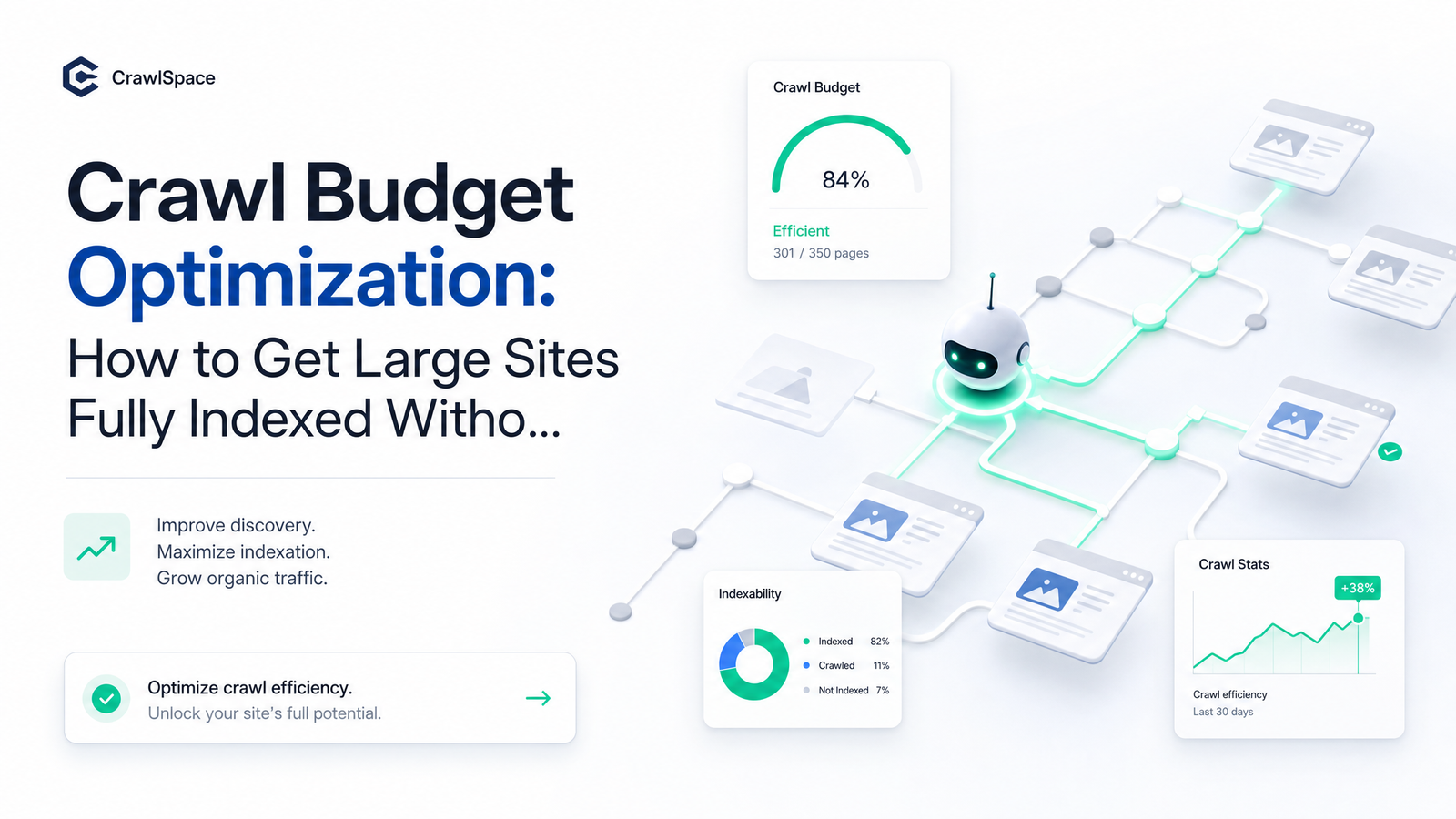
Most crawl budget advice either copy-pastes Google's 2017 blog post or offers a checklist that treats every site the same. Neither answers the real question: is crawl budget actually your bottleneck, or is something else — thin content, poor internal linking, weak topical relevance — being misdiagnosed as a crawl issue? Google rewrote its crawl budget documentation in July 2026, and the update is specific enough to build a real decision framework on: what crawl budget is now, whether it applies to your site, where it gets wasted, what to fix first, and how to prove a fix worked.
What Crawl Budget Actually Is (and Why Google Changed How It Explains It)
Crawl budget is the number of URLs Googlebot is willing and able to crawl on your site within a given timeframe. Google's current documentation defines it as crawl capacity limit multiplied by crawl demand — not added.
Crawl capacity limit (formerly "crawl rate limit") is about speed and concurrency: how many simultaneous connections Googlebot can hold without degrading your server, governed largely by response speed. Crawl demand is about desire: how much Google wants to crawl your URLs, based on perceived value, popularity, and staleness of what's already indexed. Confusing the two is a common mistake — a fast server with nothing worth crawling won't get crawled more; a valuable site with a slow server will get throttled regardless of demand.
The July 2026 rewrite made three things explicit that the 2017 original post — now flagged by Google as historical — only implied. First, Google applies conservative default capacity limits to new or lesser-known hosts rather than assuming generous rates until proven otherwise. Second, crawl capacity is shared across crawler types (Googlebot Desktop, Smartphone, Googlebot-Image, etc.), so heavy image or video crawling can quietly starve HTML page discovery. Third, and most useful for diagnosis, Google now names content quality and relevance directly as a demand factor alongside freshness and popularity — meaning much of what looks like a "crawl problem" is really a relevance problem no technical cleanup will fix.
Does Crawl Budget Optimization Actually Apply to Your Site?
Crawl budget optimization is a real lever for large or fast-changing sites, not for every site with a blog and a product catalog. Use Google's own thresholds as a self-diagnostic before spending a sprint on this.
You're likely in scope if: your site holds roughly one million or more pages that update weekly, or around ten thousand or more pages that update daily, or you have a large, growing count of URLs sitting in "Discovered - currently not indexed" in Google Search Console. That last signal is the clearest early indicator for smaller sites too — it means Googlebot found the URL but chose not to crawl it yet, a demand/prioritization decision, not a technical error.
For small sites, crawl budget is rarely a capacity problem. A site with a few hundred or few thousand well-linked pages rarely exhausts Google's willingness to crawl it; if pages aren't getting indexed, the likelier culprits are thin content, duplicate pages, weak internal linking, or low perceived relevance — the same demand factor Google now calls out explicitly. Programmatic and database-driven sites are the exception regardless of page count: generating thousands of near-identical templated pages can hit real capacity constraints well before the million-page mark. See our guide to scaling programmatic SEO without getting flagged.
Where Crawl Budget Actually Gets Wasted
Once crawl budget genuinely applies, waste tends to concentrate in a few categories worth knowing even if you outsource the fix.
Faceted navigation is the biggest offender on e-commerce and marketplace sites: every combination of size, color, price, and sort order can generate a unique crawlable URL, multiplying a few thousand real product pages into hundreds of thousands of near-duplicates. Crawl traps compound this — infinite calendar widgets, session ID parameters on every link, and internal search results pages that get indexed and re-crawled endlessly. Soft 404s are a quieter drain: pages returning a 200 status with "no results" or empty content still get crawled repeatedly because Googlebot doesn't deprioritize them the way it would a real 404. Slow Time to First Byte and elevated server error rates directly shrink your crawl capacity limit, since Google throttles crawl rate the moment it detects server strain. JavaScript-rendered internal links requiring a full render pass before discovery add latency and cost, taxing your budget on discovery alone.
Deep pagination and messy canonicalization sit in this same bucket and deserve dedicated treatment — see our breakdowns of pagination strategy after rel=next/prev and the canonical tag failures basic audits miss.
The Fix Priority List: What to Do First
Sequencing matters more than the individual fixes. Working out of order wastes effort on cleanup a slow server will undermine anyway.
- Server speed and error rate first. Improving TTFB and eliminating 5xx errors expands your crawl capacity limit directly — Google's documentation ties capacity to server health before anything else. This is the highest-leverage fix since it requires infrastructure decisions, not content ones.
- URL inventory cleanup second. Audit and cut the faceted, parameterized, and duplicate URLs identified above. Consolidate through canonicalization, parameter handling, and removal where a URL genuinely shouldn't exist. Clean, current sitemaps matter here too; our 2026 sitemap trust-signal framework covers keeping your sitemap a reliable crawl signal rather than a list of stale or blocked URLs.
- Internal linking and crawl signal reinforcement third. Once the URL set is clean, strengthen internal links to pages you want crawled and indexed, and confirm robots.txt isn't accidentally blocking useful paths or leaving crawl traps open — a surprising number of sites do both at once. Check our audit of common robots.txt mistakes against your current file.
A myth worth correcting: noindex does not save crawl budget. Google still has to crawl a page to see the noindex tag before honoring it, so noindexing doesn't stop Googlebot from requesting it — it only stops the page from appearing in the index once crawled. To actually reduce crawl load on low-value URLs, use robots.txt disallow rules (which prevent the crawl request entirely), parameter handling, or remove the URLs and their internal links — not noindex tags on pages Googlebot keeps visiting anyway.
How to Verify the Fix Actually Worked
None of the fixes above matter if you can't confirm they changed Googlebot's actual behavior — a step most manual audits skip, since it requires cross-referencing two data sources that don't talk to each other natively: the Google Search Console Crawl Stats report and your raw server log files.
GSC's Crawl Stats report shows Google's own summary — total crawl requests, average response time, breakdown by response code and file type — but it's aggregated and delayed, not granular enough to prove a specific fix worked on a specific URL pattern. Log files show exactly what Googlebot requested, when, and how your server responded — the only way to confirm a robots.txt change actually stopped crawl requests to blocked faceted URLs, or that a TTFB improvement moved crawl frequency to priority pages. Doing this cross-reference by hand across a large site — pulling logs, filtering user agents, matching timestamps against GSC exports — is slow enough that most teams do it once during an audit and never again. Our guide to log file analysis for finding crawl waste and indexing issues walks through that reconciliation process.
The point isn't a single verification pass. Crawl behavior needs monitoring, because Googlebot's response to any fix shows up gradually and can regress the moment something else on the site changes.
Treat Crawl Budget as a System, Not a One-Time Audit
Every publish, migration, or structural change resets part of this picture — new templates create new parameter patterns, a re-platform changes TTFB, a content push shifts what Google considers worth prioritizing. A crawl budget audit done once a year captures a snapshot that's already stale by the time the report is finished. Sites that hold their crawl efficiency treat it as a continuous technical SEO discipline: automated monitoring that flags a spike in soft 404s, a drop in crawl frequency to key pages, or a new crawl trap the week it appears — not the quarter after.
That's the gap between knowing the framework above and actually running it at scale. Rankevra automates the audit and log-to-GSC reconciliation loop this article describes, so you catch crawl waste continuously instead of rediscovering it during next year's audit.
Frequently Asked Questions
Is crawl budget a ranking factor?
No. It's an indexing and discovery constraint — if Googlebot can't or won't crawl a page, that page can't be evaluated for ranking at all, but crawling a page more often doesn't itself boost its position.
How many pages does a site need before crawl budget optimization matters?
Google's guidance points to roughly one million pages updated weekly or around ten thousand pages updated daily as the scale where crawl budget becomes a real constraint. Programmatic or database-driven sites can hit real capacity issues well below those numbers if they generate large volumes of near-duplicate templated pages.
Does blocking pages in robots.txt free up crawl budget for other pages?
Yes — blocking low-value URL patterns in robots.txt prevents Googlebot from requesting them at all, the most direct way to redirect crawl capacity elsewhere. This differs from noindex, which still requires a crawl before it can take effect.
Why are my pages stuck in 'Discovered - currently not indexed'?
This status means Googlebot found the URL but decided not to crawl it yet, a prioritization decision driven by crawl demand — perceived quality, relevance, or site-wide crawl capacity — rather than a technical error. A large or growing count of these URLs often signals genuine capacity limits or weak content relevance rather than a broken setting.
Can a fast CDN increase my crawl budget?
Yes, indirectly. A faster CDN lowers Time to First Byte and reduces server errors, expanding your crawl capacity limit — but it won't increase crawl demand, so it only helps if Google already wants to crawl more of your pages than your server could previously handle.
How often should I re-check crawl budget on a large site?
Continuously rather than on a fixed schedule, since every publish, migration, or structural change can shift Googlebot's behavior. Large or fast-changing sites benefit from ongoing automated monitoring of Crawl Stats and log data instead of periodic manual audits.
Keep reading
- Multi-Author Blog SEO: A System for Consistency at ScaleMulti-author blog SEO breaks down without systems. Get the checklist, schema fixes, and editorial workflow that keep contributor content credible.
- Anchor Text Optimization: A Risk-Based Guide That WorksLearn anchor text optimization as risk management: safe ratios, internal linking rules, and a 4-step audit to keep your link profile penalty-resistant.
- How to Write an SEO Content Brief That Actually RanksLearn what fields a real SEO content brief needs — format, entities, structure — and how to turn it into a published, ranking page without busywork.